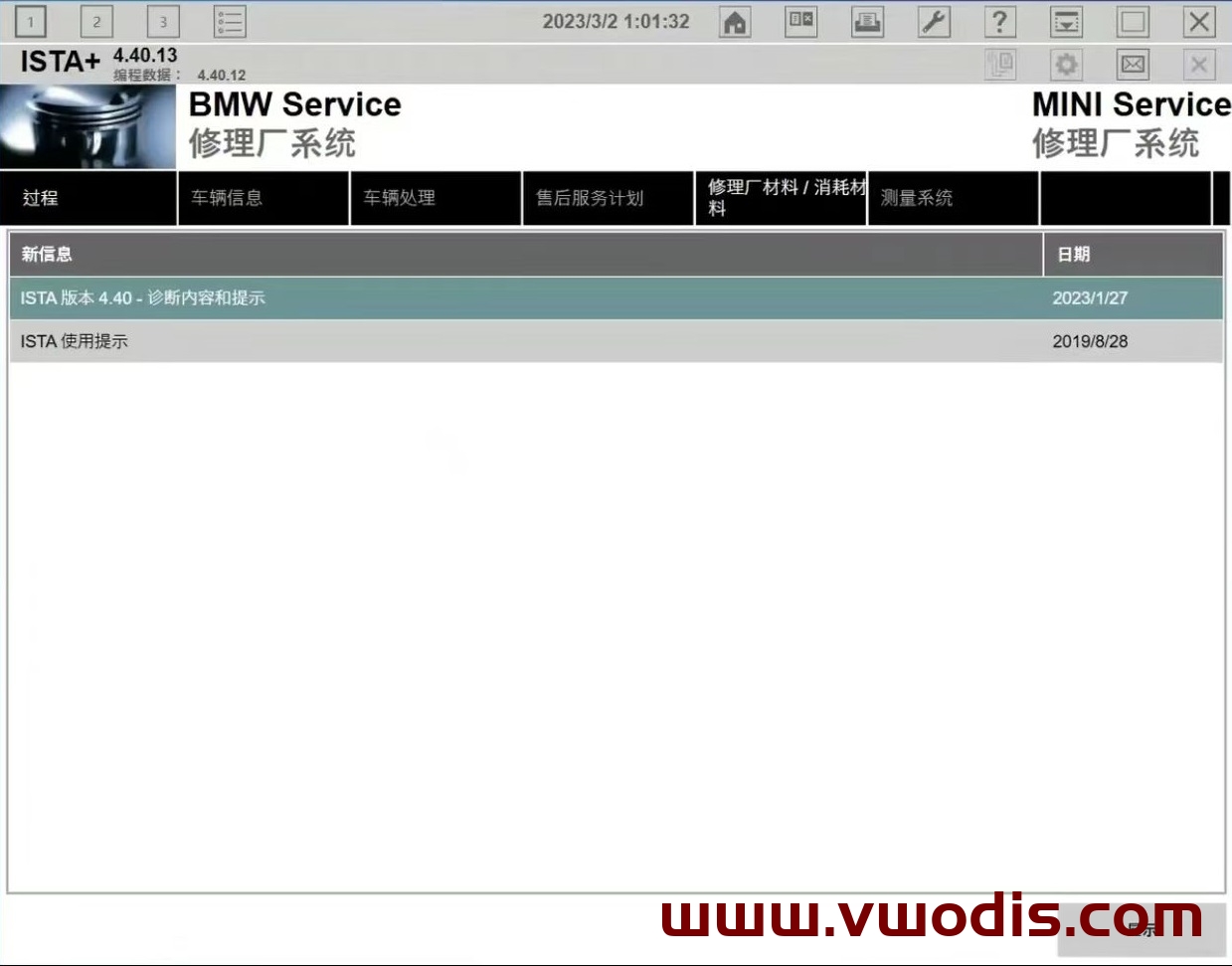
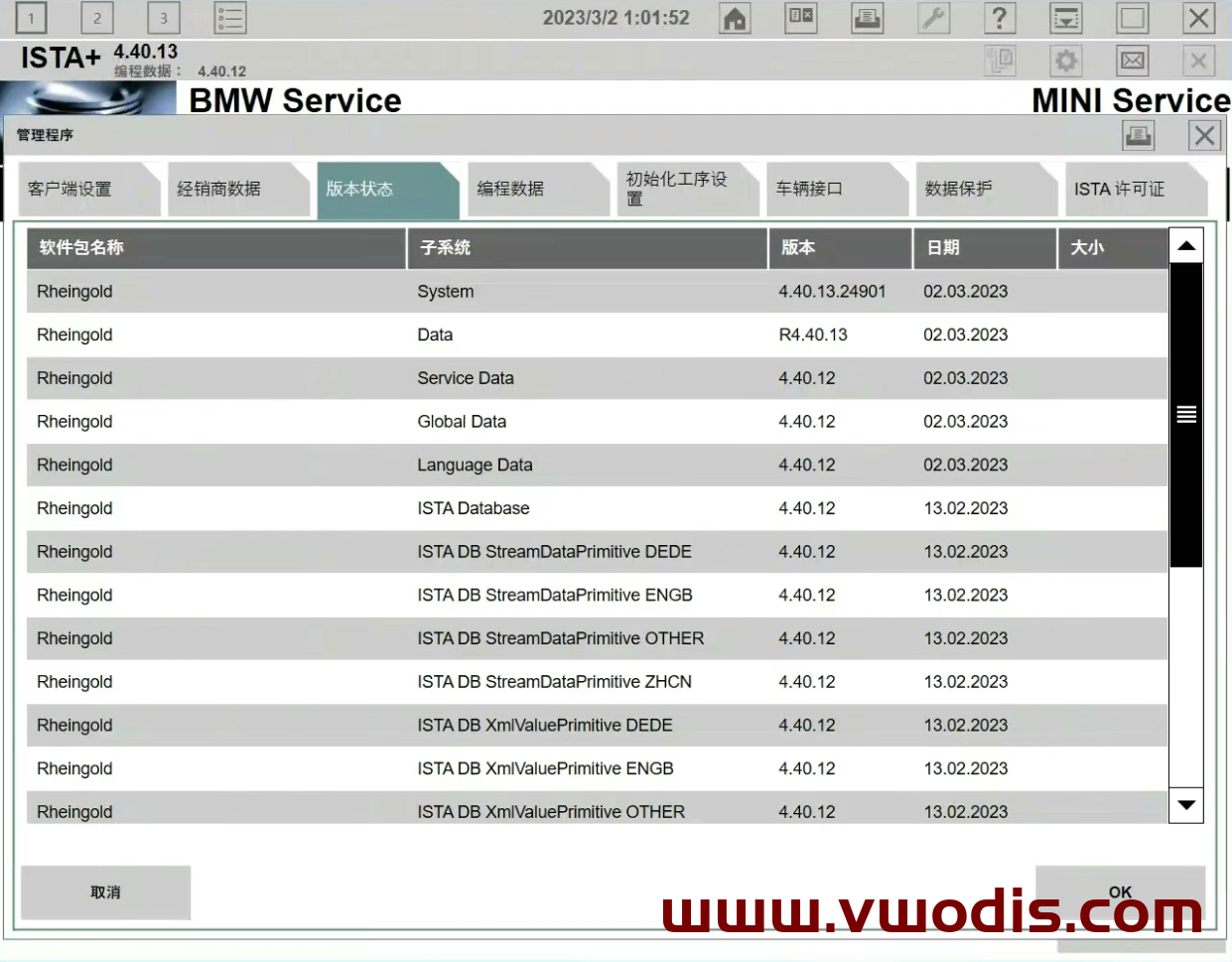
BMW【vwodis】BMW V.4.41.30_PSdZData_Full.rar—Updated on 26 May
BMW【vwodis】BMW V.4.41.30_PSdZData_Full.rar—Updated on 26 May
BMW【vwodis】BMW V.4.41.30_PSdZData_Full.rar—Updated on 26 May
Find BMW resources for BMW vehicles, including navigation map updates, head unit firmware, ISTA diagnosis, E-Sys coding, BimmerCode tutorials, retrofit notes, programming files and practical repair solutions.
BMW【vwodis】BMW V.4.41.30_PSdZData_Full.rar—Updated on 26 May
BMW【vwodis】BMW V.4.41.30_PSdZData_Full.rar—Updated on 26 May
BMW【vwodis】BMW V.4.41.30_PSdZData_Full.rar—Updated on 26 May
BMW【vwodis】BWM ISTA-D 4.41.21 Install Once-ONE CODE
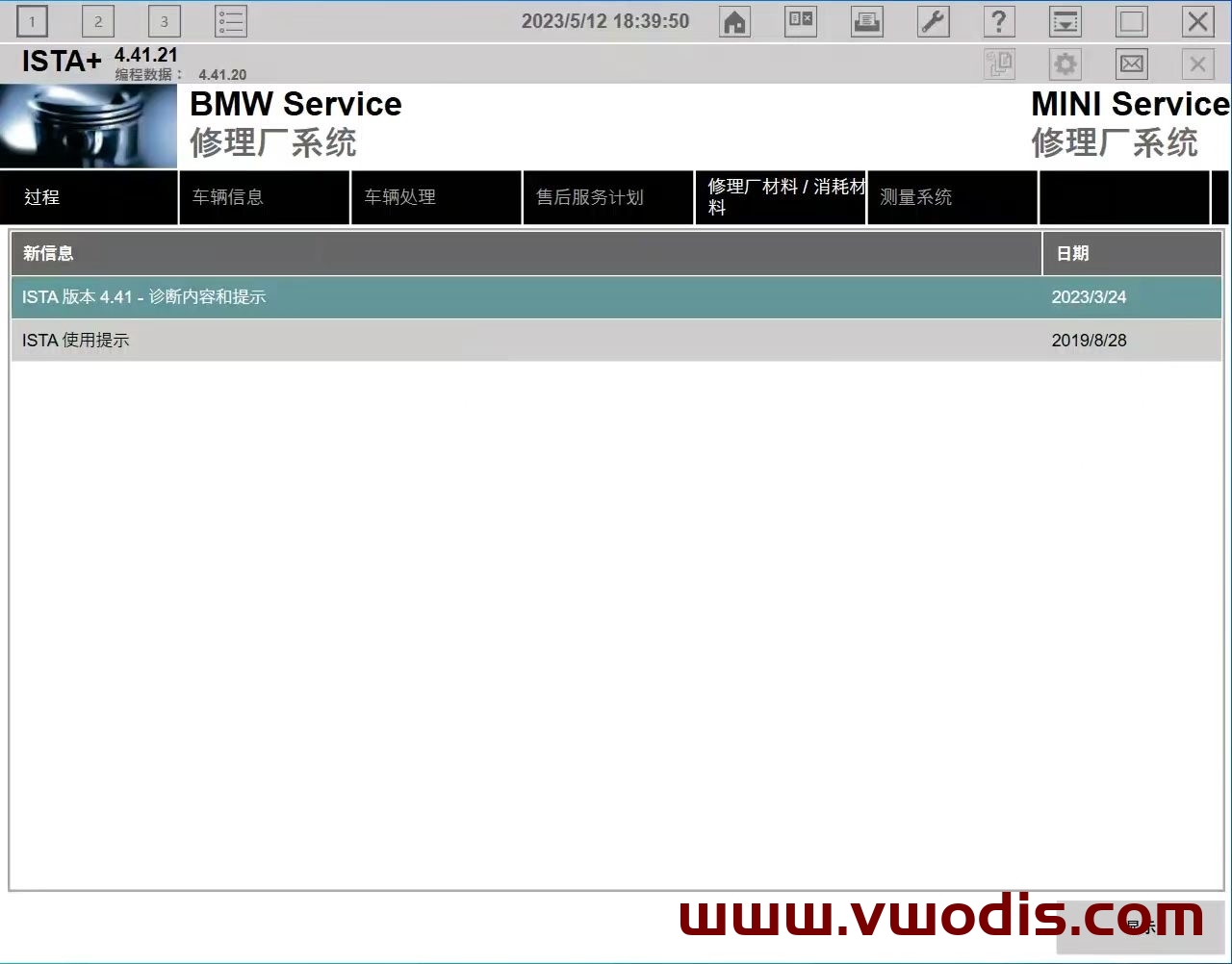
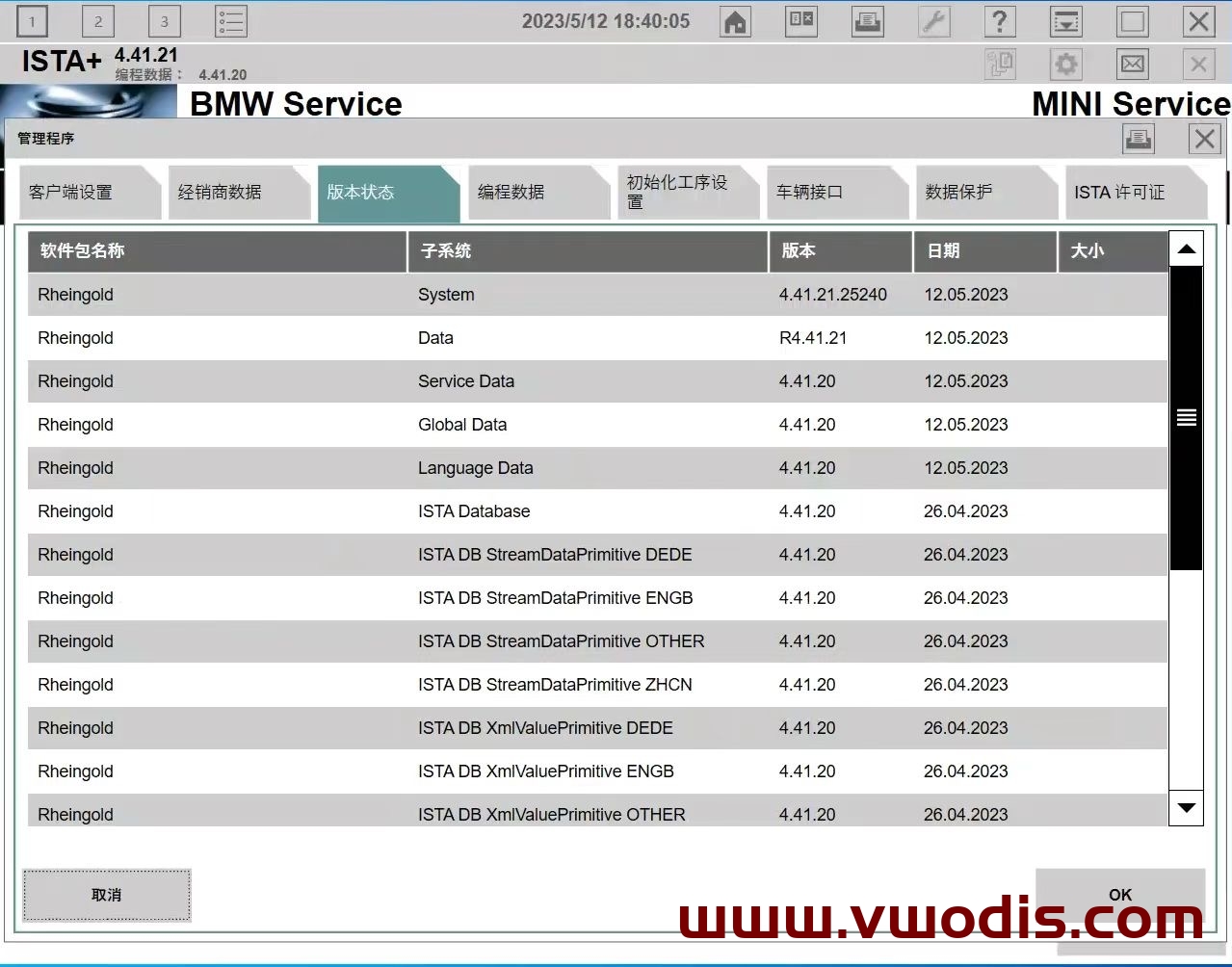
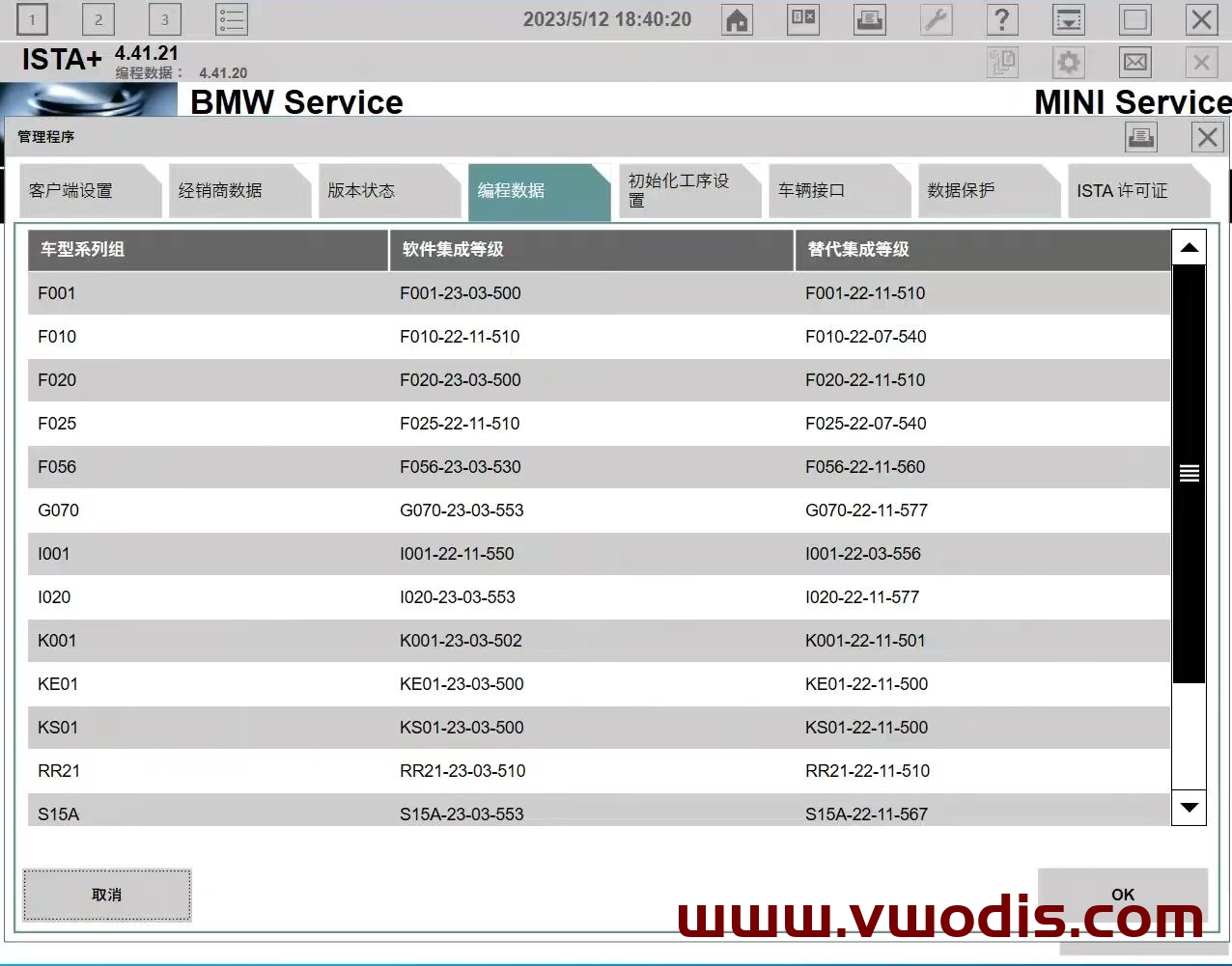
BMW【vwodis】BMW V.4.41.20_PSdZData_Full.rar—Updated on 15 May
BMW【vwodis】BMW V.4.41.20_PSdZData_Full.rar—Updated on 15 May
BMW【vwodis】BMW V.4.41.20_PSdZData_Full.rar—Updated on 15 May
BMW【vwodis】BMW V.4.41.20_PSdZData_Lite.rar—Updated on 15 May
BMW【vwodis】BMW V.4.41.20_PSdZData_Lite.rar—Updated on 15 May
BMW【vwodis】BMW V.4.41.20_PSdZData_Lite.rar—Updated on 15 May
Tutorial Include:
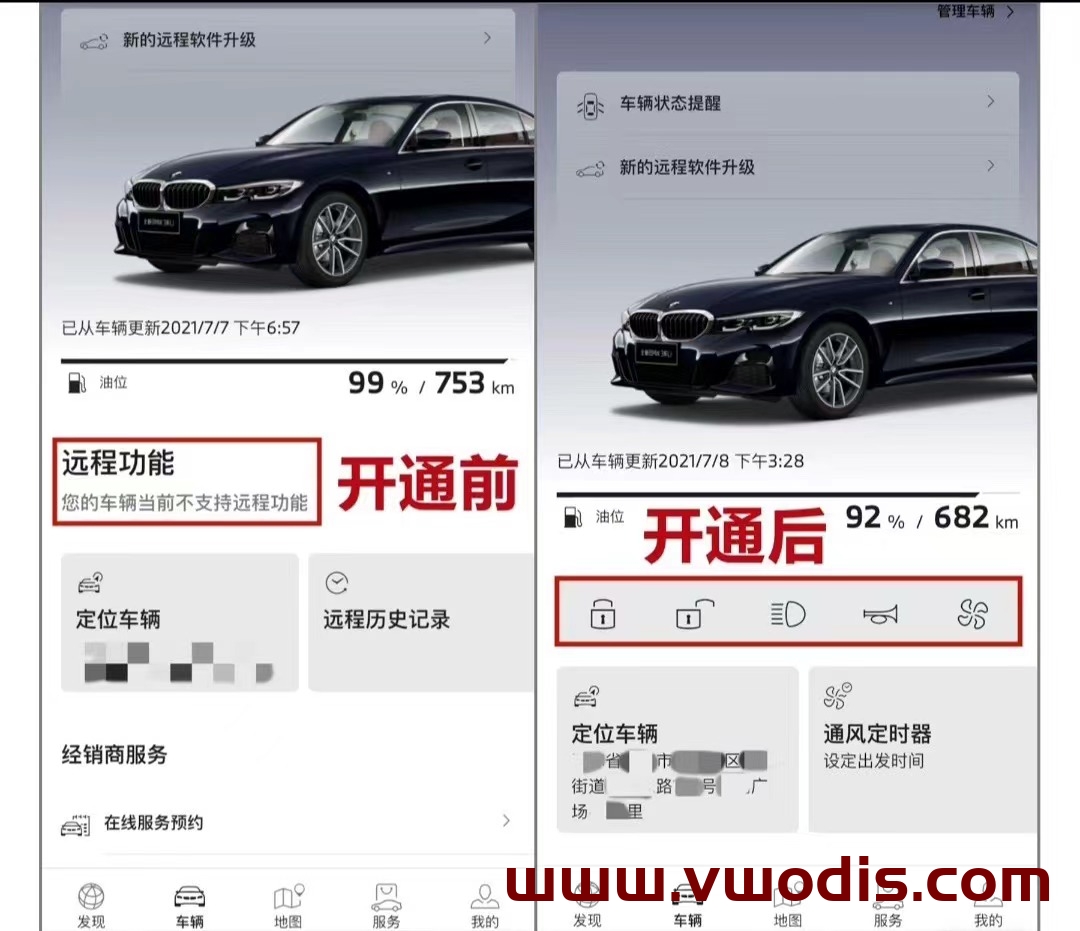
BMW ISTA-D 4.37.40 Keygen Unlock computer
Be careful:
The registration machine can only create a license before January 2023, and cannot generate a license after January!
How to use it normally:
Press F1 to enter the BIOS, turn off the BIOS SECURE BOOT, and turn off the BIOS TPM!
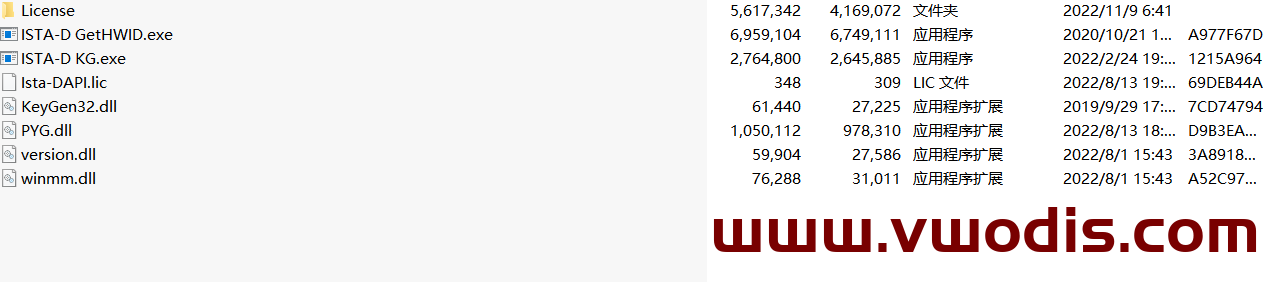
Version: 2023-1 (first quarter)
Applicable model: MGU host
Packet information:
Step 1: Determine the host version.
The main interface – map – setting – location and version – version information can distinguish whether it is a MGU host, and then whether it can be upgraded. If the version shows Road Map CHINA Live, you can upgrade it, focusing on the four letters of Live. Of course, at present, ID7 is the MGU host, which is the Live map.
Step 2: Download the compressed package.
After entering the network disk, download all compressed packages. It is recommended to turn off the antivirus software and firewall during the whole process of downloading so that it is not easy to make mistakes. It is better to turn off the antivirus software when decompressing later. Since Baidu Netdisk has no member speed limit, it is recommended to open or rent a member to download, which will be much faster.
Step 3: decompress the compressed package
Enter the decompression password to decompress the previously downloaded compressed package. After decompression, a folder named will be automatically created in the path you selected. All the extracted map data will be in this folder, and you can wait patiently for the decompression progress to read out.
Step 4: Check the map upgrade file.
Right-click the 2022-2MGU folder that is automatically generated after decompression and click Properties.
Step 5: Copy the map package to the USB flash drive
Before copying files, the original stored files in the USB flash disk should be transferred and emptied, and then the USB flash disk should be formatted into NTFS format or exFAT format. Finally, copy or cut the previously extracted 2020-2MGU folder into this USB flash drive.
Of course, the fourth step can be combined with the third step, and you can directly select the compressed package to decompress to the USB flash drive. Lao Guo was afraid of making mistakes, so he came step by step.
Step 6: officially start upgrading the map
After getting into the car and starting the machine, insert the USB flash disk containing the map upgrade file into the USB port at the armrest box or the central control cup holder. Click to confirm the upgrade and wait patiently for the upgrade to complete.
Upgrade steps:
1. Prepare a USB flash drive of no less than 64G and format it in ExFAT or NTFS format.
2. COPY the four files in the extracted folder to the root directory of the USB flash drive.
3. Insert the USB-A interface at the central cup holder.
4. The system will prompt [USB device has map update, update or not “. Click [Update Now], and the system will start to load data and update.
5. The driver’s door cannot be opened or closed during about 20 minutes, otherwise the update will be suspended because the vehicle power is turned off (if the vehicle power is suspended, the transmission will be interrupted).
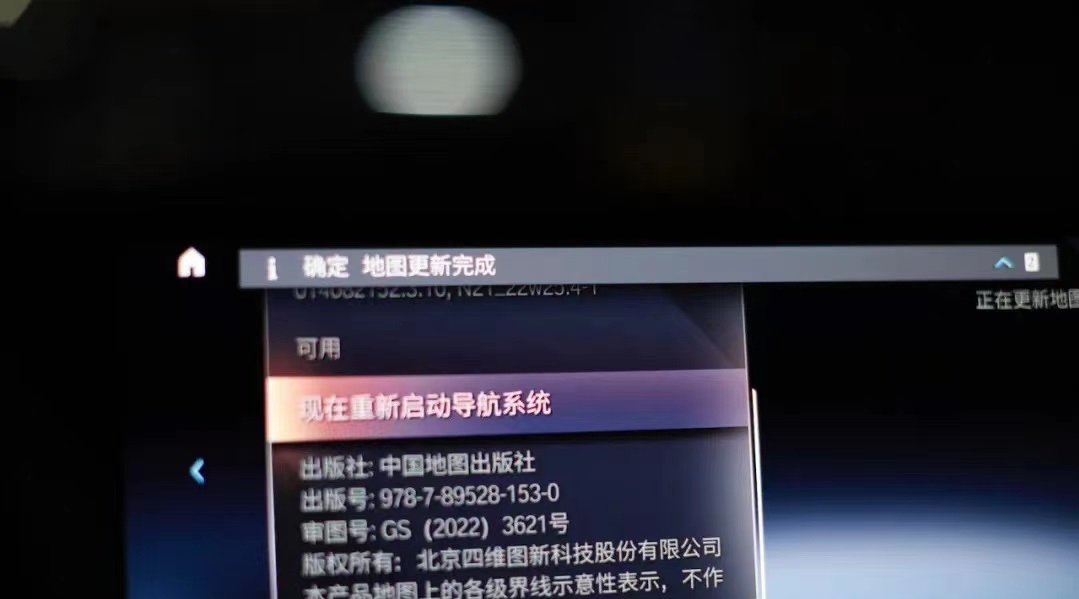
6. After the upgrade, restart the navigation according to the prompt. After the restart, pull out the USB flash disk and the upgrade is complete.
Update package name: NAVD_ 00005A02_ 255_ 006_ one hundred and thirteen
Note: This navigation data is only applicable to vehicles equipped with MGU21-22 host and the 8th generation BMW Operation System (OS8) (that is, all vehicles equipped with curved screen).
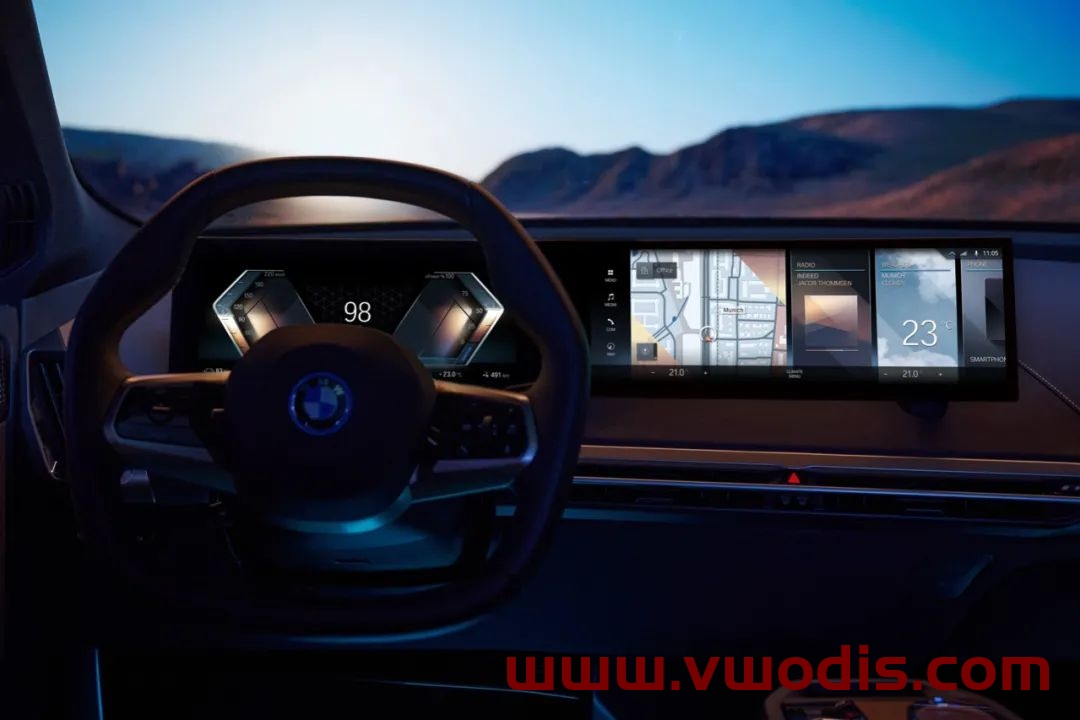
Upgrade steps:
1. Prepare a Type-C interface USB flash disk of no less than 64G and format it in ExFAT or NTFS format.

2. COPY the 9 files/folders in the extracted folder to the root directory of the USB flash drive.
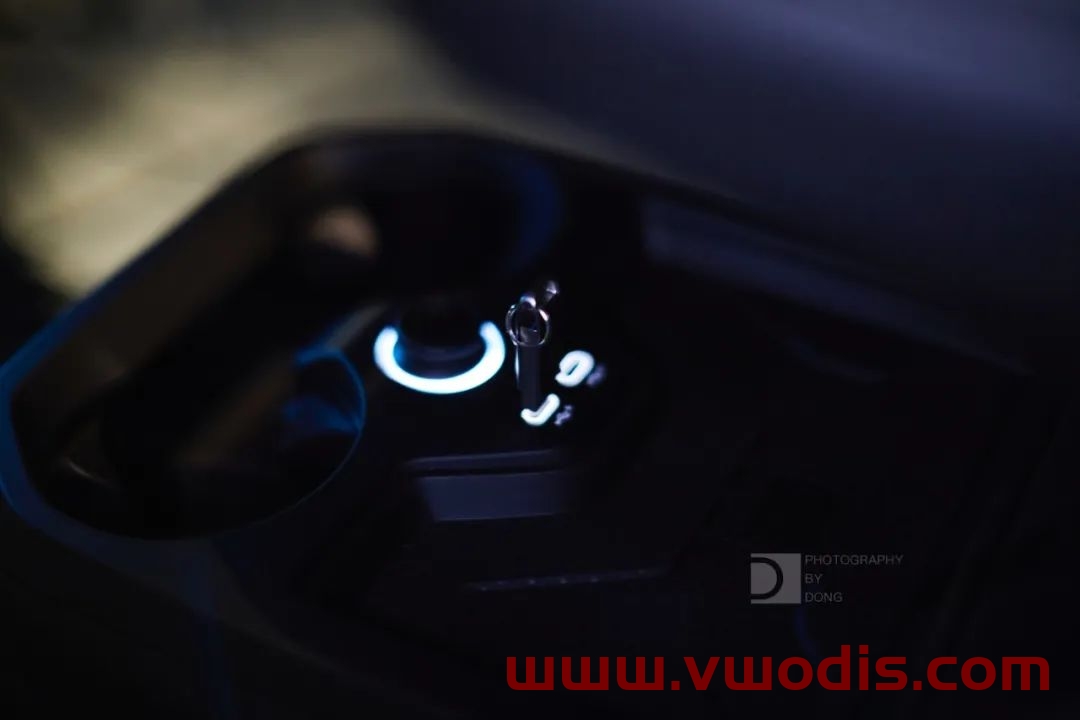
3. Plug in the USB-C interface of the central control.
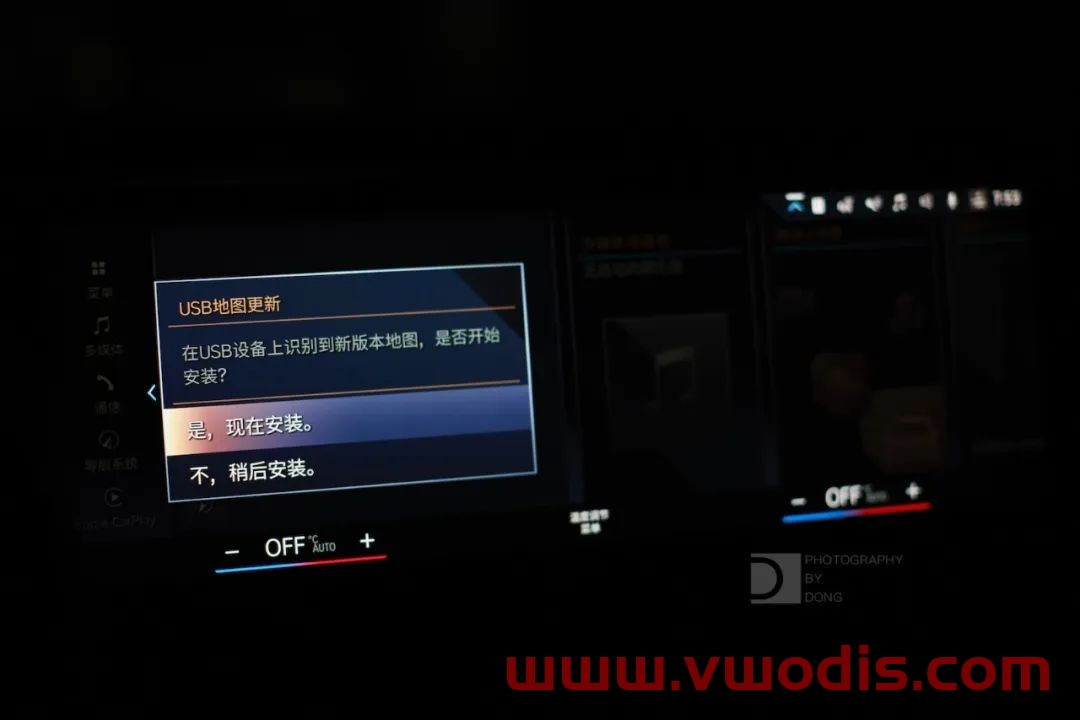
4. The system will prompt “USB device has map update, do you want to update?” Click “Update now”, and the system will start loading data and update.
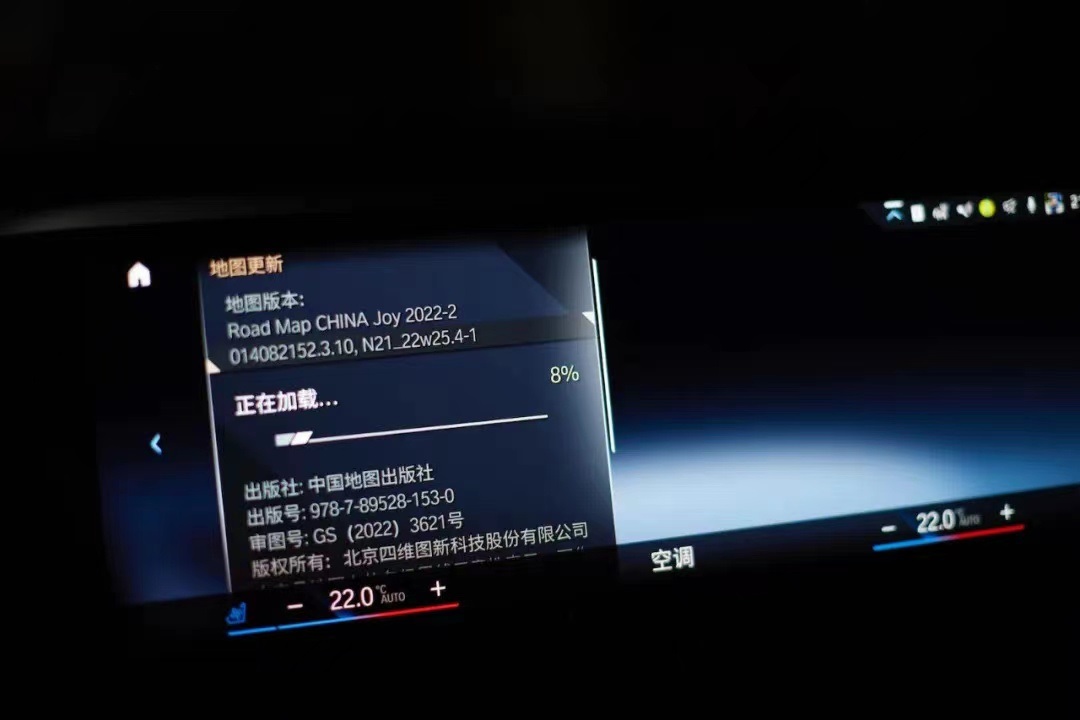
5. The driver’s door cannot be opened or closed during about 20 minutes, otherwise the update will be suspended because the vehicle power is turned off (if the vehicle power is suspended, the transmission will be interrupted).
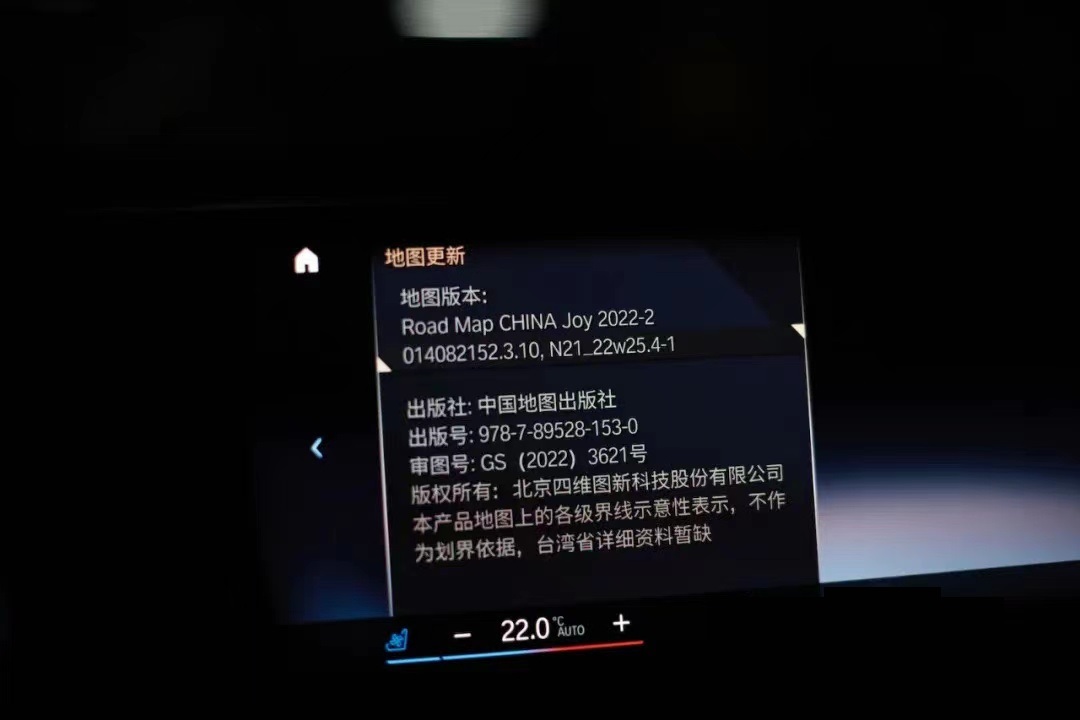
6. After the map data is loaded, restart the navigation according to the prompts, and pull out the USB flash disk to complete the upgrade.
BMW ID7 Speed Limit Sign Code
BMW ID7 Speed Limit Sign Code
BMW ID7 Speed Limit Sign Code