Update package name: NAVD_ 00005A02_ 255_ 006_ one hundred and thirteen
Note: This navigation data is only applicable to vehicles equipped with MGU21-22 host and the 8th generation BMW Operation System (OS8) (that is, all vehicles equipped with curved screen).
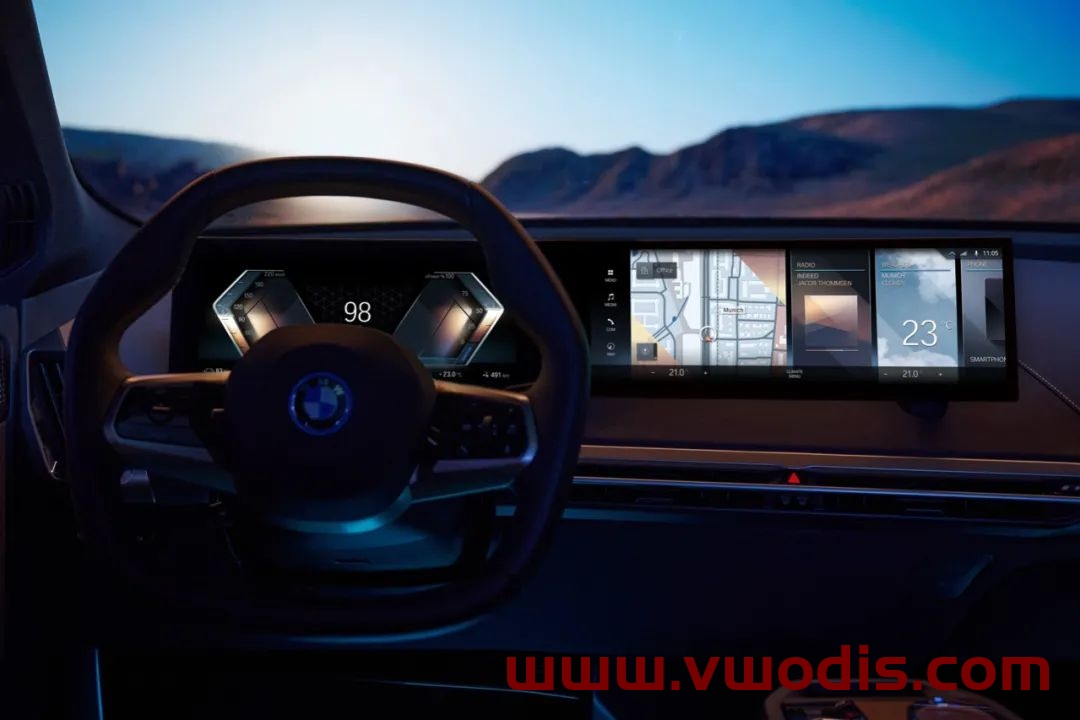
Upgrade steps:
1. Prepare a Type-C interface USB flash disk of no less than 64G and format it in ExFAT or NTFS format.

2. COPY the 9 files/folders in the extracted folder to the root directory of the USB flash drive.
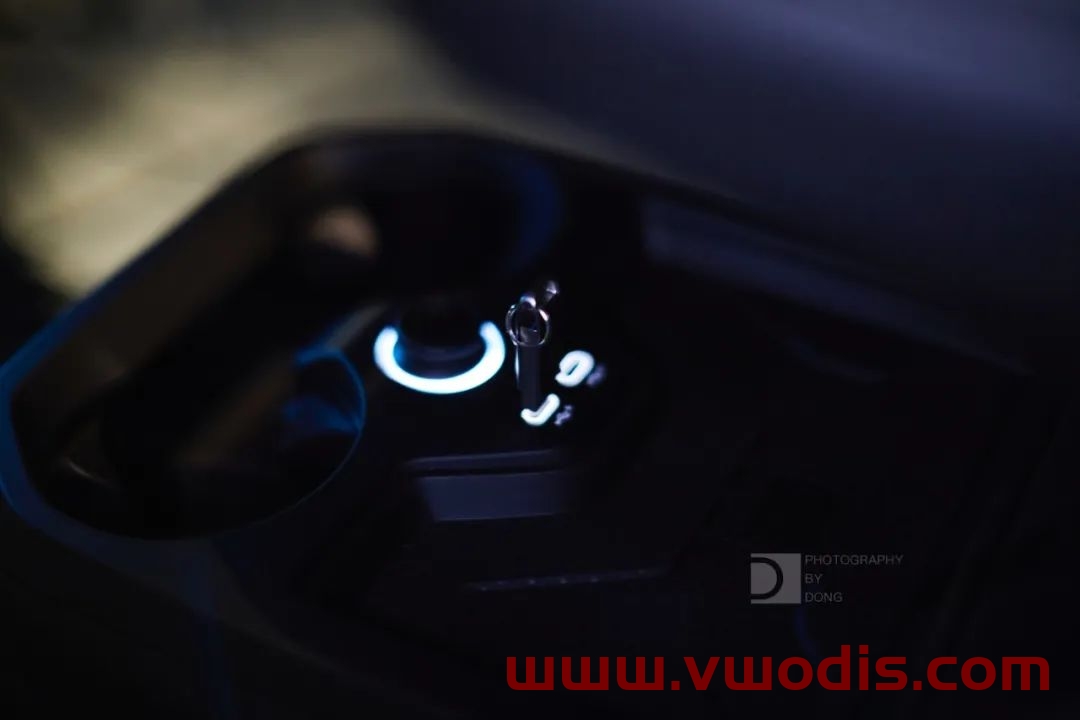
3. Plug in the USB-C interface of the central control.
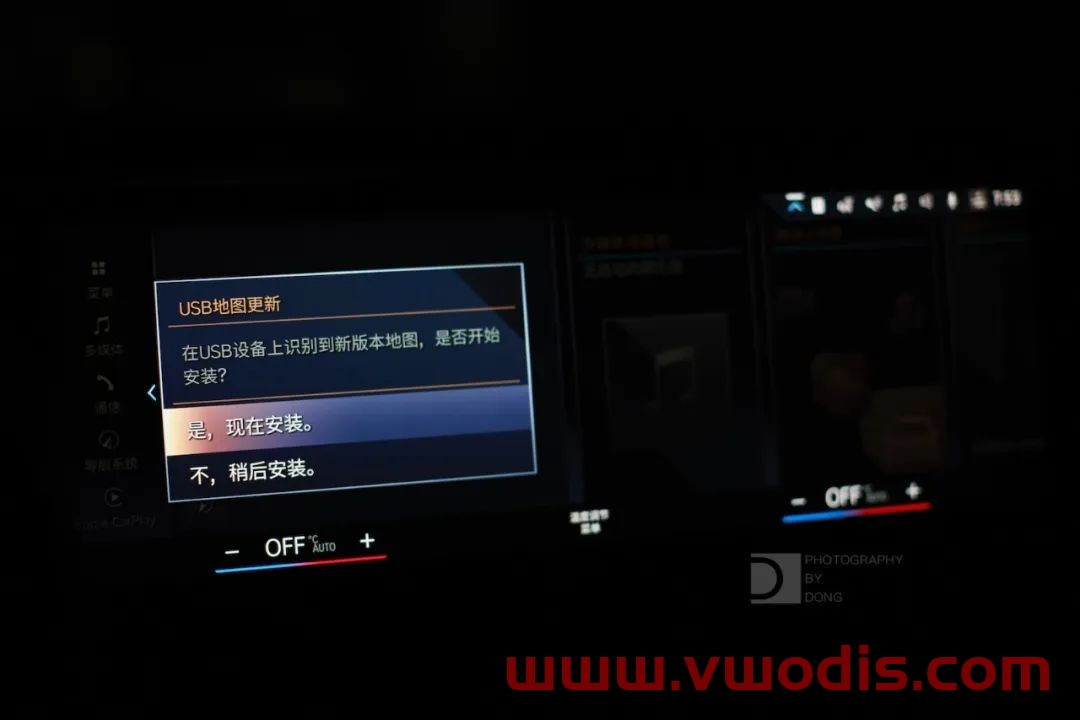
4. The system will prompt “USB device has map update, do you want to update?” Click “Update now”, and the system will start loading data and update.
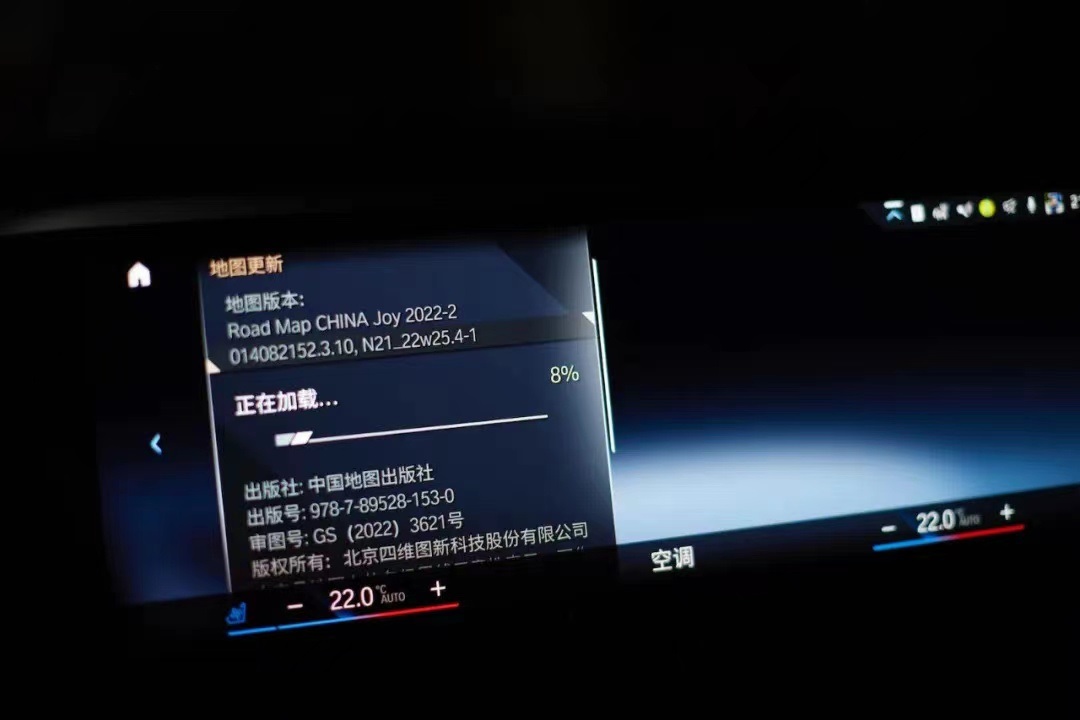
5. The driver’s door cannot be opened or closed during about 20 minutes, otherwise the update will be suspended because the vehicle power is turned off (if the vehicle power is suspended, the transmission will be interrupted).
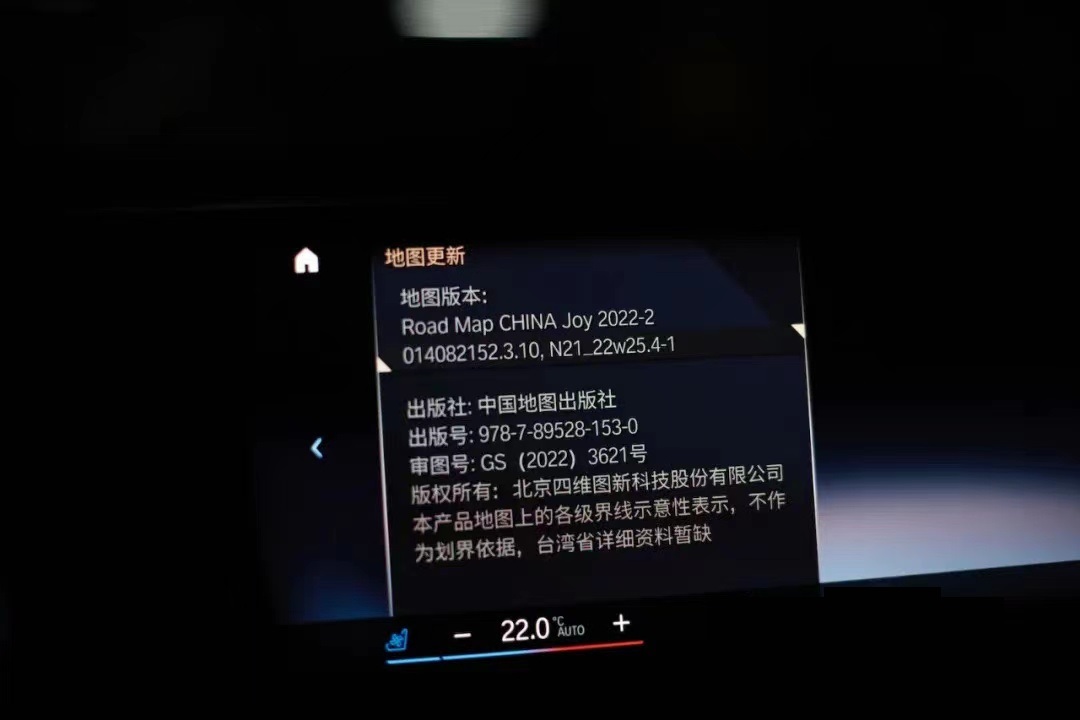
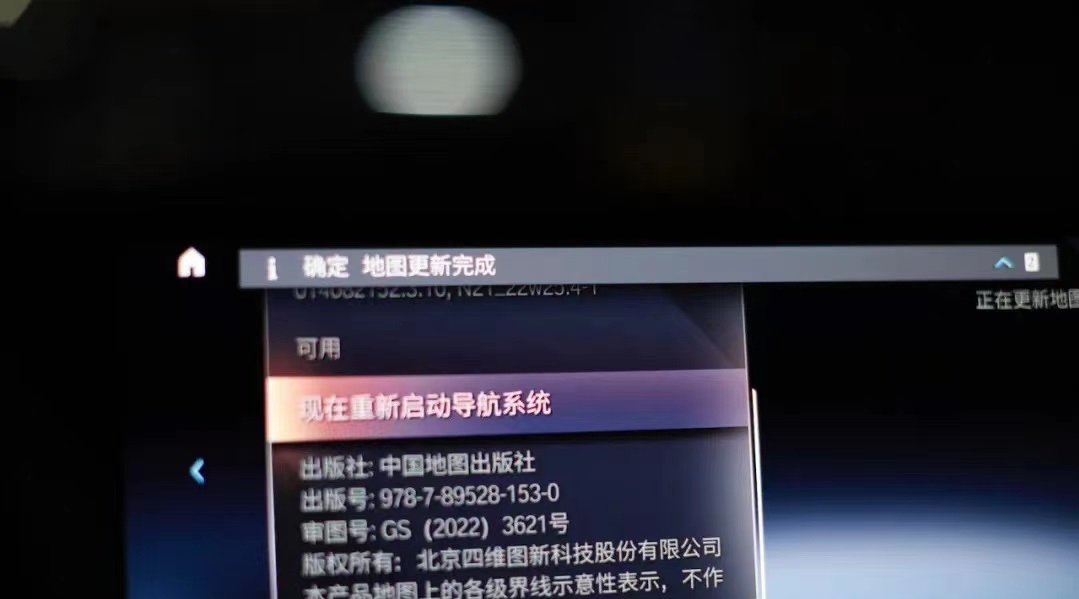
6. After the map data is loaded, restart the navigation according to the prompts, and pull out the USB flash disk to complete the upgrade.
发表回复
要发表评论,您必须先登录。