VW MIB Frimware MST2_EU_VW_ZR_P0480T-3G0919360QQ
VW MIB Frimware MST2_EU_VW_ZR_P0480T-3G0919360QQ
VW MIB Frimware MST2_EU_VW_ZR_P0480T-3G0919360QQ
Browse Volkswagen MIB technical resources covering factory firmware, infotainment updates, diagnostic software, coding tutorials, wiring diagrams, retrofit guides, parameter files, repair cases and troubleshooting notes for Volkswagen Group vehicles.
VW MIB Frimware MST2_EU_VW_ZR_P0480T-3G0919360QQ
VW MIB Frimware MST2_EU_VW_ZR_P0480T-3G0919360QQ
VW MIB Frimware MST2_EU_VW_ZR_P0480T-3G0919360QQ
Audi AU_C1_AU491_0379_1310_prod_8S0906961AL Frimware
Audi AU_C1_AU491_0379_1310_prod_8S0906961AL Frimware
Audi AU_C1_AU491_0379_1310_prod_8S0906961AL Frimware
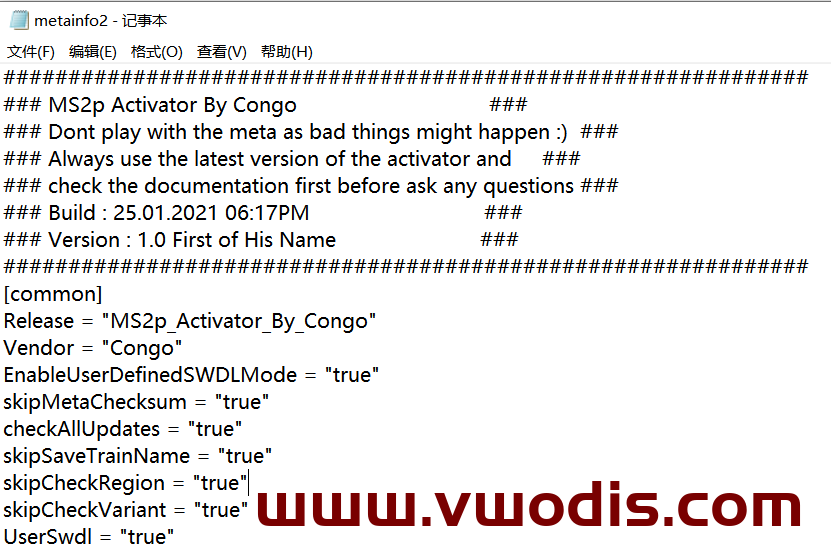
MS2p Activator Tool
size:2.96M
MS2p_ER_AUG33_P2628 Frimware
size:2.4G
MS2p_ER_AUG33_P2632 Frimware
size:2.4G
Part Number: 8R0906961EB
Pack contains zip of the files the full software/firmware update
This is untouched and full firmware update to version K0900
ID3 Frimware、ID4 Frimware、ID6 Frimware 1516
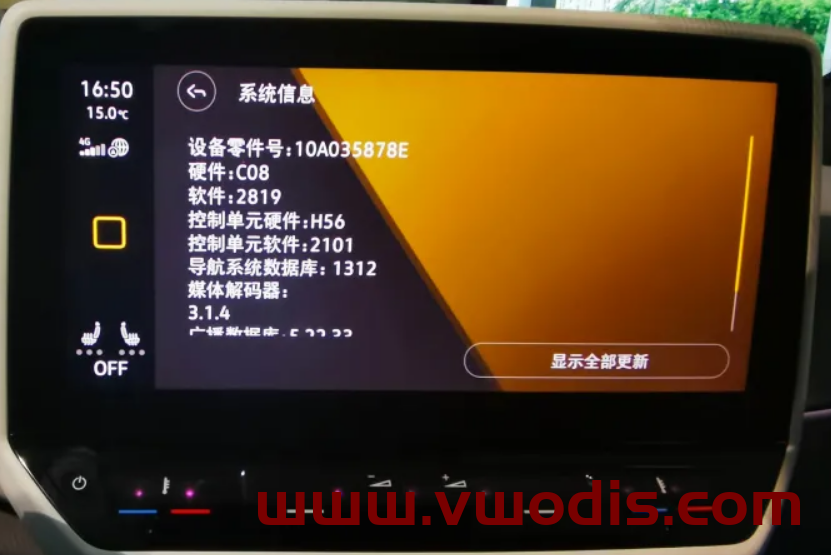
ID3 Frimware、ID4 Frimware、ID6 Frimware 2819
ID3 Frimware、ID4 Frimware、ID6 Frimware 2820
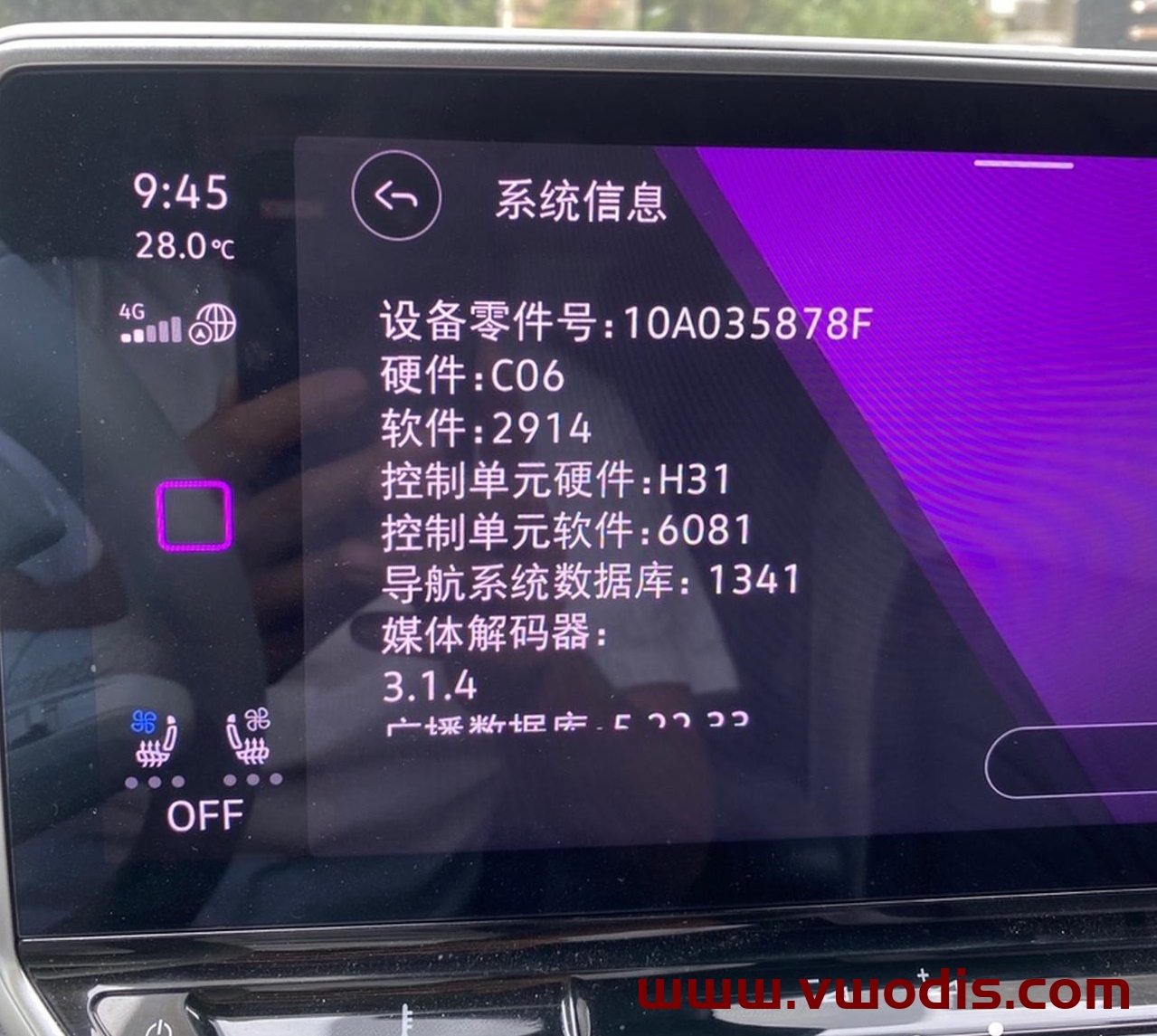
ID3 Frimware、ID4 Frimware、ID6 Frimware 2914
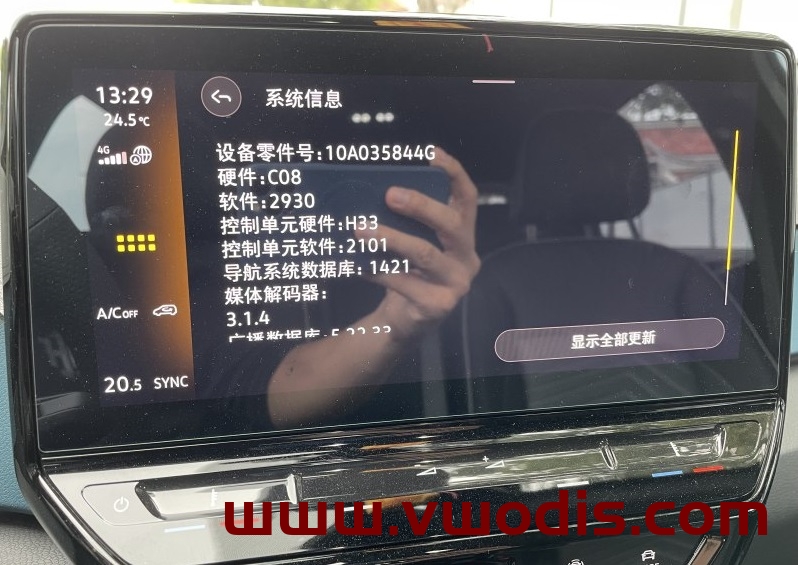
ID3 Frimware、ID4 Frimware、ID6 Frimware 2930
MIB Hardware:10A035844B/10A035844C/10A035844D/10A035844E/10A035844F/10A035844G/10A035878E/10A035878D/10A035878F/10A035878G
attention:
If you are upgrading from 1516 to 2820, you need to update each module
If it is 2820, you can directly upgrade 2914 and 2930 without updating the module
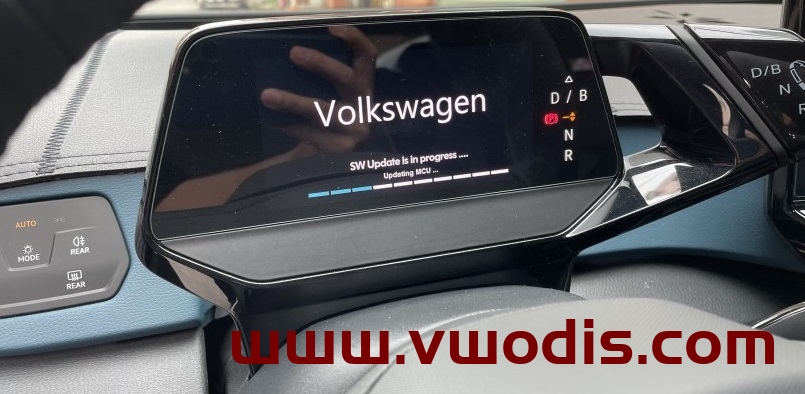
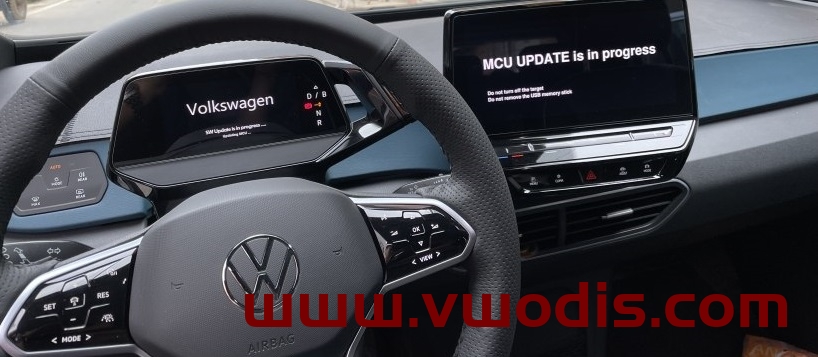
The upgrade of ID MIB firmware is not a simple upgrade of MIB firmware. For 2820 and below, the whole vehicle needs to be online. The following is the standard upgrade process of China’s 4S stores. If you do not upgrade according to the standard process, many errors will occur.
IF you need Upgrade Tutorial,Click this link please
NEW Version 2949 Frimware Link
https://en.vwodis.com/10739.html
NEW Version 2959 Frimware Link
https://en.vwodis.com/11025.html
VW SKODA mib275-276 1221-2221 Updated on November 4, 2022
VW SKODA mib275-276 1221-2221 Updated on November 4, 2022
VW SKODA mib275-276 1221-2221 Updated on November 4, 2022
Tianbao 869 suitable for 508-510 hardware
511 is not supported
Update content
1) Fix the accidental black screen crash!
2) Improve system stability and smoothness!
3) Fix several bugs!
4) Improve the smoothness and stability of wireless Carplay and Carlife!
5) Repair the frequent heating of the host!
6) Optimize CarPlay’s black screen crash and disconnection problem!
7) The new version can change the model!
8) Improve the sound quality [This firmware fixes the occasional black screen problem of the 510 hardware version host connection to Carplay]
Operating instructions:
The downloaded files are directly placed on the USB flash disk. The USB flash disk needs fat32 or exfat format. Then insert the USB flash disk into the car, power on the car, open the car, press the menu button for 10 seconds, select the software upgrade, and wait 10-15 minutes
Finally, please remind me that the upgrade process cannot be powered off! Cannot power off! Cannot power off!
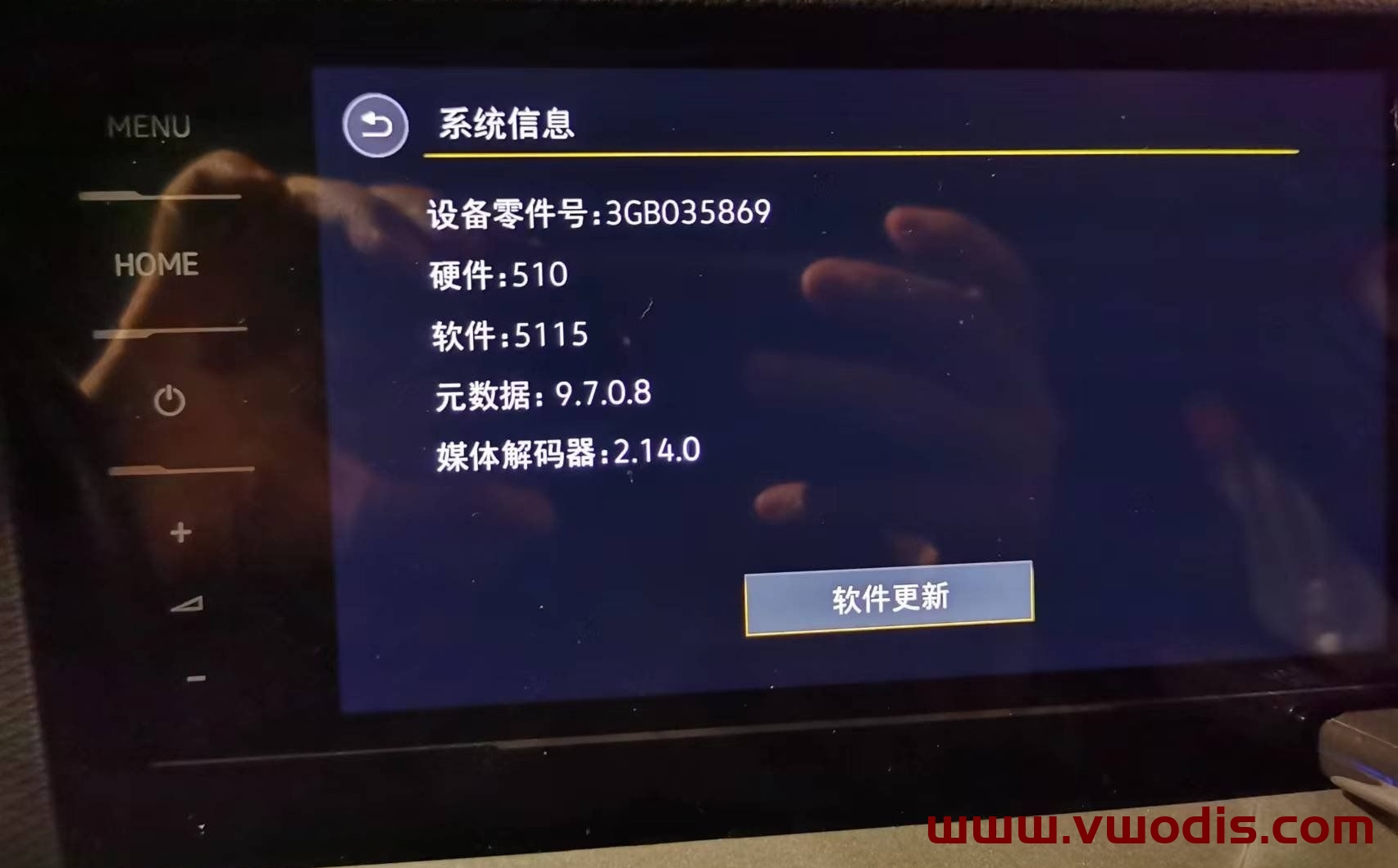
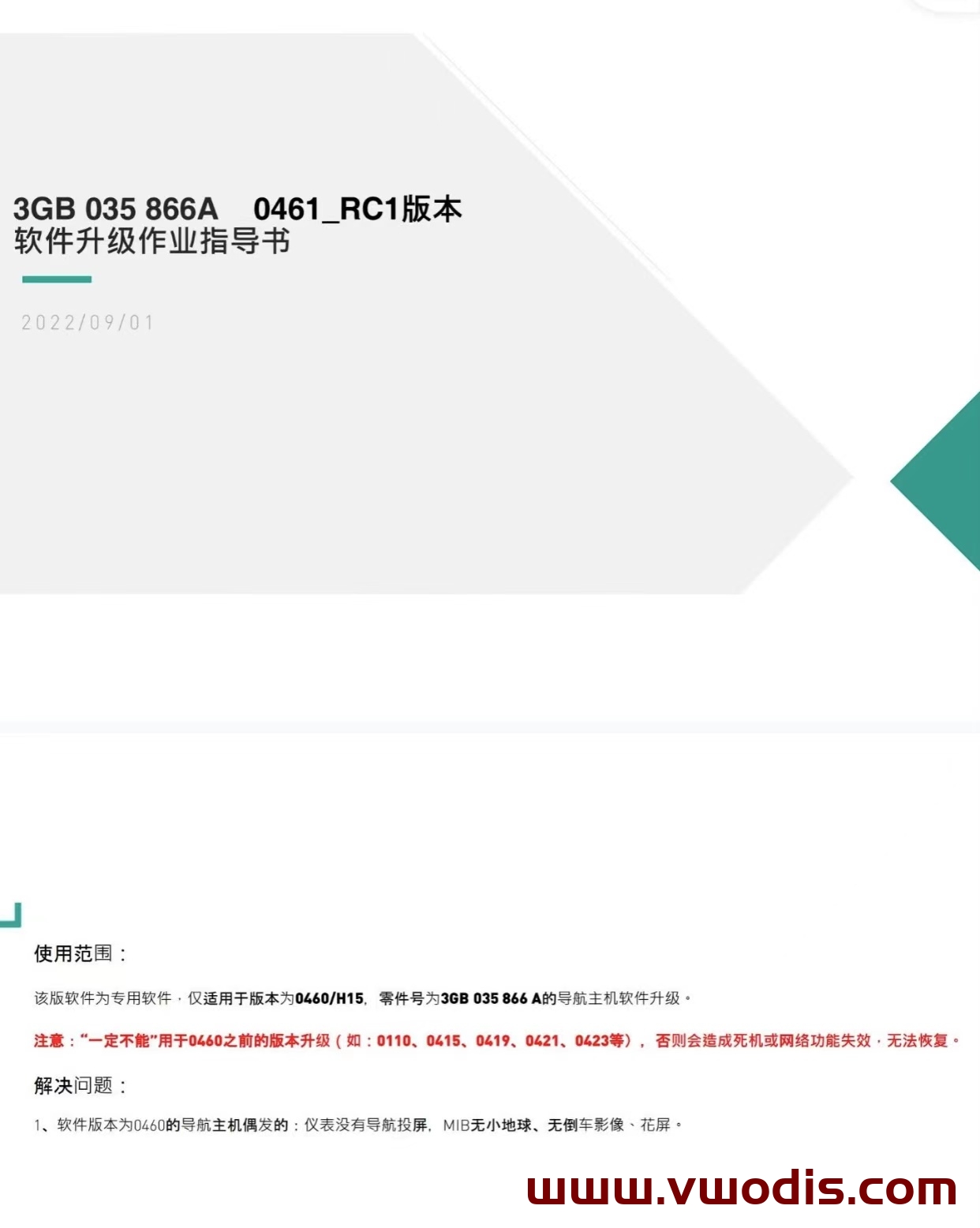
VW MQB Mib3.0 CNS3.0 3GB035866A 0461 Frimware H15 Hardware Dedicated
Upgradable Mib: 3GB035866A H15 hardware
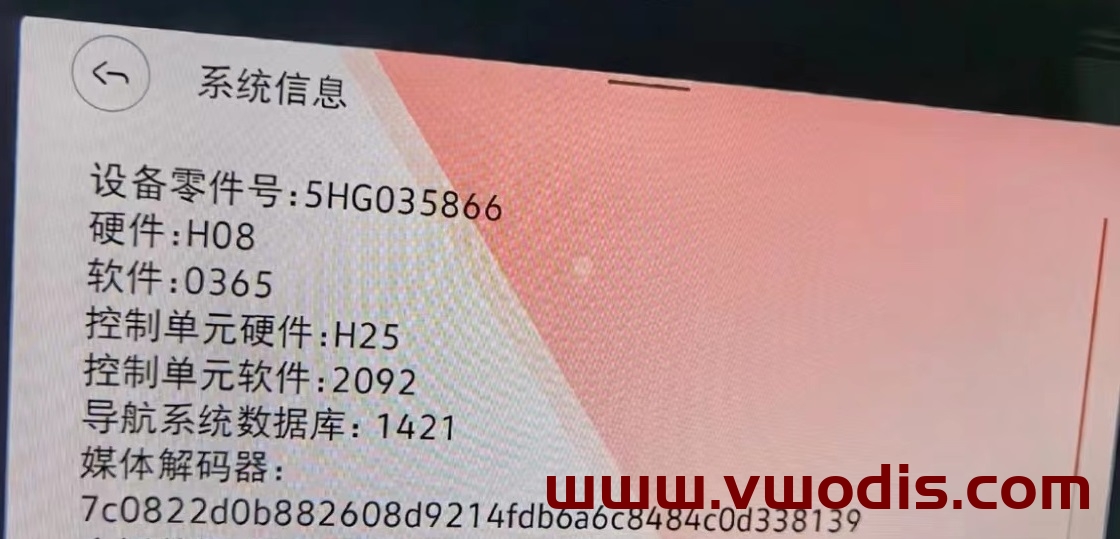
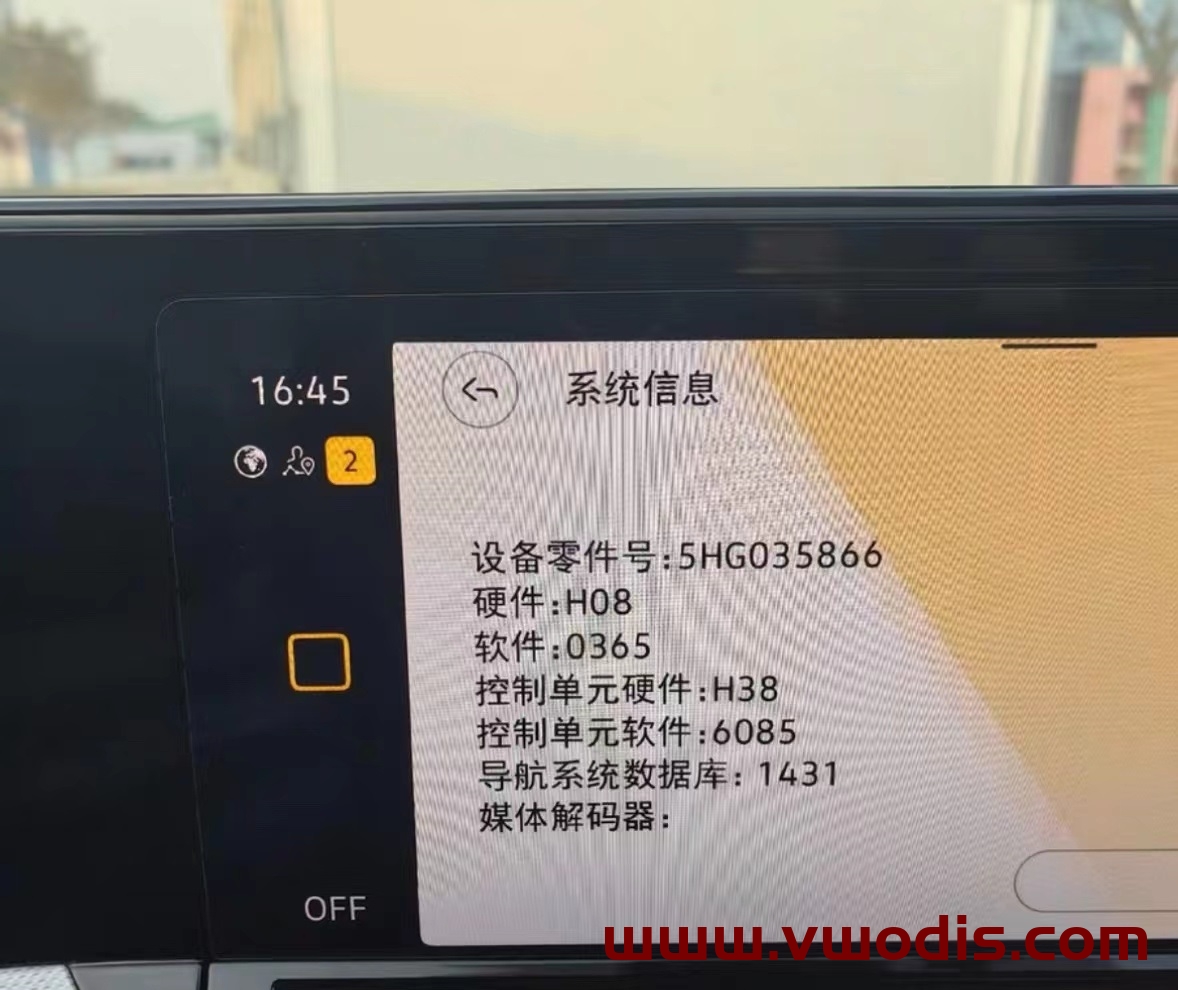
VW GOLF8 Lamando L TALAGON CNS3.0 Host 5HG035866 update 0365 Frimware
The latest firmware 0365 of Golf 8 Lamando L TALAGON 866 vehicle
Third generation 866 locomotive 0365 updates system firmware
Upgradeable model, Golf 8 Lamando L TALAGON
The navigation host with part number 5HG035866 can be upgraded
Solve the BUG of the new instrument navigation screen
Solve the problem of low temperature in winter. The locomotive does not start for a long time
Resolve that 0363 version speech recognition is turned off by default
Operation speed of hoist
Applicable vehicle machine: CNS3.0 3GB035866B H21 hardware
Optimization project: occasional black screen, crash and other system bugs during driving;
Upgrade method:
Unzip the file to get the Data and Meta folders
Format the USB flash disk to be upgraded
Copy the Data and Meta folders directly to the upgrade USB flash drive
The vehicle is powered on, the host is restored to factory settings twice, and data connections such as Bluetooth and network are canceled
Insert the USB stick, press and hold the Menu key of the host, and the service mode screen pops up
Select the software update/version option and click the right side to start the update
7. After that, the screen may be turned off for about 20s until the screen lights up again automatically
8. Double click Update in the displayed screen (click once to select, click twice to execute)
9. Click the USB option to enter the loading interface
10. Click Standard in the new interface
11. Slide the white scroll bar on the left side of the new interface to the bottom, and double-click Start update
12. Double click Start update in the new interface to refresh.
13. After the upgrade progress bar is complete, slide the white scroll bar on the left, click the last Resume, and wait for restart to complete the system upgrade!