VW【vwodis】VW Jetta(Chinese)VS5 5CG035152 SW0042 Update Firmware
VW【vwodis】VW Jetta(Chinese)VS5 5CG035152 SW0042 Update Firmware
VW【vwodis】VW Jetta(Chinese)VS5 5CG035152 SW0042 Update Firmware
Browse Volkswagen MIB technical resources covering factory firmware, infotainment updates, diagnostic software, coding tutorials, wiring diagrams, retrofit guides, parameter files, repair cases and troubleshooting notes for Volkswagen Group vehicles.
VW【vwodis】VW Jetta(Chinese)VS5 5CG035152 SW0042 Update Firmware
VW【vwodis】VW Jetta(Chinese)VS5 5CG035152 SW0042 Update Firmware
VW【vwodis】VW Jetta(Chinese)VS5 5CG035152 SW0042 Update Firmware
VW【vwodis】VW Touareg MIB HN+_EU_VW_P0824 Firmware
VW【vwodis】VW Touareg MIB HN+_EU_VW_P0824 Firmware
VW【vwodis】VW Touareg MIB HN+_EU_VW_P0824 Firmware
Criterion 01: Updating control unit MIB 3 EI
Due to a SW fault in control unit MIB 3 EI, the sound volume of rear sensors may be too low.
Update procedure
• Using USB-C update the SW of MIB 3 El to the new SW version 1805
• SW 1805 can be downloaded using the program SD Creator where you enter the Part No. 5FMIB3EISW1805
• Update procedure MIB CU – see Service Information 2034053
• Always use USB-C in the manner specified in the Service Information 2034053 (Attachment 2).|
• Do not disconnect the charger during the update and do not interrupt the operation in any way (switching off the ignition, disconnecting the power supply, restart of the unit etc.)
Connect the diagnostic tool when you are asked to do so (to confirm the component update) – see Service Information 2034053.
•Using the diagnostic system ODIS Service update the control unit MIB 3 El, enter the measure code 367F to load the current parameters, coding, adjustment.


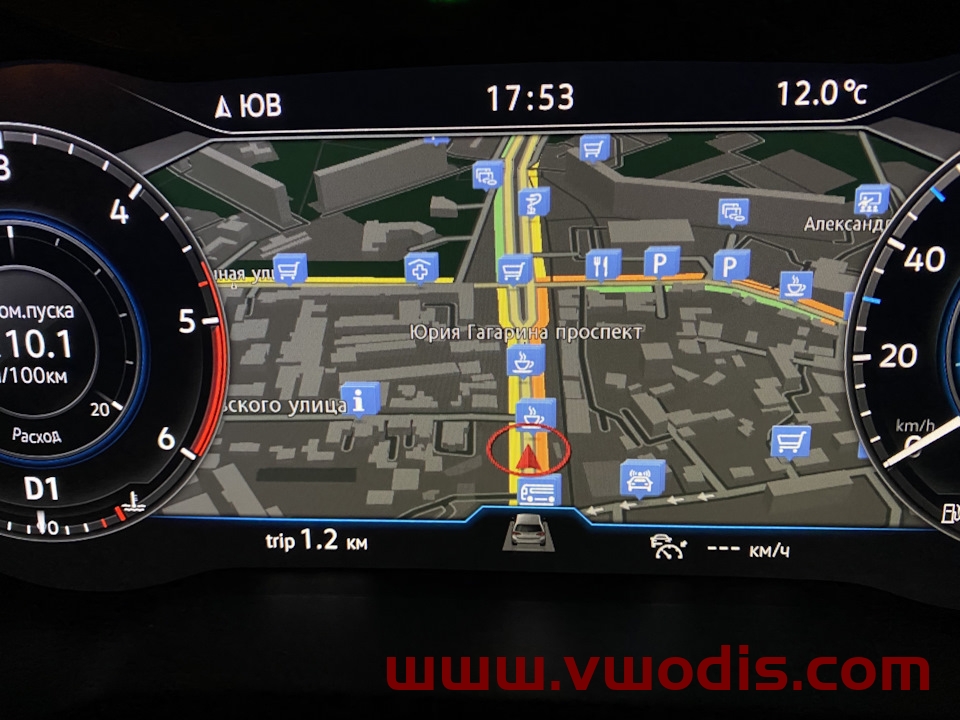
Mh2p EU Maps / 2024
Mh2p ROW Maps / 2024
MHI2 EU Maps / 2024
MHI2 ROW Maps / 2024
VW【vwodis】VW MST2_EU_VW_P0883D_MU0883_3G0919360SQ Firmware
VW【vwodis】VW MST2_EU_VW_P0883D_MU0883_3G0919360SQ Firmware
VW【vwodis】VW MST2_EU_VW_P0883D_MU0883_3G0919360SQ Firmware
VW【vwodis】VW RMC_EU_P16342 8x0906961ad Firmware
VW【vwodis】VW RMC_EU_P16342 8x0906961ad Firmware
VW【vwodis】VW RMC_EU_P16342 8x0906961ad Firmware
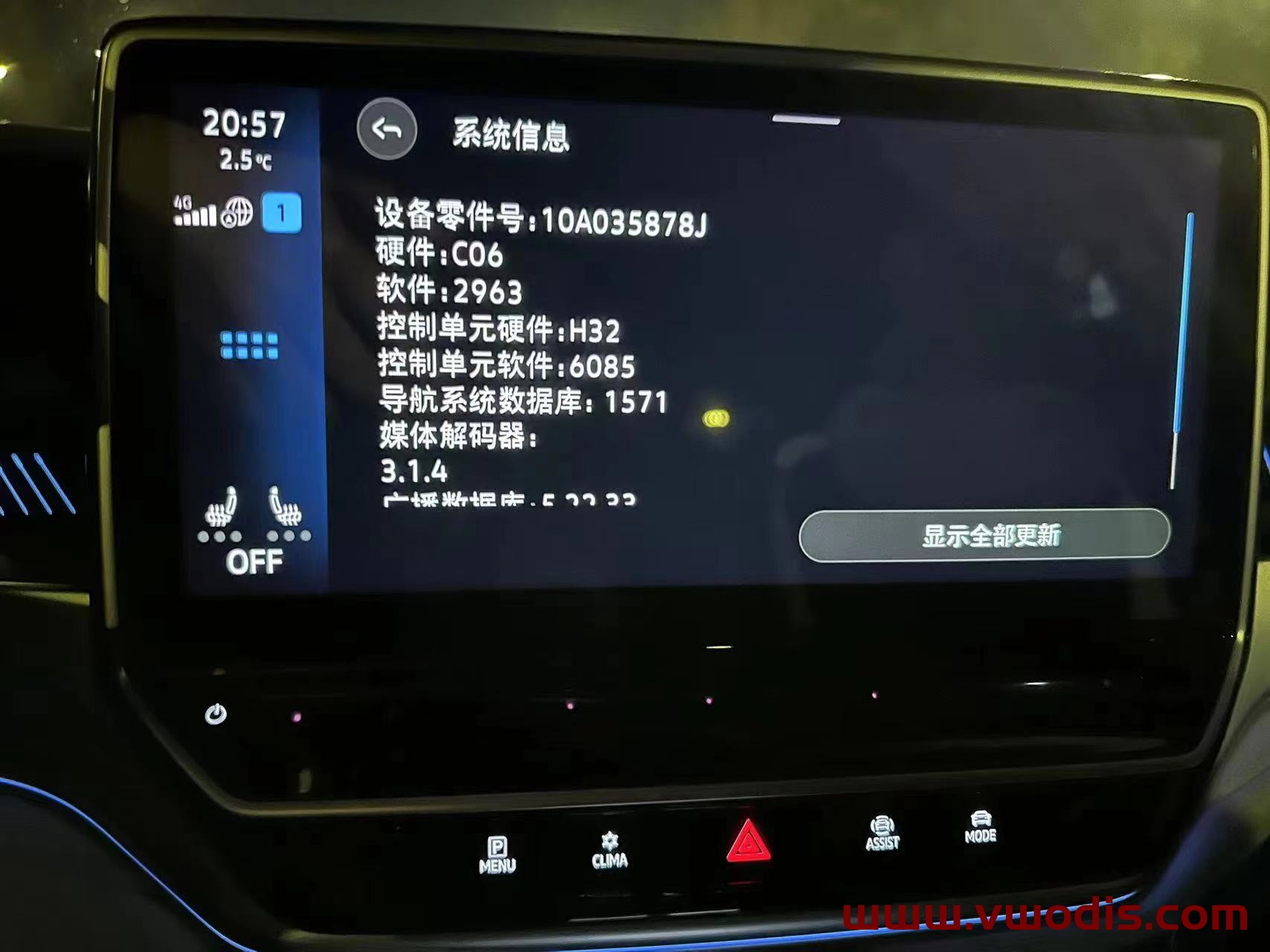
VW【vwodis】FAW SVW ID Model ID3 ID4 ID6 MIB CNS3.0 Update 2963
VW【vwodis】FAW SVW ID Model ID3 ID4 ID6 MIB CNS3.0 Update 2963
MIB Hardware:10A035844B/10A035844C/10A035844D/10A035844H/10A035844E/10A035844F/10A035844G/10A035878E/10A035878D/10A035878F/10A035878G
Old Version Frimware Link
https://en.vwodis.com/9863.html
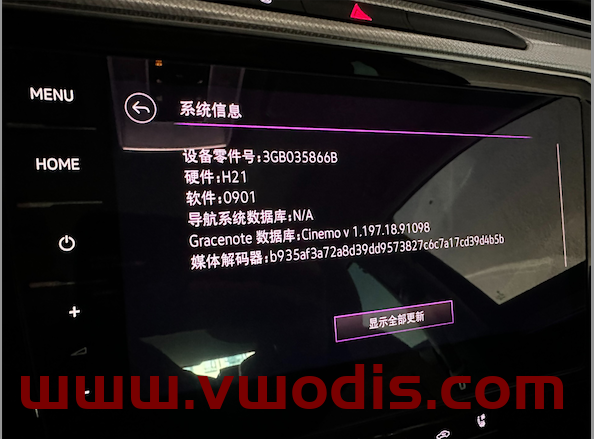
VW【vwodis】VW MQB Mib3.0 CNS3.0 3GB035866B 0901 Frimware H21 Hardware
VW【vwodis】VW MQB Mib3.0 CNS3.0 3GB035866B 0901 Frimware H21 Hardware
VW【vwodis】VW MQB Mib3.0 CNS3.0 3GB035866B 0901 Frimware H21 Hardware
Scope of use: Navigation console with part number 3GB035866B for the above models
Main improvement content:
1. Occasional gesture sensing failure
2. Occasional online app failure to connect to the internet
3. Vehicle networking certificate expires
Upgrade method:
Extract the file and obtain two folders, Data and Meta
Upgrade the USB drive to be used, format it
Copy the Data and Meta folders directly to the upgraded USB drive
Power on the vehicle, perform two factory reset operations on the main unit, and cancel Bluetooth and network data connections
Insert the USB flash drive, long press the host Menu key, and the service mode screen will pop up
Select the software update/version option, then click on the right side to start updating
7. Afterwards, the screen may turn off for about 20 seconds until it automatically lights up again
8. Double click Update in the displayed screen (click once to select, click twice to execute)
9. Click on the USB option to enter the loading interface
10. Click on Standard in the new interface
11. Slide the white scroll bar on the left side of the new interface, drag it to the bottom, and double-click Start update
Double click on Start update on the new interface to start refreshing.
After all the upgrade progress bars are completed, slide the white scroll bar on the left side, click on the last Resume, and wait for a restart to complete the system upgrade!
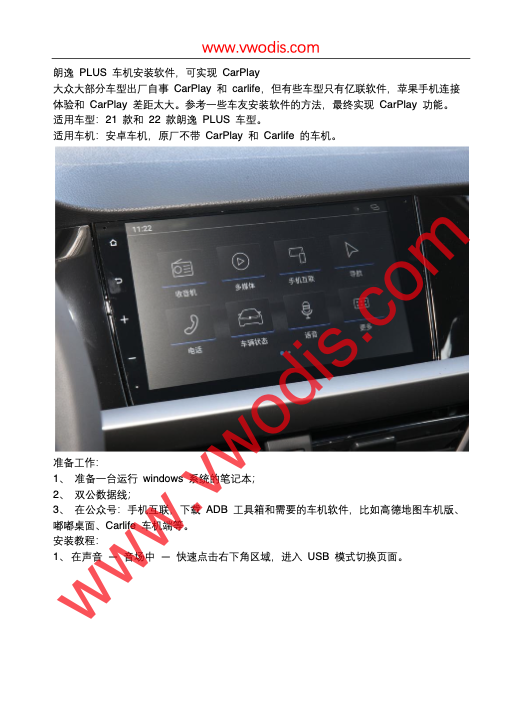
VW【vwodis】VW 2021-2022 Lavida Plus Activation Carplay
VW【vwodis】VW 2021-2022 Lavida Plus Activation Carplay
VW【vwodis】VW 2021-2022 Lavida Plus Activation Carplay
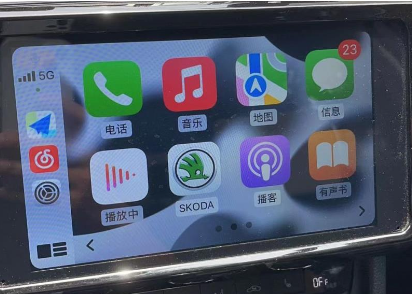
Skoda【vwodis】Skoda Superb Octavia Rapid Kodiaq GT、Karoq、Kamiq Banma Update Slove Cannot Connect iPhone 12 and Use Carplay
Skoda【vwodis】Skoda Superb Octavia Rapid Kodiaq GT、Karoq、Kamiq Banma Update Slove Cannot Connect iPhone 12 and Use Carplay
Skoda【vwodis】Skoda Superb Octavia Rapid Kodiaq GT、Karoq、Kamiq Banma Update Slove Cannot Connect iPhone 12 and Use Carplay
Firmware Version:3.0.1-R-20190923.1621