分类: Xentry XDOS

This section provides Xentry XDOS resources for Mercedes-Benz diagnostics and service work, including Xentry, Vediamo, DTS Monaco, Starfinder, WIS data, coding cases, module programming and repair reference materials. Content focuses on practical installation, version selection, activation notes where applicable, compatibility reminders and common error fixes.

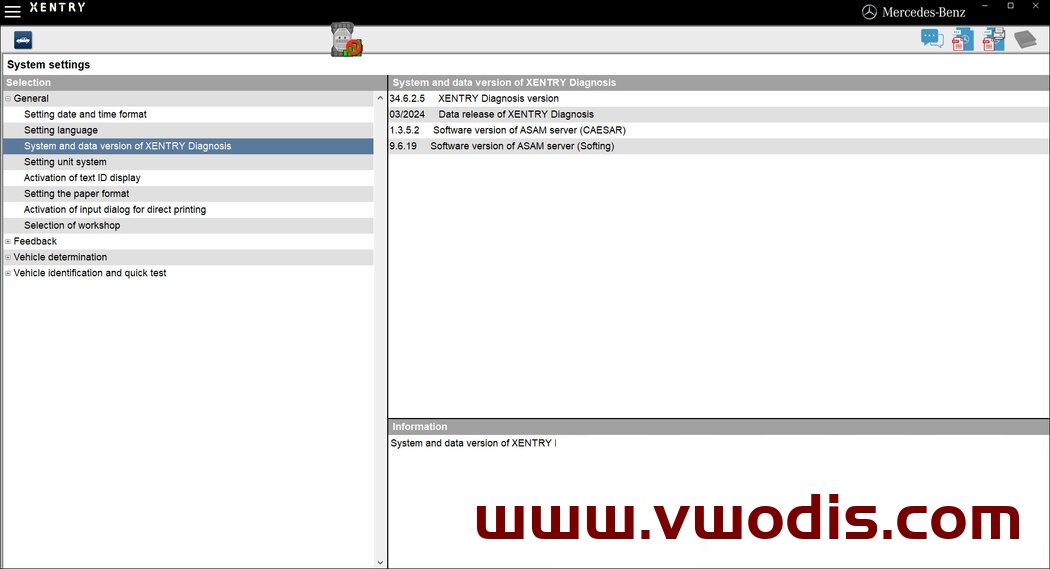
  • 【Software】Mercedes Benz【vwodis】Mercedes Benz Xentry XDOS 24.3.4+XPT 24.3.3

    Mercedes Benz【vwodis】Mercedes Benz Xentry XDOS 24.3.4+XPT 24.3.3

    Mercedes Benz【vwodis】Mercedes Benz Xentry XDOS 24.3.4+XPT 24.3.3

    Mercedes Benz【vwodis】Mercedes Benz Xentry XDOS 24.3.4+XPT 24.3.3

    XENTRY Diagnostics OpenShell and Pass Thru v03.2024

    What’s new in XENTRY v24.3.4 from 03.2024:

    • SDconnect – Discontinuation and end of support
    • Release Notes in new design and with new functions
    • PDF Center – Now insert notes directly into document
    • NVH Kit – Noise and vibration detection now also available for Vans (vehicle category N1)

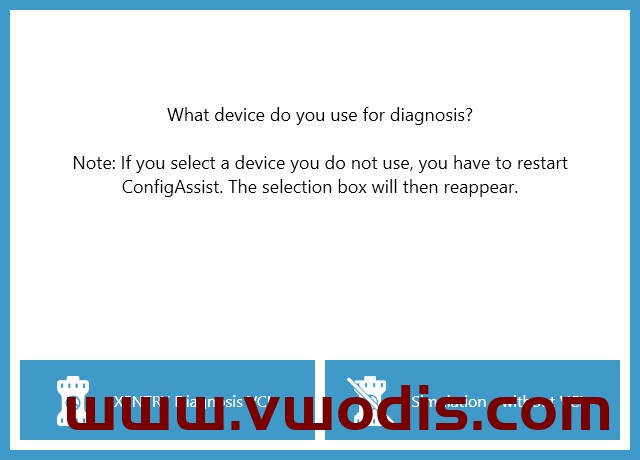
    As of Release 03.2024, it will no longer be possible to select SDconnect in ConfigAssist.
    The last XENTRY Diagnosis release that supports SDconnect is Release 12.2023, which will allow SDconnect to be used until June 15, 2024.

    Of course you can get SDconnect/C4 working again, that is not a problem right now.
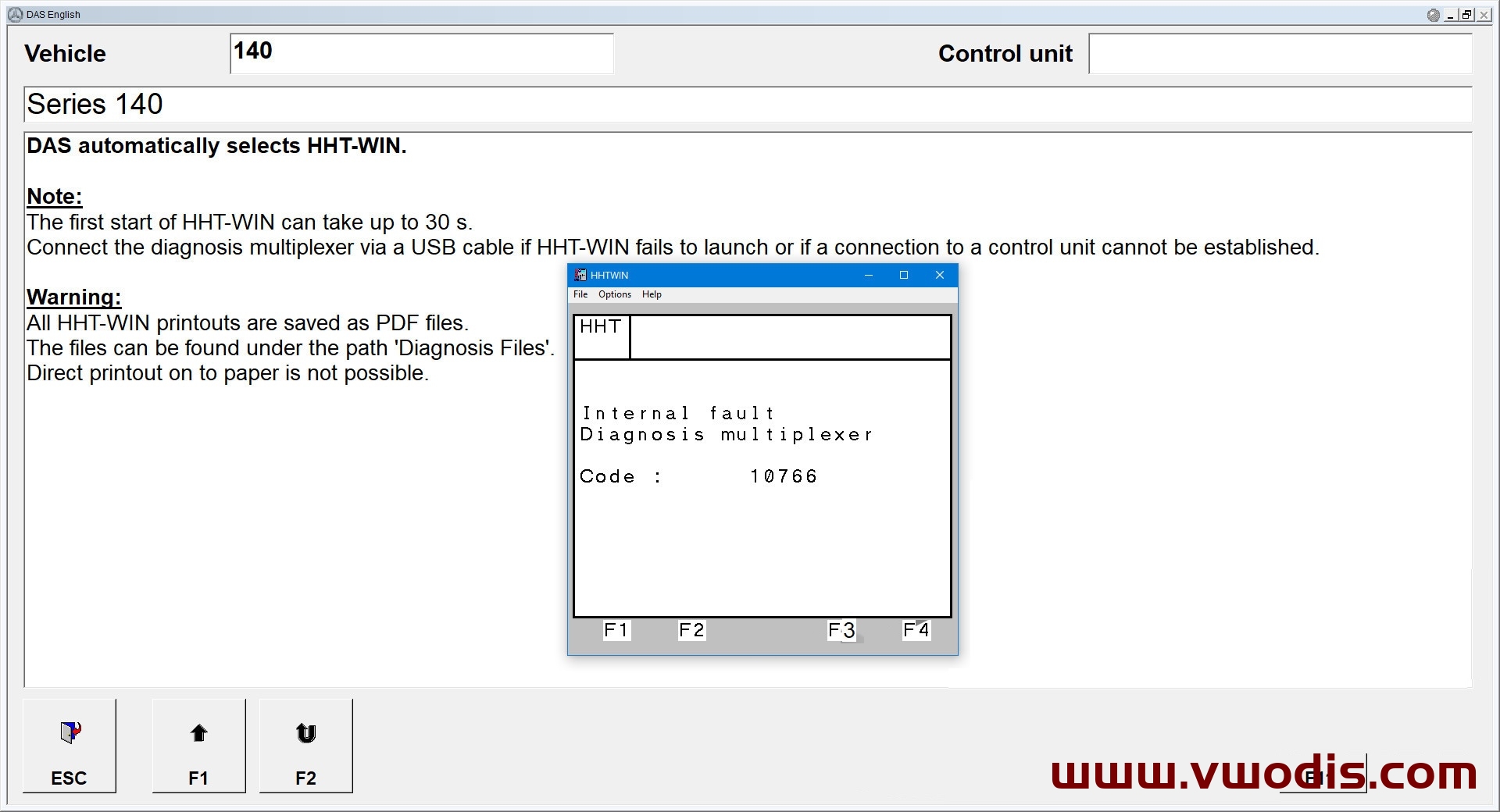
  • 【Software】Mercedes Benz【vwodis】Mercedes Benz HHTWin SDconnect or C4 for XENTRY Diagnostics

    【Software】Mercedes Benz【vwodis】Mercedes Benz HHTWin SDconnect or C4 for XENTRY Diagnostics

    Mercedes Benz【vwodis】Mercedes Benz HHTWin SDconnect or C4 for XENTRY Diagnostics

    Mercedes Benz【vwodis】Mercedes Benz HHTWin SDconnect or C4 for XENTRY Diagnostics

    Mercedes Benz【vwodis】Mercedes Benz HHTWin SDconnect or C4 for XENTRY Diagnostics

    HHTWin SDconnect or C4 for XENTRY Diagnostics

    HHT for old vehicles, made for XDOS x64 with NTVDMx64, based on my old x86 version with improvements.
    SECURE BOOT must be disabled for NTVDMx64, if it is enabled on your system, you will be warned.

    HHTWin must be started from DAS Standalone or from XENTRY, I do not recommend to run it directly, HHT receives several system parameters from DAS/XENTRY.
    This version can work with SDconnect/C4.

    This revision cannot be 100% working in the priority, NOT from NTVDMx64 and NOT from virtual machine

    The professional version works smoothly with SDconnect and XENTRY VCI, it has completely different files and structure, it needs to be run from a Linux virtual machine through the XMING terminal, as it was done on XDPAD/XDPAD2 systems.

    XENTRY Diagnostics OpenShell version: v03.2020 and above
    OS: MS Windows 10 and above
    Installed size: 149.39 MB

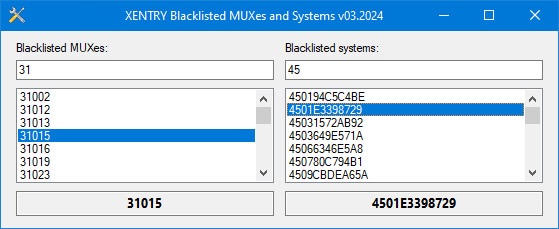
  • 【Software】Mercedes Benz【vwodis】Mercedes Benz XENTRY Blacklisted MUXes and Systems v03.2024

    【Software】Mercedes Benz【vwodis】Mercedes Benz XENTRY Blacklisted MUXes and Systems v03.2024

    Mercedes Benz【vwodis】Mercedes Benz XENTRY Blacklisted MUXes and Systems v03.2024

    Mercedes Benz【vwodis】Mercedes Benz XENTRY Blacklisted MUXes and Systems v03.2024

    Mercedes Benz【vwodis】Mercedes Benz XENTRY Blacklisted MUXes and Systems v03.2024

    XENTRY version 03.2024 has two encrypted files with blacklisted systems and multiplexers (cal.sli and csl.sli).
    Here is the decrypted and readable data from these files for informational purposes to check your original multiplexer.

    Compared to v12.3023:

    Blacklisted multiplexers added: 28
    Blacklisted systems added: 22

    This material was taken from XDOS v03.2024 07.03.2024

    OS: MS Windows XP and above
    Installed size: 2.14 MB

  • 【Software】Benz【vwodis】Benz Xentry XDOS 23.9.4+keygen

    Benz【vwodis】Benz Xentry XDOS 23.9.4+keygen

    Benz【vwodis】Benz Xentry XDOS 23.9.4+keygen

    Benz【vwodis】Benz Xentry XDOS 23.9.4+keygen

  • 【Software】Benz【vwodis】Benz Xentry XDOS 23.6.4+keygen

    Benz【vwodis】Benz Xentry XDOS 23.6.4+keygen

    Benz【vwodis】Benz Xentry XDOS 23.6.4+keygen

    Benz【vwodis】Benz Xentry XDOS 23.6.4+keygen

  • 【Software】Benz【vwodis】Benz Fix Xentry 06.2023

    Benz【vwodis】Benz Fix Xentry 06.2023

    Benz【vwodis】Benz Fix Xentry 06.2023

    Benz【vwodis】Benz Fix Xentry 06.2023

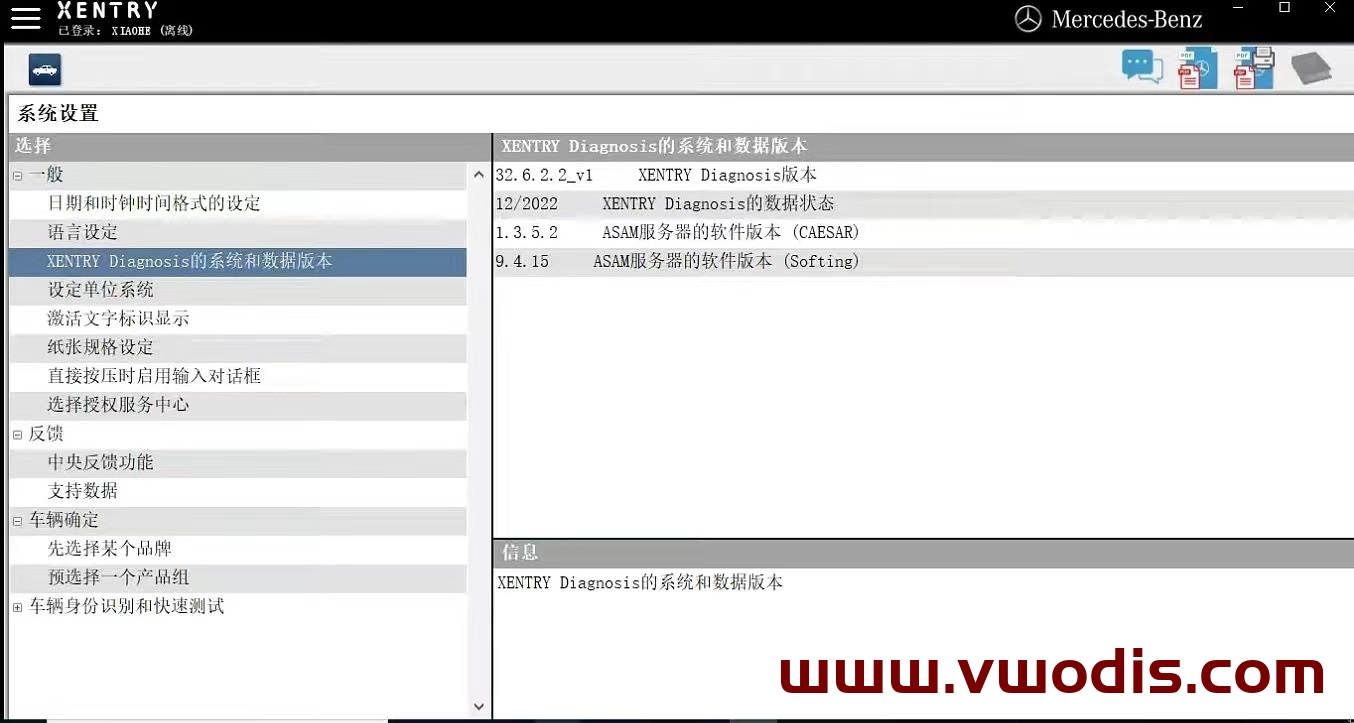
    Advantage: You can now close the Xentry program itself by clicking the close button (usually the X button). Now Xentry has an offline account, and if we have a certificate, we can diagnose 206223, etc.
    Defect: If the PC is connected to the internet and the program cannot start, you need to turn off the internet to use Xentry. The same offline account requires a username and password to be entered every time the program is launched

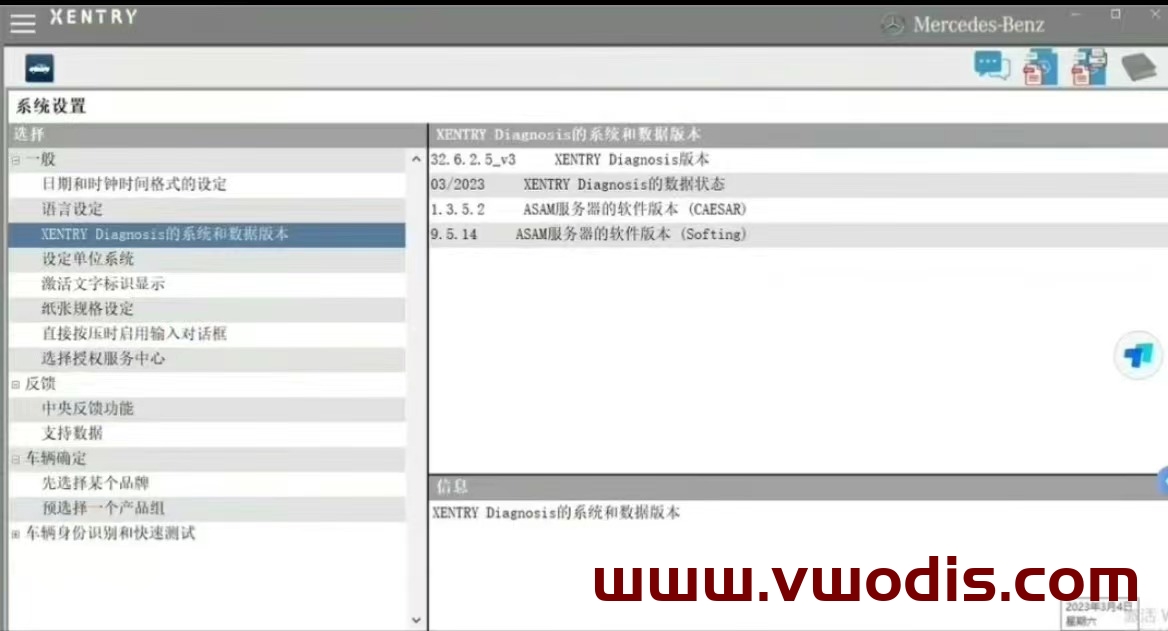
  • 【Software】Xentry XDOS 23.3.4 Installation package-no include keygen

    Xentry XDOS 23.3.4 Installation package-no include keygen

    Xentry XDOS 23.3.4 Installation package-no include keygen

    Xentry XDOS 23.3.4 Installation package-no include keygen

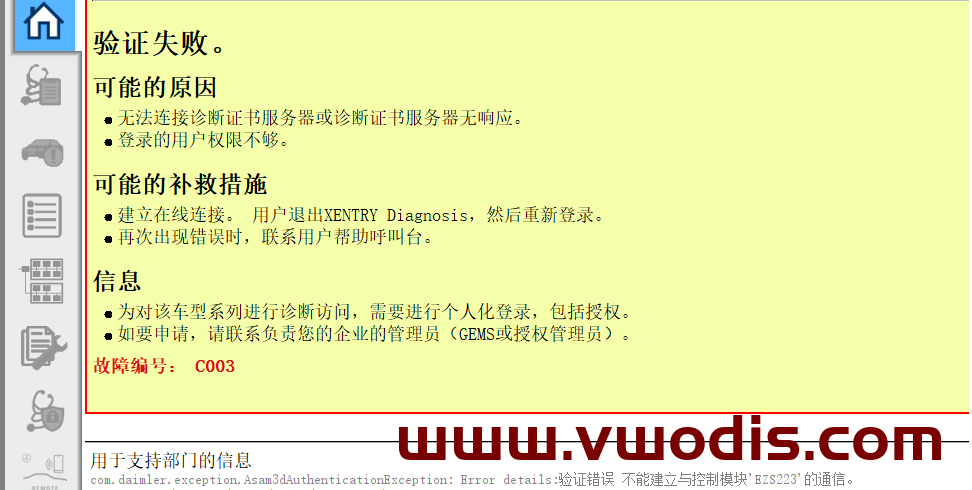
  • 【Tutorial】Benz【vwodis】Tutorial XENTRY zenzefi license error code:C003 Slove Tutorial

    Benz【vwodis】Tutorial XENTRY zenzefi license error code:C003 Slove Tutorial

    Benz【vwodis】Tutorial XENTRY zenzefi license error code:C003 Slove Tutorial

    Benz【vwodis】Tutorial XENTRY zenzefi license error code:C003 Slove Tutorial

  • 【Tutorial】Benz【vwodis】Benz XENTRY DAS License 0 Day Error Fix

    Benz【vwodis】Benz XENTRY DAS License 0 Day Error Fix

    Benz【vwodis】Benz XENTRY DAS License 0 Day Error Fix

    Benz【vwodis】Benz XENTRY DAS License 0 Day Error Fix

  • 【Software】Xentry XDOS 22.12.4+keygen

    【Software】Xentry XDOS 22.12.4+keygen

    Xentry XDOS 22.12.4+keygen

    Xentry XDOS 22.12.4+keygen

    Xentry XDOS 22.12.4+keygen