Mercedes Benz【vwodis】Mercedes Benz XENTRY ZenZefi Preparation
Mercedes Benz【vwodis】Mercedes Benz XENTRY ZenZefi Preparation
Mercedes Benz【vwodis】Mercedes Benz XENTRY ZenZefi Preparation
The program imports legacy Root CA and Backend CA certificates required to import free/published After-Sales certificates into ZenZefi.
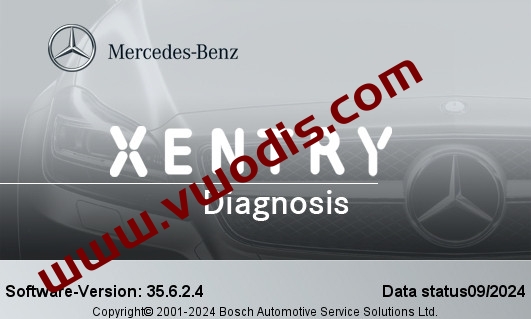
You need to start XENTRY and perform an offline login, then start ZenZefi Preparation without closing XENTRY.
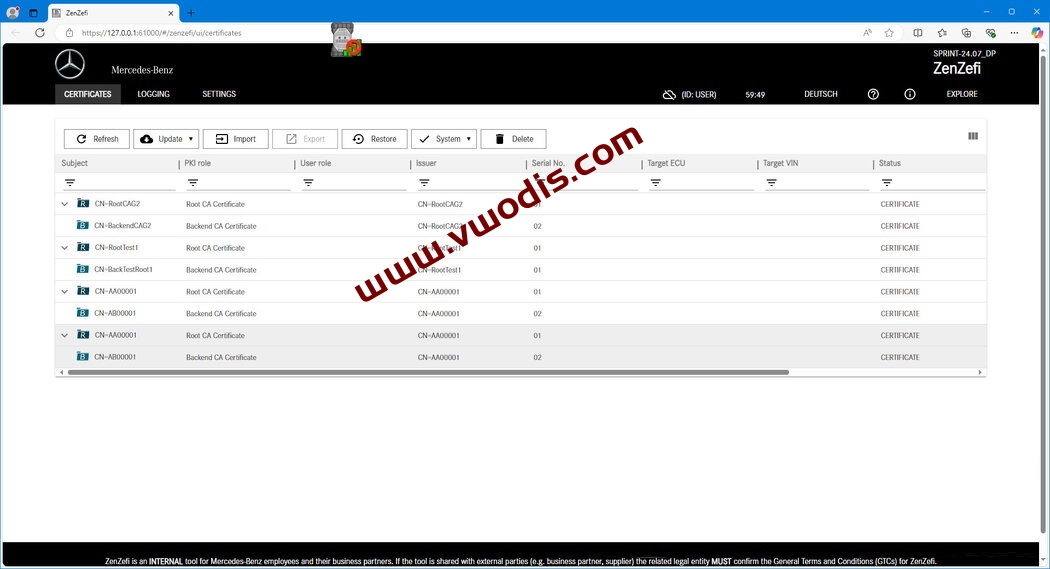
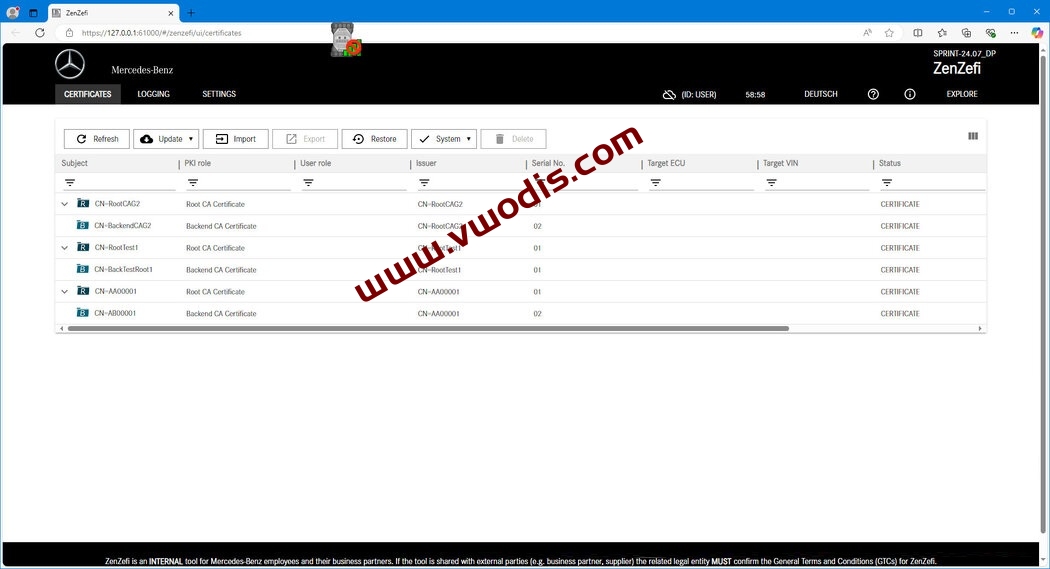
After the program is finished, open or refresh the ZenZefi UI, you will see the same as in the second screenshot, the certificates highlighted in gray will be added.
You can now import After-Sales certificates in P12 format by clicking the “Import” button.
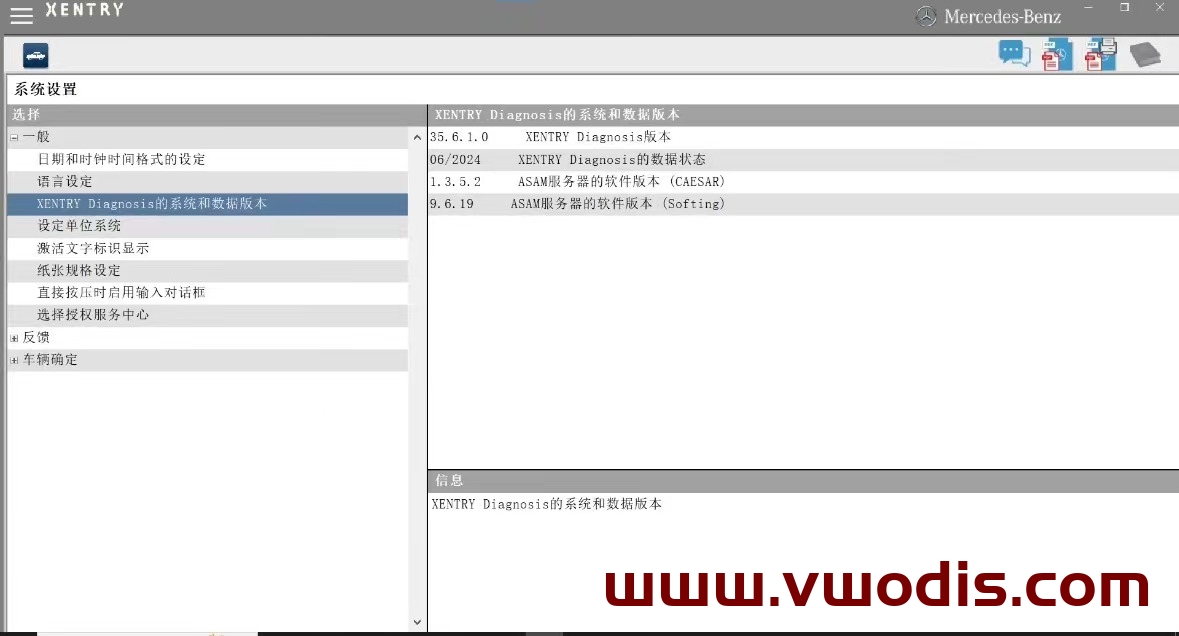
All published P12 After-Sales certificates are based on an old version of ZenZeFi that was before XENTRY 12.2023, so XENTRY versions above 09.2023 require the old root certificates to import these P12s.