Mercedes Benz【vwodis】Mercedes Benz DAS Add W204
Mercedes Benz【vwodis】Mercedes Benz DAS Add W204
Mercedes Benz【vwodis】Mercedes Benz DAS Add W204
Mercedes Benz【vwodis】Mercedes Benz DAS Add W204
Mercedes Benz【vwodis】Mercedes Benz DAS Add W204
Mercedes Benz【vwodis】Mercedes Benz DAS Add W204
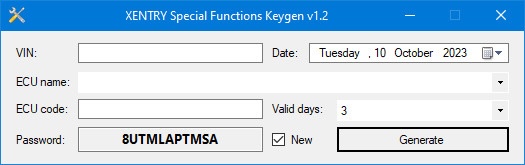
奔驰【一车网】奔驰特殊功能Keygen Special Functions Keygen V1.2版
奔驰【一车网】奔驰特殊功能Keygen Special Functions Keygen V1.2版
奔驰【一车网】奔驰特殊功能Keygen Special Functions Keygen V1.2版
Mercedes Benz【vwodis】Mercedes Benz Daimler Truck Diagnostics Platform Independent and Pass-Through v12.2023
Mercedes Benz【vwodis】Mercedes Benz Daimler Truck Diagnostics Platform Independent and Pass-Through v12.2023
Mercedes Benz【vwodis】Mercedes Benz Daimler Truck Diagnostics Platform Independent and Pass-Through v12.2023
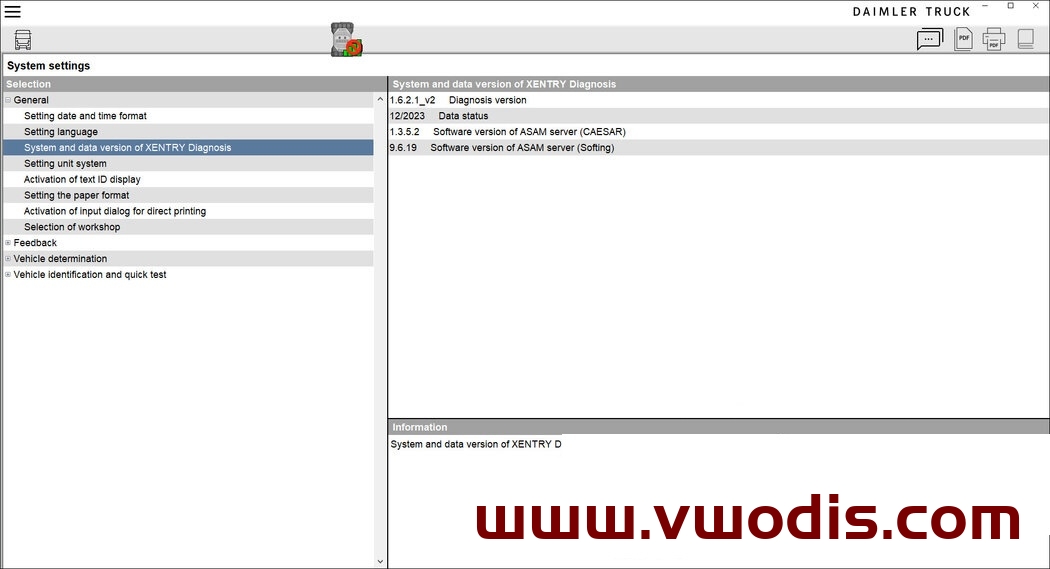
This applies to all versions of XENTRY 12.2023 releases.
To be able to install the Daimler Truck Diagnostics, you must first uninstall the XENTRY Diagnosis Pass Thru or OpenShell version.
Check if you also have the programs “Update Center” and/or “XENTRY PDF Printer” installed. All of them need to be uninstalled.
It is not possible to have both versions installed on the operating system, as they both access the same save-files and registry entries.
The same applies to Kit 3 and Kit 4, once the devices have been migrated to DT software, they cannot be reset to Mercedes-Benz AG software.
They also wrote that the existing startkeys provided by MBAG will expire on January 10th, 2024. As of this day DT is taking over custody of the softwar
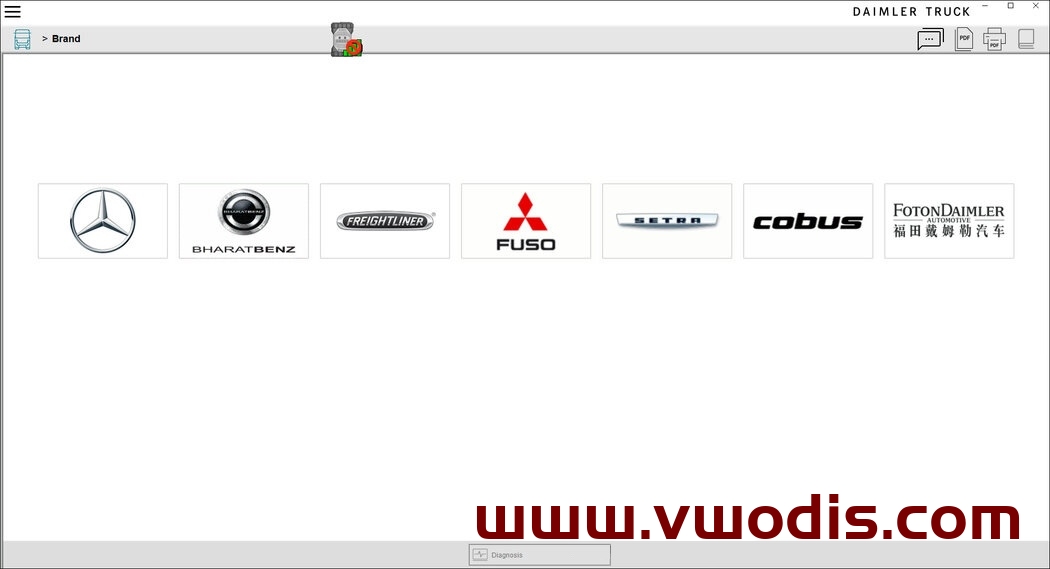
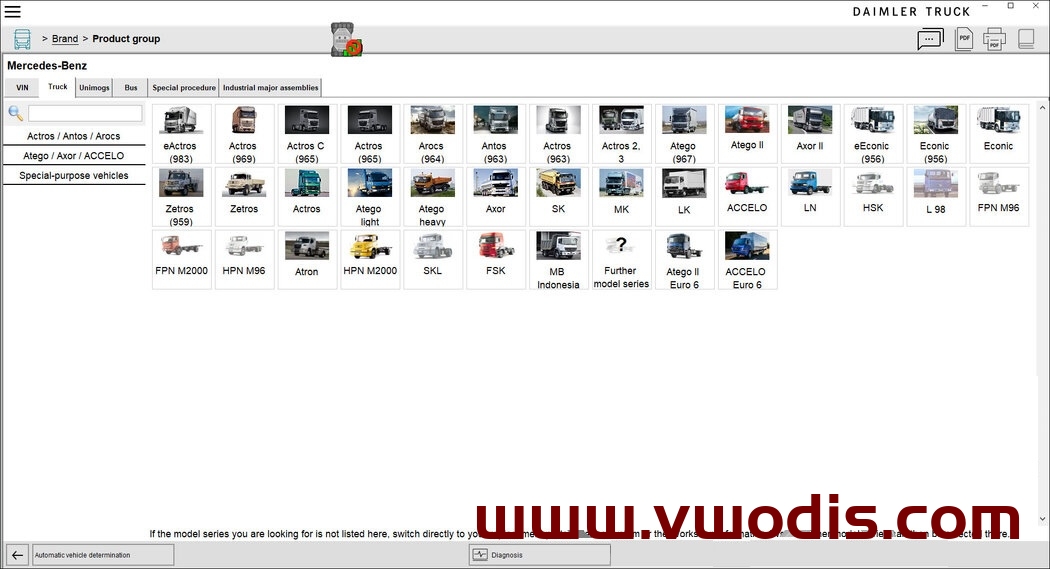
奔驰【一车网】奔驰Xentry Daimler Truck Diagnostics Platform Independent and Pass-Through v12.2023
奔驰【一车网】奔驰Xentry Daimler Truck Diagnostics Platform Independent and Pass-Through v12.2023
奔驰【一车网】奔驰Xentry Daimler Truck Diagnostics Platform Independent and Pass-Through v12.2023
这适用于XENTRY 12.2023版本的所有版本。
要安装Daimler Truck Diagnostics,您必须首先卸载XENTRY Diagnosis Pass-Thru或OpenShell版本。
检查您是否也安装了“更新中心”和/或“XENTRY PDF打印机”程序。所有这些都需要卸载。
不可能在操作系统上同时安装这两个版本,因为它们都访问相同的保存文件和注册表项。
套件3和套件4也是如此,一旦设备迁移到DT软件,就无法将其重置为梅赛德斯-奔驰AG软件。
他们还写道,MBAG提供的现有启动密钥将于2024年1月10日到期。从今天起,DT将接管软件的保管权
Mercedes Benz【vwodis】Mercedes Benz Xentry XDOS 24.3.4+XPT 24.3.3
Mercedes Benz【vwodis】Mercedes Benz Xentry XDOS 24.3.4+XPT 24.3.3
Mercedes Benz【vwodis】Mercedes Benz Xentry XDOS 24.3.4+XPT 24.3.3
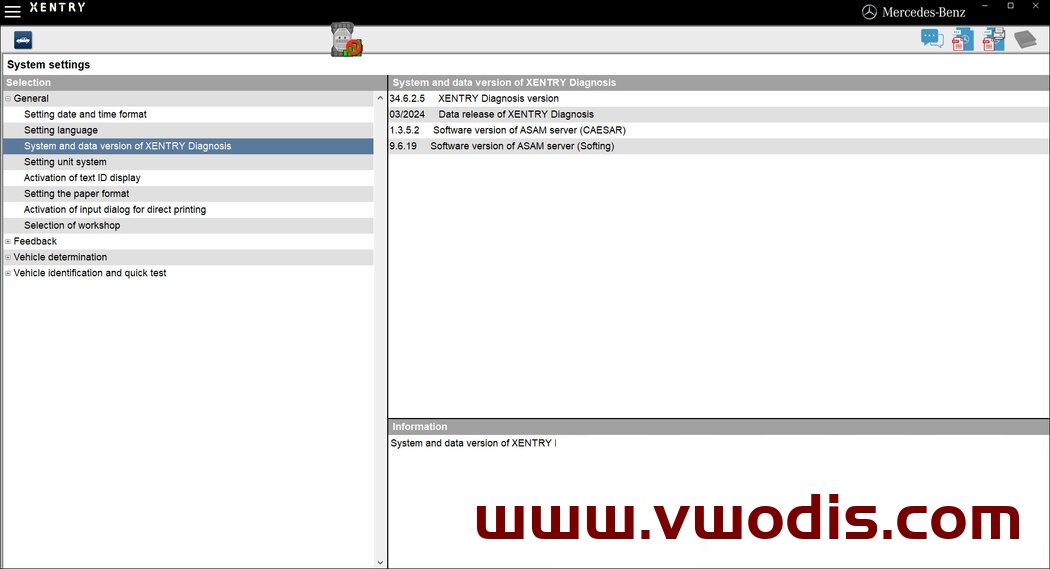
XENTRY Diagnostics OpenShell and Pass Thru v03.2024
What’s new in XENTRY v24.3.4 from 03.2024:
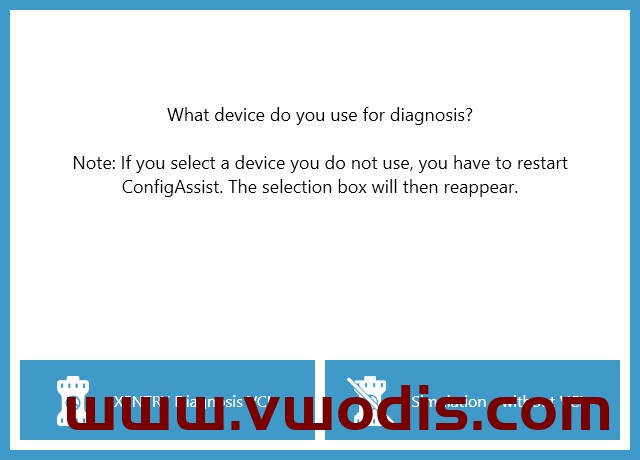
As of Release 03.2024, it will no longer be possible to select SDconnect in ConfigAssist.
The last XENTRY Diagnosis release that supports SDconnect is Release 12.2023, which will allow SDconnect to be used until June 15, 2024.
Of course you can get SDconnect/C4 working again, that is not a problem right now.
奔驰【一车网】奔驰Xentry XDOS 24.3.4+XPT 24.3.3
奔驰【一车网】奔驰Xentry XDOS 24.3.4+XPT 24.3.3
奔驰【一车网】奔驰Xentry XDOS 24.3.4+XPT 24.3.3
XENTRY v24.3.4自03.2024起的新增功能:
SDconnect-中断和终止支持
具有新设计和新功能的发行说明
PDF中心-现在将笔记直接插入文档
NVH套件-噪声和振动检测现在也可用于面包车(N1类车辆)
从03.2024版本起,将无法再在ConfigAssist中选择SDconnect。
支持SDconnect的最后一个XENTRY诊断版本是12.2023版,它将允许SDconnect使用到2024年6月15日。
当然,你可以让SDconnect/C4重新工作,这现在不是问题。
Mercedes Benz【vwodis】Mercedes Benz HHTWin SDconnect or C4 for XENTRY Diagnostics
Mercedes Benz【vwodis】Mercedes Benz HHTWin SDconnect or C4 for XENTRY Diagnostics
Mercedes Benz【vwodis】Mercedes Benz HHTWin SDconnect or C4 for XENTRY Diagnostics
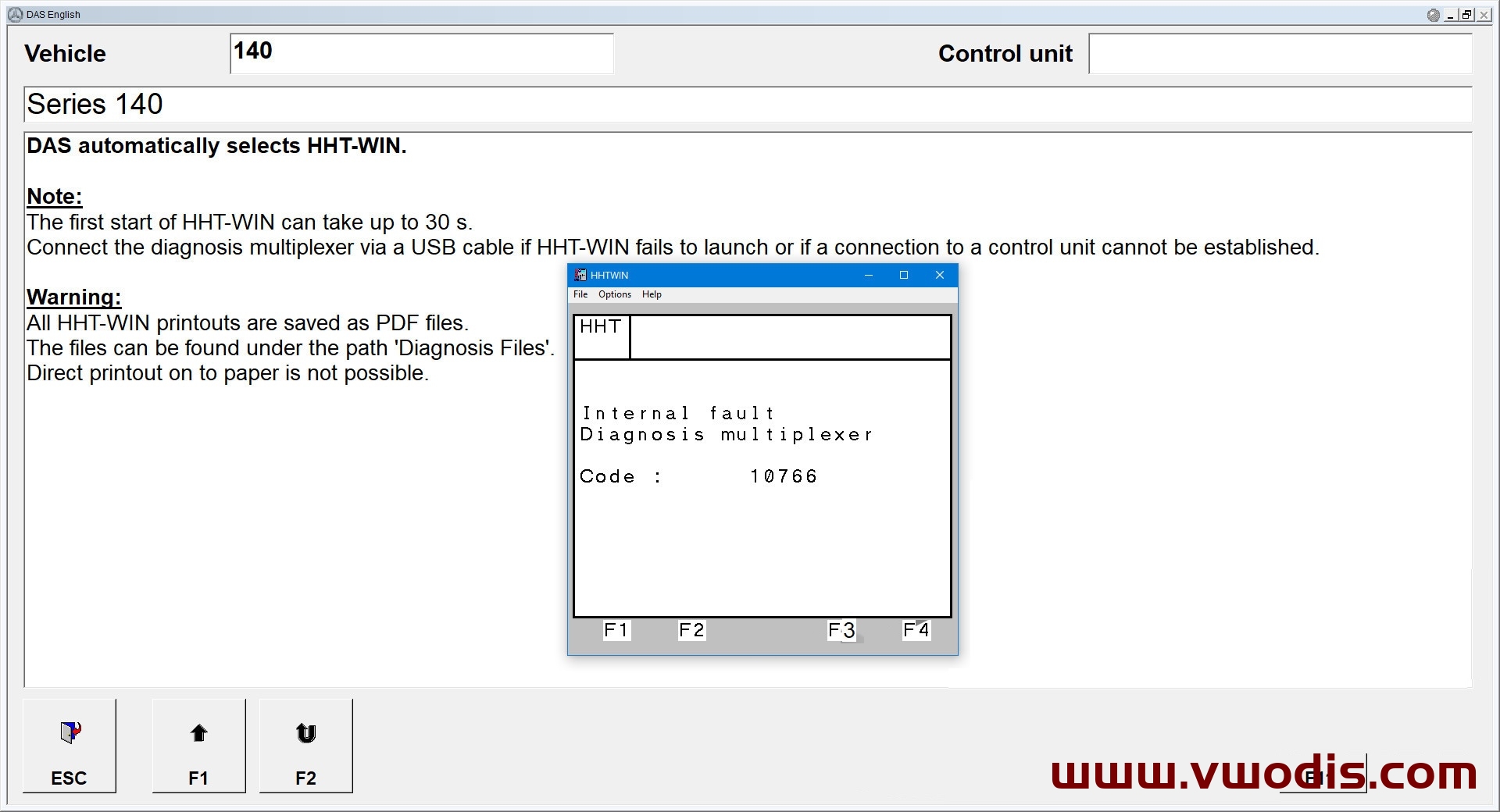
HHTWin SDconnect or C4 for XENTRY Diagnostics
HHT for old vehicles, made for XDOS x64 with NTVDMx64, based on my old x86 version with improvements.
SECURE BOOT must be disabled for NTVDMx64, if it is enabled on your system, you will be warned.
HHTWin must be started from DAS Standalone or from XENTRY, I do not recommend to run it directly, HHT receives several system parameters from DAS/XENTRY.
This version can work with SDconnect/C4.
This revision cannot be 100% working in the priority, NOT from NTVDMx64 and NOT from virtual machine
The professional version works smoothly with SDconnect and XENTRY VCI, it has completely different files and structure, it needs to be run from a Linux virtual machine through the XMING terminal, as it was done on XDPAD/XDPAD2 systems.
XENTRY Diagnostics OpenShell version: v03.2020 and above
OS: MS Windows 10 and above
Installed size: 149.39 MB
奔驰【一车网】奔驰XENTRY HHTWin SDconnect or C4 for XENTRY Diagnostics
奔驰【一车网】奔驰XENTRY HHTWin SDconnect or C4 for XENTRY Diagnostics
奔驰【一车网】奔驰XENTRY HHTWin SDconnect or C4 for XENTRY Diagnostics
HHTWin SDconnect或C4用于XENTRY诊断
适用于旧车的HHT,适用于带有NTVDMx64的XDOS x64,基于我的旧x86版本并进行了改进。
NTVDMx64必须禁用安全启动,如果在您的系统上启用了安全启动,您将收到警告。
HHTWin必须从DAS独立或XENTRY启动,我不建议直接运行它,HHT从DAS/XENTRY接收几个系统参数。
此版本可以与SDconnect/C4配合使用。
此修订版不能100%在优先级下工作,不是来自NTVDMx64,也不是来自虚拟机
专业版本与SDconnect和XENTRY VCI顺利工作,它具有完全不同的文件和结构,它需要通过XMING终端从Linux虚拟机运行,就像在XDPAD/XDPAD2系统上一样。
XENTRY Diagnostics OpenShell版本:v03.2020及以上版本
操作系统:MS Windows 10及更高版本
安装大小:149.39 MB
Mercedes Benz【vwodis】Mercedes Benz XENTRY Blacklisted MUXes and Systems v03.2024
Mercedes Benz【vwodis】Mercedes Benz XENTRY Blacklisted MUXes and Systems v03.2024
Mercedes Benz【vwodis】Mercedes Benz XENTRY Blacklisted MUXes and Systems v03.2024
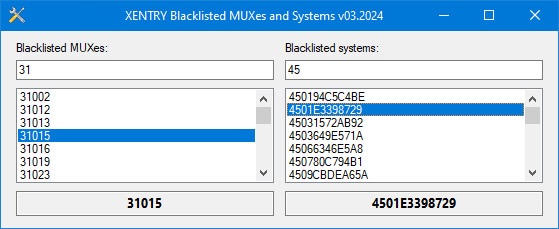
XENTRY version 03.2024 has two encrypted files with blacklisted systems and multiplexers (cal.sli and csl.sli).
Here is the decrypted and readable data from these files for informational purposes to check your original multiplexer.
Compared to v12.3023:
Blacklisted multiplexers added: 28
Blacklisted systems added: 22
This material was taken from XDOS v03.2024 07.03.2024
OS: MS Windows XP and above
Installed size: 2.14 MB