An ETKA 8.2 OEM version must be installed to run the update.
If no ETKA 8.2 OEM version is installed, the update will abort!
It’s recommended to use at least an data update level of 1368.
ETKA must be closed for the update!
Run “ETK83_Update-XTR.exe” and follow the instructions carefully.
Without a valid serial, ETKA can be used for 14 days.
During this time it’s not possible to install updates.
After the 14 days ETKA can’t be used without valid serial.
If you have a valid serial, you can install updates and use all functions.
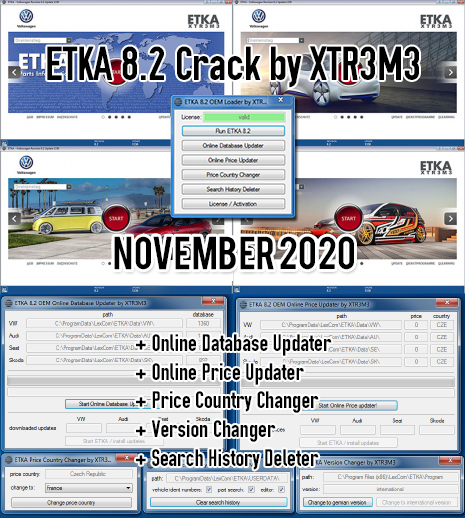
Start ETKA (Loader), click on “License / Activation” und copy your HWID.
(little hint: clicking on the HWID label will copy your HWID to the clipboard)
Post your HWID and your (user)name in the activation thread.
You will receive an HWID generated serial for activation.
Then enter this license in the loader and have fun.
发表回复
要发表评论,您必须先登录。