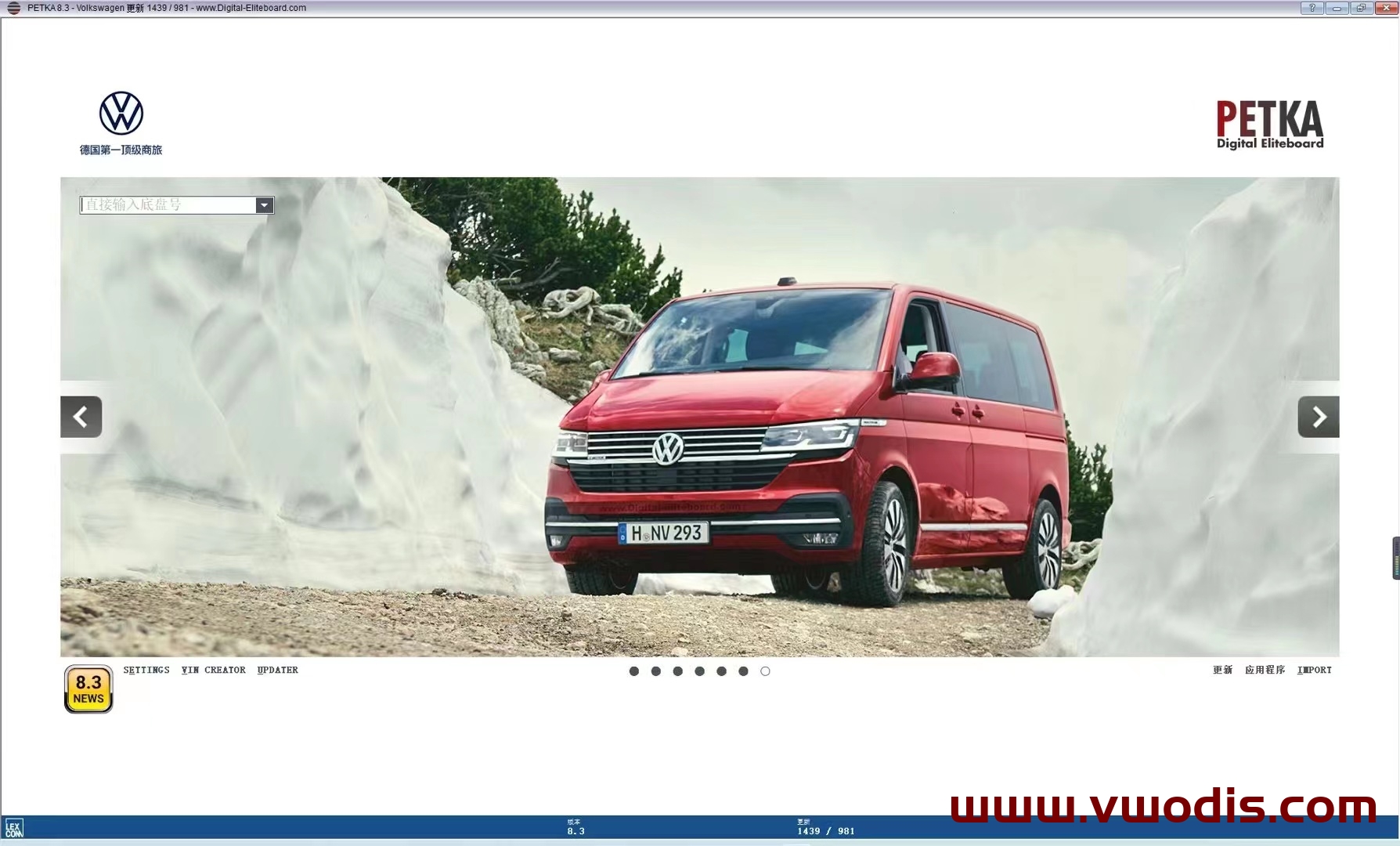
分类: ETKA

Browse ETKA technical resources covering factory firmware, infotainment updates, diagnostic software, coding tutorials, wiring diagrams, retrofit guides, parameter files, repair cases and troubleshooting notes for Volkswagen Group vehicles. Content focuses on practical installation, version selection, activation notes where applicable, compatibility reminders and common error fixes.

  • 【Software】Volkswagen Audi SEAT SKODA Porsche PETKA Update Helper 1.4.3

    Volkswagen Audi SEAT SKODA Porsche PETKA Update Helper 1.4.3

    Volkswagen Audi SEAT SKODA Porsche PETKA Update Helper 1.4.3

    Volkswagen Audi SEAT SKODA Porsche PETKA Update Helper 1.4.3

  • 【Software】Volkswagen【vwodis】PETKA 8.8 Revision Patcher

    Volkswagen【vwodis】PETKA 8.8 Revision Patcher

    Volkswagen【vwodis】PETKA 8.8 Revision Patcher
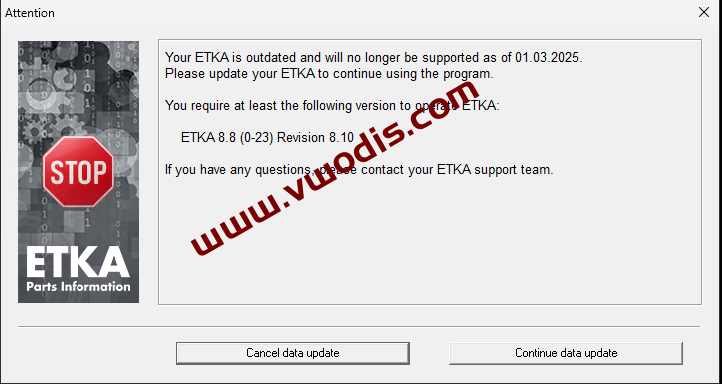
    Volkswagen【vwodis】PETKA 8.8 Revision Patcher
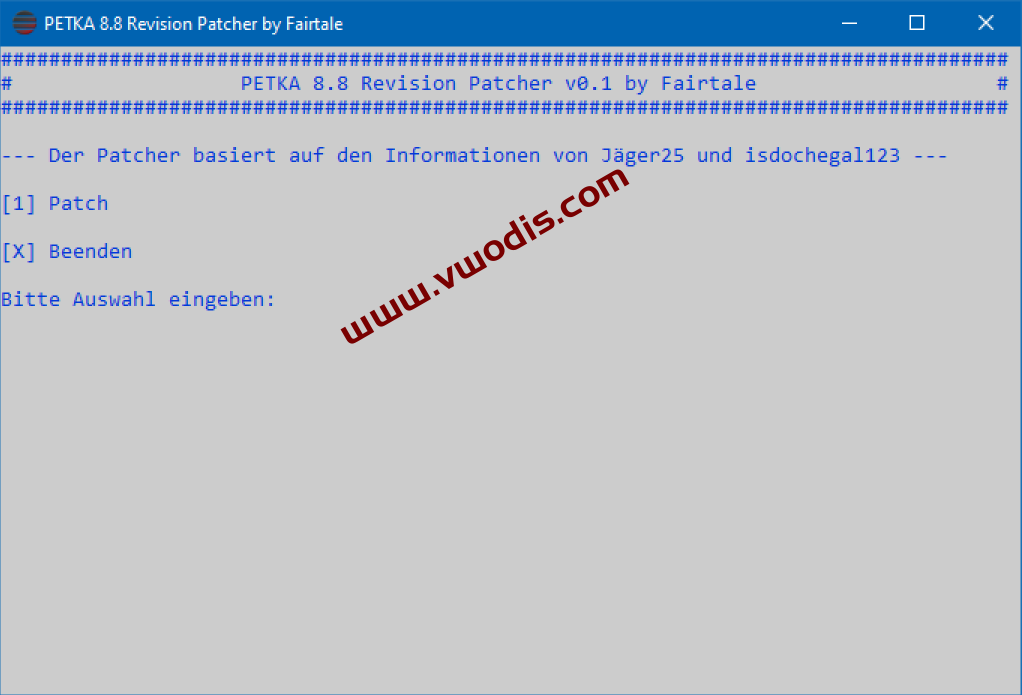
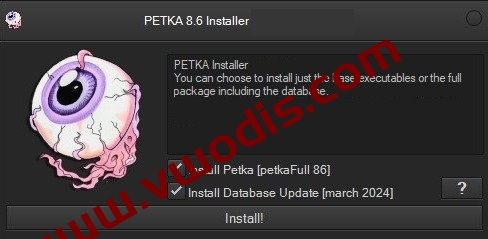
  • 【Software】Volkswagen【vwodis】Petka8.6 No Need Keygen-Updates Of March 2024

    Volkswagen【vwodis】Petka8.6 No Need Keygen-Updates Of March 2024

    Volkswagen【vwodis】Petka8.6 No Need Keygen-Updates Of March 2024

    Volkswagen【vwodis】Petka8.6 No Need Keygen-Updates Of March 2024

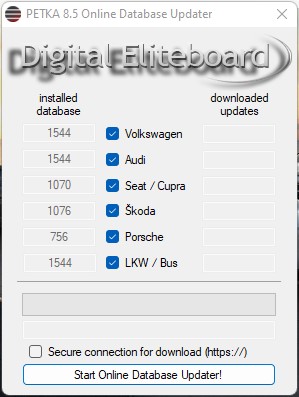
    AUDI / VW: 1544
    SEAT / CUPRA: 1070
    SKODA: 1076
    PORSCHE: 756
    VW UTILITIES: 1544

    RENAME THE FILE “PETKA 8.6.ZIP” by “PETKA 8.6.7z” and extract it with the 7zip software (32 or 64 bits does not matter)
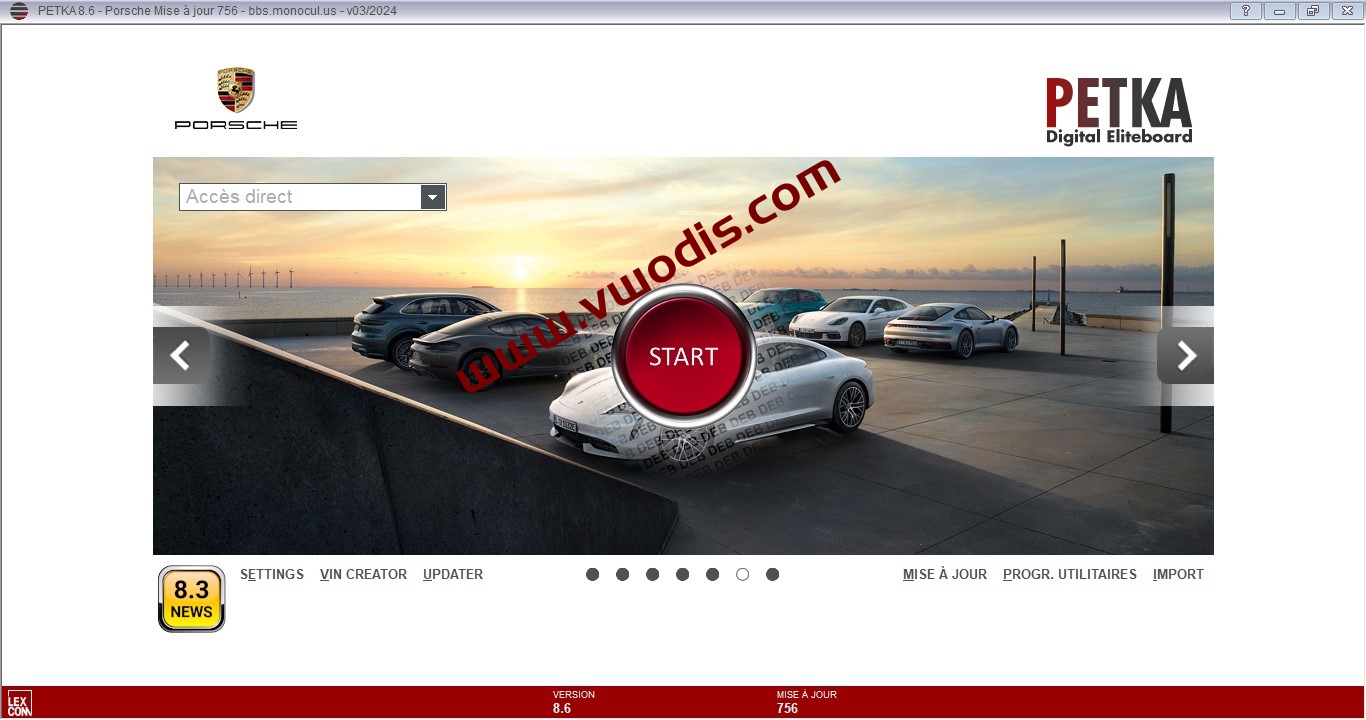
  • 【Software】Volkswagen【vwodis】PETKA8.3 Update Oline PETKA8.6 Data+Newest VIN Data-Includes Upgrade Tutorial and Video

    Volkswagen【vwodis】PETKA8.3 Update Oline PETKA8.6 Data+Newest VIN Data-Includes Upgrade Tutorial and Video

    Volkswagen【vwodis】PETKA8.3 Update Oline PETKA8.6 Data+Newest VIN Data-Includes Upgrade Tutorial and Video

    Volkswagen【vwodis】PETKA8.3 Update Oline PETKA8.6 Data+Newest VIN Data-Includes Upgrade Tutorial and Video

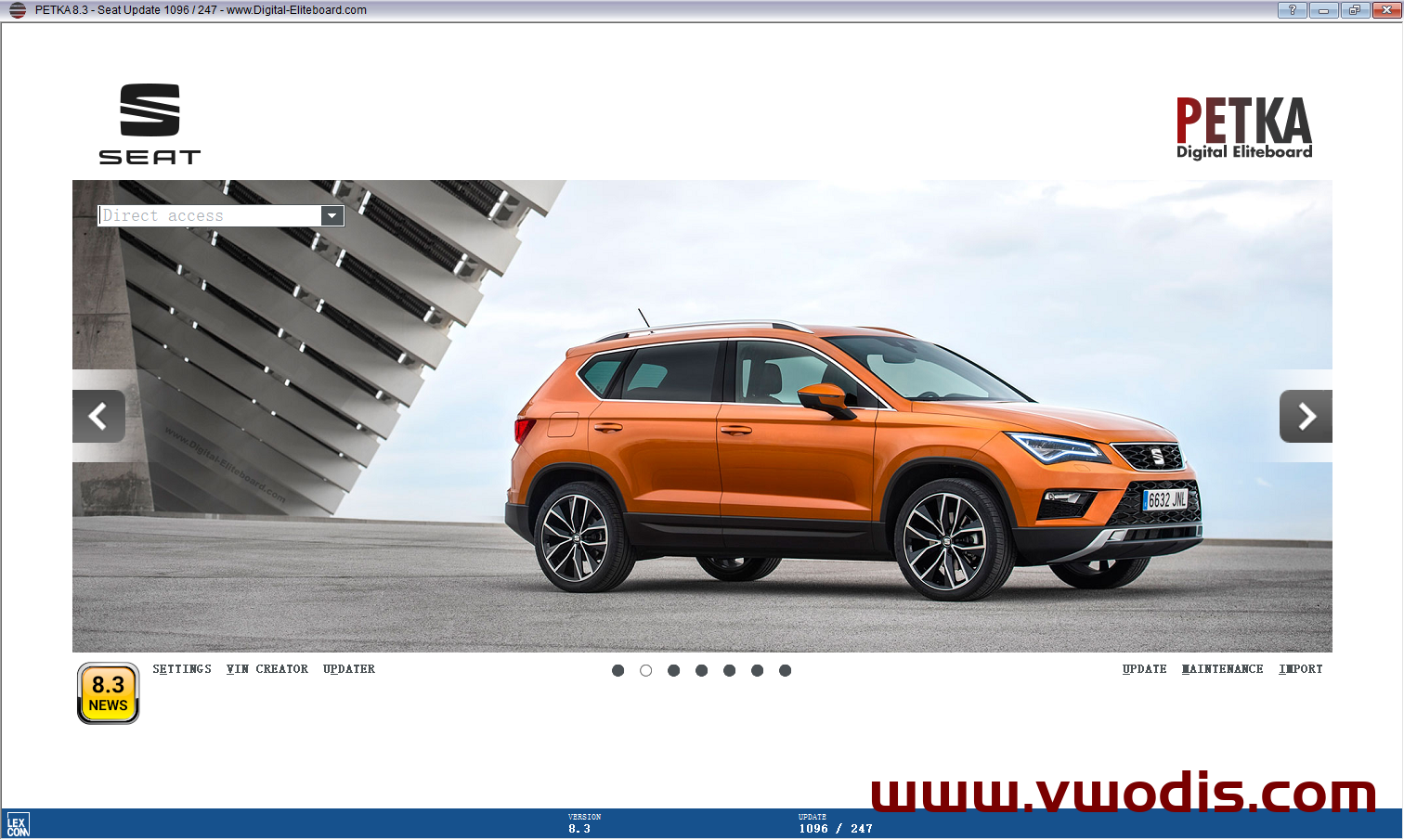
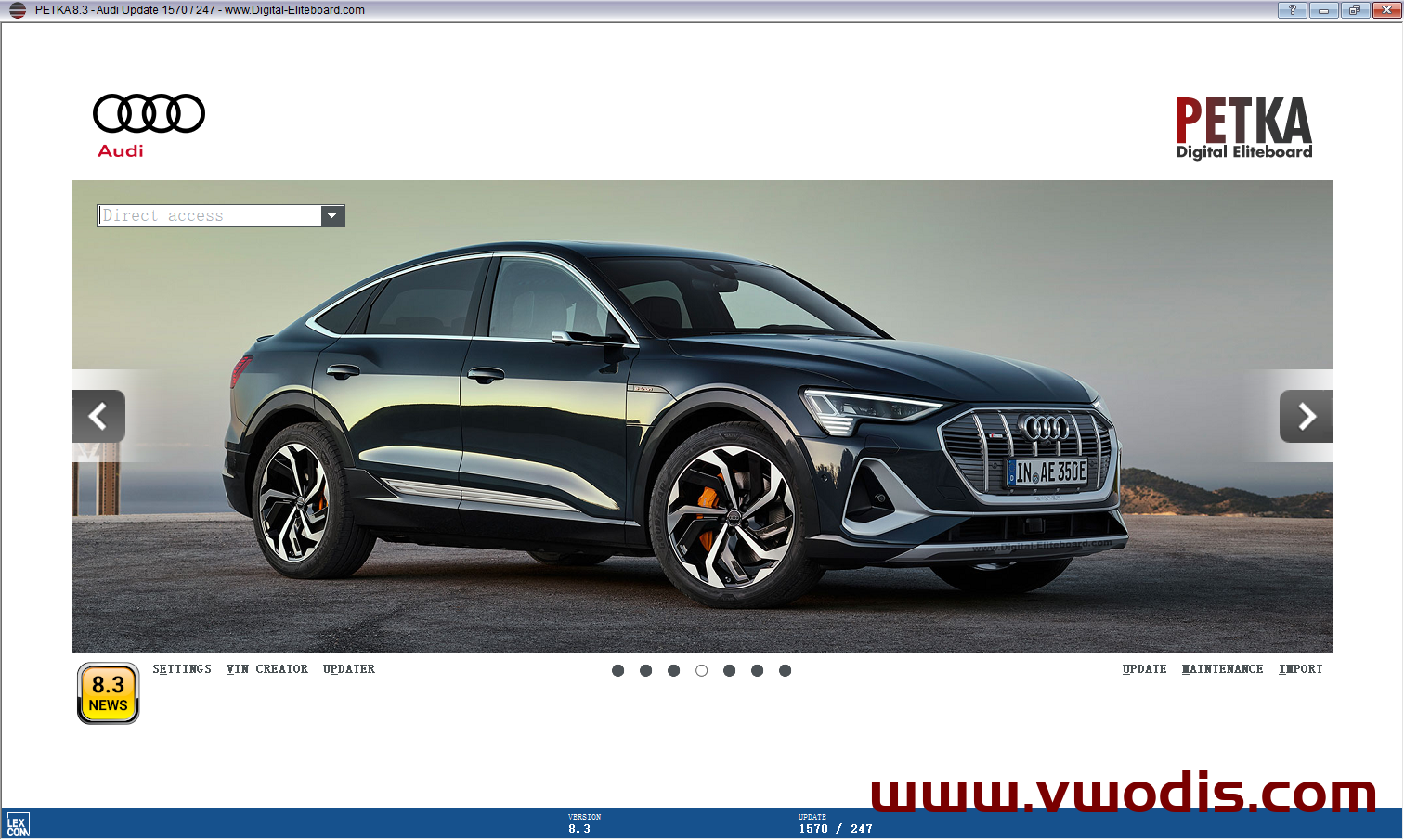
    SEAT Upgrade to 1096

    Porsche Upgrade to 782

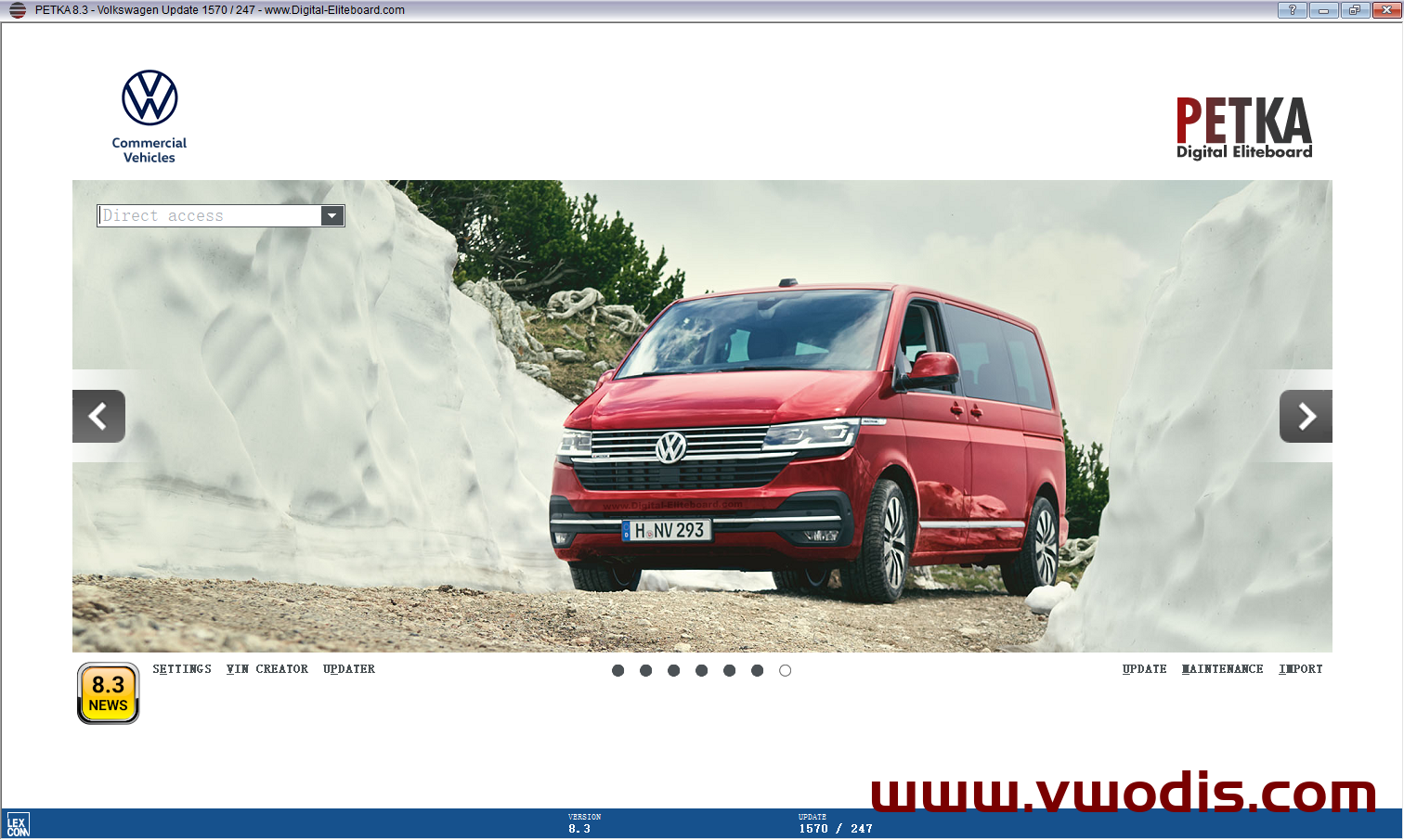
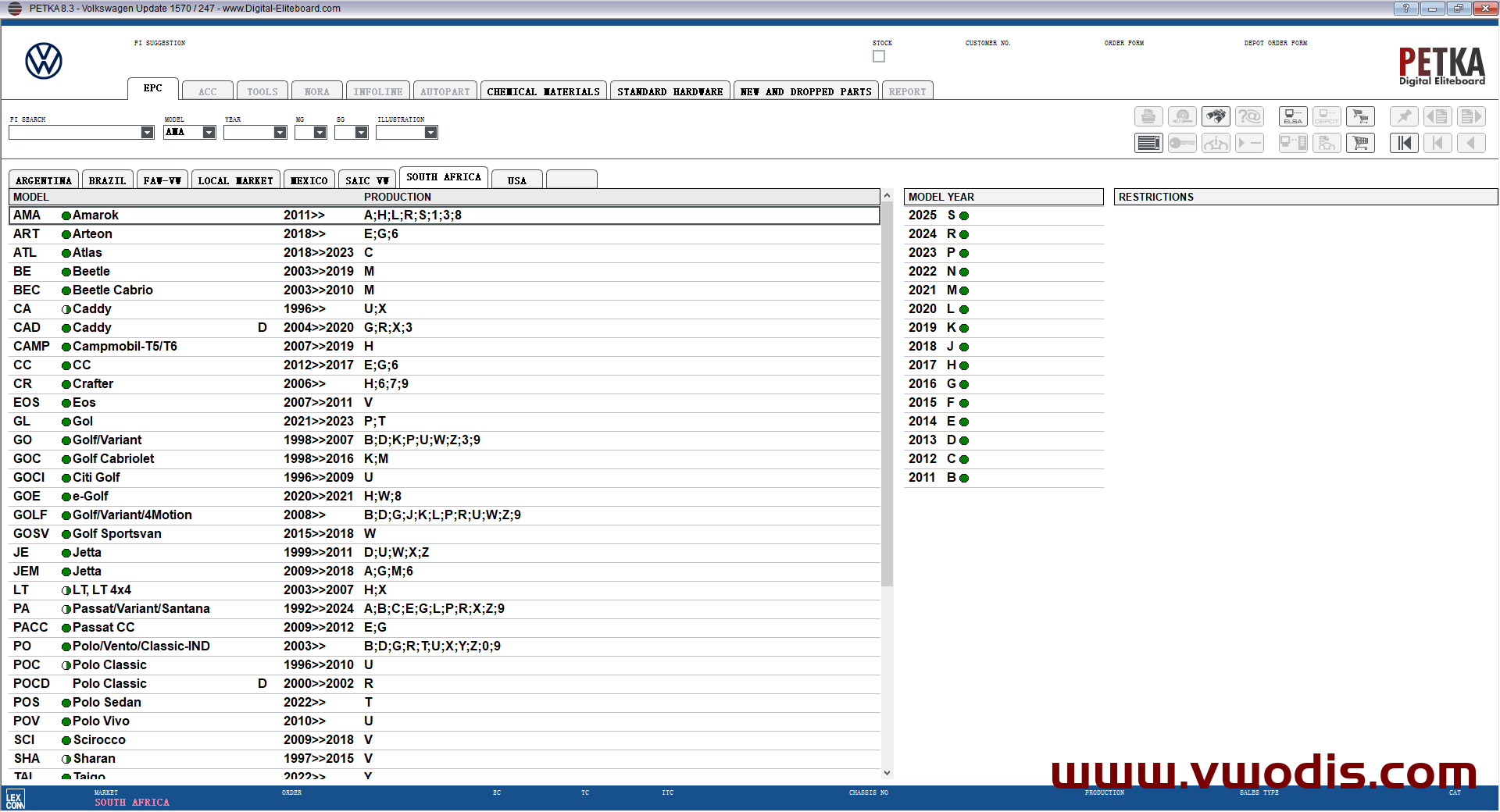
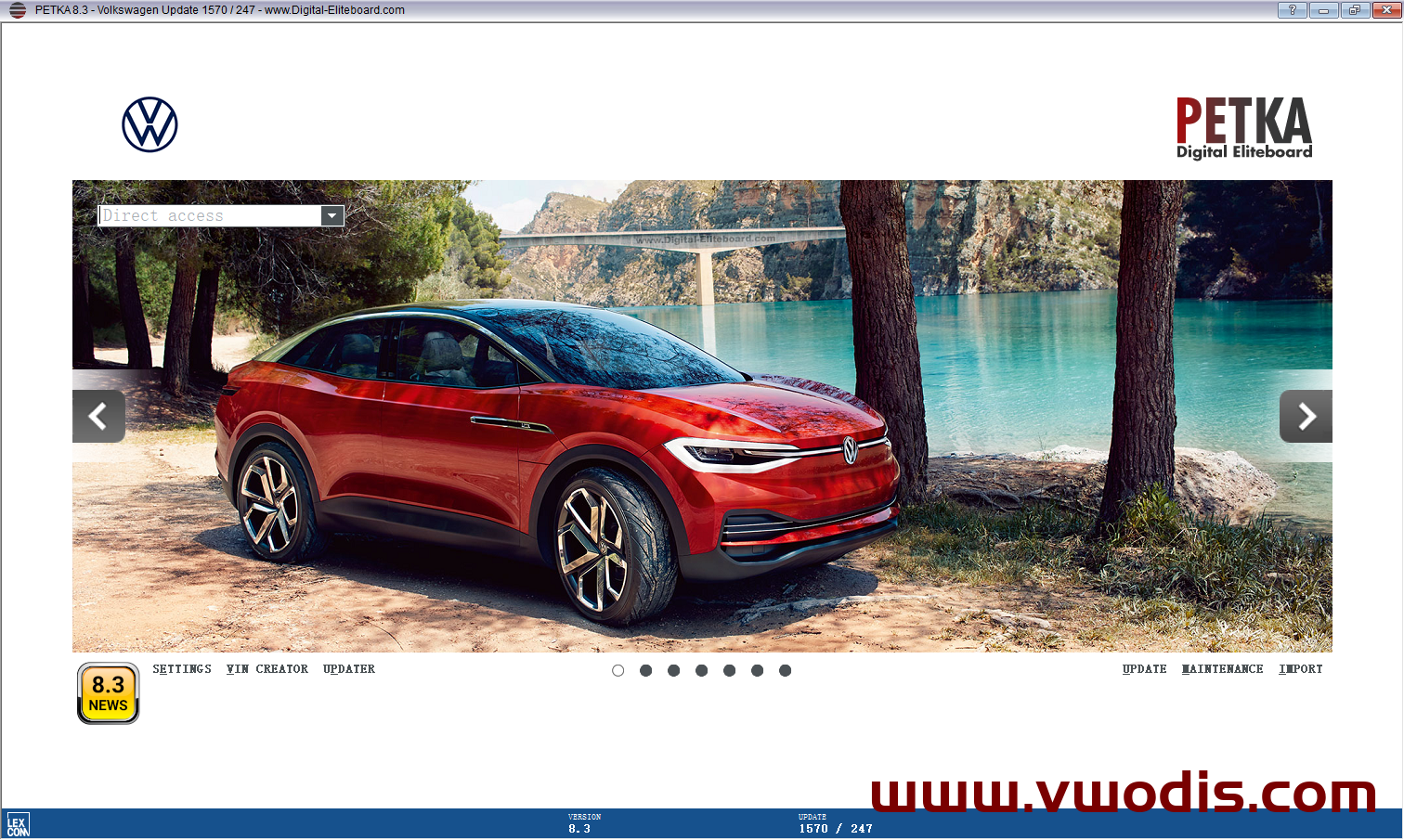
    Volkswagen Upgrade to 1570

    Audi Upgrade to 1570

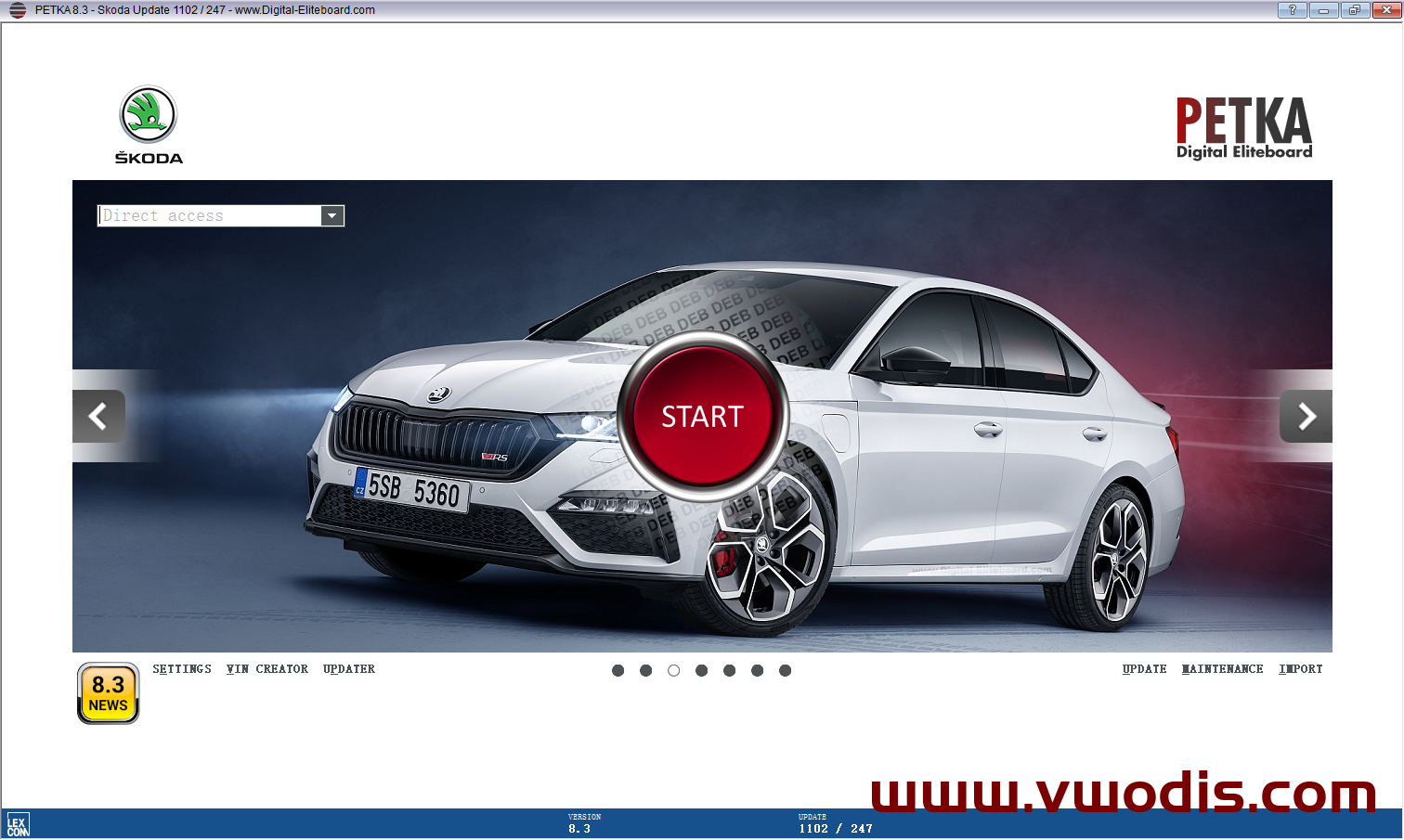
    Skoda Upgrade to 1102

    Theoretically support permanent upgrade, the main program has not been upgraded, upgraded PETKA8.6 data, VIN database has also been upgraded (VIN database can not be every VIN, do not accept this reason refund)

    [b2player src=”https://admin.vwodis.com/wp-content/uploads/2024/09/2024090617523688.mp4″ poster=””]
  • 【Software】PETKA【vwodis】PETKA 8.6 Update Patch

    【Software】PETKA【vwodis】PETKA 8.6 Update Patch

    PETKA【vwodis】PETKA 8.6 Update Patch

    PETKA【vwodis】PETKA 8.6 Update Patch

    PETKA【vwodis】PETKA 8.6 Update Patch

    – avoids the messagebox for the update to ETKA 8.6 from update 1509 onwards –
    – so new updates can still be installed without any problems

    – Only for PETKA 8.5 and not for PETKA 8.3!!

  • 【软件】PETKA8.5支持保时捷-大众-奥迪-西亚特-斯柯达-大众商用车-2022年8月

    最新 8.5 版本中备件目录 ETKA 和 PET 的独家组合—-需单独注册

    数据:
    Volkswagen: 1460
    Seat: 986
    Skoda: 993
    Audi: 1460
    Trucks/Bus: 1460
    Porsche: 668
    Nutzfahrzeuge: 1460
    价格:
    Volkswagen: 278
    Seat: 278
    Skoda: 278
    Audi: 278
    Trucks/Bus: ---
    Porsche: 263
    Nutzfahrzeuge: 278
    软件大小:12.1G

    这个PETKA版本有什么特点?
    • 个别品牌的选择性安装选项(没有完整设置的安装义务)
    • 集成在线数据状态更新器(可直接从 PETKA 调用)
    • 已安装的更新永久有效,不再过期
    • 集成在线价格更新程序(可直接从PETKA调用)
    • 集成的FIN创建器(可直接从PETKA调用)
    • 离线 FIN 搜索(包含来自 FIN 创建者的文件)
    • 在在线价格更新器中,设置的国家/地区也可以更改
    • 基于在线和本地连接器信息 (TKR) 作为图像/视频/PDF
    • 基于在线和本地的备件预览图像 (TNR)
    • 基于在线的备件 3D 视图
  • 【软件】PETKA8.3支持保时捷-大众-奥迪-西亚特-斯柯达-大众商用车-2022.3更新-可支持在线

    PETKA 8.3包安装融合多品牌超越ETKA,支持win7/win10系统,支持在线升级,跟厂家数据同步。

    PETKA可更新V3.0版本,需要那个品牌安装那个品牌,无需安装多品牌!!!
    PETKA版本以下特点:
    集成的 VIN 创建器(可直接从 PETKA 访问)
    集成在线数据库更新器(可直接从 PETKA 访问)
    已安装的更新永久有效,不再过期
    集成的在线价格更新器(可直接从 PETKA 访问)
    在在线价格更新器中也可以更改设置的国家/地区
    基于本地和在线的备件预览图像
    基于在线的备件 3D 视图
    连接器信息 (TKR) 作为图像/视频/PDF
    没有硬锁或 HWID 绑定 – 只需安装并开始使用!
    支持车型:保时捷-大众-奥迪-西亚特-斯柯达-大众商用车

  • 【软件】PETKA8.3支持保时捷-大众-奥迪-西亚特-斯柯达-大众商用车

    PETKA 8.3包安装融合多品牌超越ETKA,支持win7/win10系统,支持在线升级,跟厂家数据同步。

    PETKA可更新V3.0版本,需要那个品牌安装那个品牌,无需安装多品牌!!!
    PETKA版本以下特点:
    集成的 VIN 创建器(可直接从 PETKA 访问)
    集成在线数据库更新器(可直接从 PETKA 访问)
    已安装的更新永久有效,不再过期
    集成的在线价格更新器(可直接从 PETKA 访问)
    在在线价格更新器中也可以更改设置的国家/地区
    基于本地和在线的备件预览图像
    基于在线的备件 3D 视图
    连接器信息 (TKR) 作为图像/视频/PDF
    没有硬锁或 HWID 绑定 – 只需安装并开始使用!
    支持车型:保时捷-大众-奥迪-西亚特-斯柯达-大众商用车

  • ETKA V8.3 (OEM 2021 FEBRUARY RELEASE) + CRACK + VIN SEARCH + KEYGEN

    这是大众/SEAT/SKODA/奥迪电子零部件目录8.3的OEM版本的裂缝,
    您可以在每个 Windows 7/8/10 32Bit/64Bit原生或虚拟系统上使用。

    在此版本中启用了离线VIN搜索!

    破解程序包括在线数据库更新器、在线价格更新器、(
    全球)价格国家更改器、版本更改器、vin 创建者和搜索历史记录删除器。
    价格数据(截至2021年1月6日)也可以安装与裂纹或单独下载由在线价格更新。


    独家功能:已安装的更新永远不会再次过期。
    ETKA 装载机的每个许可启动,有效期设置为 2037 年!


    应用裂纹后,您可以使用 ETKA 长达 14 天,无需许可。
    在此期间,无法下载或安装更新,仅用于查看其是否正常工作。
    如果你想完全使用ETKA(即下载/安装更新,离线VIN搜索等),
    你必须输入一个名称和HWID绑定串行。
    故障排除
    硬锁错误:

    • 在开裂过程中必须停用 Windows 防御程序和防病毒程序,
      因为硬锁模拟器被检测为误报
    • 确保您选择了正确的模拟器(x64/x86/os)

    未显示 HWID 或调试错误:

    • 安装最新的窗口更新
    • 安装。NET框架2.0
    • 安装。NET框架3.5
    • 安装。NET框架4.0
    • 安装。NET框架4.5
    • 安装可重分配的视觉 C
    • 安装微软视觉工作室(至少视觉基本快车)
    • 扫描窗口以寻找损坏的系统文件

    输入的许可证无效:

    • 确保您不会意外插入空格
    • 确保你有正确的串行(ETKA 8.2串行不起作用!

    并非所有安装的品牌都可用于ETKA:

    • 重要的是要安装品牌DVD第一,只有在那之后应用裂纹
  • ETKA v8.3 + Crack + VIN Search + Keygen

    This is the (end of) February 2021 OEM Release of the VW/SEAT/SKODA/AUDI Electronic Parts Catalogue incl. my crack,
    which you can use on every Windows 7/8/10 32Bit/64Bit native or virtual System.

    Database:
    VW: 1387
    Seat: 913
    Skoda: 919
    Audi: 1387

    The crack includes online database updater, online price updater, (worldwide) price country changer, version changer and search history deleter.
    Price data (as of March 3rd, 2021) can also be installed with the crack or downloaded separately by online price updater.

    Exclusive feature: The installed updates will never expire again. With every licensed start of the ETKA Loader, the validity periods are set up to the year 2037!

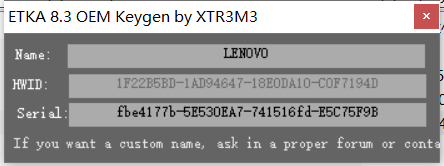
    The archive with KG at the end of the filename contains the crack, the keygen and the read me (read it carefully!!!!).

    Troubleshooting

    Hardlock Error:

    • it’s important that Windows Defender and antivirus programs are deactivated during the cracking process, because the emulator is detected as false positive
    • make sure you have chosen the proper emulator (x64/x86/OS)

    No display of the HWID or debugging error:

    • install the latest Windows updates
    • install .NET framework 2.0
    • install .NET framework 3.5
    • install .NET framework 4.0
    • install .NET framework 4.5
    • install Visual C Redistributable
    • install Microsoft Visual Studio (at least Visual Basic Express)
    • scan Windows for corrupt system files
    • if you use VirtualBox, then use VMware instead of it

    The entered license is not valid:

    • make sure that you do not accidentally insert spaces
    • make sure that you have entered the correct name
    • make sure you have correct serial (ETKA 8.2 Serial doesn’t work!)

    Error 1920. Service LexCom Update Service failed to start:

    • run the setup as administrator
    • copy the files from “Install_Prog” folder to local harddrive and run “Etka_Setup.exe”

    Not all installed brands are available in ETKA:
    • it’s important to install the brand DVDs first and only after that apply the crack