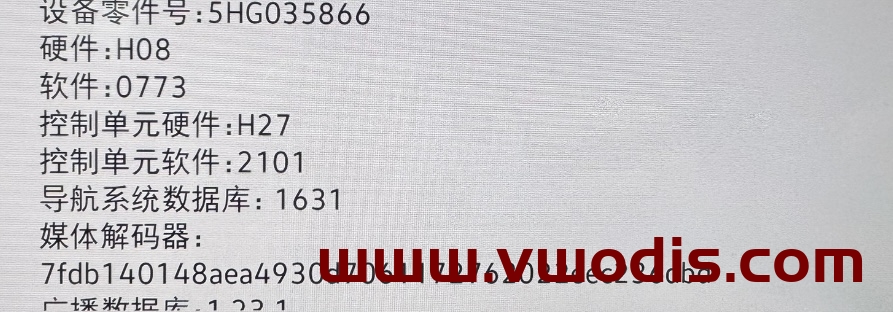
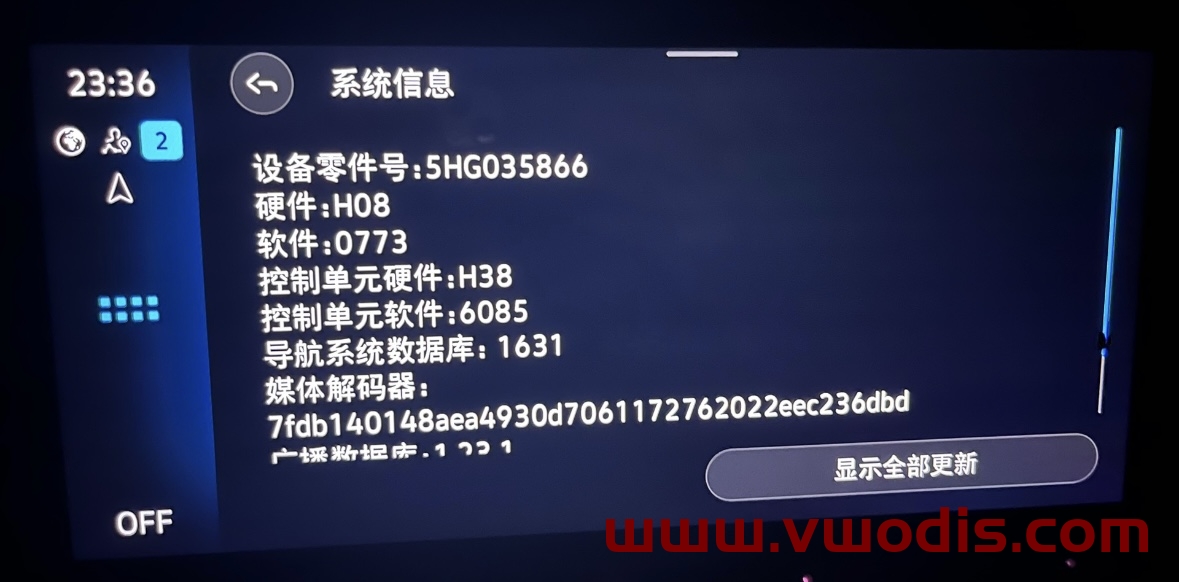
VW【vwodis】VW GOLF8 Lamando L TALAGON CNS3.0 5HG035866 5HG035866F 0773Frimware
VW【vwodis】VW GOLF8 Lamando L TALAGON CNS3.0 5HG035866 5HG035866F 0773Frimware
VW【vwodis】VW GOLF8 Lamando L TALAGON CNS3.0 5HG035866 5HG035866F 0773Frimware
Ssolve the bug:
- Carplay occasionally black screen
- Bluetooth sometimes interrupts
- Black screen when reversing
- Occasional automatic shutdown and restart
- Occasional no response, no picture output, no sound output
- Prompt that the parking system is currently unavailable
- Optimize unlimited CARPLAY speed
Applicable models:
Involving models with 37W platform, Volkswagen models with electronic shift lever, new Weiran, Lingdu L new Touron, golf, etc.
Upgrade tutorial:
- Unzip the file and get two folders: Data and Meta.
- Format the USB flash drive to be used for the upgrade
- Copy the Data and Meta folders directly to the upgrade USB drive
- Power on the vehicle, restore the host to factory settings twice, and cancel Bluetooth and network data connections.
- Insert the USB flash drive, long press the Menu button on the host, and the service mode screen will pop up.
- Select the Software Update/Version option and click on the right to start the update
- The screen may then turn off for about 20 seconds until the screen automatically lights up again.
- Double-click Update in the screen that appears (click once to select, click twice to execute)
- Click the USB option to enter the loading interface
- Click Standard in the new interface
- Slide the white scroll bar on the left side of the new interface to the bottom and double-click Start update.
- Double-click Start update in the new interface and the refresh will begin.
- After the upgrade progress bar is completed, slide the white scroll bar on the left, click Resume at the end, and wait for the restart to complete the system upgrade!
发表回复
要发表评论,您必须先登录。