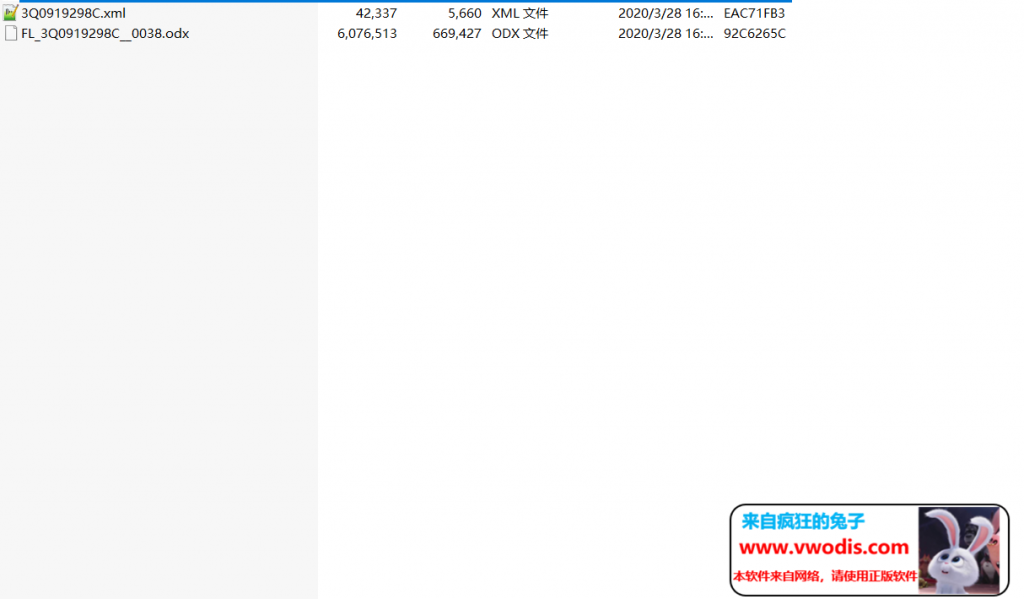
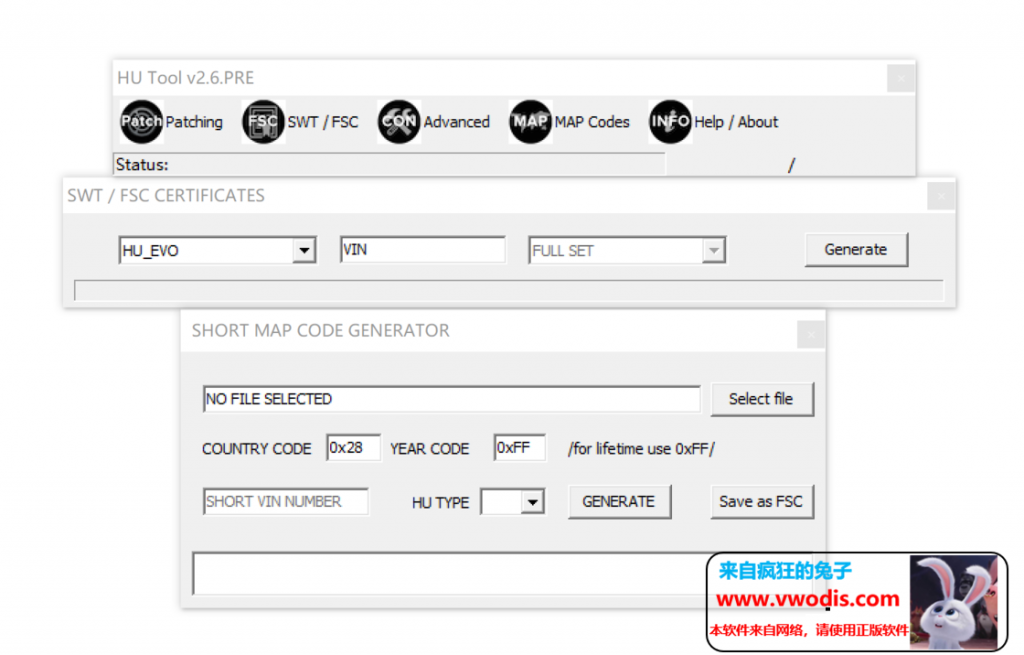
请下载查看参数
博客
-
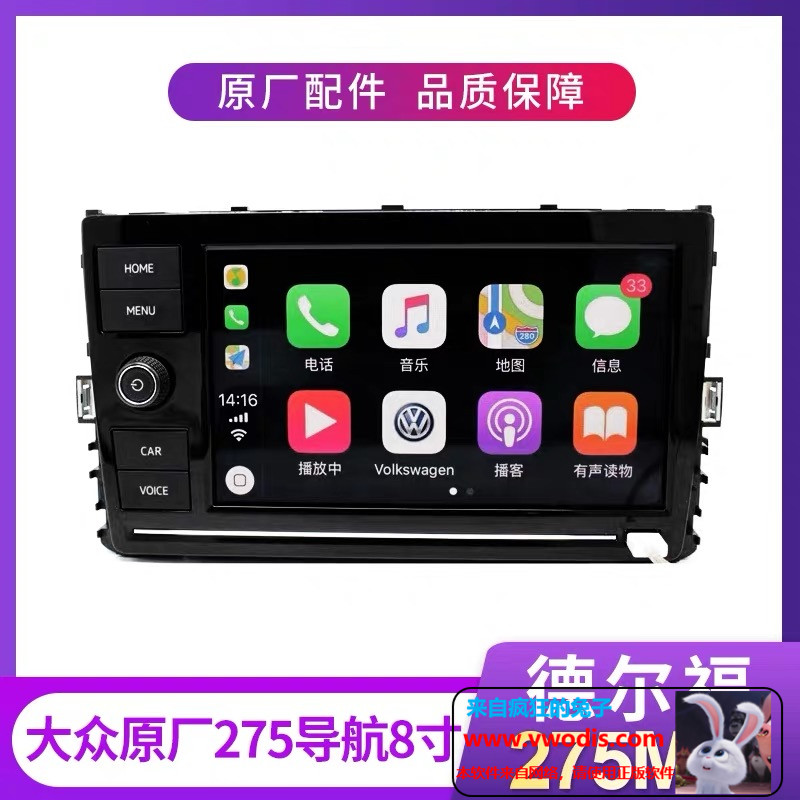
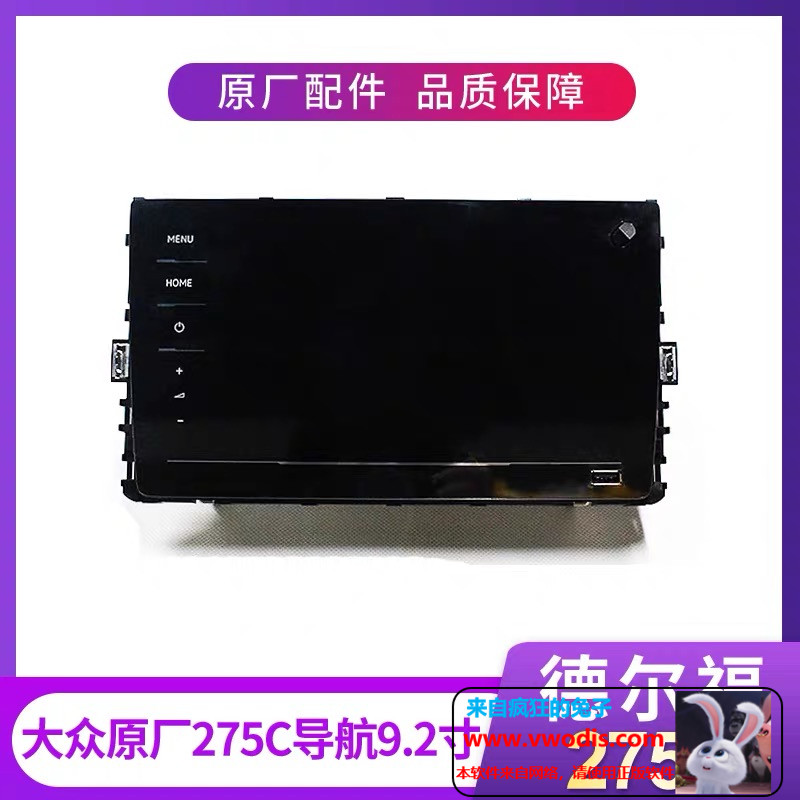
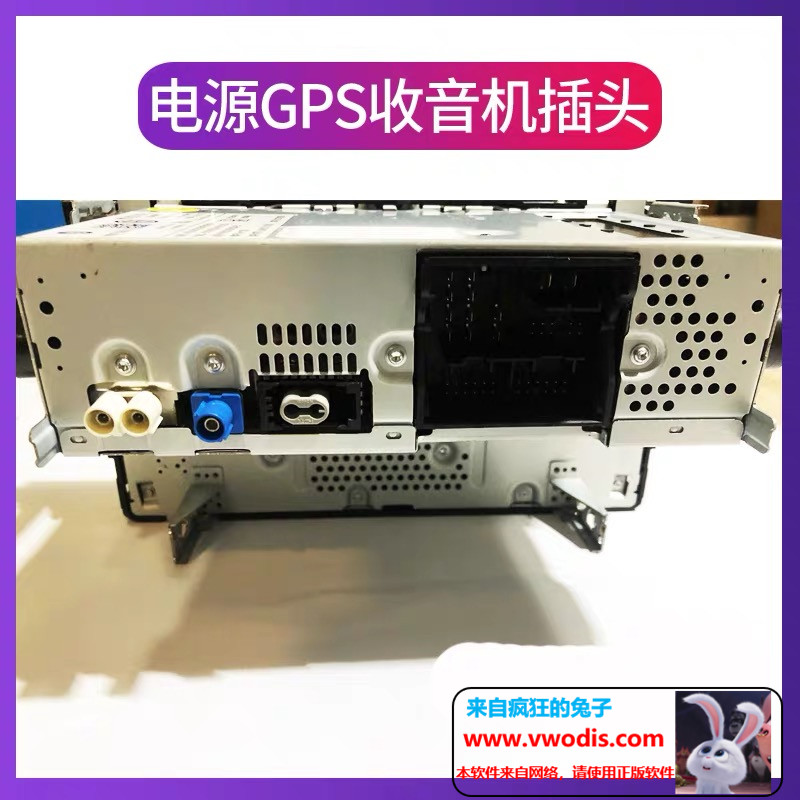
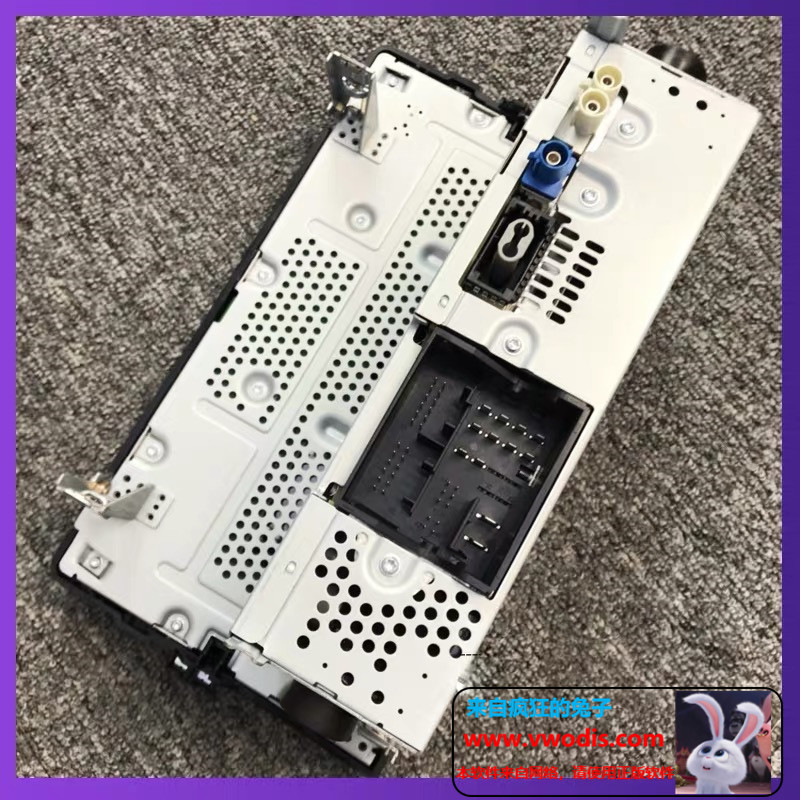
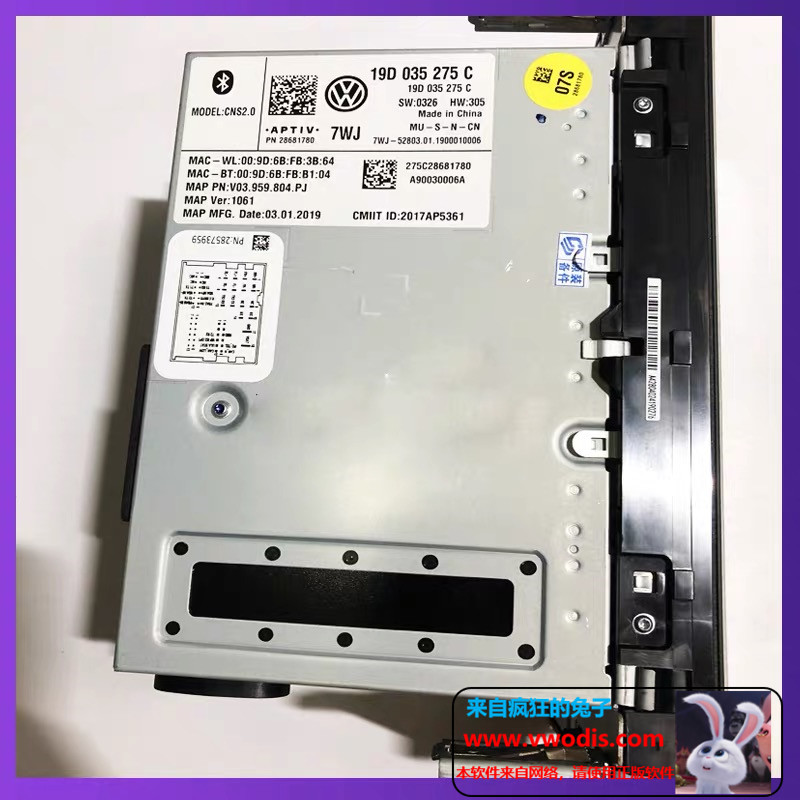
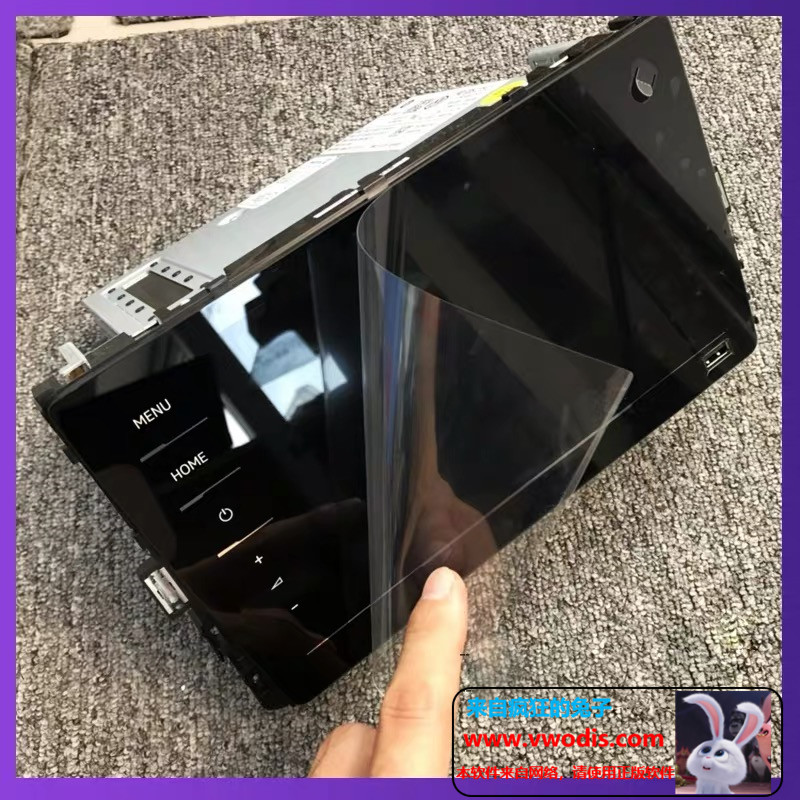
德尔福275_mib275abcd-mib275主机,可零售,可批发2599元
★大众德尔福最新款全玻璃屏
★支持原厂有线carplay carlife welink
倒车影像0PS同屏显示/音频电话/手机互联
支持二代胎压/车道偏离/支持ACC/车道保持/变道辅助
支持30色氛围灯/仪表曲目
内置DSP功放/无损音乐播放●支持大众全系mqb车型
☆功能全开,匹配好 开通好后视 即插即用
carplay都刷好出货、有技术支持#德尔福#本站所出售的机器均为全新机器,非拆车和瑕疵机;
-
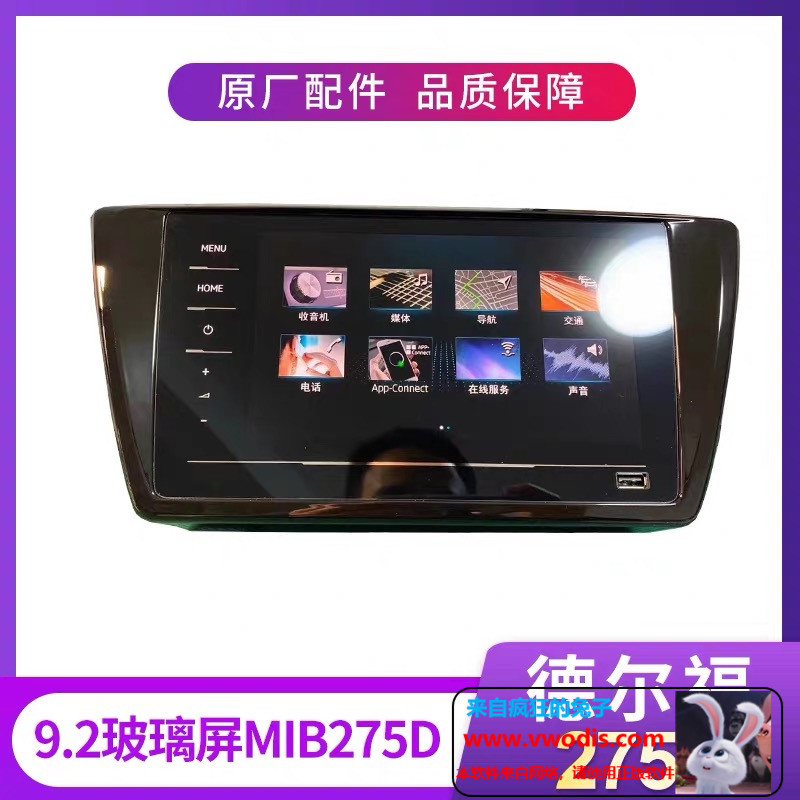
德尔福275_mib275abcd-mib275主机,可零售,可批发2599元
★大众德尔福最新款全玻璃屏
★支持原厂有线carplay carlife welink
倒车影像0PS同屏显示/音频电话/手机互联
支持二代胎压/车道偏离/支持ACC/车道保持/变道辅助
支持30色氛围灯/仪表曲目
内置DSP功放/无损音乐播放●支持大众全系mqb车型
☆功能全开,匹配好 开通好后视 即插即用
carplay都刷好出货、有技术支持#德尔福#本站所出售的机器均为全新机器,非拆车和瑕疵机;
-
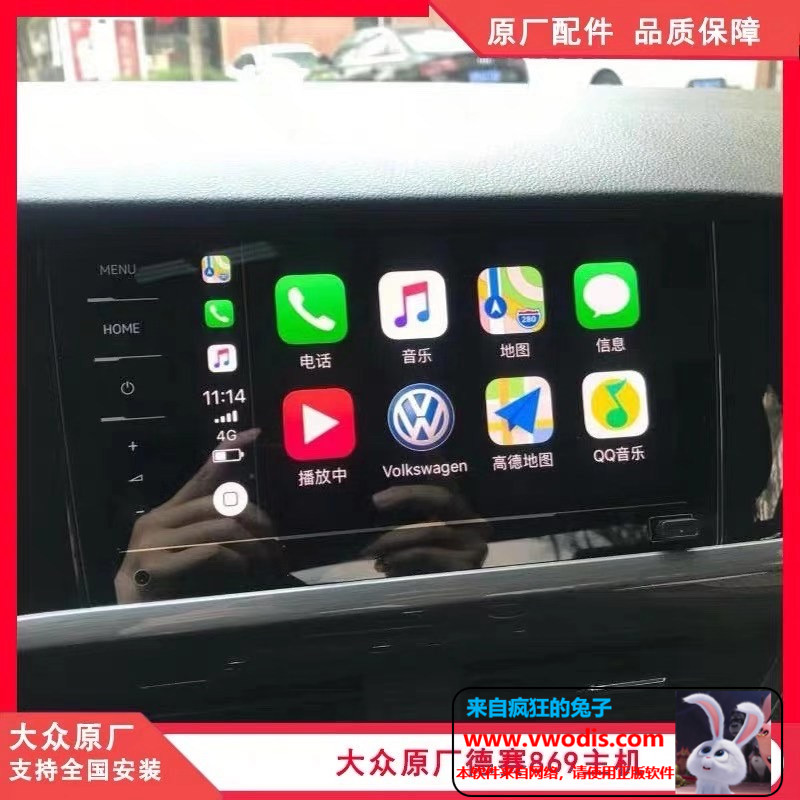
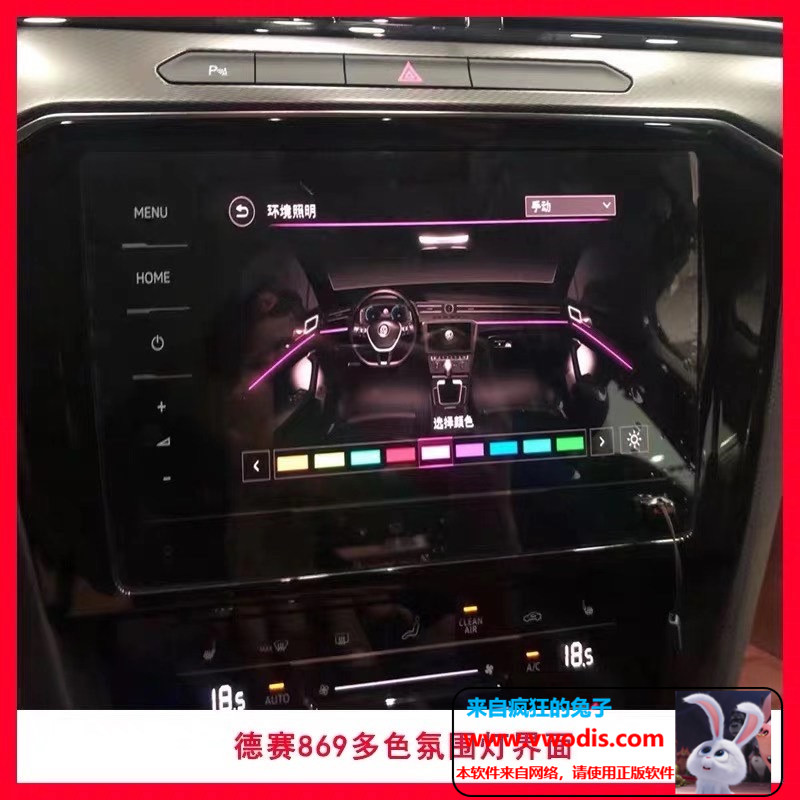
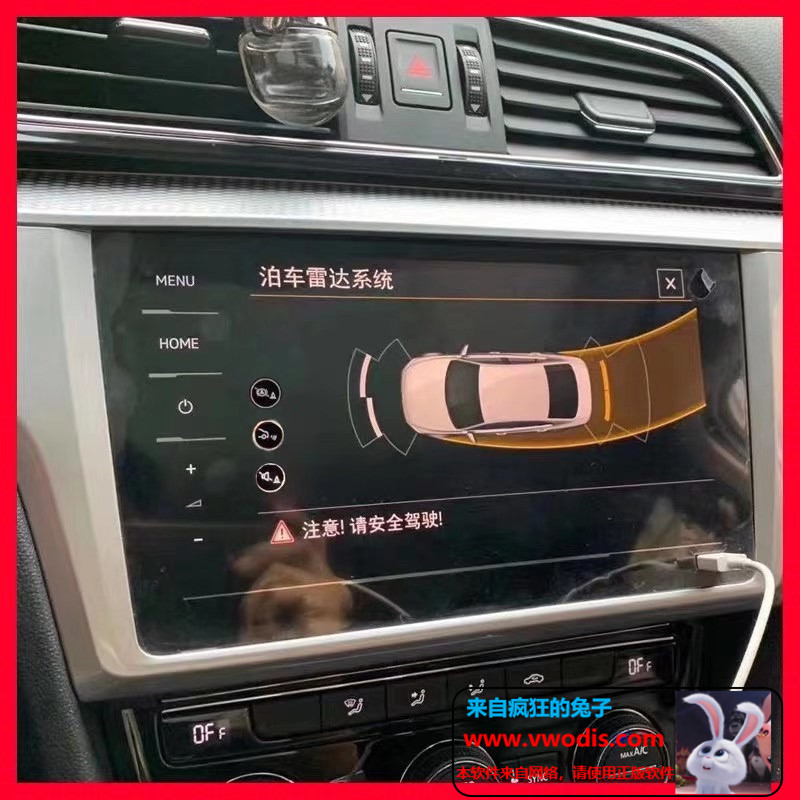
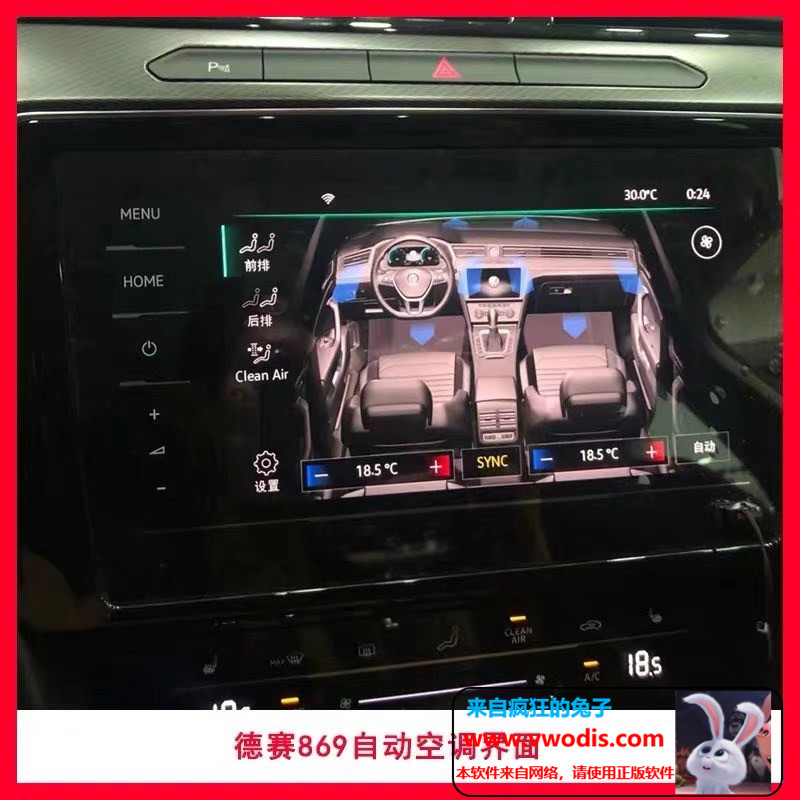
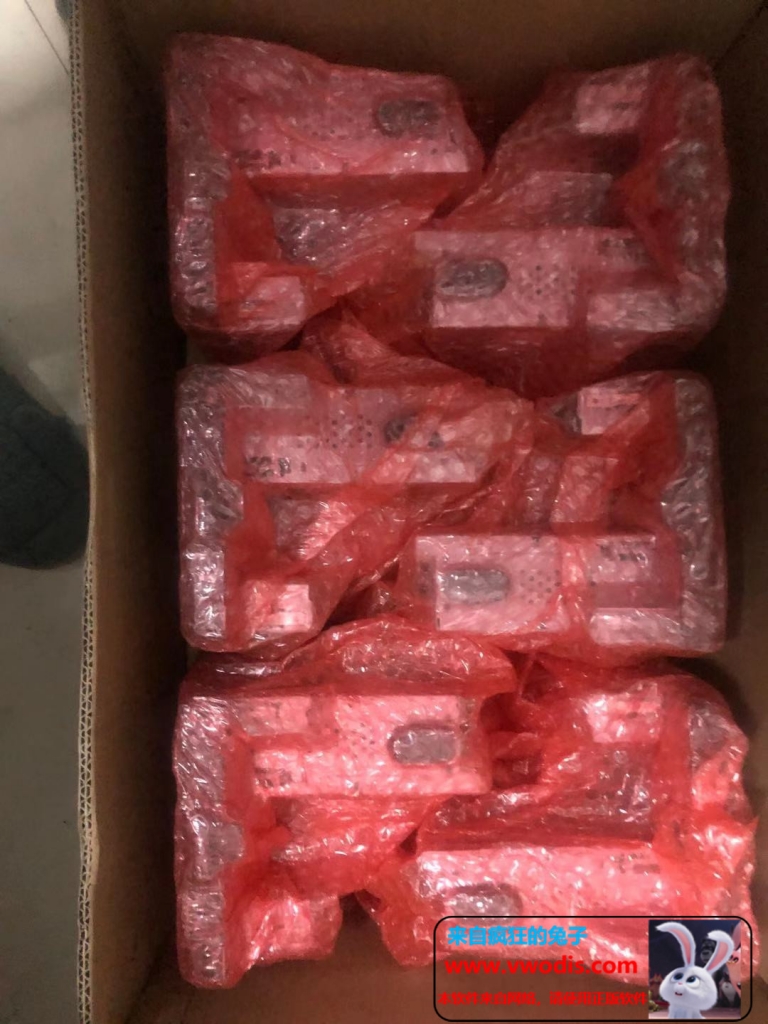
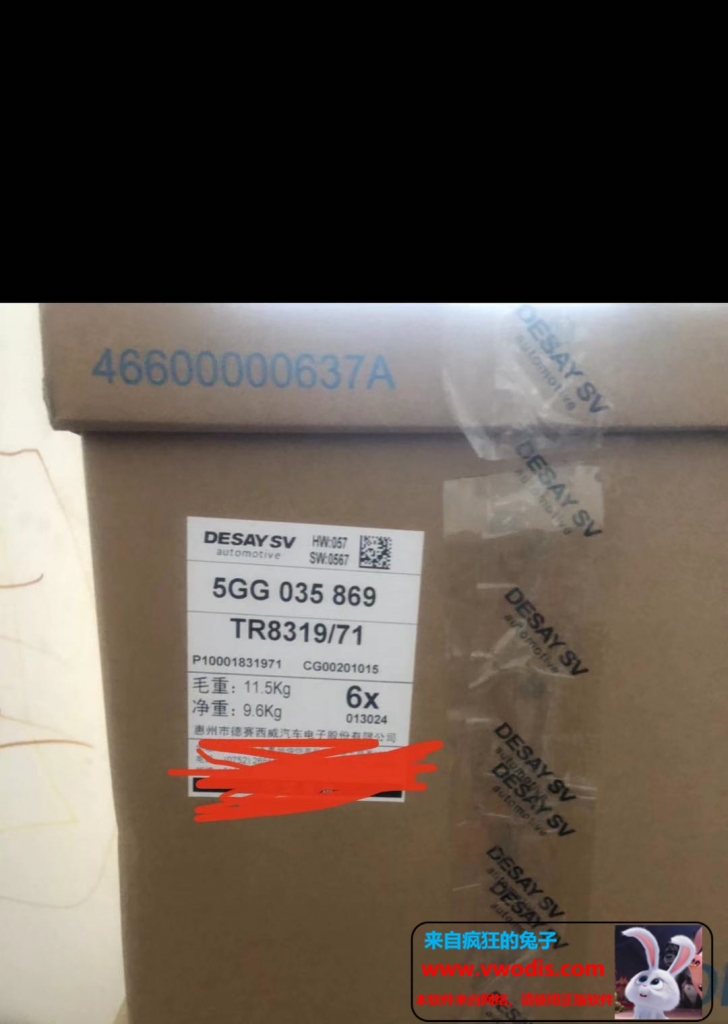
德赛869_mib869主机大众-斯柯达主机出售,可零售,可批发1199元
★大众德赛最新款全玻璃屏
★支持原厂有线carplay carlife welink
倒车影像0PS同屏显示/音频电话/手机互联
支持二代胎压/车道偏离/支持ACC/车道保持/变道辅助
支持30色氛围灯/仪表曲目
内置DSP功放/无损音乐播放●支持大众全系mqb车型
☆功能全开,匹配好 开通好后视 即插即用
carplay都刷好出货、有技术支持#德赛西威#本站所出售的机器均为全新机器,非拆车和瑕疵机;
-
德赛869_mib869主机大众-斯柯达主机出售,可零售,可批发1199元
★大众德赛最新款全玻璃屏
★支持原厂有线carplay carlife welink
倒车影像0PS同屏显示/音频电话/手机互联
支持二代胎压/车道偏离/支持ACC/车道保持/变道辅助
支持30色氛围灯/仪表曲目
内置DSP功放/无损音乐播放●支持大众全系mqb车型
☆功能全开,匹配好 开通好后视 即插即用
carplay都刷好出货、有技术支持#德赛西威#本站所出售的机器均为全新机器,非拆车和瑕疵机;
-
ETKA 8.3 Update incl. Crack
An ETKA 8.2 OEM version must be installed to run the update.
If no ETKA 8.2 OEM version is installed, the update will abort!
It’s recommended to use at least an data update level of 1368.ETKA must be closed for the update!
Run “ETK83_Update-XTR.exe” and follow the instructions carefully.Without a valid serial, ETKA can be used for 14 days.
During this time it’s not possible to install updates.
After the 14 days ETKA can’t be used without valid serial.
If you have a valid serial, you can install updates and use all functions.Start ETKA (Loader), click on “License / Activation” und copy your HWID.
(little hint: clicking on the HWID label will copy your HWID to the clipboard)
Post your HWID and your (user)name in the activation thread.
You will receive an HWID generated serial for activation.
Then enter this license in the loader and have fun.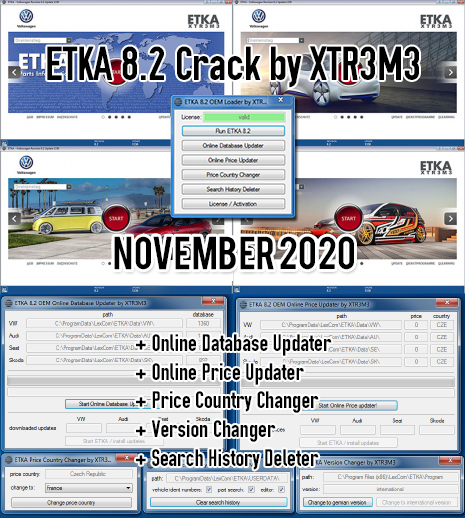
-
ETKA 8.3 Update incl. Crack
An ETKA 8.2 OEM version must be installed to run the update.
If no ETKA 8.2 OEM version is installed, the update will abort!
It’s recommended to use at least an data update level of 1368.ETKA must be closed for the update!
Run “ETK83_Update-XTR.exe” and follow the instructions carefully.Without a valid serial, ETKA can be used for 14 days.
During this time it’s not possible to install updates.
After the 14 days ETKA can’t be used without valid serial.
If you have a valid serial, you can install updates and use all functions.Start ETKA (Loader), click on “License / Activation” und copy your HWID.
(little hint: clicking on the HWID label will copy your HWID to the clipboard)
Post your HWID and your (user)name in the activation thread.
You will receive an HWID generated serial for activation.
Then enter this license in the loader and have fun.