VW 2017 Tiguan 3Q0907338 SW0286 Parameter
VW 2017 Tiguan 3Q0907338 SW0286 Parameter
VW 2017 Tiguan 3Q0907338 SW0286 Parameter
VW 2017 Tiguan 3Q0907338 SW0286 Parameter
VW 2017 Tiguan 3Q0907338 SW0286 Parameter
VW 2017 Tiguan 3Q0907338 SW0286 Parameter
VW 2017 Tiguan 3Q0907338 SW0286 Parameter
VW 2017 Tiguan 3Q0907338 SW0286 Parameter
VW 2017 Tiguan 3Q0907338 SW0286 Parameter
VW Tiguan 3Q0907338 SW0285 Parameter
VW Tiguan 3Q0907338 SW0285 Parameter
VW Tiguan 3Q0907338 SW0285 Parameter
VW Tiguan 3Q0907338 SW0285 Parameter
VW Tiguan 3Q0907338 SW0285 Parameter
VW Tiguan 3Q0907338 SW0285 Parameter
VW 2020 Golf sportsvan 2Q0907686C Parameter-2020款高尔夫旅行车变道辅助2Q0907686C参数
VW 2020 Golf sportsvan 2Q0907686C Parameter-2020款高尔夫旅行车变道辅助2Q0907686C参数
VW 2020 Golf sportsvan 2Q0907686C Parameter-2020款高尔夫旅行车变道辅助2Q0907686C参数
VW 2020 Golf sportsvan 2Q0907686C Parameter-2020款高尔夫旅行车变道辅助2Q0907686C参数
VW 2020 Golf sportsvan 2Q0907686C Parameter-2020款高尔夫旅行车变道辅助2Q0907686C参数
VW 2020 Golf sportsvan 2Q0907686C Parameter-2020款高尔夫旅行车变道辅助2Q0907686C参数
标致、雪铁龙、DS 东风等五品牌诊断原厂专检软件
注意️都是实体机版本、不是VM虚拟机。
win7、win10、不分32位和64位随便安装、不分电脑、连不连网、都随便使用。
安装时请勿打开杀毒软件。
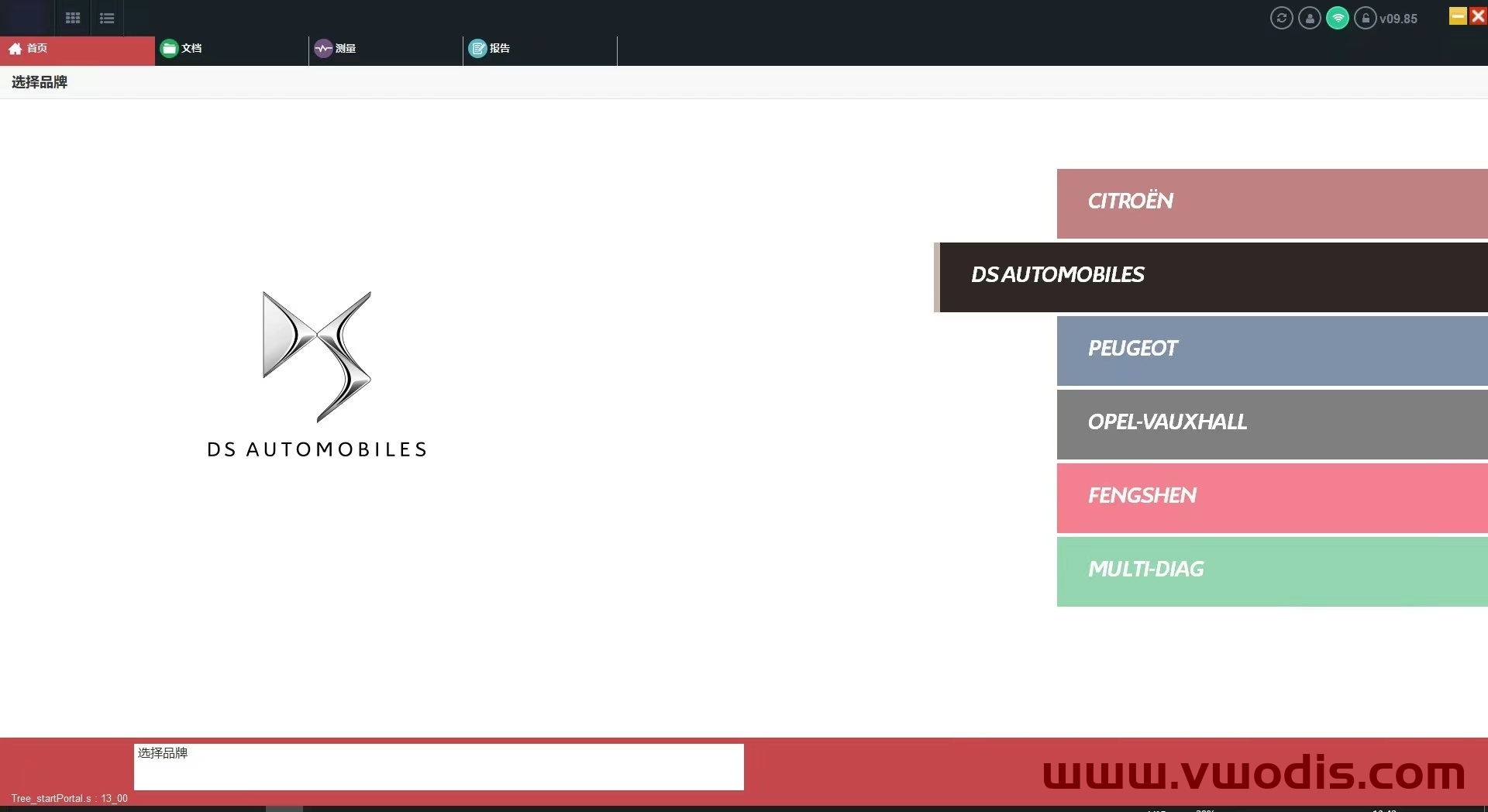
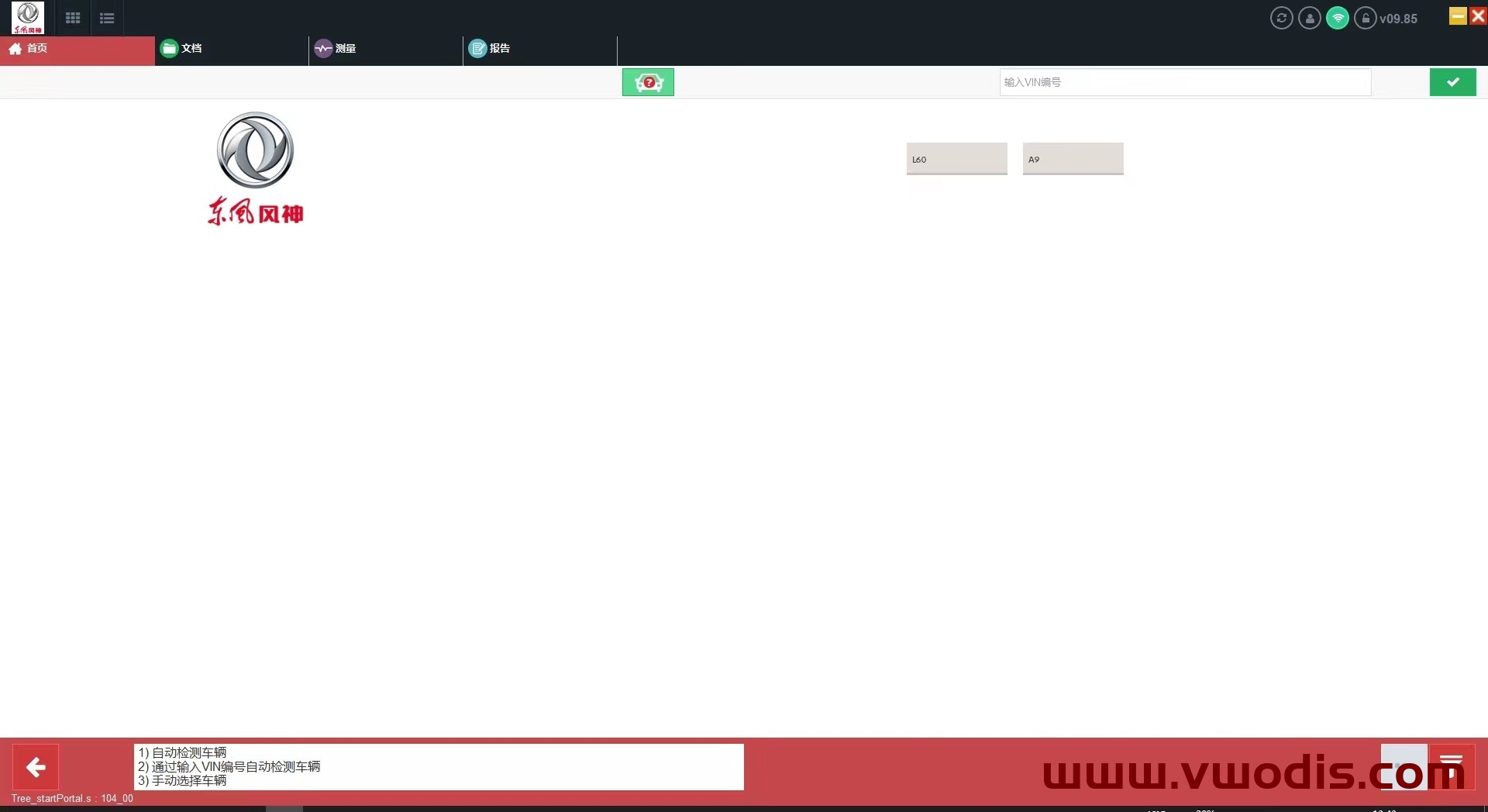
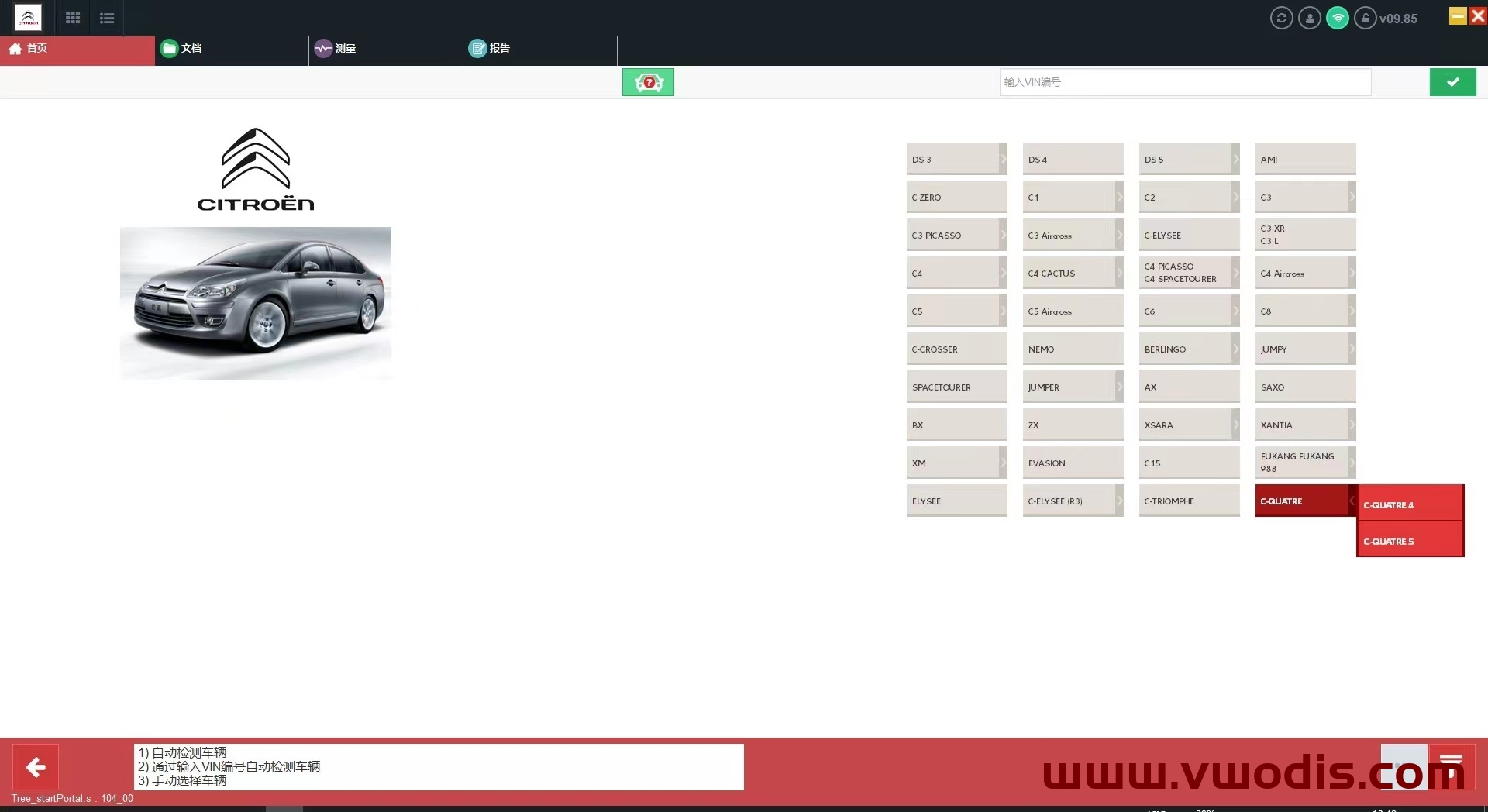
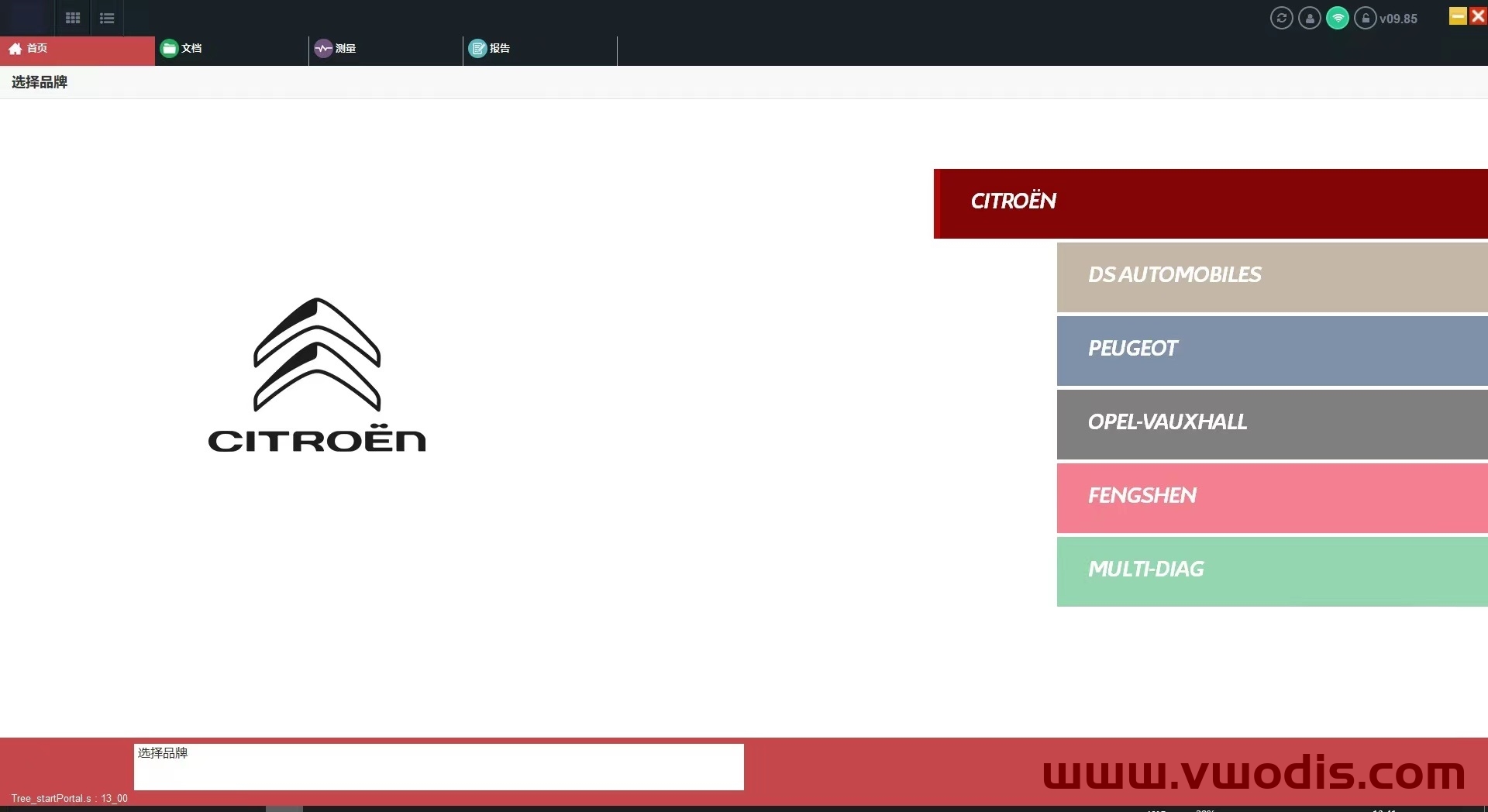
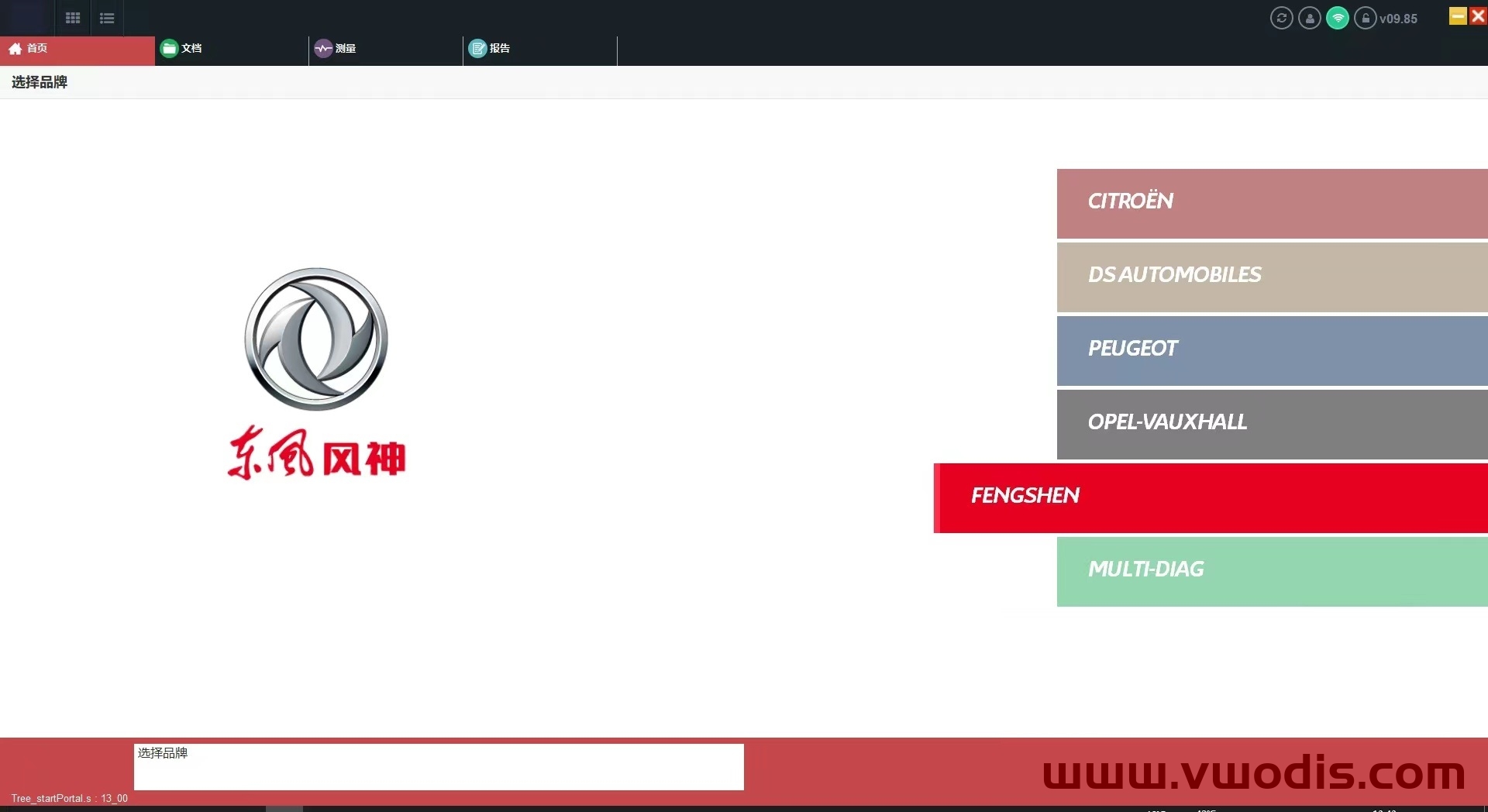
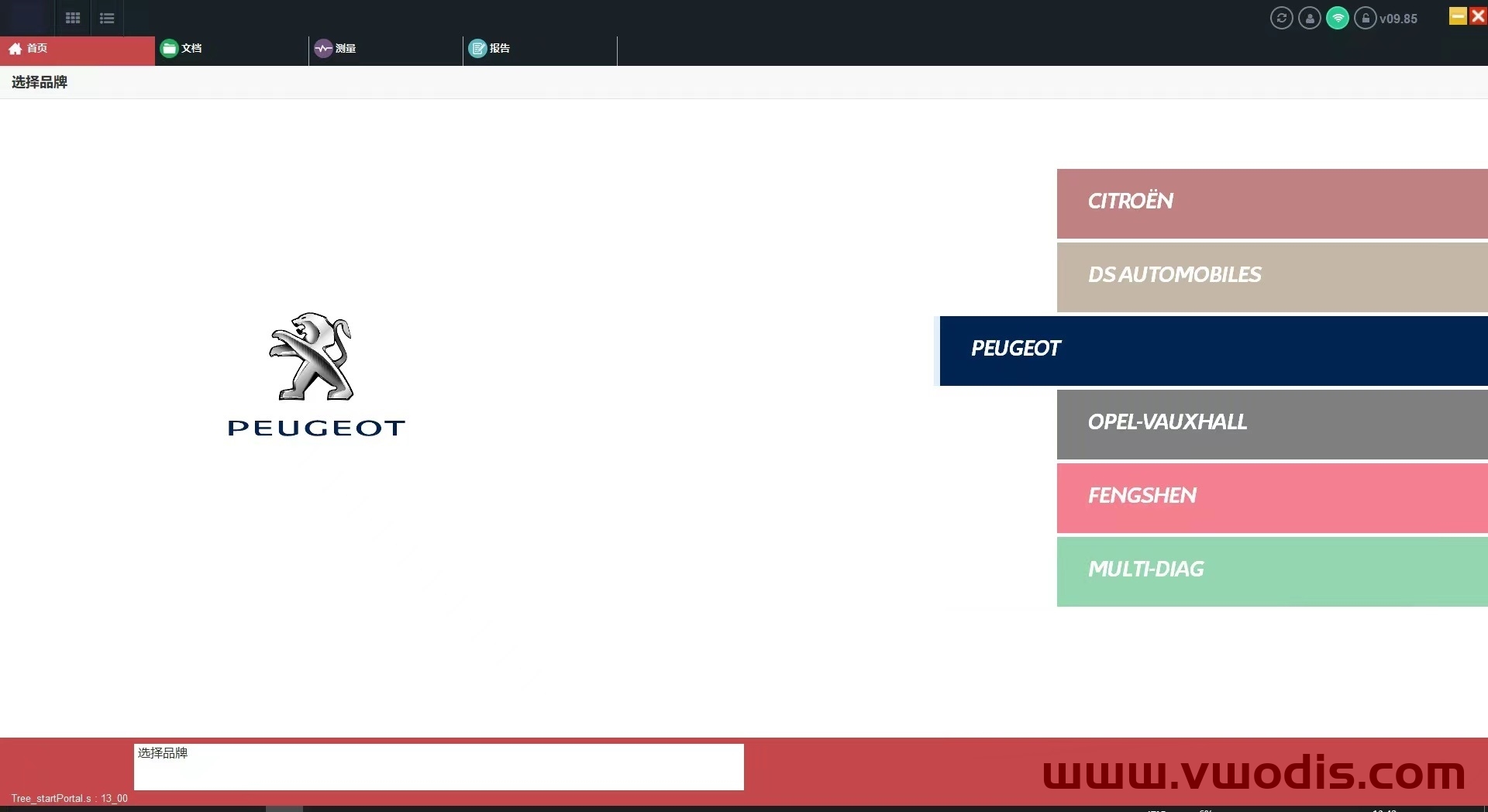
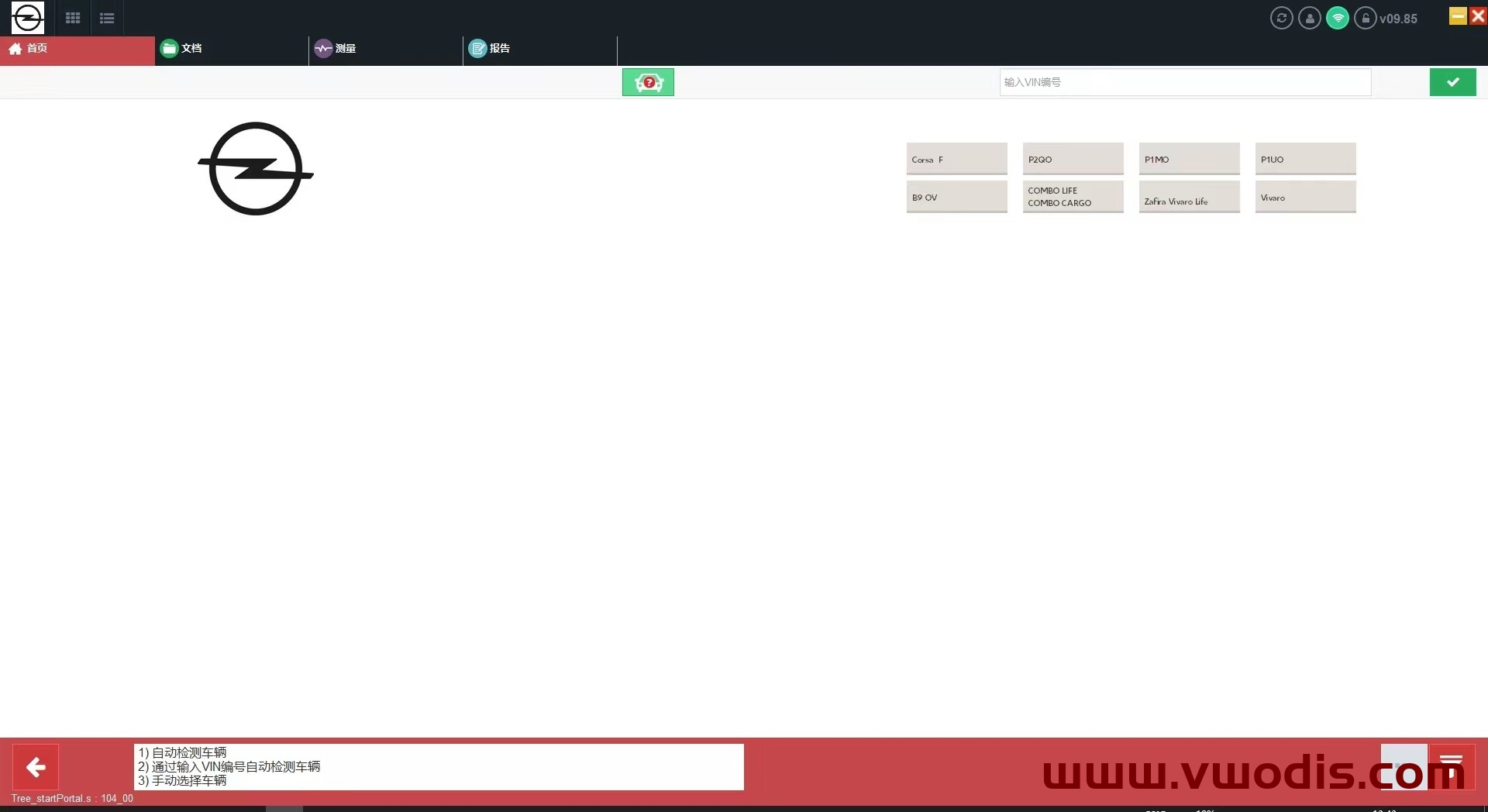
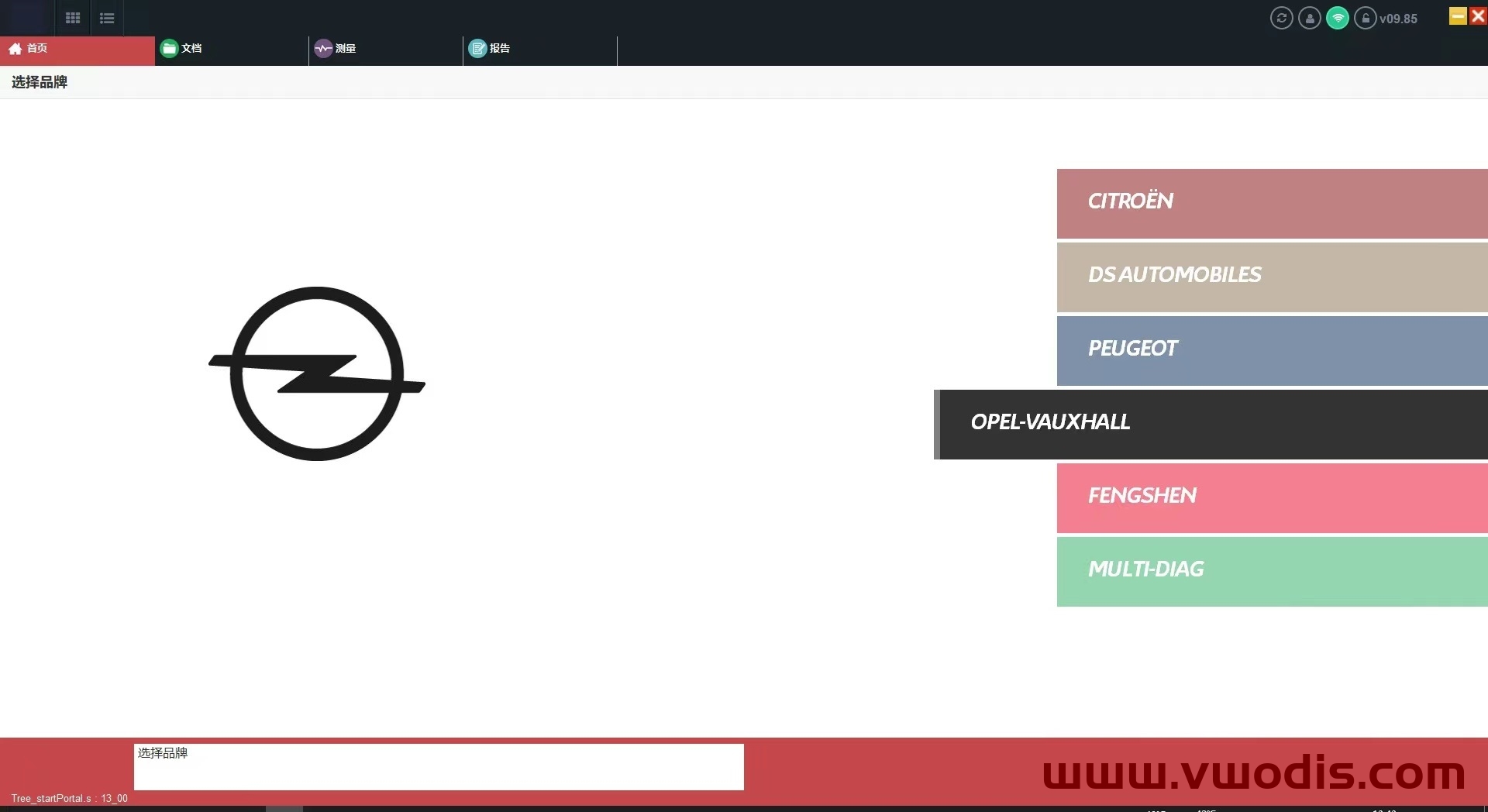
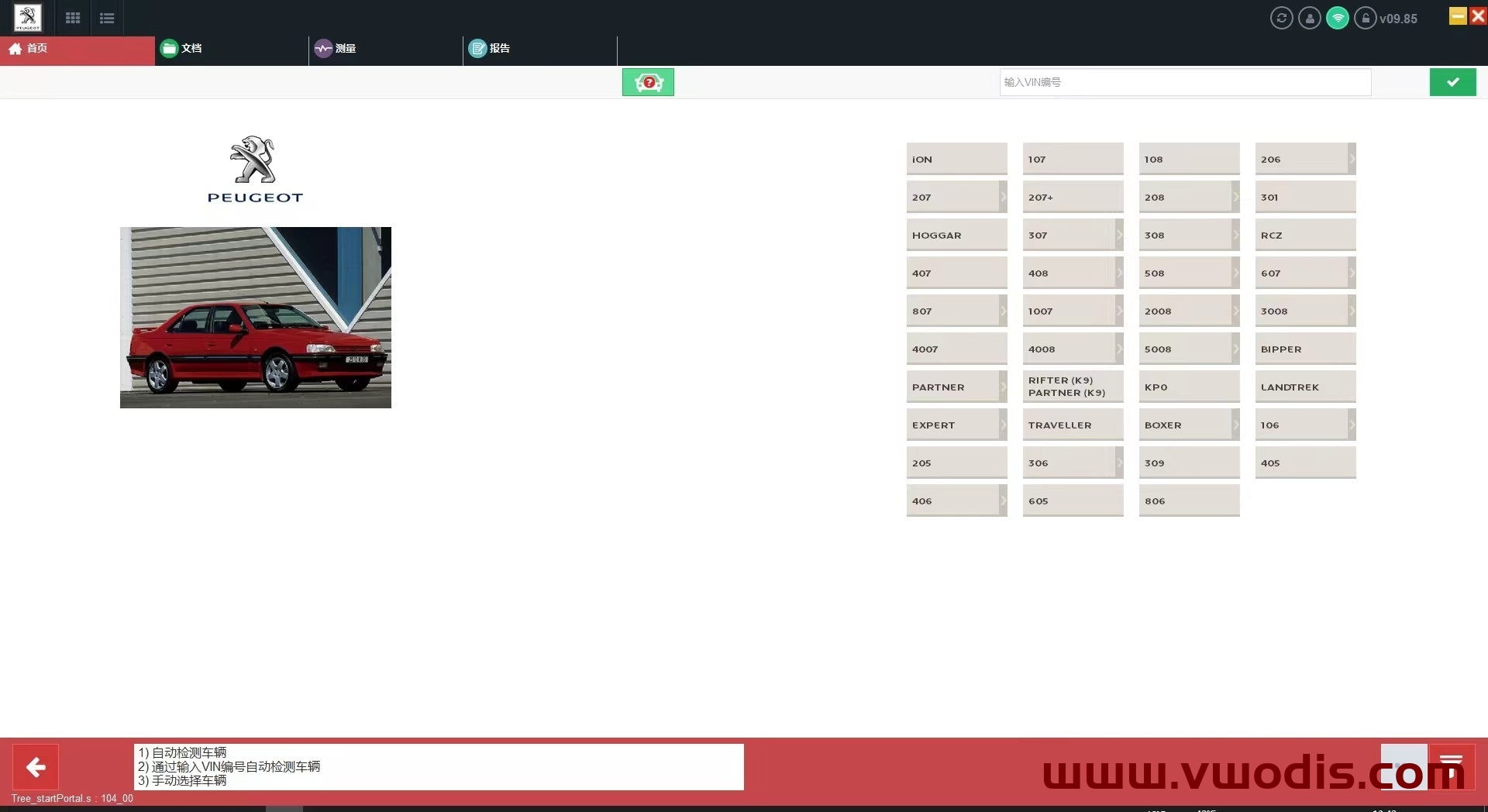
标致、雪铁龙、DS 东风等五品牌诊断原厂专检软件
注意️都是实体机版本、不是VM虚拟机。
win7、win10、不分32位和64位随便安装、不分电脑、连不连网、都随便使用。
安装时请勿打开杀毒软件。
Check the drive letters have been assigned correctly after the restore. You should have:
C:\SYSTEM
D:\APPS
E:\DATA
Sometimes D: and E: get swapped. Go to Windows Computer Management (right-click on This PC and choose Manage), then go to Disk Management, and re-assign the drive letters.
On the Windows desktop you will see a shortcut to “StopUpdates10”. This stops Windows from updating until you want it to. To switch updates back on, open the program and click the button “Restore Windows Updates”.
Easy way to Imprint PIWIS3
1. Run services.msc, and make sure AdminService is Disabled.
2. Copy the PIWIS Key Generator to the Windows Desktop and open it.
3. Run a command prompt (Start Menu > Command Prompt).
4. Type “wmic bios get serialnumber” (without quotes) and press Enter
5. Enter the Serial Number in the Keygen. Close Command Prompt.
6. Enter Dealer ID in Keygen (UK=921000, DE=0010000, USA=4500000, IT=7840000, FR=9200000, etc).
7. Enter Country in Keygen.
8. Enter an expiry date 10 years in advance (example: if date is 03 August 2021, change it to 03 August 2031).
9. Open PIWIS and go to Imprint and certificates.
10. Note the Request Key, and enter it into the Challenge box of the Keygen.
11. Generate licence with Keygen.
12. Enter the generated licence in the Licence key boxes in PIWIS.
13. Tick the “I accept the conditions” box and click Licence update.
14. If you have entered everything correctly, you will get a message asking you to reboot. DO NOT REBOOT – click
Cancel.
15. Click the Start button and choose Kill PIWIS. (Or close using Task Manager).
16. Run Regedit.exe and go to HKEY_LOCAL_MACHINE\SOFTWARE\PIWIS\Licence.
17. Check that the Challenge Key is the same as PIWIS/Keygen.
18. Delete the Licence Key registry entry and replace it with the Keygen Licence.
19. Exit Regedit, and REBOOT the computer.
Check the drive letters have been assigned correctly after the restore. You should have:
C:\SYSTEM
D:\APPS
E:\DATA
Sometimes D: and E: get swapped. Go to Windows Computer Management (right-click on This PC and choose Manage), then go to Disk Management, and re-assign the drive letters.
On the Windows desktop you will see a shortcut to “StopUpdates10”. This stops Windows from updating until you want it to. To switch updates back on, open the program and click the button “Restore Windows Updates”.
Easy way to Imprint PIWIS3
1. Run services.msc, and make sure AdminService is Disabled.
2. Copy the PIWIS Key Generator to the Windows Desktop and open it.
3. Run a command prompt (Start Menu > Command Prompt).
4. Type “wmic bios get serialnumber” (without quotes) and press Enter
5. Enter the Serial Number in the Keygen. Close Command Prompt.
6. Enter Dealer ID in Keygen (UK=921000, DE=0010000, USA=4500000, IT=7840000, FR=9200000, etc).
7. Enter Country in Keygen.
8. Enter an expiry date 10 years in advance (example: if date is 03 August 2021, change it to 03 August 2031).
9. Open PIWIS and go to Imprint and certificates.
10. Note the Request Key, and enter it into the Challenge box of the Keygen.
11. Generate licence with Keygen.
12. Enter the generated licence in the Licence key boxes in PIWIS.
13. Tick the “I accept the conditions” box and click Licence update.
14. If you have entered everything correctly, you will get a message asking you to reboot. DO NOT REBOOT – click
Cancel.
15. Click the Start button and choose Kill PIWIS. (Or close using Task Manager).
16. Run Regedit.exe and go to HKEY_LOCAL_MACHINE\SOFTWARE\PIWIS\Licence.
17. Check that the Challenge Key is the same as PIWIS/Keygen.
18. Delete the Licence Key registry entry and replace it with the Keygen Licence.
19. Exit Regedit, and REBOOT the computer.