VW【vwodis】VW Jetta(Chinese)VS5 5CG035152 SW0042 Update Firmware
VW【vwodis】VW Jetta(Chinese)VS5 5CG035152 SW0042 Update Firmware
VW【vwodis】VW Jetta(Chinese)VS5 5CG035152 SW0042 Update Firmware
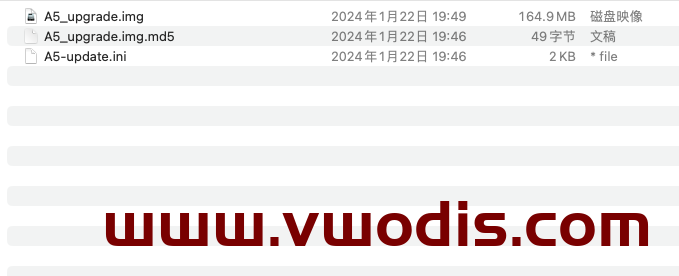
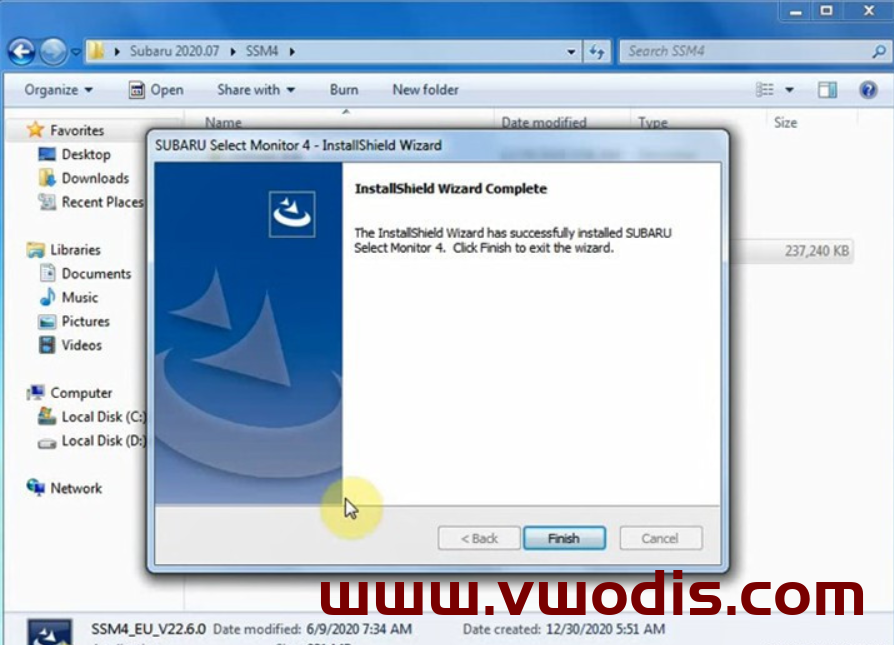
VW【vwodis】VW Jetta(Chinese)VS5 5CG035152 SW0042 Update Firmware
VW【vwodis】VW Jetta(Chinese)VS5 5CG035152 SW0042 Update Firmware
VW【vwodis】VW Jetta(Chinese)VS5 5CG035152 SW0042 Update Firmware
大众【一车网】一汽大众捷达VS5 5CG035152 SW0042升级固件
大众【一车网】一汽大众捷达VS5 5CG035152 SW0042升级固件
大众【一车网】一汽大众捷达VS5 5CG035152 SW0042升级固件
Odis【vwodis】Odis 23.0.1 ODIS-Service_update_23_0_1-EU_20240206_Postsetup_230001.105.990
Odis【vwodis】Odis 23.0.1 ODIS-Service_update_23_0_1-EU_20240206_Postsetup_230001.105.990
Odis【vwodis】Odis 23.0.1 ODIS-Service_update_23_0_1-EU_20240206_Postsetup_230001.105.990
Odis【一车网】Odis 23.0.1 ODIS-Service_update_23_0_1-EU_20240206_Postsetup_230001.105.990
Odis【一车网】Odis 23.0.1 ODIS-Service_update_23_0_1-EU_20240206_Postsetup_230001.105.990
Odis【一车网】Odis 23.0.1 ODIS-Service_update_23_0_1-EU_20240206_Postsetup_230001.105.990
VW【vwodis】VW Touareg MIB HN+_EU_VW_P0824 Firmware
VW【vwodis】VW Touareg MIB HN+_EU_VW_P0824 Firmware
VW【vwodis】VW Touareg MIB HN+_EU_VW_P0824 Firmware
大众【一车网】大众途锐MIB HN+_EU_VW_P0824固件
大众【一车网】大众途锐MIB HN+_EU_VW_P0824固件
大众【一车网】大众途锐MIB HN+_EU_VW_P0824固件
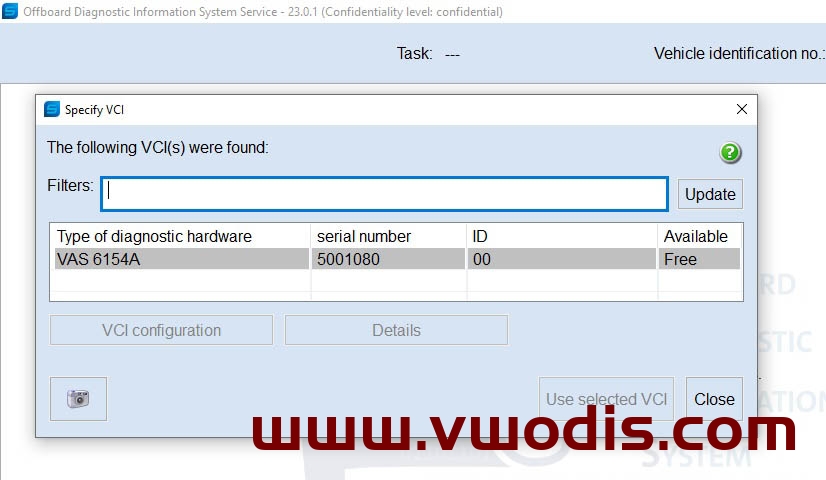
VW【vwodis】VW Solutions For Using SVCI 6154A (Yellow) With New Versions Of ODIS S-23 and ODIS E17
VW【vwodis】VW Solutions For Using SVCI 6154A (Yellow) With New Versions Of ODIS S-23 and ODIS E17
VW【vwodis】VW Solutions For Using SVCI 6154A (Yellow) With New Versions Of ODIS S-23 and ODIS E17
ODIS Servive 23.0.1 and ODIS Engineering 17.0.1
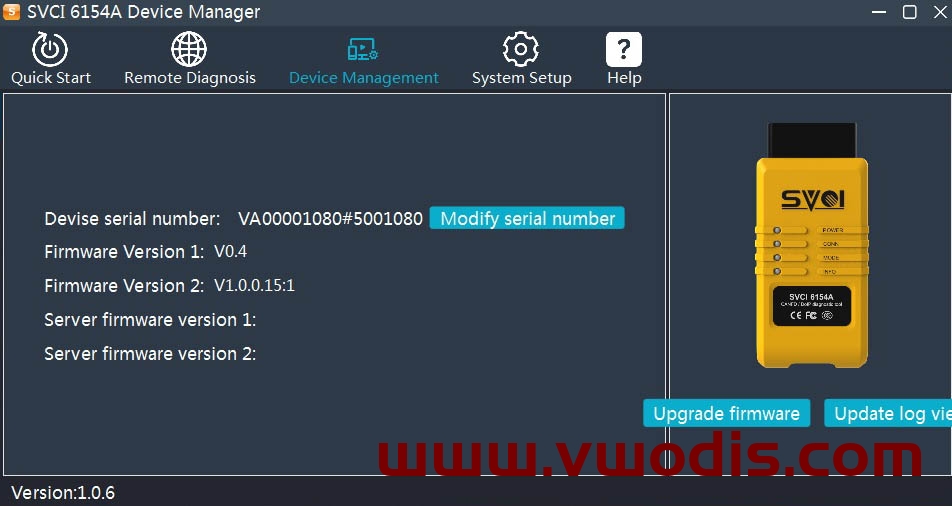
All this was tested on the SVCI 6154A device, with
Firmware Version 1: V0.4
Firmware Version 2: V1.0.0.15:1.
There is no need to install SVCI_6154A_Loader, everything works without installing the Loader.
After installing ODIS, delete the folders
C:Program FilesVW_PDUAPI_OS and C:Program FilesVW_PDUAPI_OE (or delete files from the folders C:Program FilesVW_PDUAPI_OS and C:Program FilesVW_PDUAPI_OE).
Copy the downloaded files (link attached) to the appropriate folders.
In the ODSI program settings, select the device to use.
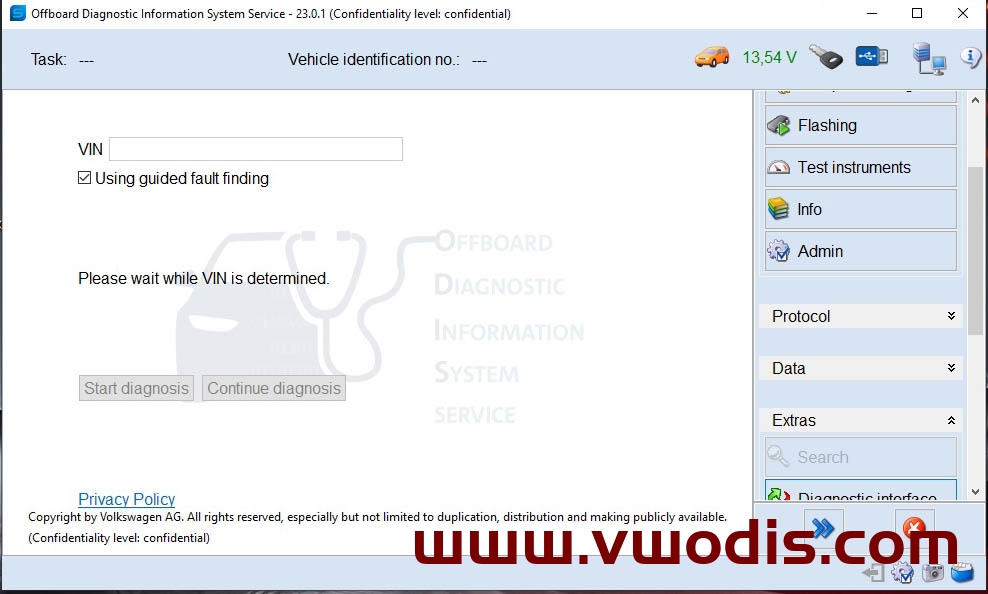
大众【一车网】大众Odis23&Odis e 17 SVCI 6154A(黄色诊断头)驱动程序
大众【一车网】大众Odis23&Odis e 17 SVCI 6154A(黄色诊断头)驱动程序
大众【一车网】大众Odis23&Odis e 17 SVCI 6154A(黄色诊断头)驱动程序
ODIS Servive 23.0.1和ODIS Engineering 17.0.1
所有这些都在SVCI 6154A设备上进行了测试
固件版本1:V0.4
固件版本2:V1.0.0.15:1。
无需安装SVCI_6514A_Loader,无需安装Loader即可正常工作。
安装ODIS后,删除文件夹
C:\Program Files\VW_PDUAPI_OS和C:\Program Files\VW_PDU API_OE(或从文件夹C:\Program Files\VW _PDUAPI-OS和C:\Program Files\VW_PDUAPI_OE中删除文件)。
将下载的文件(附链接)复制到相应的文件夹中。
在ODSI程序设置中,选择要使用的设备。
Criterion 01: Updating control unit MIB 3 EI
Due to a SW fault in control unit MIB 3 EI, the sound volume of rear sensors may be too low.
Update procedure
• Using USB-C update the SW of MIB 3 El to the new SW version 1805
• SW 1805 can be downloaded using the program SD Creator where you enter the Part No. 5FMIB3EISW1805
• Update procedure MIB CU – see Service Information 2034053
• Always use USB-C in the manner specified in the Service Information 2034053 (Attachment 2).|
• Do not disconnect the charger during the update and do not interrupt the operation in any way (switching off the ignition, disconnecting the power supply, restart of the unit etc.)
Connect the diagnostic tool when you are asked to do so (to confirm the component update) – see Service Information 2034053.
•Using the diagnostic system ODIS Service update the control unit MIB 3 El, enter the measure code 367F to load the current parameters, coding, adjustment.


Criterion 01: Updating control unit MIB 3 EI
Due to a SW fault in control unit MIB 3 EI, the sound volume of rear sensors may be too low.
Update procedure
• Using USB-C update the SW of MIB 3 El to the new SW version 1805
• SW 1805 can be downloaded using the program SD Creator where you enter the Part No. 5FMIB3EISW1805
• Update procedure MIB CU – see Service Information 2034053
• Always use USB-C in the manner specified in the Service Information 2034053 (Attachment 2).|
• Do not disconnect the charger during the update and do not interrupt the operation in any way (switching off the ignition, disconnecting the power supply, restart of the unit etc.)
Connect the diagnostic tool when you are asked to do so (to confirm the component update) – see Service Information 2034053.
•Using the diagnostic system ODIS Service update the control unit MIB 3 El, enter the measure code 367F to load the current parameters, coding, adjustment.