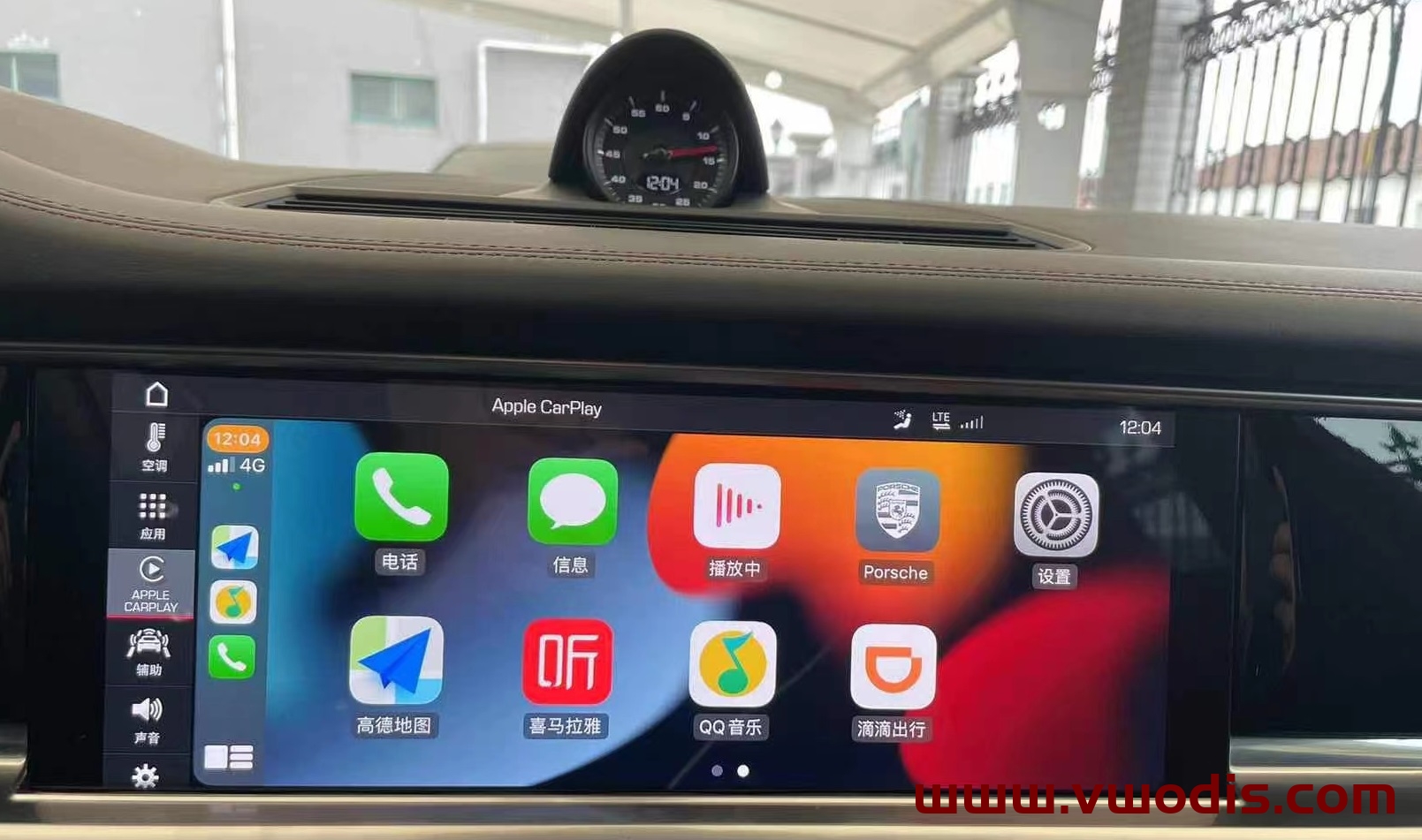
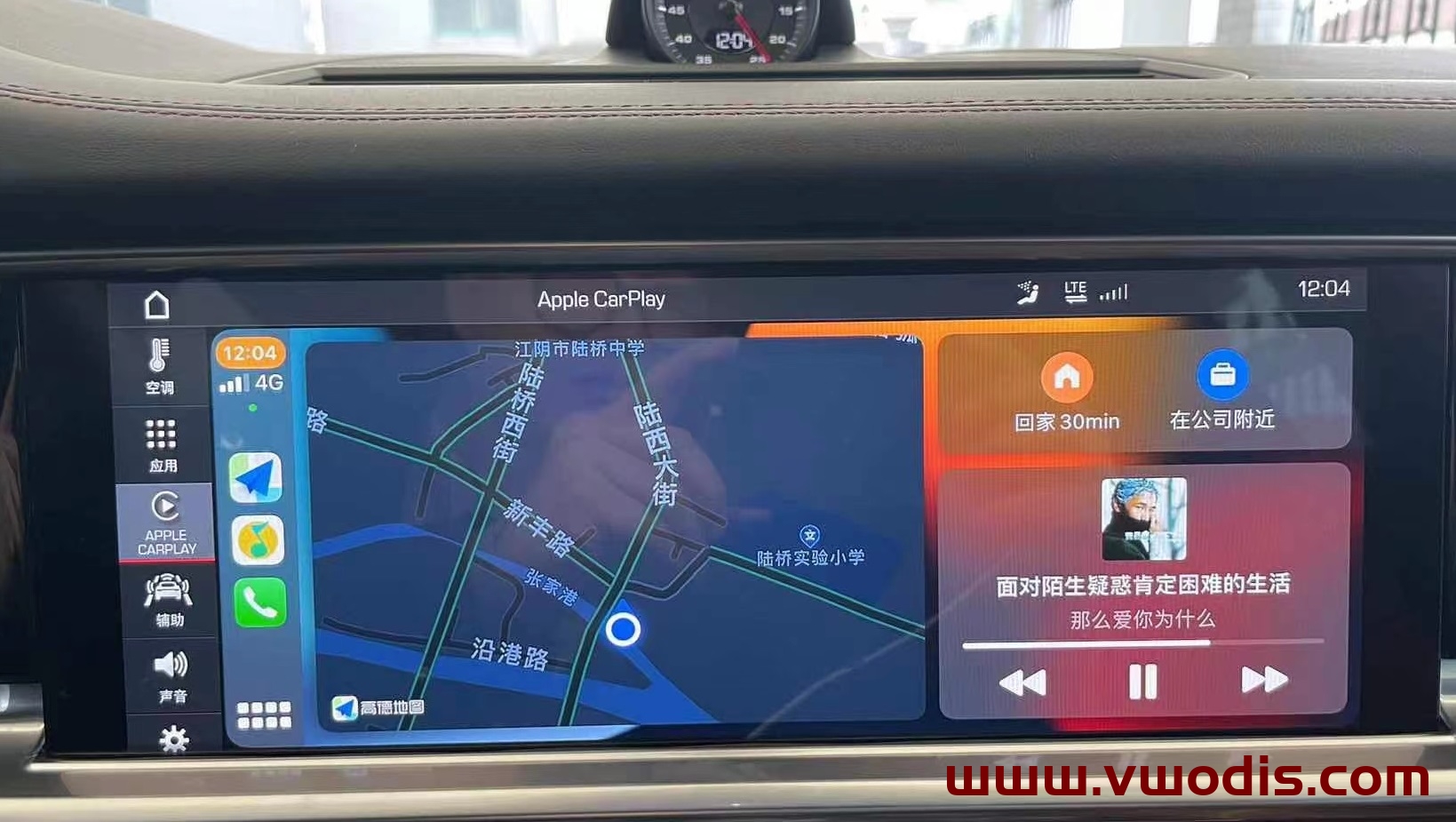
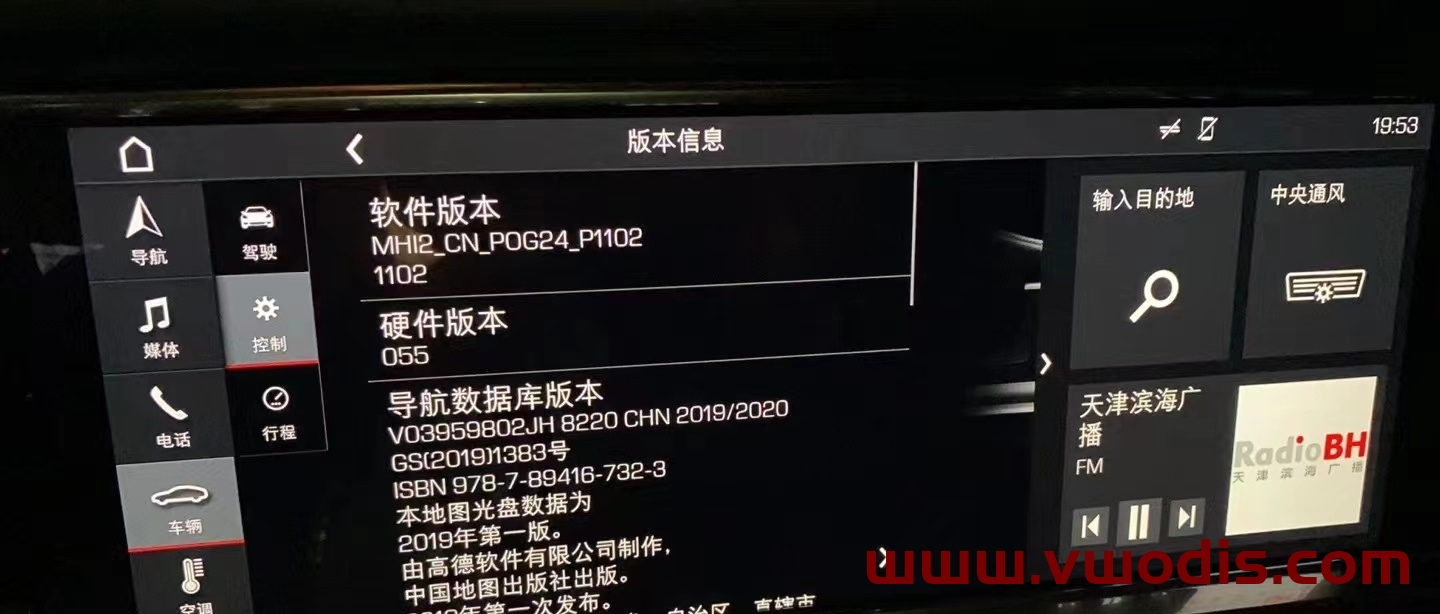
保时捷Porsche MIB MHI2_US_POG11_K5186_MU1476固件
保时捷Porsche MIB MHI2_US_POG11_K5186_MU1476固件
保时捷Porsche MIB MHI2_US_POG11_K5186_MU1476固件
本栏目整理保时捷汽车技术资源,覆盖诊断软件、ECU数据、维修手册、电路图、编程刷写、故障码解决、改装资料和实际维修案例,便于汽车维修与技术学习使用。
保时捷Porsche MIB MHI2_US_POG11_K5186_MU1476固件
保时捷Porsche MIB MHI2_US_POG11_K5186_MU1476固件
保时捷Porsche MIB MHI2_US_POG11_K5186_MU1476固件
保时捷Porsche MIB MHI2_US_POG24_K5136_MU1416固件
保时捷Porsche MIB MHI2_US_POG24_K5136_MU1416固件
保时捷Porsche MIB MHI2_US_POG24_K5136_MU1416固件
保时捷Porsche MIB MHI2_CN_POG11_K0816_MU0815固件
保时捷Porsche MIB MHI2_CN_POG11_K0816_MU0815固件
保时捷Porsche MIB MHI2_CN_POG11_K0816_MU0815固件
Porsche-PCM 3.1 Firmware DVD 4.45-4.76
Porsche-PCM 3.1 Firmware DVD 4.45-4.76
Porsche-PCM 3.1 Firmware DVD 4.45-4.76
This is the method I use to install a VAS6154 Clone driver to a PIWIS 3.
this only works with 1.6.6.0 firmware and 31-12-2030 licence expiry.
Check the drive letters have been assigned correctly after the restore. You should have:
C:\SYSTEM
D:\APPS
E:\DATA
Sometimes D: and E: get swapped. Go to Windows Computer Management (right-click on This PC and choose Manage), then go to Disk Management, and re-assign the drive letters.
On the Windows desktop you will see a shortcut to “StopUpdates10”. This stops Windows from updating until you want it to. To switch updates back on, open the program and click the button “Restore Windows Updates”.
Easy way to Imprint PIWIS3
1. Run services.msc, and make sure AdminService is Disabled.
2. Copy the PIWIS Key Generator to the Windows Desktop and open it.
3. Run a command prompt (Start Menu > Command Prompt).
4. Type “wmic bios get serialnumber” (without quotes) and press Enter
5. Enter the Serial Number in the Keygen. Close Command Prompt.
6. Enter Dealer ID in Keygen (UK=921000, DE=0010000, USA=4500000, IT=7840000, FR=9200000, etc).
7. Enter Country in Keygen.
8. Enter an expiry date 10 years in advance (example: if date is 03 August 2021, change it to 03 August 2031).
9. Open PIWIS and go to Imprint and certificates.
10. Note the Request Key, and enter it into the Challenge box of the Keygen.
11. Generate licence with Keygen.
12. Enter the generated licence in the Licence key boxes in PIWIS.
13. Tick the “I accept the conditions” box and click Licence update.
14. If you have entered everything correctly, you will get a message asking you to reboot. DO NOT REBOOT – click
Cancel.
15. Click the Start button and choose Kill PIWIS. (Or close using Task Manager).
16. Run Regedit.exe and go to HKEY_LOCAL_MACHINE\SOFTWARE\PIWIS\Licence.
17. Check that the Challenge Key is the same as PIWIS/Keygen.
18. Delete the Licence Key registry entry and replace it with the Keygen Licence.
19. Exit Regedit, and REBOOT the computer.
I extracted the update 41.300 for you guys and modified the .xml file so it does not install the McAfee update.
Copy the files on a SD card and run setup…
it is not encryted
I have had trouble with the 41.100 and 41.300 updates. If I update PT3G_Basis_System and the PIDT modules, I have a PPN Client pop-up which keeps nagging me to log in, and GFF and WD won’t work offline.
I have done lots of work on the shell.config file, and can now get GFF and WD working again, but I can’t get rid of the PPN pop-up.
The simple solution for now is to remove the PT3G_Basis_System and PIDT lines from install.xml, but in the long term “we” will need a better way.
I have attached modified inis and install.xml for anyone who has similar problems.
MHI2_US_POG24_K5136_MU1416
MHI2_US_POG24_K5136_MU1416
MHI2_US_POG24_K5136_MU1416