高尔夫8 凌渡L 揽境866车机最新固件0365
三代866车机0365更新系统固件
可升级车型 揽境 高尔夫8 凌渡L
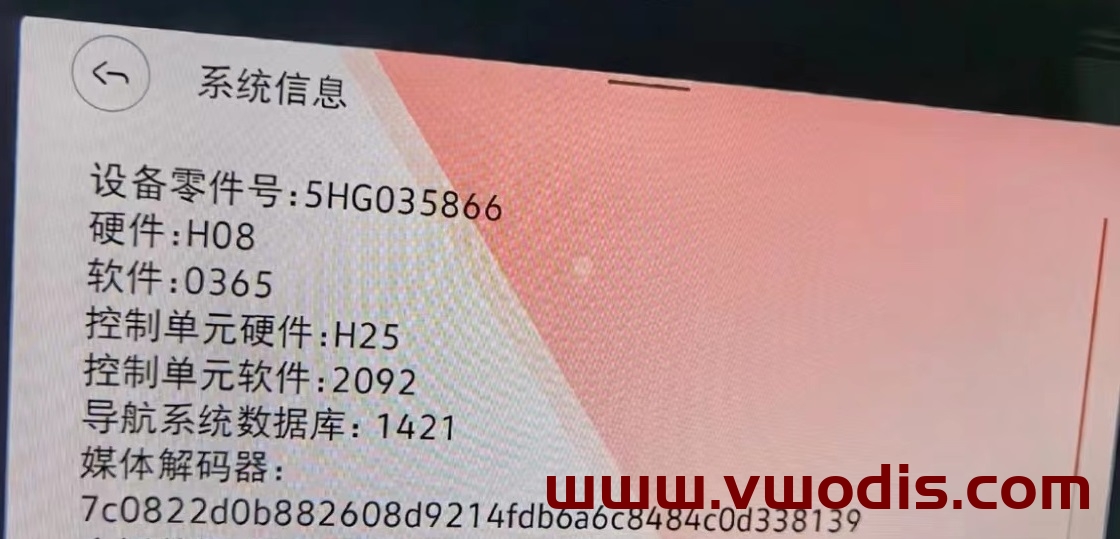
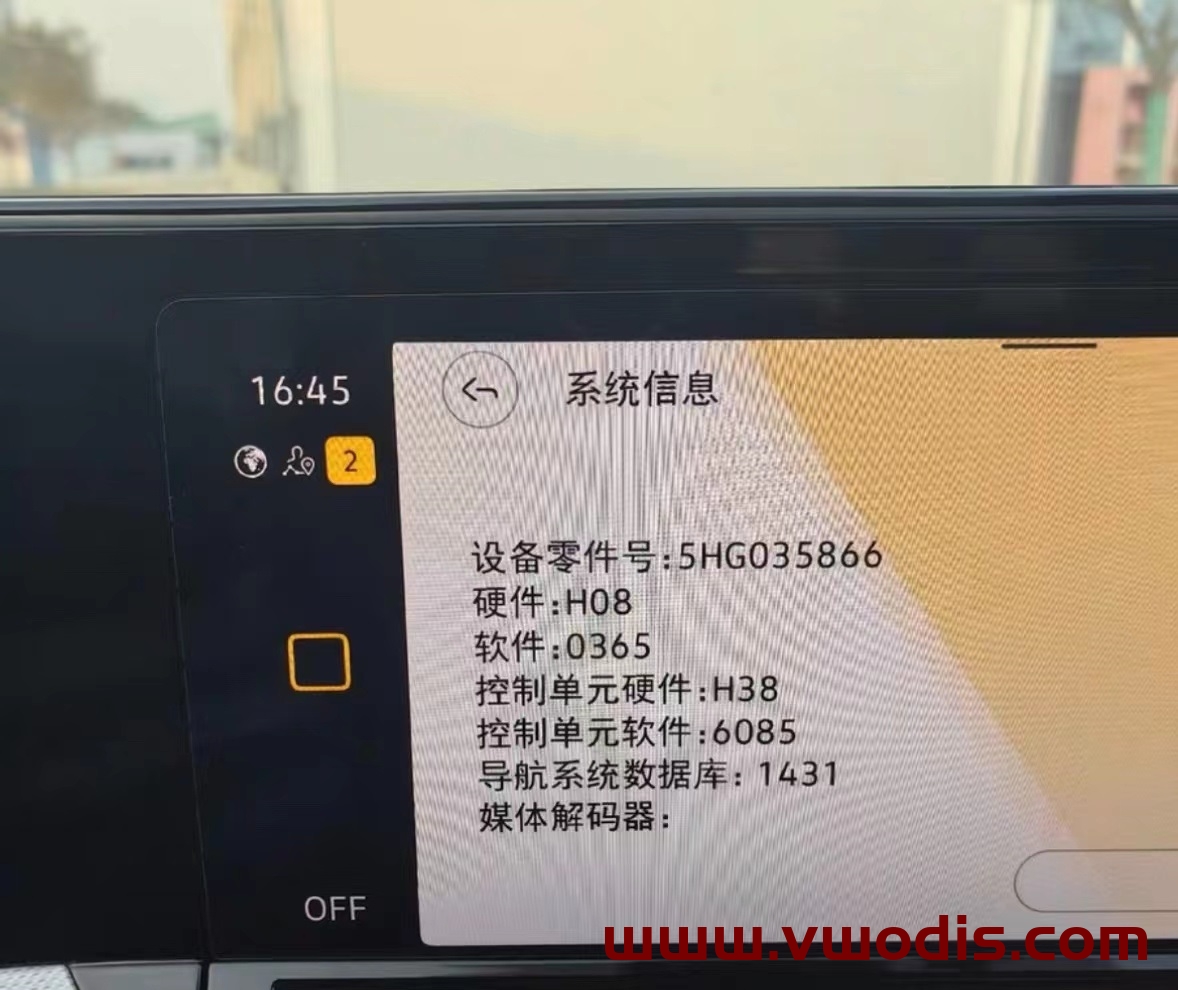
零件号为5HG035866的导航主机都可以升级
解决新款仪表导航花屏BUG
解决冬季低温点火 车机长时间不启动
解决0363版本语音识别默认关闭
提升车机运行速度
本栏目整理Mib主机相关技术资源,覆盖大众、奥迪、斯柯达等车型的原厂固件升级、MIB主机刷机、ODIS诊断、ETKA/Elsa资料、5053/VCDS编码、隐藏功能、参数文件、电路图、改装教程和维修故障案例。
高尔夫8 凌渡L 揽境866车机最新固件0365
三代866车机0365更新系统固件
可升级车型 揽境 高尔夫8 凌渡L
零件号为5HG035866的导航主机都可以升级
解决新款仪表导航花屏BUG
解决冬季低温点火 车机长时间不启动
解决0363版本语音识别默认关闭
提升车机运行速度
适用车机:CNS3.0 3GB035866B H21硬件
优化项目:行驶途中偶发黑屏,死机等系统BUG;
升级方法:
解压文件,得到Data和Meta两个文件夹
将要升级使用的U盘,格式化
将Data和Meta这两个文件夹直接复制到升级U盘中
车辆通电,做两次主机恢复出厂设置操作,并取消蓝牙及网络等数据连接
插入U盘,长按主机Menu键,弹出服务模式画面
选择 软件更新/版本 选项,然后点击右侧开始更新
7. 之后可能会熄屏20s左右,直至屏幕重新自动点亮
8.在出现的画面里双击Update (点一次为选中,点两次为执行)
9.点击USB选项,进入加载界面
10.在新界面里点击Standard
11.在新界面滑动左侧白色滚动条,拉到最下面,双击Start update
12. 在新界面双击Start update后就开始刷新了。
13.升级进度条全部结束后,滑动左侧白色滚动条,点击最后的Resume,等待重启,即可完成系统升级!
使用这些文件的风险自负!!!
对于Delphi Mib2 0891 WITH NAV(您可以自己修改它们,无需导航)
仅在带有Nav的fw 0891装置上测试
-将资源文件夹+sh脚本复制到sd卡
-将sd卡放入单元并运行Delphi_Alpine_Skins。sh-完成后重新启动装置
如果单元在引导循环中重新启动!!
-使用Dlink连接到单元(因为皮肤不会影响数据链接连接)并运行skins_Recovery。sh->完成重新启动单元后,这将使皮肤恢复到原始状态。
“Variant”:[
“FM3-H-*-*-*-CN-AU-MQ2-DE”,
“FM3-H-*-*-*-JP-AU-MQ2-DE”,
“FM3-H-*-*-*-KR-AU-MQ2-DE”,
“FM3-H-*-*-*-TW-AU-MQ2-DE”,
“FM3-H-*-*-*-AS-AU-MQ2-DE”,
“FM3-H-*-*-*-CN-AU-MQA-DE”,
“FM3-H-*-*-*-JP-AU-MQA-DE”,
“FM3-H-*-*-*-KR-AU-MQA-DE”,
“FM3-H-*-*-*-TW-AU-MQA-DE”,
“FM3-H-*-*-*-AS-AU-MQA-DE”,
“FM3-H-*-*-*-CN-AU-MLE-DE”,
“FM3-H-*-*-*-JP-AU-MLE-DE”,
“FM3-H-*-*-*-KR-AU-MLE-DE”,
“FM3-H-*-*-*-TW-AU-MLE-DE”,
“FM3-H-*-*-*-AS-AU-MLE-DE”,
“FM3-H-*-*-*-CN-AU-ML2-DE”,
“FM3-H-*-*-*-JP-AU-ML2-DE”,
“FM3-H-*-*-*-KR-AU-ML2-DE”,
“FM3-H-*-*-*-TW-AU-ML2-DE”,
“FM3-H-*-*-*-AS-AU-ML2-DE”
],
“Variant”:[
“FM3-P-*-*-*-CN-AU-MEB-DE”,
“FM3-P-*-*-*-JP-AU-MEB-DE”,
“FM3-P-*-*-*-KR-AU-MEB-DE”,
“FM3-P-*-*-*-TW-AU-MEB-DE”,
“FM3-P-*-*-*-AS-AU-MEB-DE”
Audi MIB3.0 8W0906961BG MEB平台 E-tron 系列固件3803 MPR3_AS_AUASUV_P3803
Audi MIB3.0 8W0906961BG MEB平台 E-tron 系列固件3803 MPR3_AS_AUASUV_P3803
Audi MIB3.0 8W0906961BG MEB平台 E-tron 系列固件3803 MPR3_AS_AUASUV_P3803
Audi 8W0906961BC-B9PA-A1 A3 A4 A5 Q3 Q5 Mib3 3853固件 MHI3_AS_AU_P3853
Audi 8W0906961BC-B9PA-A1 A3 A4 A5 Q3 Q5 Mib3 3853固件 MHI3_AS_AU_P3853
Audi 8W0906961BC-B9PA-A1 A3 A4 A5 Q3 Q5 Mib3 3853固件 MHI3_AS_AU_P3853
奥迪C8最新mmi固件,修复了3620的bug提高流畅度
固件型号MPR3_AS_AU_P3853
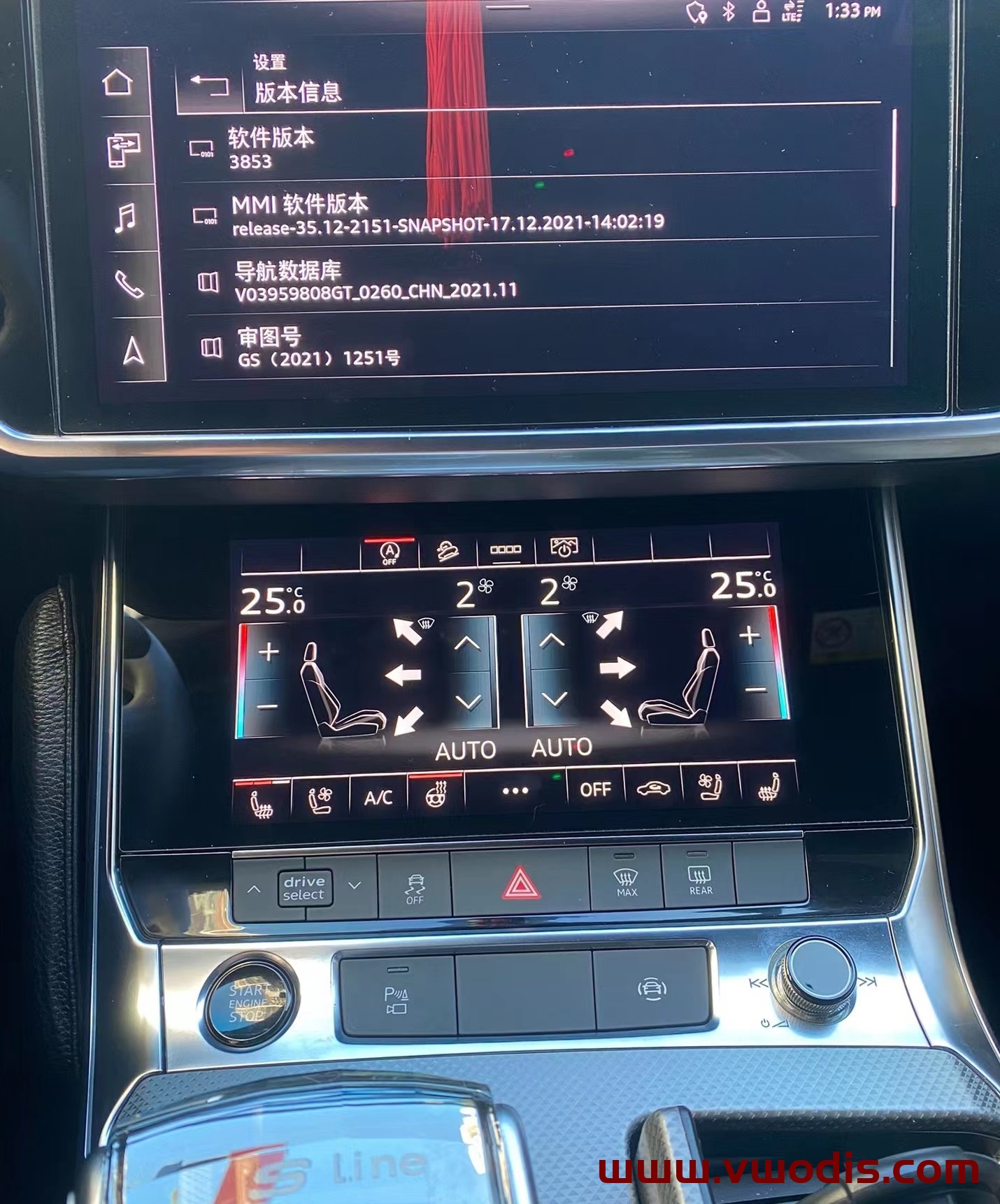
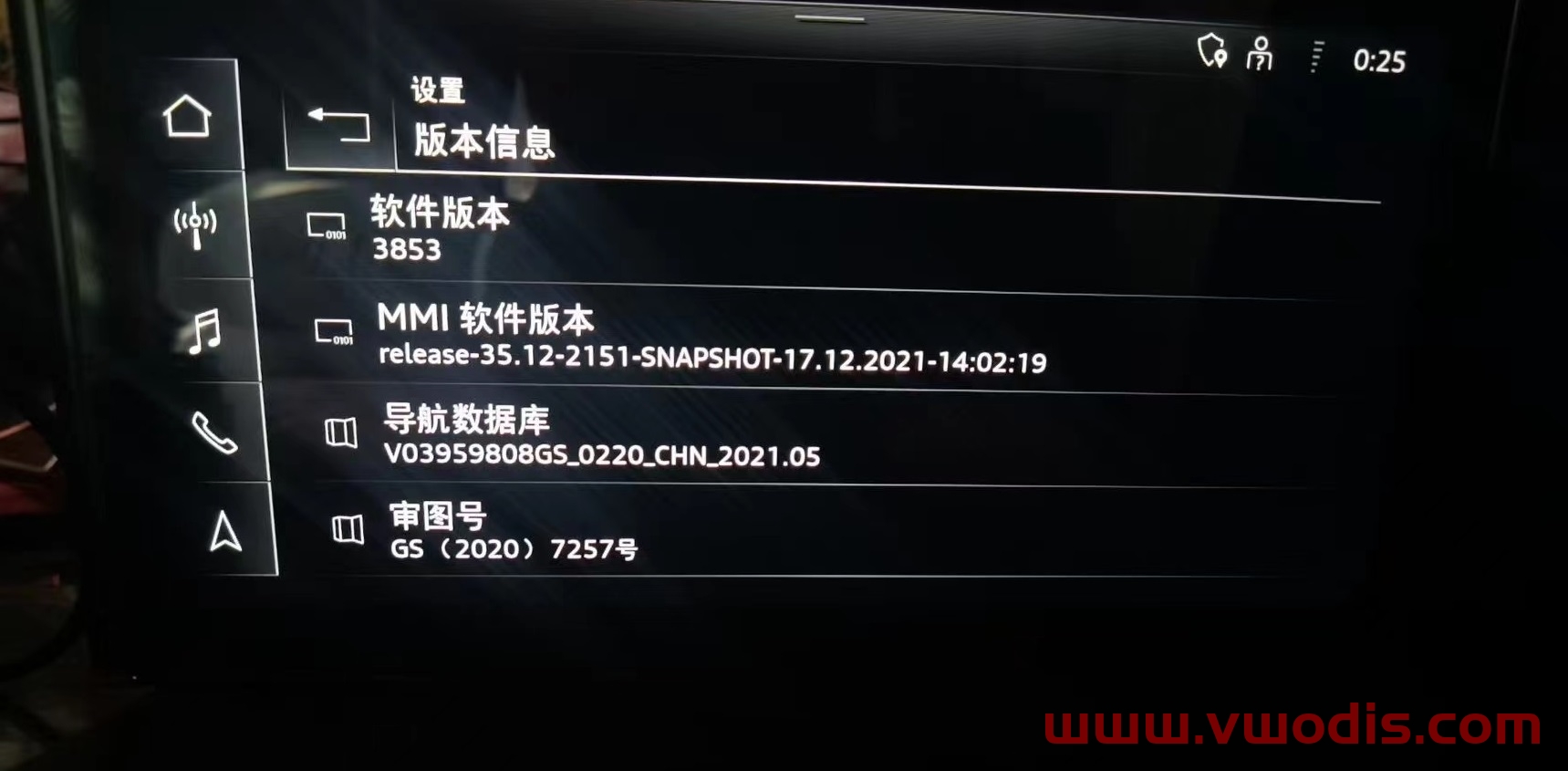
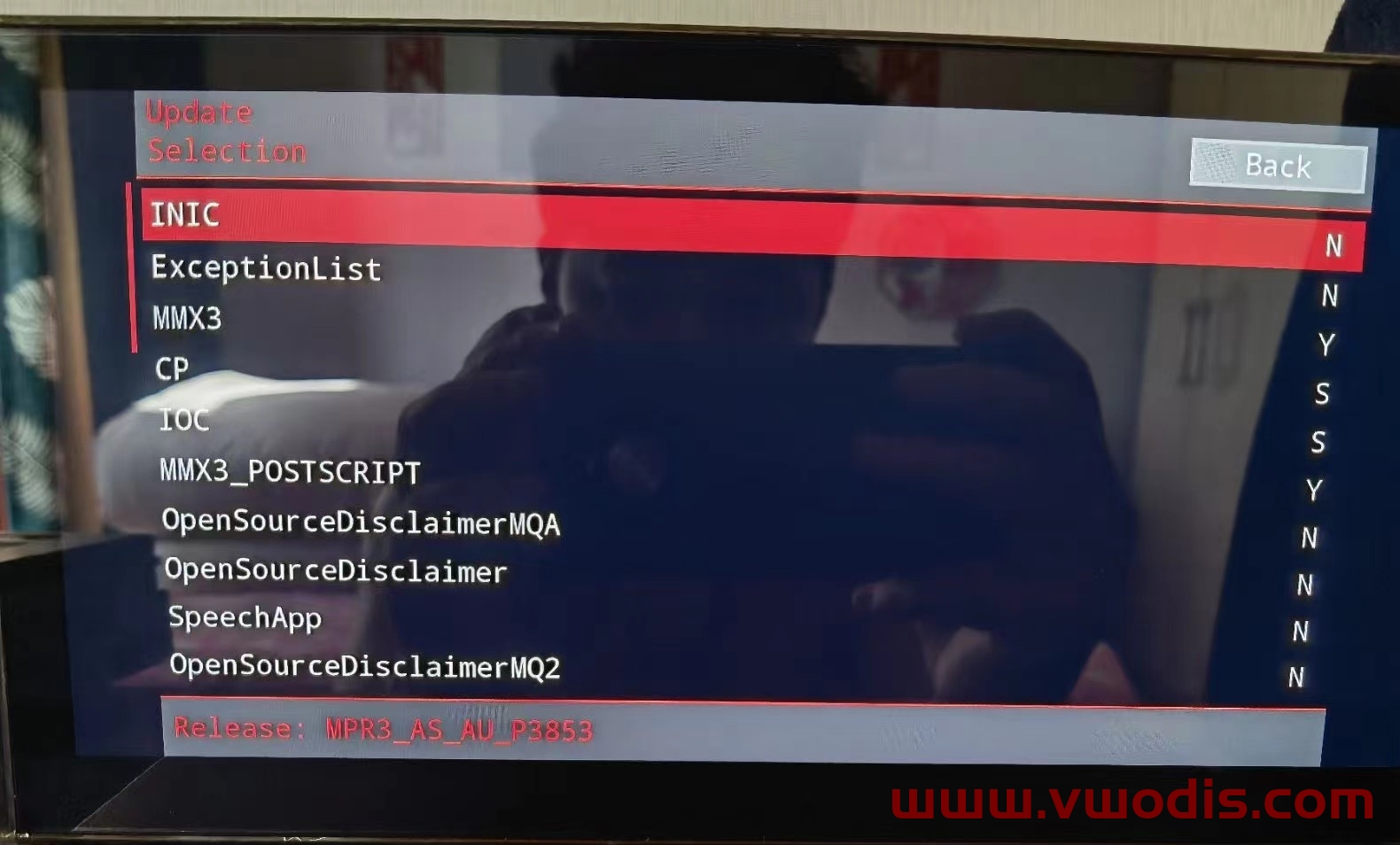
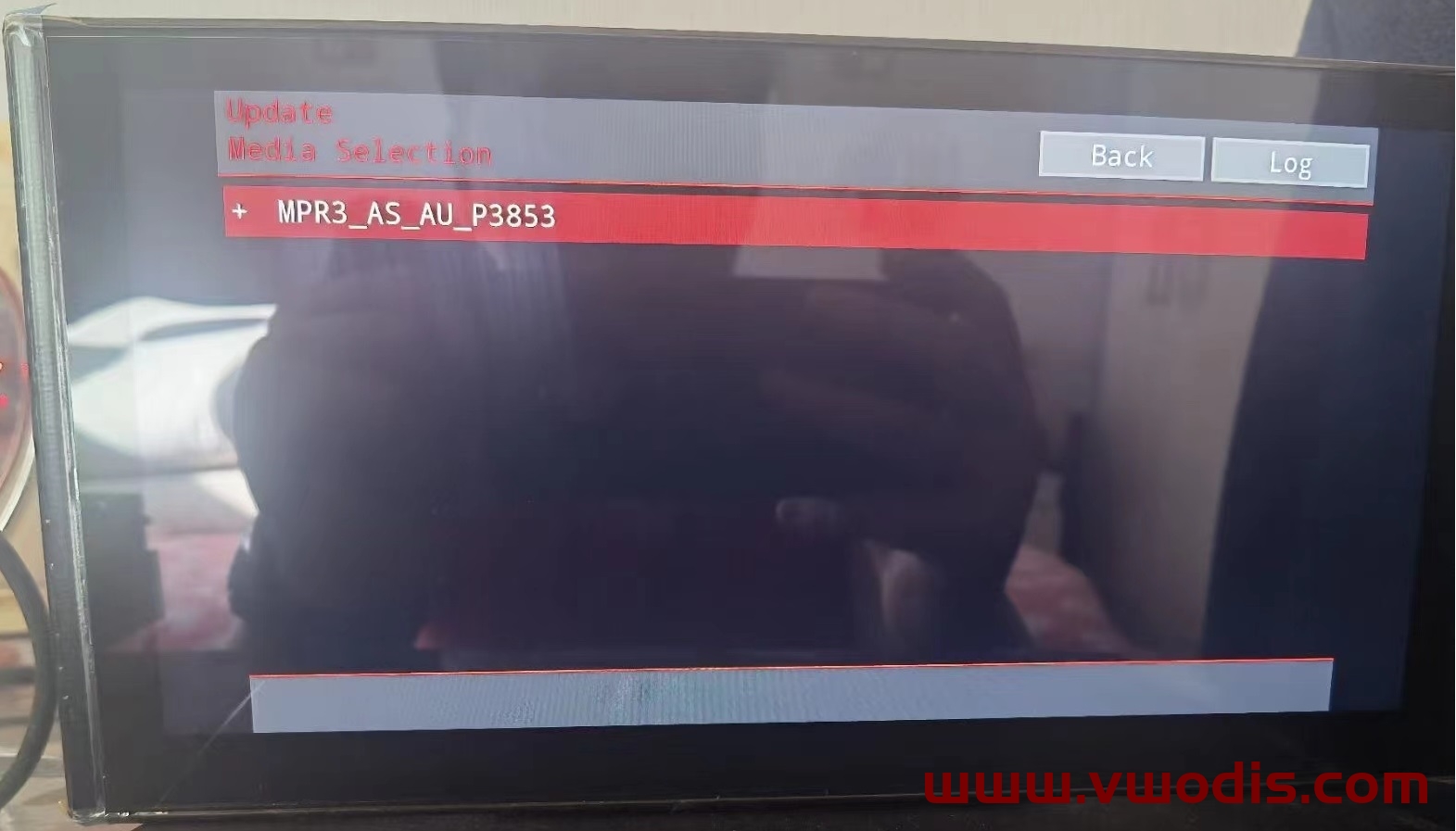
适用车型A3 Q2L A4 A5 A6 Q5L等
2022 Audi 导航MIB2 地图8511版本
2022 Audi 导航MIB2 地图8511版本
2022 Audi 导航MIB2 地图8511版本
适用主机:3GB035866A/3GB035866
地图大小:17G
更新教程:有完整的PDF升级教程
MST2 Activator
Update like simple software update.
Supported versions: Almost any 2xx 6xx 8xx 9xxx
If you create addFecs.txt in the common folder then fecs will be added as FSC files (if missing).
Supported FEC’s with the Fec container patch – any defined in addFecs.txt
If you dont use the addFecs.txt then exection list will be used wich is good for all options except SportHMI.
Supported FEC’s with the EL patch – 00030000,00040100,00050000,00060100,00060200,00060300,00060800,00060900,00060b00,00070200,00070400,09400003 (Still ok for Navi)
If your unit does not have FEC’s at all but you want to be as close as possible like original then you can create two files in the common folder.
Filename VCRN and put VCRN as it is seen in 0x3C0A (15370). (there is VCRN.dummy just as example, you still need to rename it if you want to use it)
Filename VIN and put VIN in clear text in it. (there is VIN.dummy just as example, you still need to rename it if you want to use it)
You can see some examples in the common folder – VCRN.dummy and VIN.dummy files.
If the software of your unit is not supported then the activation process will create new files on the SD FW_VER_rev.tar.gz
Send that to me and i will add support, or update to supported version and reinstall the actication.
This activation also enables the option to automatically runs scripts from SD card.
To use that preare SD card with a file called delphi.sh on it. Remove any SD cards from the unit and insert the SD card with the script in slot 1 (SD1) or slot 2 (SD2) then restart the MMI.
On start up unit will wait for 10 seconds incase SD2 is used and execute the script.
As part of the installation the UART console input will also be enabled.
<a class=’payssion-button pay_now_large’ data-key=’live_dfe253f9dcffaca2′><i class=’fa fa-shopping-cart’></i> Pay Via Payssion</a><script src=’https://www.payssion.com/static/checkout/button.js’ type=’text/javascript’></script>