大众【一车网】大众MQB全系三代车道保持改四代车道保持接线定义和编码教程
大众【一车网】大众MQB全系三代车道保持改四代车道保持接线定义和编码教程
大众【一车网】大众MQB全系三代车道保持改四代车道保持接线定义和编码教程
本栏目整理大众汽车相关技术资源,覆盖大众、奥迪、斯柯达等车型的原厂固件升级、MIB主机刷机、ODIS诊断、ETKA/Elsa资料、5053/VCDS编码、隐藏功能、参数文件、电路图、改装教程和维修故障案例。
大众【一车网】大众MQB全系三代车道保持改四代车道保持接线定义和编码教程
大众【一车网】大众MQB全系三代车道保持改四代车道保持接线定义和编码教程
大众【一车网】大众MQB全系三代车道保持改四代车道保持接线定义和编码教程
Odis工程师-许可证有效期至2030年。
Odis工程师12.2-在Windows 10上使用Vas5054。
安装说明:
-工程师(我们代表管理员做所有事情)
1安装程序本身
2更换启动器(2个)和插件
三。用字母“L”发射火箭
4安装postsetup(文件夹“dav”),勾选俄语
6安装项目(如果有人不知道怎么做-我会写在另一个条目)
然后你可以运行程序-不需要管理员的名字
1安装Odis工程师和服务
2复制并替换EXE和插件文件到两个ODY
三。将Postsetup和projects安装到两个odi
4安装D-PDU_APISetup.exe
5将文件夹1.20.042的内容复制并替换到C:\Program Files(x86)\Softing\D-PDU API
6复制-pdu\U api_根.xml到文件夹C:\ProgramData\D-PDU API
7运行注册表文件-D-PDU\u API\u root_路径.reg,单击“确定”
8从文件夹“Install Win10\Engineer”-将带有替换的插件复制到文件夹(C:\Program Files(x86)\Offboard\u Diagnostic\u Information\u System\u Engineering\plugins)
9启动批处理文件(D-PDU\u API-ODIS-E.bat)
10从文件夹“Install Win10\Service”-用替换插件复制到文件夹(C:\Program Files(x86)\Offboard\u Diagnostic\u Information\u System\u Service\plugins)
11启动Odis Engineer,选择“管理”选项卡。然后单击“配置”-“诊断界面”。更改VCI接口。
接下来,选择花边(VAS 5054)并单击“确定”。一切都应该正常。
对于Win 7(仅64位版本):
1安装Odys工程师和服务
2复制并替换EXE和插件文件到两个ODY
三。将Postsetup和projects安装到两个ody
4安装D-PDU_APISetup.exe
5运行文件“CloneAPI”
工程师12.2:
单独链接到许可证:
按Fantomel编辑-不允许-阅读规则。。。最后警告
The latest hacked to date ODIS E 12.2 – with a free license.
There is Odys Engineer 13, but there is no plug-in for it yet to work under Win10.
Odis Engineer – license until 2030.
Odis Engineer 12.2 – works with Vas5054 on Windows 10.
Installation instructions:
– Engineer (we do everything on behalf of the Administrator)
1. Install the program itself
2. Change the launcher (2 pieces) and plugins
3. Launch the launch with the letter “L”
4. Install the postsetup (folder “dav”), ticking the Russian language
6. Install projects (if anyone does not know how – I will write in another entry)
Then you can run the program – without the name of the Administrator
1. Install Odis engineer and service
2. Copy and replace EXE and Plugins files to both Odys
3. Install Postsetup and projects to both Odis
4. Install D-PDU_APISetup.exe
5. Copy and replace the contents of the folder 1.20.042 to the C: \ Program Files (x86) \ Softing \ D-PDU API
6. Copy – pdu_api_root.xml to the folder C: \ ProgramData \ D-PDU API
7. Run the registry file – D-PDU_API_root_path.reg, click “OK”
8. From the folder “Install Win10 \ Engineer” – copy plugins with replacement to the folder (C: \ Program Files (x86) \ Offboard_Diagnostic_Information_System_Engineering \ plugins)
9. Launch the batch file (D-PDU_API-ODIS-E.bat)
10. From the folder “Install Win10 \ Service” – copy with replacement plugins to folder (C: \ Program Files (x86) \ Offboard_Diagnostic_Information_System_Service \ plugins)
11. Launch Odis Engineer, select the “Administration” tab. Then click on “Configuration” – “Diagnostic Interface”. Change VCI interface.
Next, select the lace (VAS 5054) and click OK. Everything should work.
For Win 7 (64-bit version only):
1. Install Odys Engineer and Service
2. Copy and replace EXE and Plugins files to both Odys
3. Install Postsetup and projects to both Odys
4. Install D-PDU_APISetup.exe
5. Run the file “CloneAPI”
Engineer 12.2:
Link to license separately:
Edit by Fantomel – NOT ALLOWED – READ THE RULES … FINAL WARNING
其实失效的原因就是VIN,本教程提供了两套方案,两个VIN,可以互相使用。
提供升级完整教程。请直接下载附件即可。
注意需要开通开发者模式!!!注意需要开通开发者模式!!!注意需要开通开发者模式!!!
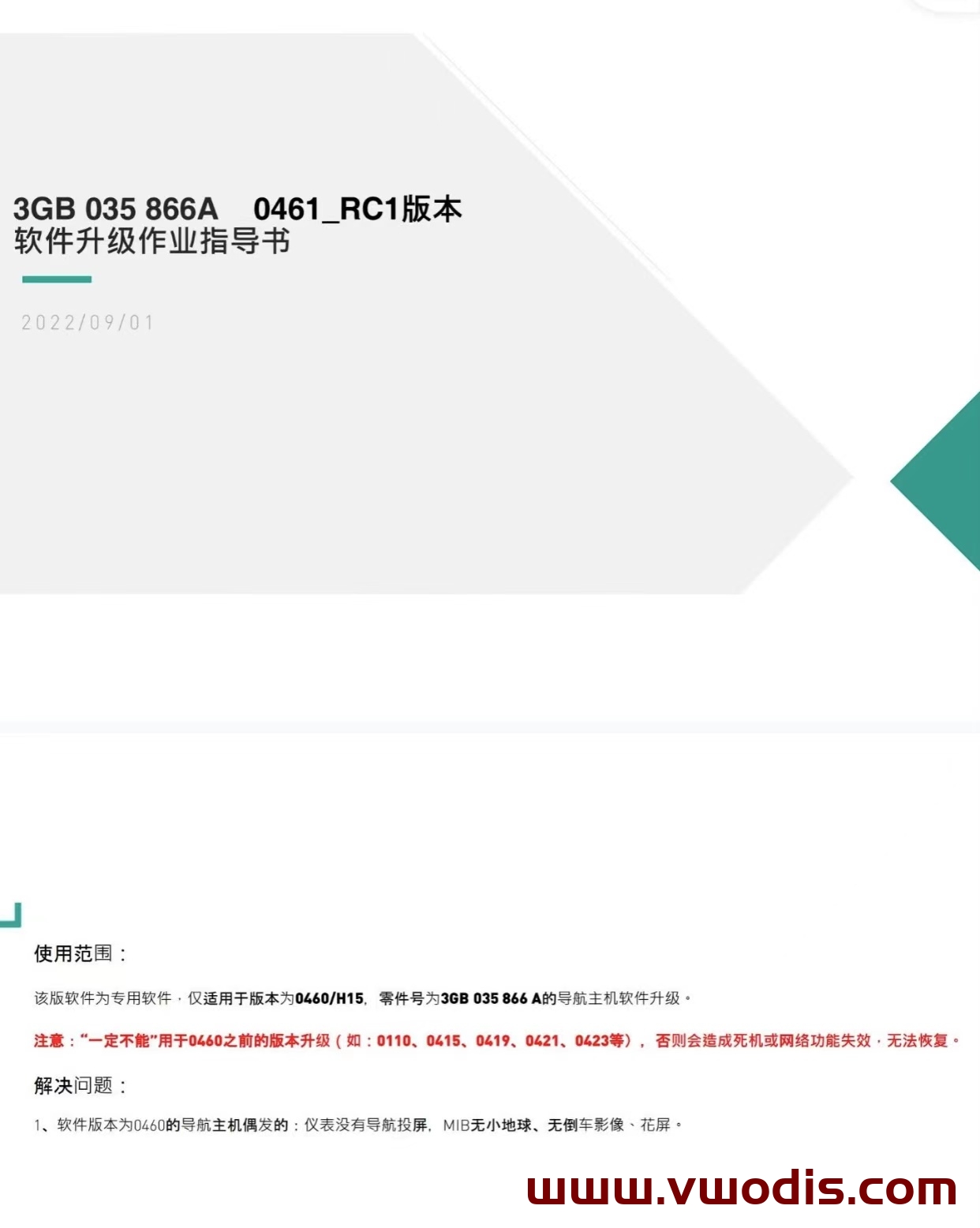
大众MQB平台Mib3.0 CNS3.0 3GB035866A固件0461最新版本 H15硬件专用
可升级车机:3GB035866A H15硬件
Odis E 12.2 Update_ODIS-Engineering_12.2-EU_Postsetup_120200.302.850-1月3日更新
Odis E 12.2 Update_ODIS-Engineering_12.2-EU_Postsetup_120200.302.850-1月3日更新
Odis E 12.2 Update_ODIS-Engineering_12.2-EU_Postsetup_120200.302.850-1月3日更新
odis s 7.2.1 Update_ODIS-Service_7.2.1-EU_Postsetup_70201.101.2260-1月3日更新
odis s 7.2.1 Update_ODIS-Service_7.2.1-EU_Postsetup_70201.101.2260-1月3日更新
odis s 7.2.1 Update_ODIS-Service_7.2.1-EU_Postsetup_70201.101.2260-1月3日更新
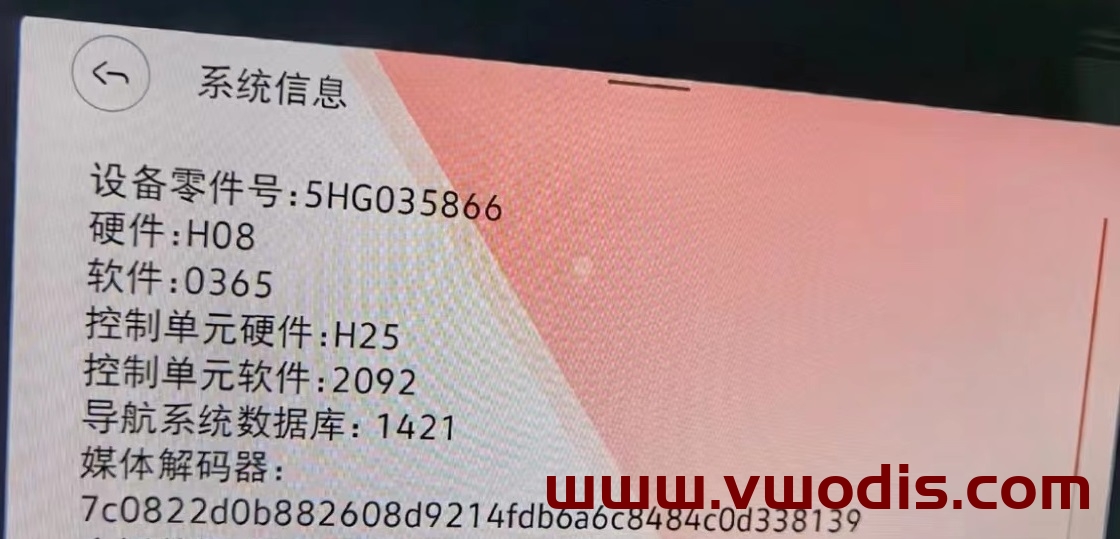
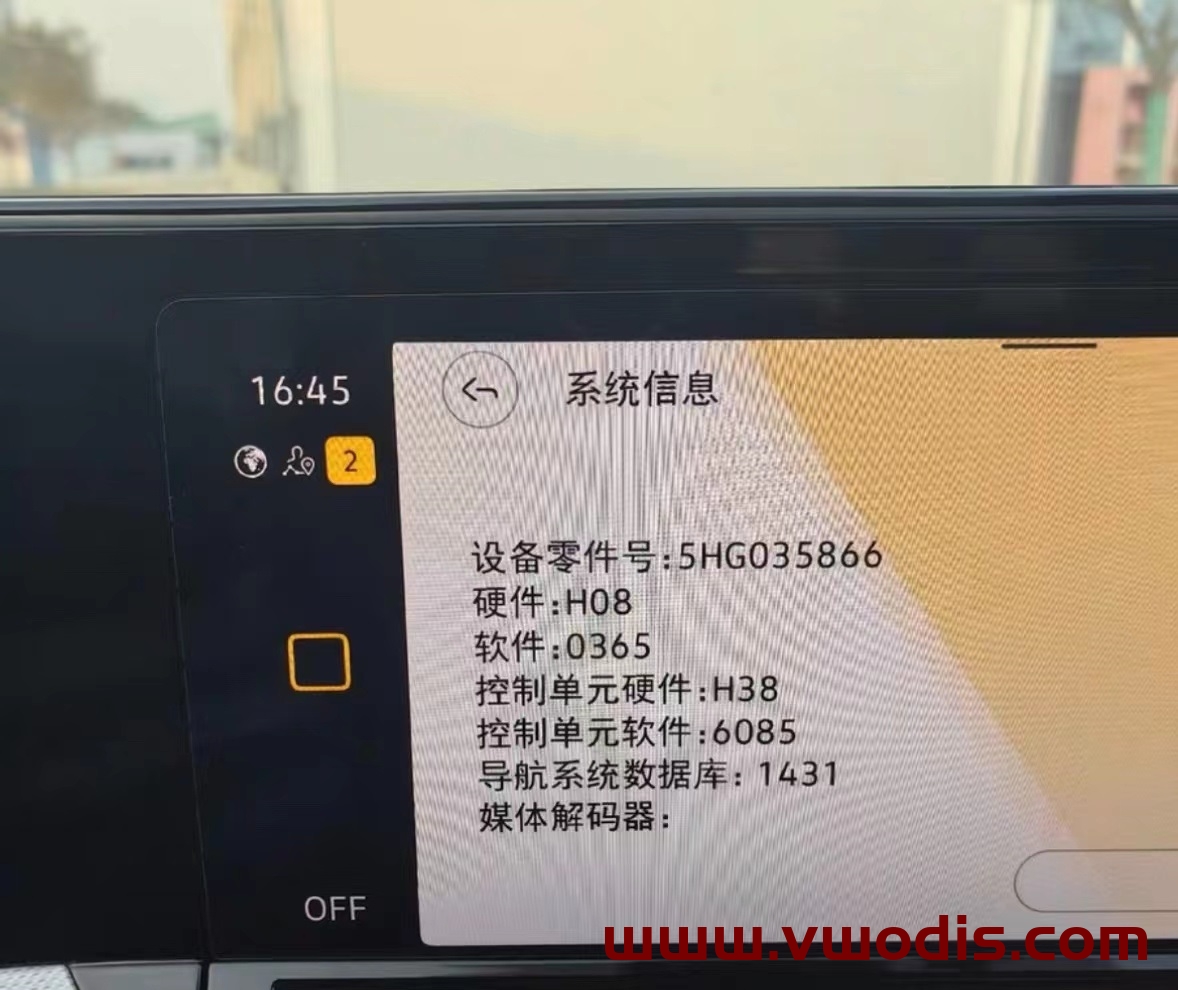
高尔夫8 凌渡L 揽境866车机最新固件0365
三代866车机0365更新系统固件
可升级车型 揽境 高尔夫8 凌渡L
零件号为5HG035866的导航主机都可以升级
解决新款仪表导航花屏BUG
解决冬季低温点火 车机长时间不启动
解决0363版本语音识别默认关闭
提升车机运行速度
适用车机:CNS3.0 3GB035866B H21硬件
优化项目:行驶途中偶发黑屏,死机等系统BUG;
升级方法:
解压文件,得到Data和Meta两个文件夹
将要升级使用的U盘,格式化
将Data和Meta这两个文件夹直接复制到升级U盘中
车辆通电,做两次主机恢复出厂设置操作,并取消蓝牙及网络等数据连接
插入U盘,长按主机Menu键,弹出服务模式画面
选择 软件更新/版本 选项,然后点击右侧开始更新
7. 之后可能会熄屏20s左右,直至屏幕重新自动点亮
8.在出现的画面里双击Update (点一次为选中,点两次为执行)
9.点击USB选项,进入加载界面
10.在新界面里点击Standard
11.在新界面滑动左侧白色滚动条,拉到最下面,双击Start update
12. 在新界面双击Start update后就开始刷新了。
13.升级进度条全部结束后,滑动左侧白色滚动条,点击最后的Resume,等待重启,即可完成系统升级!