VW 2020 Golf sportsvan 2Q0907686C Parameter-2020款高尔夫旅行车变道辅助2Q0907686C参数
VW 2020 Golf sportsvan 2Q0907686C Parameter-2020款高尔夫旅行车变道辅助2Q0907686C参数
VW 2020 Golf sportsvan 2Q0907686C Parameter-2020款高尔夫旅行车变道辅助2Q0907686C参数
Browse Volkswagen technical resources covering factory firmware, infotainment updates, diagnostic software, coding tutorials, wiring diagrams, retrofit guides, parameter files, repair cases and troubleshooting notes for Volkswagen Group vehicles.
VW 2020 Golf sportsvan 2Q0907686C Parameter-2020款高尔夫旅行车变道辅助2Q0907686C参数
VW 2020 Golf sportsvan 2Q0907686C Parameter-2020款高尔夫旅行车变道辅助2Q0907686C参数
VW 2020 Golf sportsvan 2Q0907686C Parameter-2020款高尔夫旅行车变道辅助2Q0907686C参数
Check the drive letters have been assigned correctly after the restore. You should have:
C:\SYSTEM
D:\APPS
E:\DATA
Sometimes D: and E: get swapped. Go to Windows Computer Management (right-click on This PC and choose Manage), then go to Disk Management, and re-assign the drive letters.
On the Windows desktop you will see a shortcut to “StopUpdates10”. This stops Windows from updating until you want it to. To switch updates back on, open the program and click the button “Restore Windows Updates”.
Easy way to Imprint PIWIS3
1. Run services.msc, and make sure AdminService is Disabled.
2. Copy the PIWIS Key Generator to the Windows Desktop and open it.
3. Run a command prompt (Start Menu > Command Prompt).
4. Type “wmic bios get serialnumber” (without quotes) and press Enter
5. Enter the Serial Number in the Keygen. Close Command Prompt.
6. Enter Dealer ID in Keygen (UK=921000, DE=0010000, USA=4500000, IT=7840000, FR=9200000, etc).
7. Enter Country in Keygen.
8. Enter an expiry date 10 years in advance (example: if date is 03 August 2021, change it to 03 August 2031).
9. Open PIWIS and go to Imprint and certificates.
10. Note the Request Key, and enter it into the Challenge box of the Keygen.
11. Generate licence with Keygen.
12. Enter the generated licence in the Licence key boxes in PIWIS.
13. Tick the “I accept the conditions” box and click Licence update.
14. If you have entered everything correctly, you will get a message asking you to reboot. DO NOT REBOOT – click
Cancel.
15. Click the Start button and choose Kill PIWIS. (Or close using Task Manager).
16. Run Regedit.exe and go to HKEY_LOCAL_MACHINE\SOFTWARE\PIWIS\Licence.
17. Check that the Challenge Key is the same as PIWIS/Keygen.
18. Delete the Licence Key registry entry and replace it with the Keygen Licence.
19. Exit Regedit, and REBOOT the computer.
VW B8 5Q0959592E 5Q0959593E Parameter
VW B8 5Q0959592E 5Q0959593E Parameter
VW B8 5Q0959592E 5Q0959593E Parameter
I extracted the update 41.300 for you guys and modified the .xml file so it does not install the McAfee update.
Copy the files on a SD card and run setup…
it is not encryted
I have had trouble with the 41.100 and 41.300 updates. If I update PT3G_Basis_System and the PIDT modules, I have a PPN Client pop-up which keeps nagging me to log in, and GFF and WD won’t work offline.
I have done lots of work on the shell.config file, and can now get GFF and WD working again, but I can’t get rid of the PPN pop-up.
The simple solution for now is to remove the PT3G_Basis_System and PIDT lines from install.xml, but in the long term “we” will need a better way.
I have attached modified inis and install.xml for anyone who has similar problems.
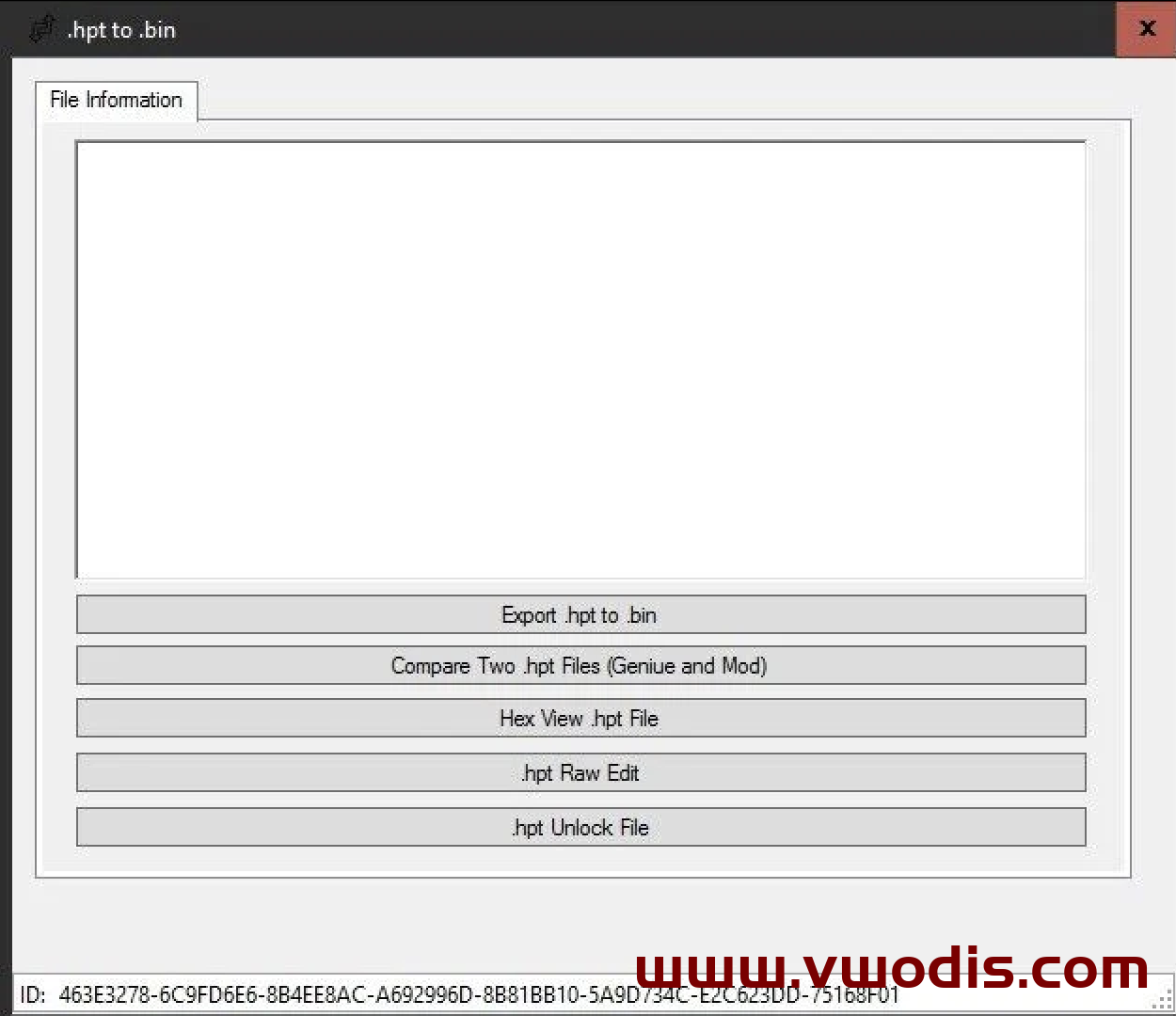
SKODA_DCC_5Q0907376B For Superb_Sportline and Kodiaq
SKODA_DCC_5Q0907376B For Superb_Sportline and Kodiaq
SKODA_DCC_5Q0907376B For Superb_Sportline and Kodiaq
大众MQB平台Mib3.0 CNS3.0 3GB035866B固件0674最新版本
大众MQB平台Mib3.0 CNS3.0 3GB035866B固件0674最新版本
大众MQB平台Mib3.0 CNS3.0 3GB035866B固件0674最新版本
本固件是工厂固件,非外面卖的改版本号的假货,买到假货的升级死机。
大众奥迪斯柯达西亚特FL_1S0907159___0003_UNLOCKED.odx固件-FL_1S0907159___0003_UNLOCKED.odx Frimware
大众奥迪斯柯达西亚特FL_1S0907159___0003_UNLOCKED.odx固件-FL_1S0907159___0003_UNLOCKED.odx Frimware
大众奥迪斯柯达西亚特FL_1S0907159___0003_UNLOCKED.odx固件-FL_1S0907159___0003_UNLOCKED.odx Frimware
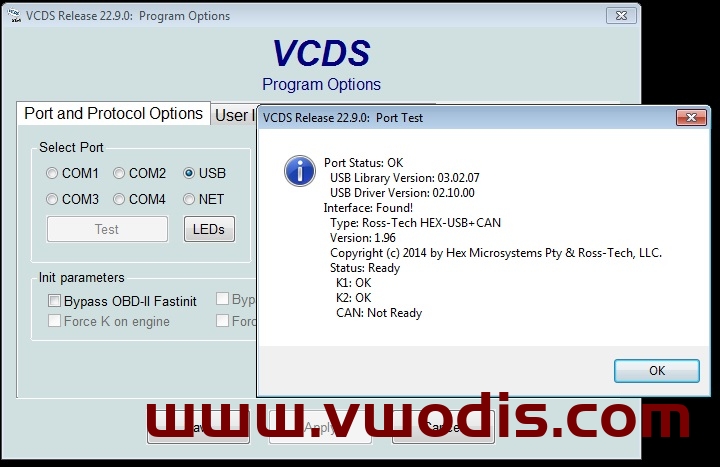
5053 VCDS 22.9.0 + Loader
5053 VCDS 22.9.0 + Loader
5053 VCDS 22.9.0 + Loader
If you have an RCD330 6RD 035 187A:
DO NOT install this on a Noname RCD330 187A! Those devices do not have enough RAM, 256mb (187A) vs 512mb (187B). If you do install this, you will get an infinite bootloop due to not having enough RAM. This can only be solved by opening the machine up, and using a TTL connection to reflash it OR soldering in a new 512mb RAM chip that basically turns it into a 187B.
Fixes: Fixes wireless Carplay dongle (i.e. Carlinkit) connection issues. Different startup logo. Otherwise seems to be the same as 5532.
Languages: English (US), Spanish (Mex), Portuguese (BR) and Russian
How to update a Noname RCD330 187B-F:
*USE A USB 2.0 THUMBDRIVE FOR BEST RESULTS*
1. Turn on the Radio and hold the Setup button for 5-10 seconds.
2. When the screen comes up, select firmware update and select the firmware file you want to use.
3. Updating can take a long while, it can get stuck on 5% or 40% for a long minute. Do not worry. Do not turn anything off, please wait patiently.
4. The radio will reboot once it is finished.
Audi BNav 5.34.2 West 2022+Audi BNav 5.34.2 East 2022 Map
Audi BNav 5.34.2 West 2022+Audi BNav 5.34.2 East 2022 Map
Audi BNav 5.34.2 West 2022+Audi BNav 5.34.2 East 2022 Map