SVW Passat MIB869 Parameter
SVW Passat MIB869 Parameter
SVW Passat MIB869 Parameter
Browse Volkswagen technical resources covering factory firmware, infotainment updates, diagnostic software, coding tutorials, wiring diagrams, retrofit guides, parameter files, repair cases and troubleshooting notes for Volkswagen Group vehicles.
SVW Passat MIB869 Parameter
SVW Passat MIB869 Parameter
SVW Passat MIB869 Parameter
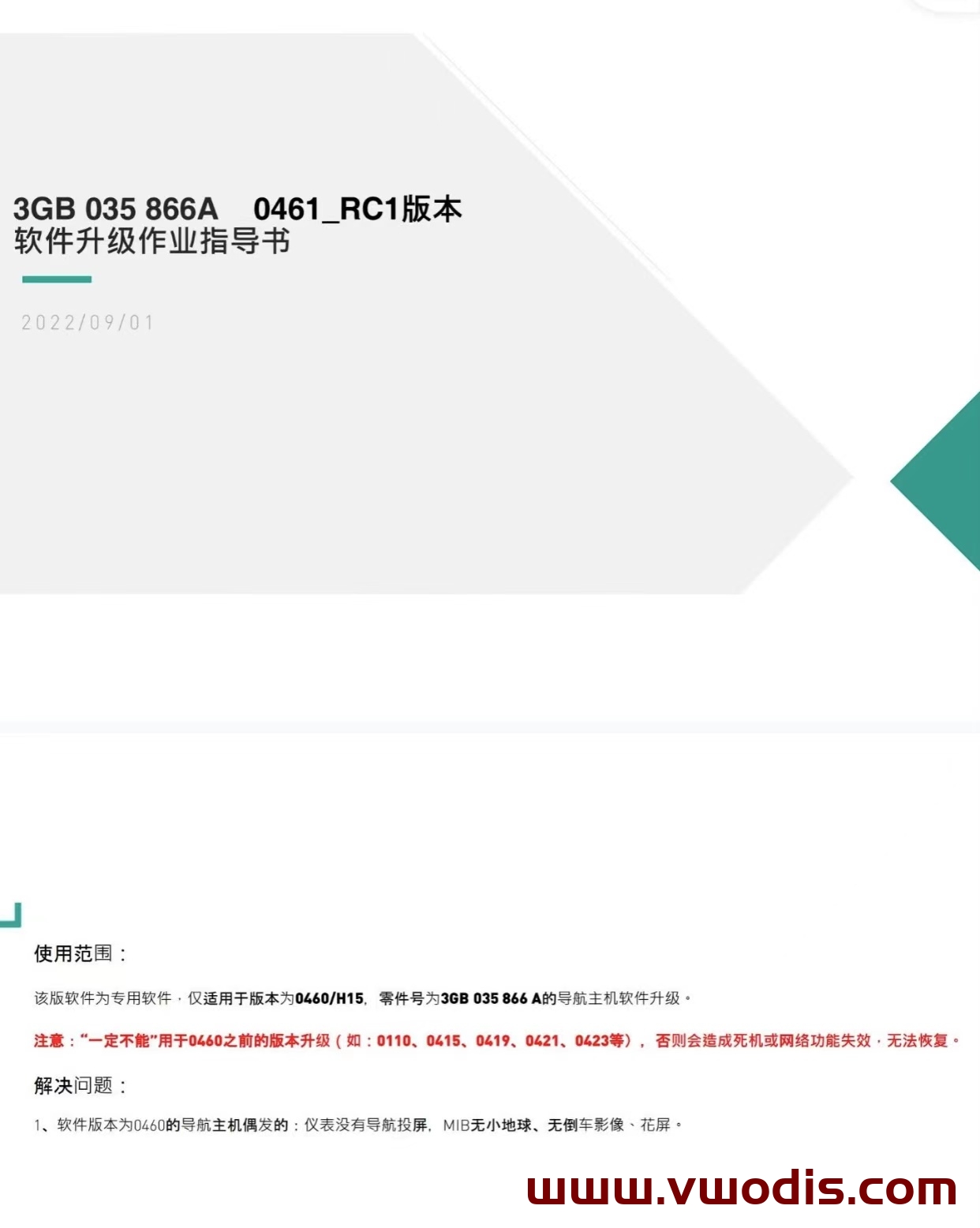
VW MQB Mib3.0 CNS3.0 3GB035866A 0461 Frimware H15 Hardware Dedicated
Upgradable Mib: 3GB035866A H15 hardware
Odis E 12.2 Update_ODIS-Engineering_12.2-EU_Postsetup_120200.302.850-Updated on January 3
Odis E 12.2 Update_ODIS-Engineering_12.2-EU_Postsetup_120200.302.850-Updated on January 3
Odis E 12.2 Update_ODIS-Engineering_12.2-EU_Postsetup_120200.302.850-Updated on January 3
odis s 7.2.1 Update_ODIS-Service_7.2.1-EU_Postsetup_70201.101.2260-Updated on January 3
odis s 7.2.1 Update_ODIS-Service_7.2.1-EU_Postsetup_70201.101.2260-Updated on January 3
odis s 7.2.1 Update_ODIS-Service_7.2.1-EU_Postsetup_70201.101.2260-Updated on January 3
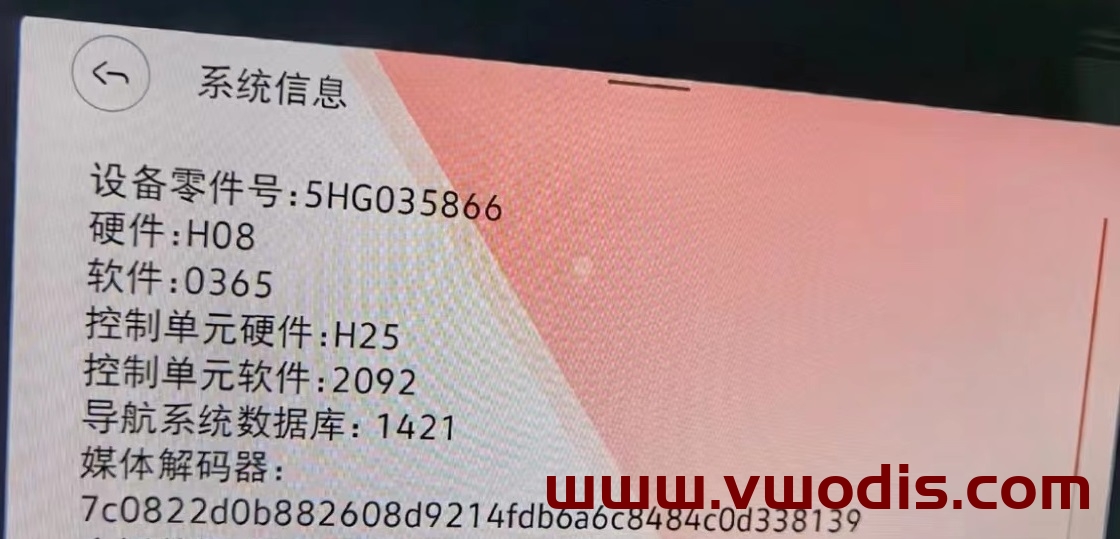
VW GOLF8 Lamando L TALAGON CNS3.0 Host 5HG035866 update 0365 Frimware
The latest firmware 0365 of Golf 8 Lamando L TALAGON 866 vehicle
Third generation 866 locomotive 0365 updates system firmware
Upgradeable model, Golf 8 Lamando L TALAGON
The navigation host with part number 5HG035866 can be upgraded
Solve the BUG of the new instrument navigation screen
Solve the problem of low temperature in winter. The locomotive does not start for a long time
Resolve that 0363 version speech recognition is turned off by default
Operation speed of hoist
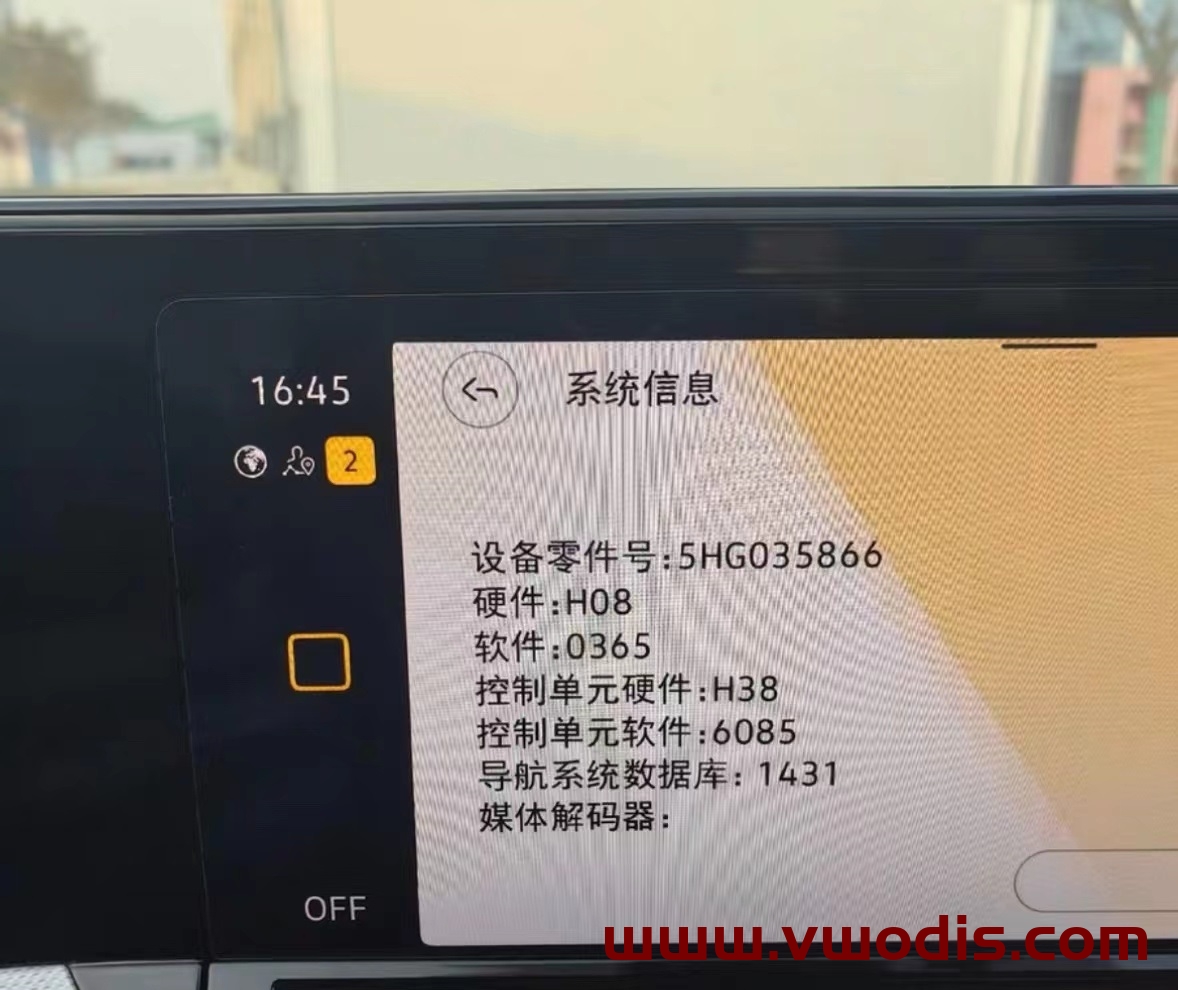
Applicable vehicle machine: CNS3.0 3GB035866B H21 hardware
Optimization project: occasional black screen, crash and other system bugs during driving;
Upgrade method:
Unzip the file to get the Data and Meta folders
Format the USB flash disk to be upgraded
Copy the Data and Meta folders directly to the upgrade USB flash drive
The vehicle is powered on, the host is restored to factory settings twice, and data connections such as Bluetooth and network are canceled
Insert the USB stick, press and hold the Menu key of the host, and the service mode screen pops up
Select the software update/version option and click the right side to start the update
7. After that, the screen may be turned off for about 20s until the screen lights up again automatically
8. Double click Update in the displayed screen (click once to select, click twice to execute)
9. Click the USB option to enter the loading interface
10. Click Standard in the new interface
11. Slide the white scroll bar on the left side of the new interface to the bottom, and double-click Start update
12. Double click Start update in the new interface to refresh.
13. After the upgrade progress bar is complete, slide the white scroll bar on the left, click the last Resume, and wait for restart to complete the system upgrade!
VW 2019 THARU Flagship Matching Value Parameter
VW 2019 THARU Flagship Matching Value Parameter
VW 2019 THARU Flagship Matching Value Parameter
VW Audi Skoda Seat Gateway FL_3Q0907530L__5323 Frimware
VW Audi Skoda Seat Gateway FL_3Q0907530L__5323 Frimware
VW Audi Skoda Seat Gateway FL_3Q0907530L__5323 Frimware
VW Golf 3Q0907530Q parameter
VW Golf 3Q0907530Q parameter
VW Golf 3Q0907530Q parameter
VW Golf 3Q0907530AD parameter
VW Golf 3Q0907530AD parameter
VW Golf 3Q0907530AD parameter