分类: Volkswagen

Browse Volkswagen technical resources covering factory firmware, infotainment updates, diagnostic software, coding tutorials, wiring diagrams, retrofit guides, parameter files, repair cases and troubleshooting notes for Volkswagen Group vehicles.

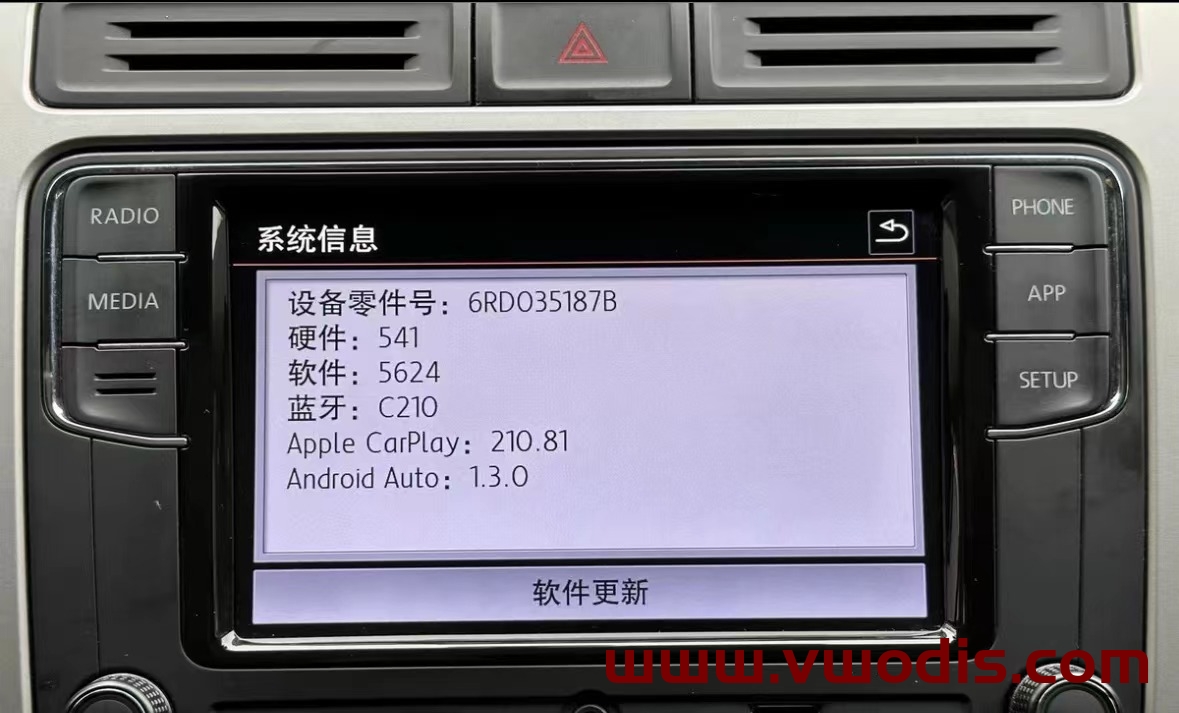
  • 【Firmware】VW【vwodis】VW MIB187B 6RD035187B  2023 Last 5624 Frimware

    【Firmware】VW【vwodis】VW MIB187B 6RD035187B 2023 Last 5624 Frimware

    VW【vwodis】VW MIB187B 6RD035187B 2023 Last 5624 Frimware

    VW【vwodis】VW MIB187B 6RD035187B 2023 Last 5624 Frimware

    VW【vwodis】VW MIB187B 6RD035187B 2023 Last 5624 Frimware

    Info:
    1.Fixed ios 16.xx and iphone 14 Carplay Calls ( sound) issue
    2.Fixed Whatsapp calls and Facetime audio calls issue
    3.New Start logo integrated
    4.Wireless Carplay dongle connection issue fixed
    5.App – Connect works very well.

    6.FM Radio / Media / Phone functions works well

    language:EN/CN

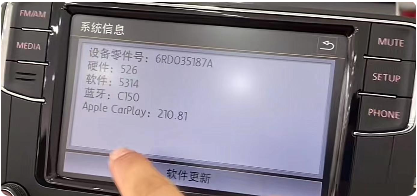
  • 【Firmware】VW【vwodis】VW MIB187A 6RD035187A std_plus_pss-6.5inch_256M161124bt0-5.4.6.6 5314 Frimware

    【Firmware】VW【vwodis】VW MIB187A 6RD035187A std_plus_pss-6.5inch_256M161124bt0-5.4.6.6 5314 Frimware

    VW【vwodis】VW MIB187A 6RD035187A std_plus_pss-6.5inch_256M161124bt0-5.4.6.6 5314 Frimware

    VW【vwodis】VW MIB187A 6RD035187A std_plus_pss-6.5inch_256M161124bt0-5.4.6.6 5314 Frimware

    VW【vwodis】VW MIB187A 6RD035187A std_plus_pss-6.5inch_256M161124bt0-5.4.6.6 5314 Frimware

  • 【Parameter】VW【vwodis】VW jetta 7 USA 2Q0907685B 2Q0907686B Parameter

    VW【vwodis】VW jetta 7 USA 2Q0907685B 2Q0907686B Parameter

    VW【vwodis】VW jetta 7 USA 2Q0907685B 2Q0907686B Parameter

    VW【vwodis】VW jetta 7 USA 2Q0907685B 2Q0907686B Parameter

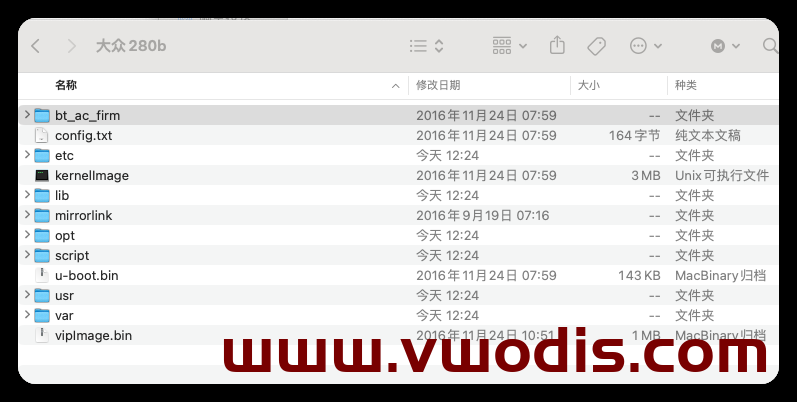
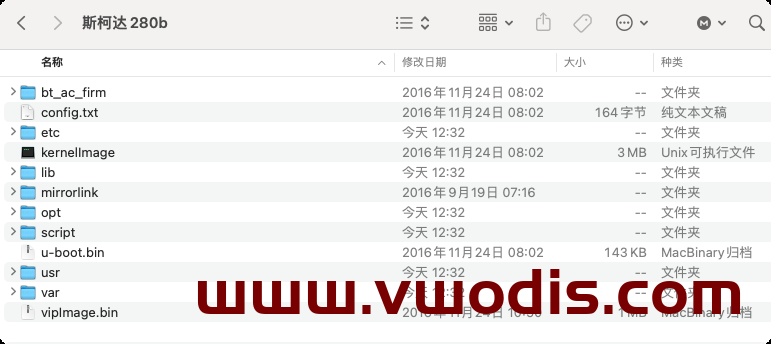
  • 【Firmware】VW【vwodis】VW SKODA MIB280B Frimware

    VW【vwodis】VW SKODA MIB280B Frimware

    VW【vwodis】VW SKODA MIB280B Frimware

    VW【vwodis】VW SKODA MIB280B Frimware

  • 【Parameter】VW【vwodis】VW ID3 ID4 ID6 360 1EA907556G Parameter

    VW【vwodis】VW ID3 ID4 ID6 360 1EA907556G Parameter

    VW【vwodis】VW ID3 ID4 ID6 360 1EA907556G Parameter

    VW【vwodis】VW ID3 ID4 ID6 360 1EA907556G Parameter

  • 【Parameter】VW【vwodis】VW ID3 ID4 ID6 Rear View Camera 1ED980556 1ED980556A Parameter

    VW【vwodis】VW ID3 ID4 ID6 Rear View Camera 1ED980556 1ED980556A Parameter

    VW【vwodis】VW ID3 ID4 ID6 Rear View Camera 1ED980556 1ED980556A Parameter

    VW【vwodis】VW ID3 ID4 ID6 Rear View Camera 1ED980556 1ED980556A Parameter

  • 【Software】odis【vwodis】Update_ODIS-Service_23.0.1-EU_Postsetup_230001.105.200

    odis【vwodis】Update_ODIS-Service_23.0.1-EU_Postsetup_230001.105.200

    odis【vwodis】Update_ODIS-Service_23.0.1-EU_Postsetup_230001.105.200

    odis【vwodis】Update_ODIS-Service_23.0.1-EU_Postsetup_230001.105.200

  • 【Firmware】VW【vwodis】VW Amarok FL_2H6907311B__0001.odx

    VW【vwodis】VW Amarok FL_2H6907311B__0001.odx

    VW【vwodis】VW Amarok FL_2H6907311B__0001.odx

    VW【vwodis】VW Amarok FL_2H6907311B__0001.odx

  • 【Firmware】VW【vwodis】VW MQB Mib3.0 CNS3.0 3GB035866B 0696 Frimware H21 Hardware

    Volkswagen 3GB035866B Full Series Firmware H21 Hardware Upgrade 0696 Firmware
    CNS3.0 866B main engine included in original vehicles such as SAIC FAW
    Scope of use: Navigation host with part number 3GB035866B for the above models
    Main improvement content:
    1. Occasional gesture sensing failure
    2. Occasionally, online apps cannot be connected online
    3. Vehicle networking certificate expires
    Problem solving:
    A: The old version of the online app cannot be loaded (it can actually play online music and switch to the next song function normally on the interface)
    B: The root certificate of the Internet of Vehicles has expired
    C: Bluetooth phone noise
    Upgrade method:
    Unzip the file to obtain two folders: Data and Meta
    The USB drive to be upgraded, formatted
    Copy the Data and Meta folders directly to the upgraded USB drive
    Power on the vehicle, perform two factory reset operations on the host, and cancel data connections such as Bluetooth and network
    Insert the USB flash drive, long press the host Menu key, and the service mode screen will pop up
    Select the software update/version option and click on the right side to start updating
    7. Afterwards, the screen may turn off for about 20 seconds until the screen automatically lights up again
    8. Double click Update in the displayed screen (click once to select, click twice to execute)
    9. Click on the USB option to enter the loading interface
    10. Click on Standard in the new interface
    11. Slide the white scroll bar on the left side of the new interface, drag it to the bottom, and double-click Start update
    12. Double click on Start update on the new interface to start refreshing.
    13. After all the upgrade progress bars are completed, slide the white scroll bar on the left side, click on the last ‘Resume’, and wait for a reboot to complete the system upgrade!
  • 【Frimware】VW【vwodis】VW Golf8 GTI FL_5HG906264B_0001__V001.odx

    VW【vwodis】VW Golf8 GTI FL_5HG906264B_0001__V001.odx

    VW【vwodis】VW Golf8 GTI FL_5HG906264B_0001__V001.odx

    VW【vwodis】VW Golf8 GTI FL_5HG906264B_0001__V001.odx