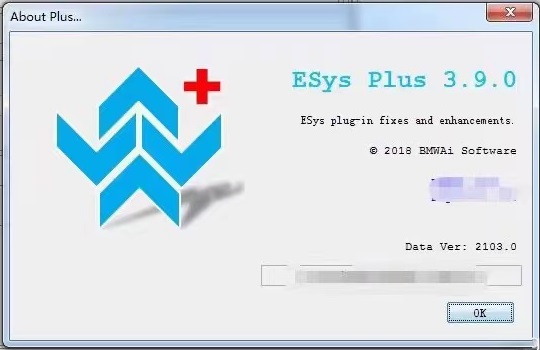
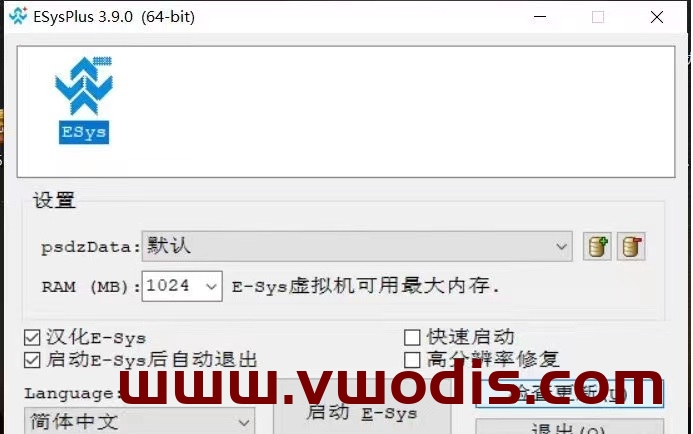
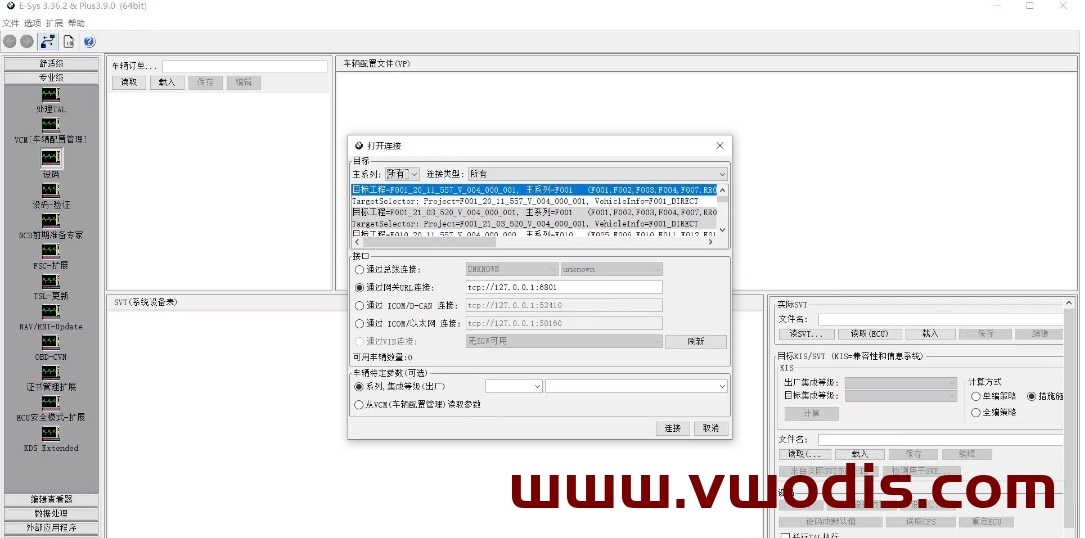
本次新增支持Esys 3.6.2新版本
支持21-03数据解析
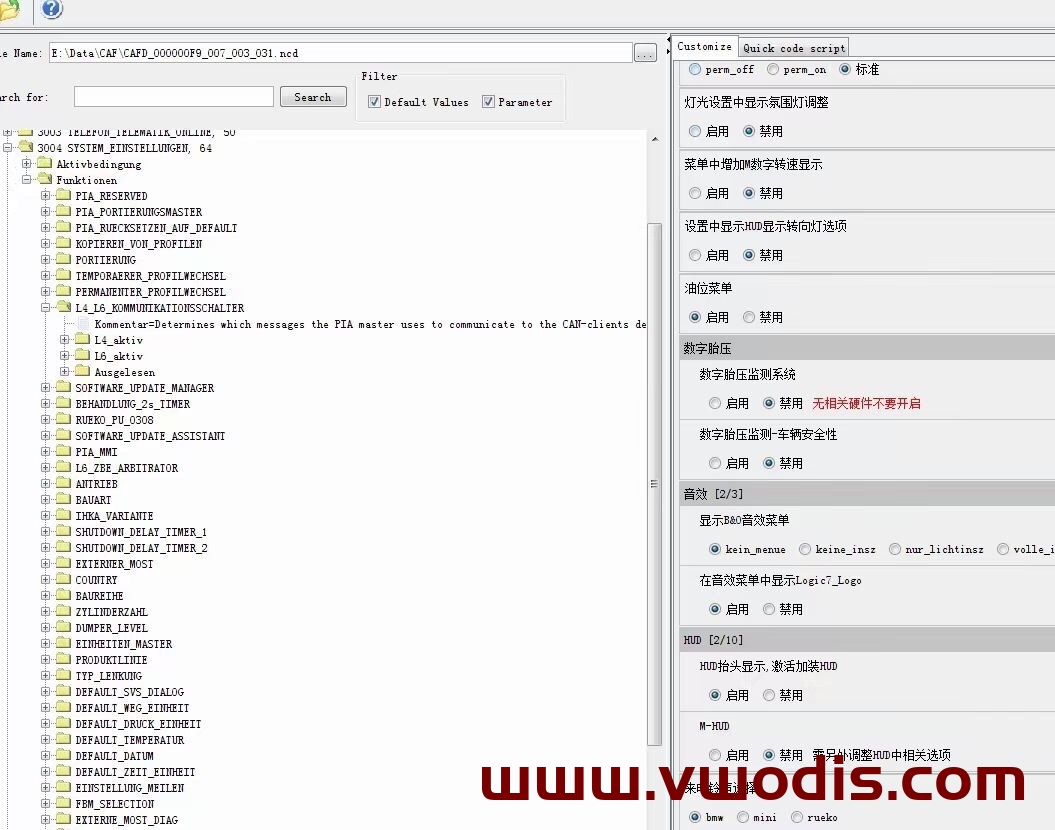
刷隐藏不能进入的bug,无需退出重新进,也不用从编辑界面进入,直接右键进入隐藏编辑界面
Find BMW resources for BMW vehicles, including navigation map updates, head unit firmware, ISTA diagnosis, E-Sys coding, BimmerCode tutorials, retrofit notes, programming files and practical repair solutions.
本次新增支持Esys 3.6.2新版本
支持21-03数据解析
刷隐藏不能进入的bug,无需退出重新进,也不用从编辑界面进入,直接右键进入隐藏编辑界面
EVO地图升级步骤:
1、先准备一个U盘或移动硬盘。(U盘最好64G容量以上,格式化成NTFS格式)
2、从宝马汇提供的网盘下载地图文件,把解压后的“CN”文件夹放到U盘或移动硬盘根目录内即可。
3、从副驾驶位置进入,按一下点火开关,关闭日间行车灯,(副驾驶位置的意思是不耽误你开关车门,不影响上下车,关闭日间行车灯的意思是安装期间只要不锁车就不再断电)
4、在中央扶手箱USB插口插入U盘或者移动硬盘。(关闭车内蓝牙、音乐播放、通风、灯光以及仪表盘灯光减弱)
5、等待几秒钟出现地图更新提示界面,确认下一步后,等待更新完成。
6、根据提示升级完成,拔出!
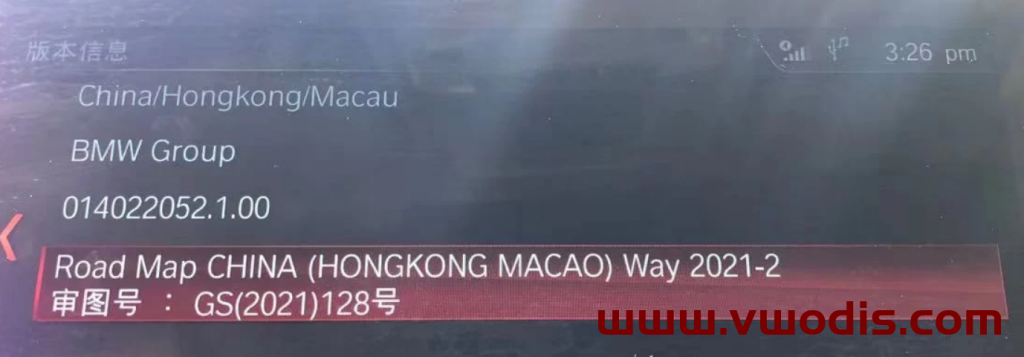
WAY地图升级步骤:
先准备一个大于16G或以上的U盘,将其格式化为NTFS格式,将解压后文件夹内的7个文件COPY至U盘根目录,上车插入中控杯架处的USB-A接口,系统会提示[USB设备有地图更新」,点击[现在更新],大约20分钟左右,期间不可开闭主驾车门,否则会因车辆电源关闭而中止更新,升级完后,根据提示重启导航,拔出U盘,升级完成。
BMW Launcher PRO V3.4.0.191 for E-sys + Instruction
BMW Launcher PRO V3.4.0.191 for E-sys + Instruction
BMW Launcher PRO V3.4.0.191 for E-sys + Instruction
宝马工程师ESYS-Plus3.8.1注册机—BMW E-SysPlus v3.8.1 Keygen
This keygen can register for esys-plus3.8.1!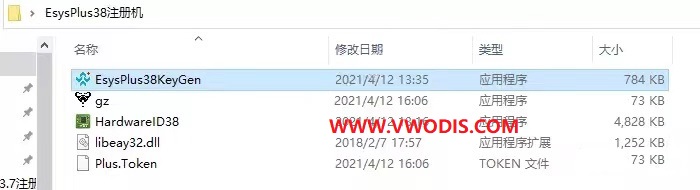
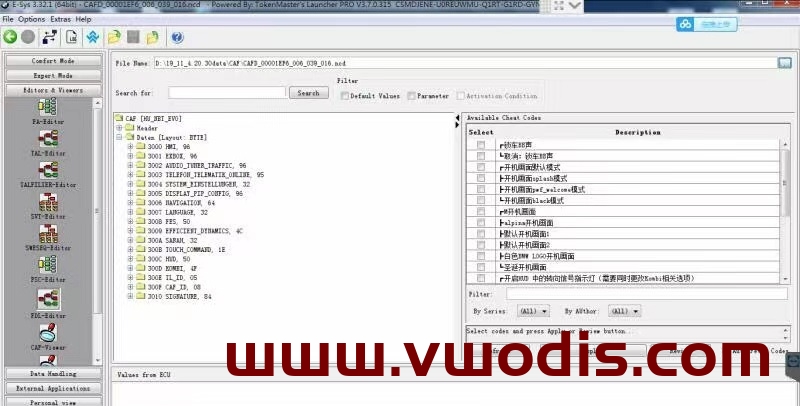
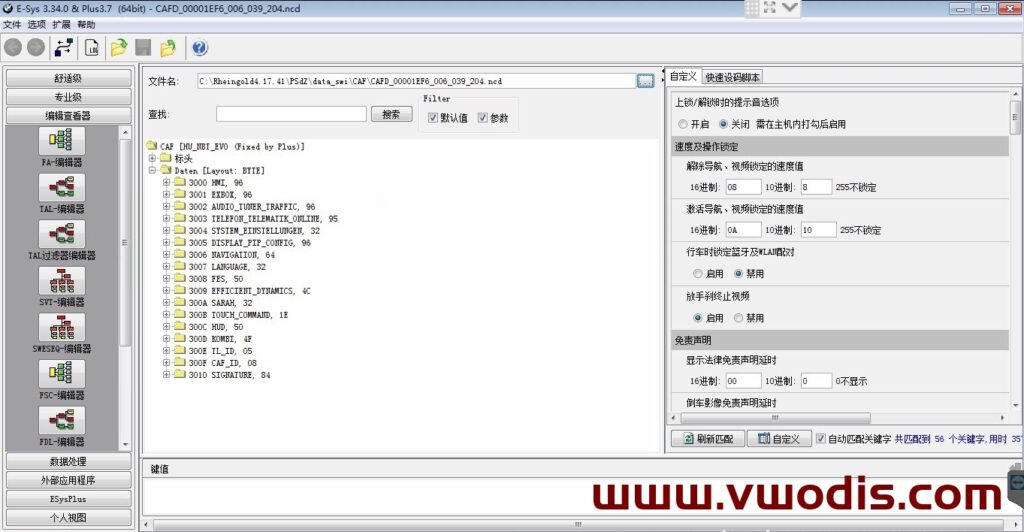
Archive size – 2 Gb
Updated files of the BMW E-Sys program for programming, coding electronic control units of new BMW series. Namely, for Fxx series F01 / F02 / F06 / F07 / F10 / F12 / F13 / F16 / F20 / F25 / F30 and so on.
System requirements
What was changed
Works with: BMW ICOM, ICOM Next, ENET, INPA, j2534 / PassThru
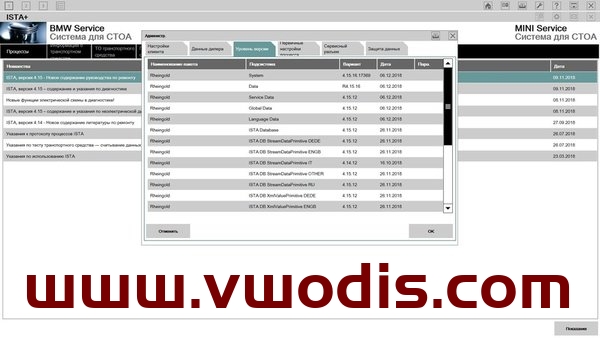
Programs for diagnostics and reprogramming of electronic control units of BMW, MINI, Rolls-Royce cars.