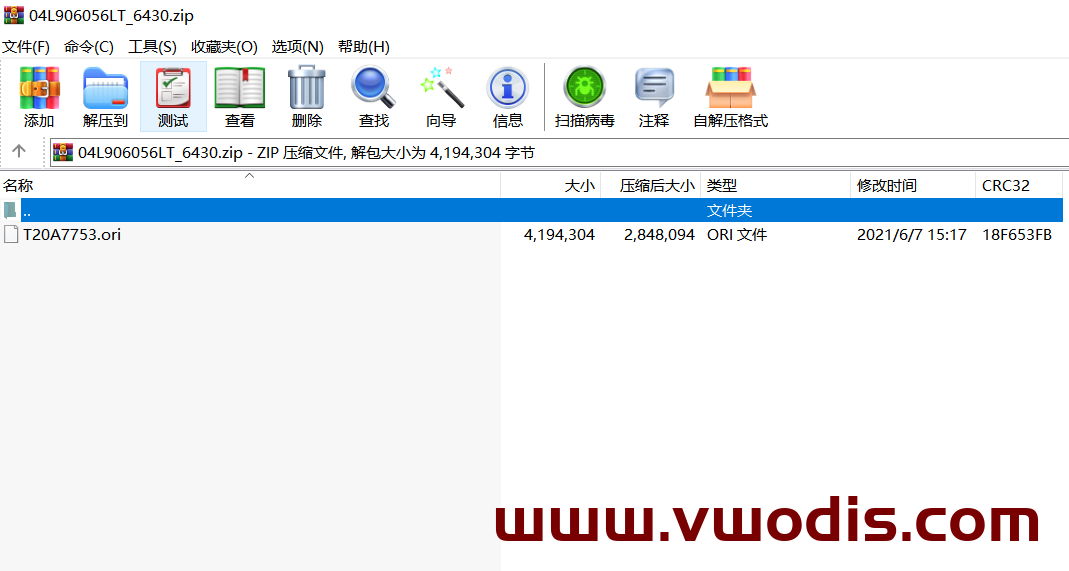
04L906056LT sw 6430 bin file
odis s 9.0 Latest Official & Original Complete Package-no crack
odis s 9.0 Latest Official & Original Complete Package-no crack
odis s 9.0 Latest Official & Original Complete Package-no crack
include:OffboardDiagSetup-Service_VWMCD_9_0_1-0102_6 and Postsetup 90001.102.60
odis s 9.0 Latest Official & Original Complete Package-no crack
odis s 9.0 Latest Official & Original Complete Package-no crack
odis s 9.0 Latest Official & Original Complete Package-no crack
include:OffboardDiagSetup-Service_VWMCD_9_0_1-0102_6 and Postsetup 90001.102.60
odis s 7.2.1 Update_ODIS-Service_7.2.1-EU_Postsetup_70201.101.1020
odis s 7.2.1 Update_ODIS-Service_7.2.1-EU_Postsetup_70201.101.1020
odis s 7.2.1 Update_ODIS-Service_7.2.1-EU_Postsetup_70201.101.1020
odis s 7.2.1 Update_ODIS-Service_7.2.1-EU_Postsetup_70201.101.1020
odis s 7.2.1 Update_ODIS-Service_7.2.1-EU_Postsetup_70201.101.1020
odis s 7.2.1 Update_ODIS-Service_7.2.1-EU_Postsetup_70201.101.1020
1 download and install vxdiag maneger.
2 VAG ODIS6154 must be selected during installation
3 After installation, open VX manager and update VCI to lates frimware. After disconnect device and remove VX manager.
4 install in “patch vcx odis”
5 copy VCX.dll, VCX.ini, VCX_X64.dll to C:\windows
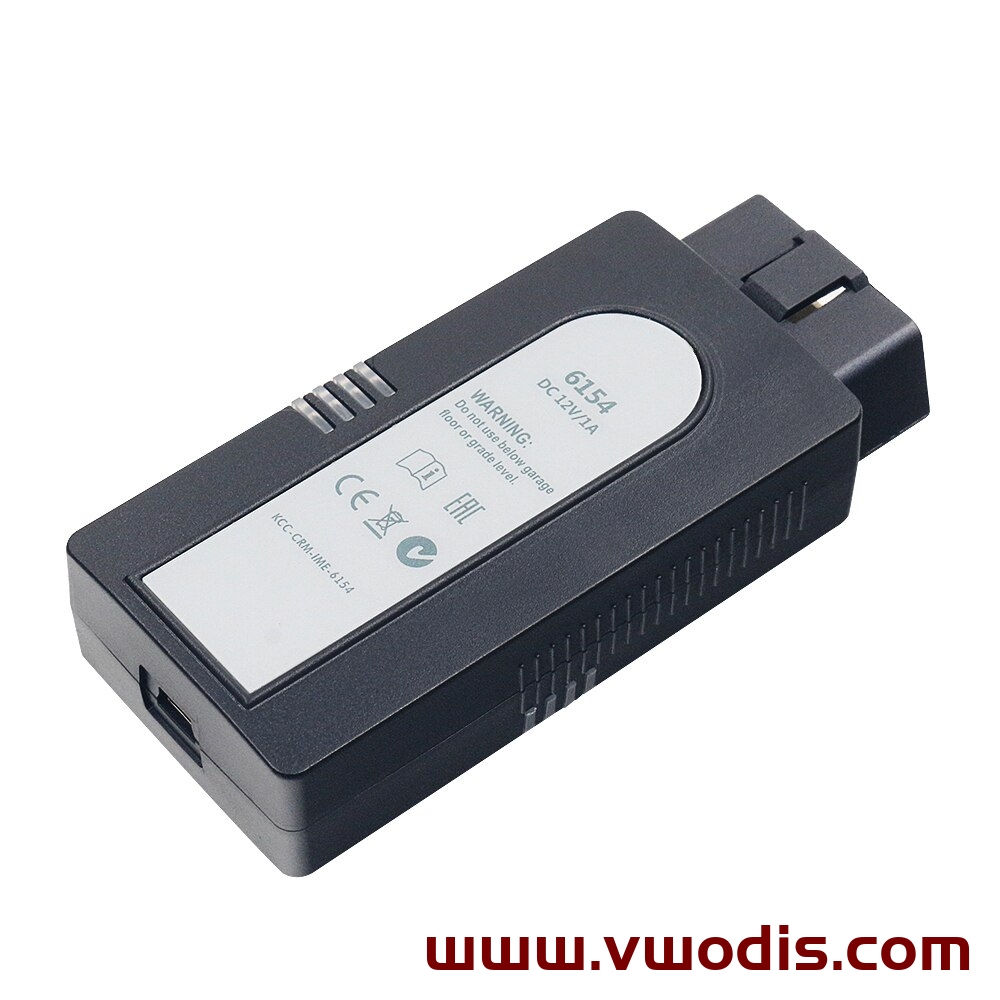
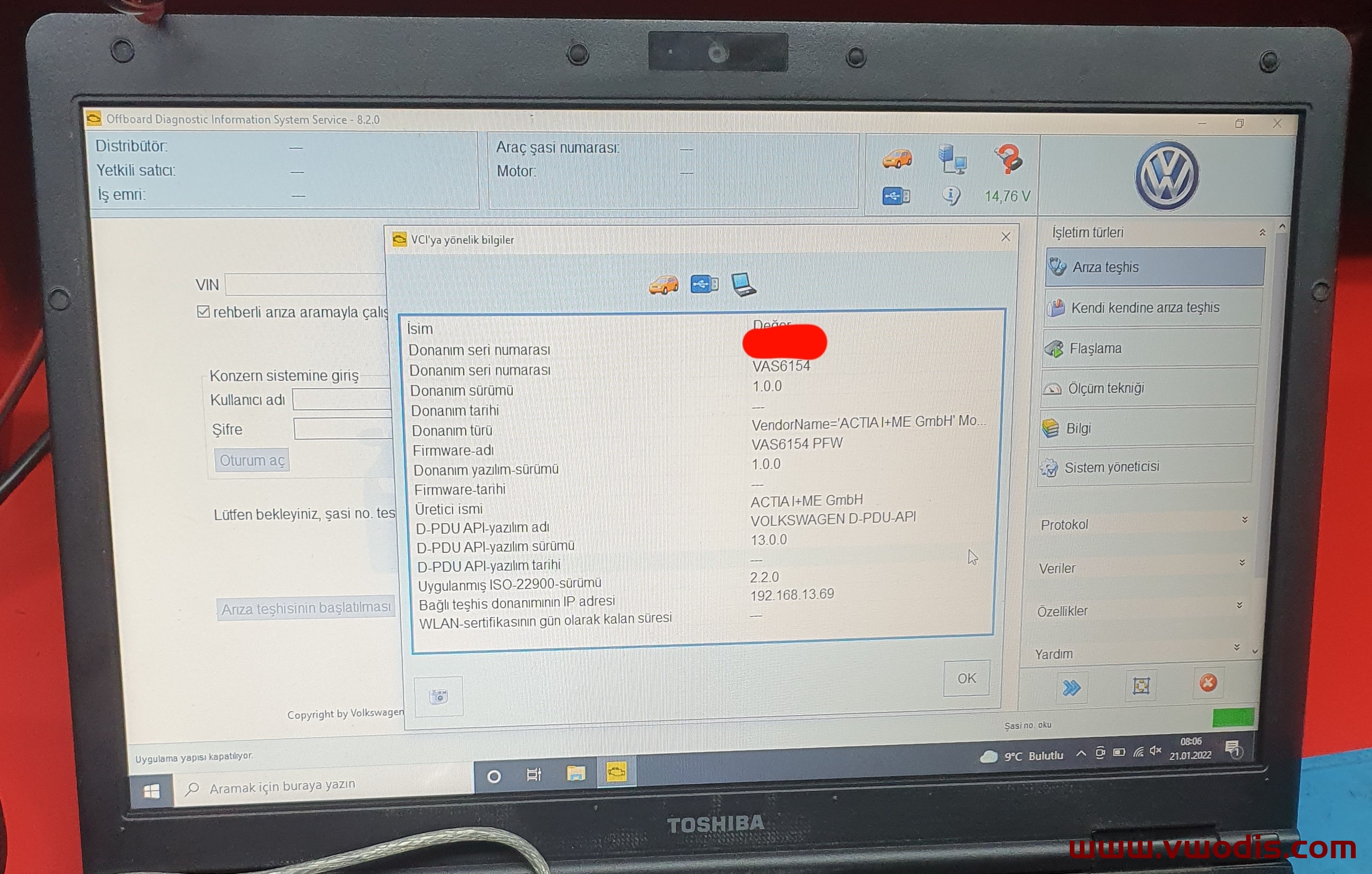
1 download and install vxdiag maneger.
2 VAG ODIS6154 must be selected during installation
3 After installation, open VX manager and update VCI to lates frimware. After disconnect device and remove VX manager.
4 install in “patch vcx odis”
5 copy VCX.dll, VCX.ini, VCX_X64.dll to C:\windows
Note: this firmware cannot be upgraded by ordinary means. It needs authorization from the maintenance station and cannot be upgraded under guidance; After purchase, only firmware is provided by default, and no refund service is provided
MOI3_EU_VWMQB_P1560P_MU0156
MOI3_EU_VWMQB_P1560P_MU0156
MOI3_EU_VWMQB_P1560P_MU0156