GS3101光猫英文固件支持GPON EPON自适应和所有3101主板
GS3101光猫英文固件支持GPON EPON自适应和所有3101主板
GS3101光猫英文固件支持GPON EPON自适应和所有3101主板
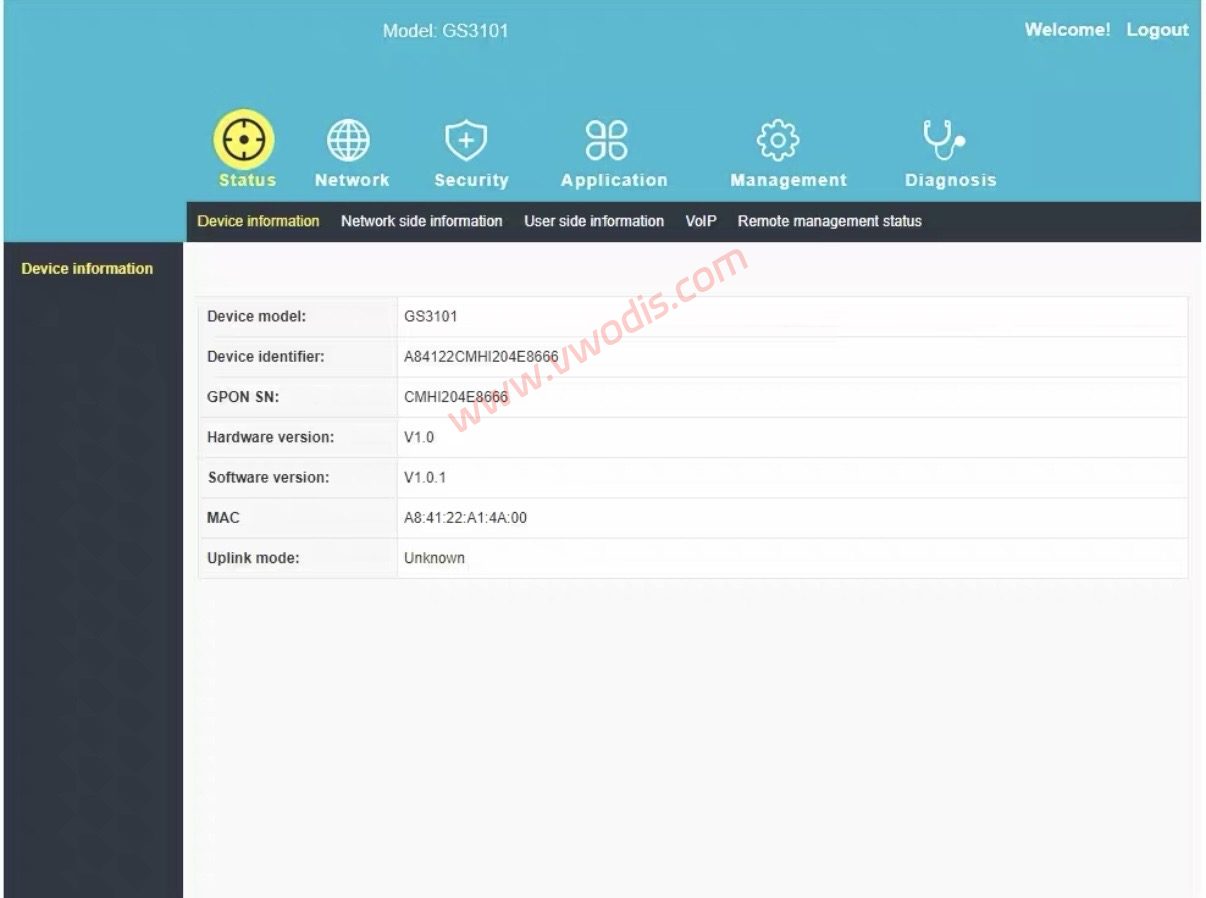
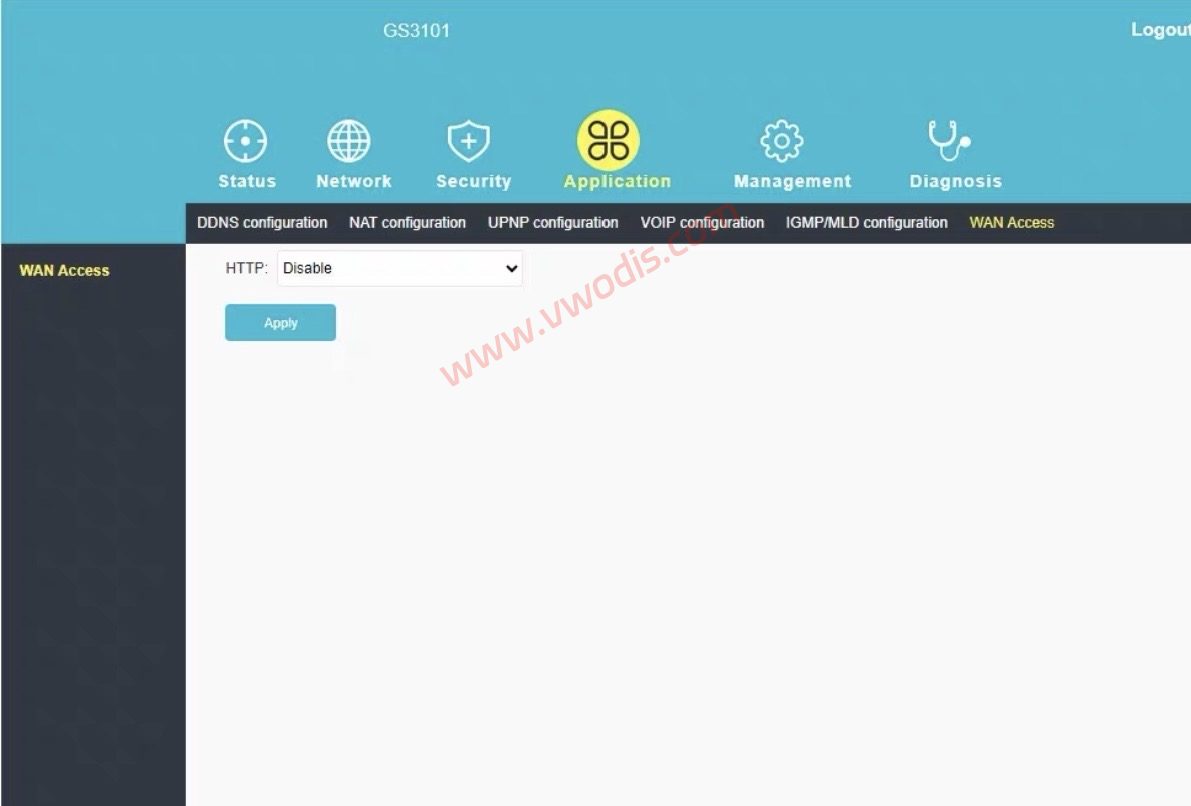
GS3101光猫英文固件支持GPON EPON自适应和所有3101主板
GS3101光猫英文固件支持GPON EPON自适应和所有3101主板
GS3101光猫英文固件支持GPON EPON自适应和所有3101主板
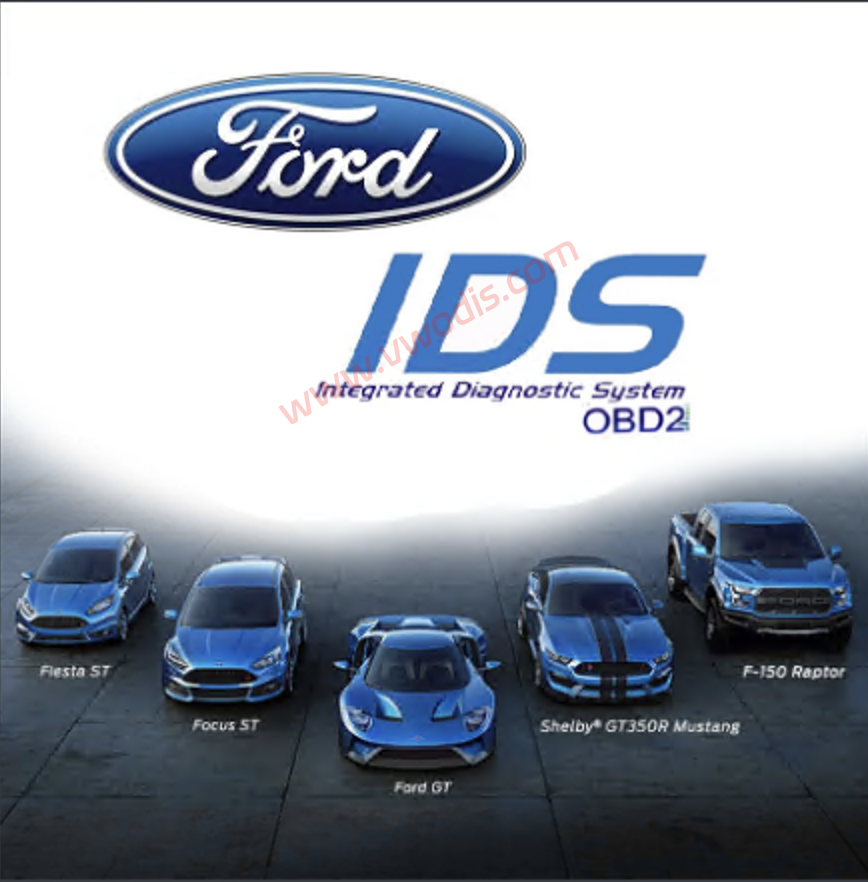
Ford IDS 132.04 2025 Patched for ANY VCI
Ford IDS 132.04 2025 Patched for ANY VCI
Ford IDS 132.04 2025 Patched for ANY VCI
————————————————————————————————–
For testing the patched IDS, I used the following diagnostic interfaces:
– Autroniq A100 & A200
– Ford VCM III
————————————————————————————————–
⚠️ Important Notes About Interfaces
Software works 100% with quality and genuine interfaces.
Please do not waste my time asking me to set up your interface with the software.
If your interface is not working with IDS, contact the seller of the interface.
The issue will always be with the your installation setup or your interface driver, not IDS.
❌ Poor quality interfaces: VNCI, VXDIAG
If you use rubbish interfaces, please do not waste my time.
————————————————————————————————–
🔧 Installation Step-by-step:
1 Install IDS-132_01_Full.exe
Important: Make sure you install it using the default path:
C:Program Files (x86)Ford Motor CompanyIDS
2. Install FDRS_45.6.5_exe
3. Install VCI_Software_1.0.1.18
4. Download and Install Ford Driver for your VCI!
5. Restart your computer once the installations are complete.
6. Run the patcher as Administrator (Important!). If you don’t, it won’t work.
7. When prompted, type 1 to patch and press Enter. You should see a confirmation message saying the patch was successful.
8. Start the patcher again, and this time press number 2. This will popup the VCI Manager that will allow you to choose your VCI Type.
9. Once you chose the VCI, IDS will start.
10. You can now start IDS normally every time without need of patcher or VCI Manager.
Now you’re ready, enjoy!
💡 Notes
This Patch and IDS was tested on Windows 11 (fresh install, 64-bit).
You must also have FDRS and VCI Manager Installed together with IDS for it to work.
————————————————————————————————–
Troubleshooting
1. IDS Still Launches Login Page Issue:
This issue occurs when there is a permissions problem on your Windows system that prevents the patcher from changing the IDS Launcher target.
To fix this, please follow the steps below:
1. Right-click on your IDS shortcut.
2. Go to Properties.
3. In the Target field, change SubscriptionLauncher.exe to Tabman.exe.
4. Try running IDS again.
Please refer to the images inside the ZIP file for a visual tutorial on how to do this.
2. IDS Does not show VCI Manager icon in the program
To fix this issue follow the steps below;
1. Open IDS Patcher as administrator
2. Press number 2 and Enter.
3. Choose your VCI from the list and press OK
That’s it!
————————————————————————————————–
Ford IDS 132.04 2025 Patched for ANY VCI
Ford IDS 132.04 2025 Patched for ANY VCI
Ford IDS 132.04 2025 Patched for ANY VCI
————————————————————————————————–
为了测试修补后的 IDS,我使用了以下诊断接口:
– Autroniq A100 和 A200
– 福特 VCM III
————————————————————————————————–
⚠️ 关于接口的重要注意事项
软件 100% 运行,具有高质量和真实的界面。
请不要浪费我的时间让我设置您的软件界面。
如果您的接口无法与 IDS 配合使用,请联系该接口的销售商。
问题始终与您的安装设置或接口驱动程序有关,而不是 IDS。
❌ 质量差的接口:VNCI、VXDIAG
如果你使用垃圾接口,请不要浪费我的时间。
————————————————————————————————–
🔧 安装步骤:
1 安装IDS-132_01_Full.exe
重要提示:确保使用默认路径安装它:
C:\Program Files (x86)\福特汽车公司\IDS
2.安装FDRS_45.6.5_exe
3.安装VCI_Software_1.0.1.18
4. 下载并安装适用于您的 VCI 的福特驱动程序!
5. 安装完成后重新启动计算机。
6. 以管理员身份运行修补程序(重要!)。如果你不这样做,它就不会起作用。
7. 出现提示时,键入 1 进行修补,然后按 Enter。您应该会看到一条确认消息,表明补丁已成功。
8. 再次启动修补程序,这次按数字 2。这将弹出 VCI 管理器,您可以在其中选择 VCI 类型。
9. 选择 VCI 后,IDS 将启动。
10. 现在您可以每次正常启动IDS,而无需修补程序或VCI Manager。
现在你已经准备好了,尽情享受吧!
💡 笔记
此补丁和 IDS 在 Windows 11(全新安装,64 位)上进行了测试。
您还必须将 FDRS 和 VCI Manager 与 IDS 一起安装才能正常工作。
————————————————————————————————–
故障排除
1. IDS 仍然启动登录页面问题:
当 Windows 系统上存在阻止修补程序更改 IDS 启动器目标的权限问题时,就会出现此问题。
要解决此问题,请按照以下步骤操作:
1. 右键单击 IDS 快捷方式。
2. 转到属性。
3. 在目标字段中,将 SubscriptionLauncher.exe 更改为 Tabman.exe。
4. 再次尝试运行 IDS。
请参阅 ZIP 文件内的图像,获取有关如何执行此操作的视觉教程。
2. IDS在程序中不显示VCI Manager图标
要解决此问题,请按照以下步骤操作;
1.以管理员身份打开IDS Patcher
2. 按数字 2 并输入。
3. 从列表中选择您的 VCI,然后按“确定”
就是这样!
————————————————————————————————–
Renault v6.1.4 + KEYGEN & Activator
Renault v6.1.4 + KEYGEN & Activator
Renault v6.1.4 + KEYGEN & Activator
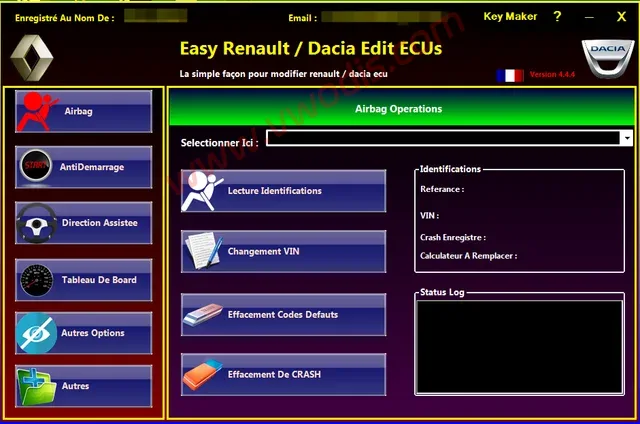
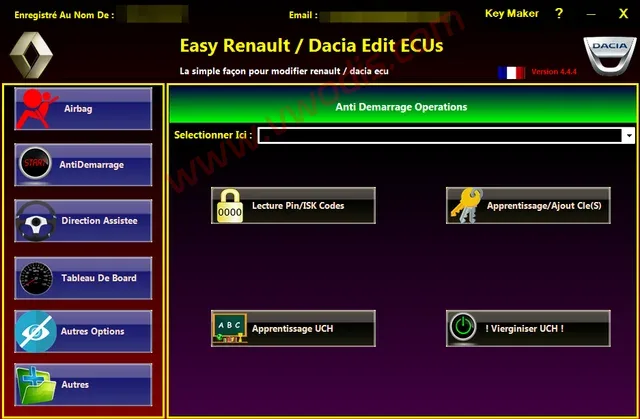
Renault v6.1.4 + KEYGEN & Activator
Renault v6.1.4 + KEYGEN & Activator
Renault v6.1.4 + KEYGEN & Activator
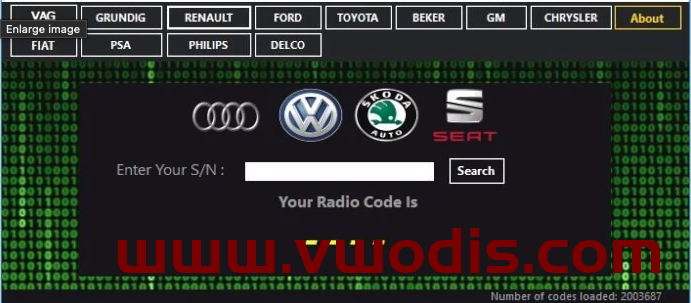
Radio code generator 2024 VAG, Renault Dacia, Ford, Toyota
Radio code generator 2024 VAG, Renault Dacia, Ford, Toyota
Radio code generator 2024 VAG, Renault Dacia, Ford, Toyota
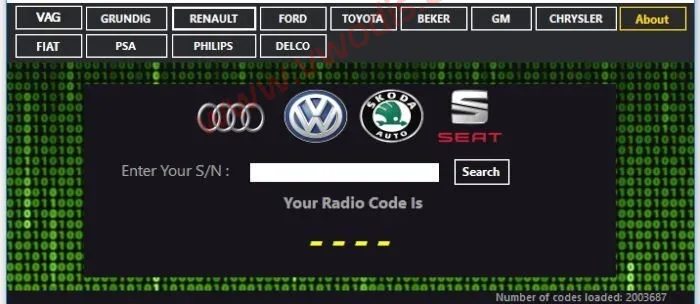
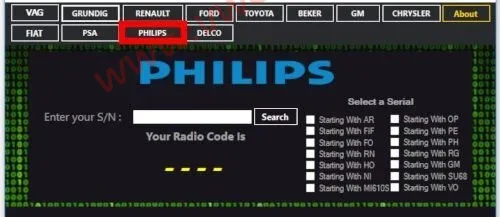
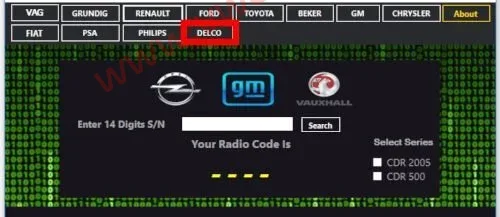
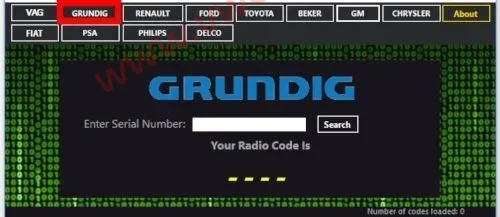
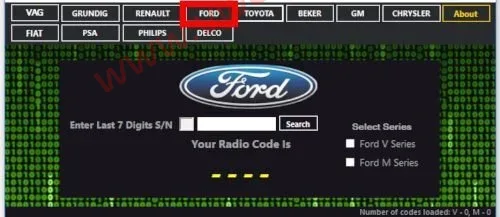
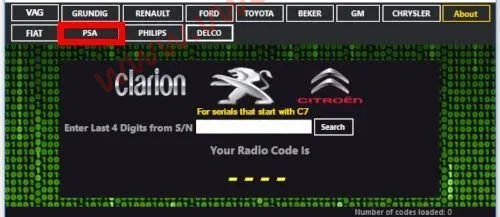
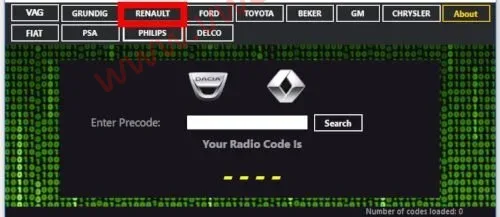
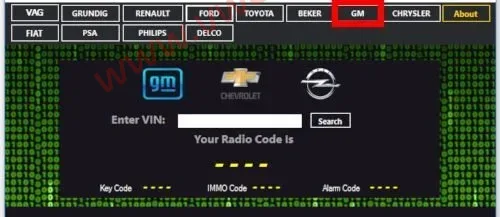
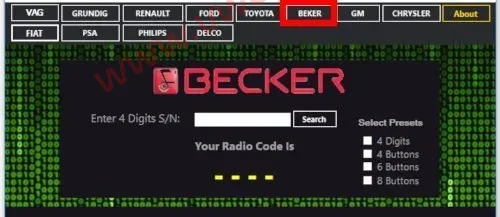
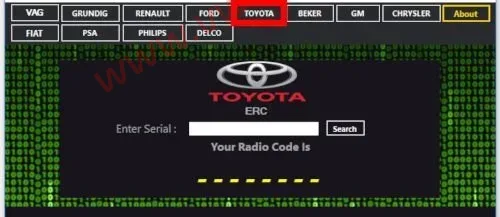
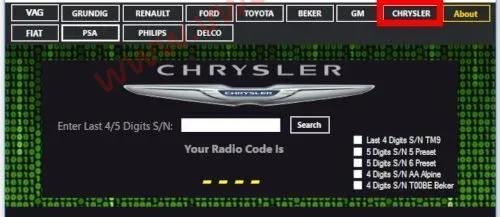
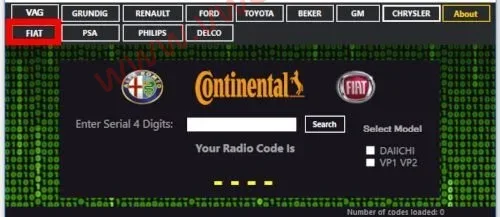
Radio code generator 2024 VAG, Renault Dacia, Ford, Toyota
Radio code generator 2024 VAG, Renault Dacia, Ford, Toyota
Radio code generator 2024 VAG, Renault Dacia, Ford, Toyota
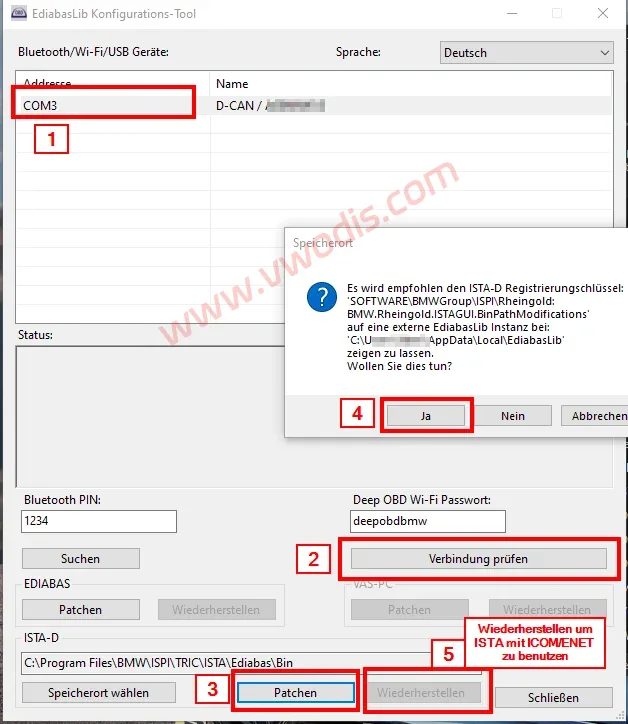
Ediabas Lib Config Tool Patched
Ediabas Lib Config Tool Patched
Ediabas Lib Config Tool Patched
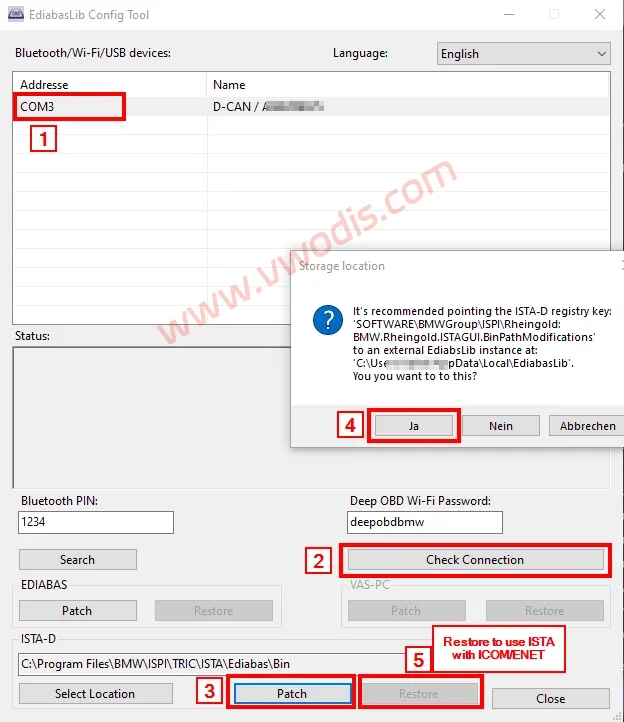
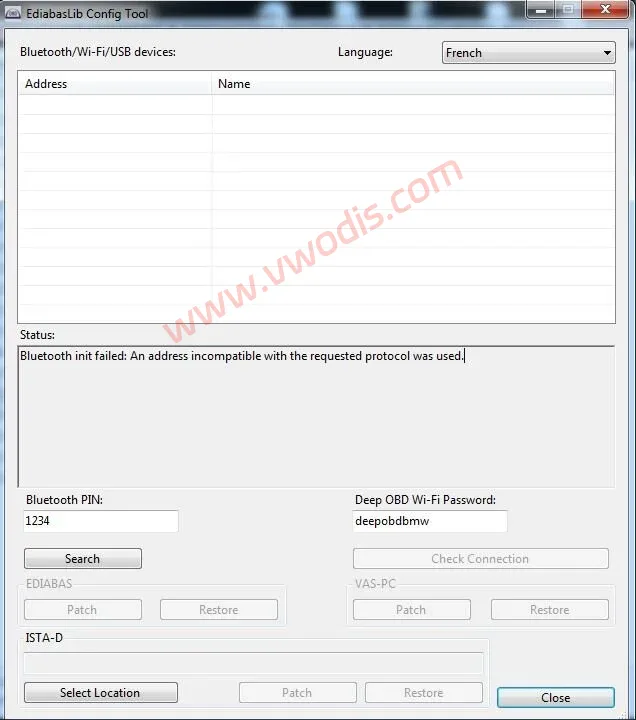
Ediabas Lib Config Tool Patched
Ediabas Lib Config Tool Patched
Ediabas Lib Config Tool Patched