作者: ml3665666

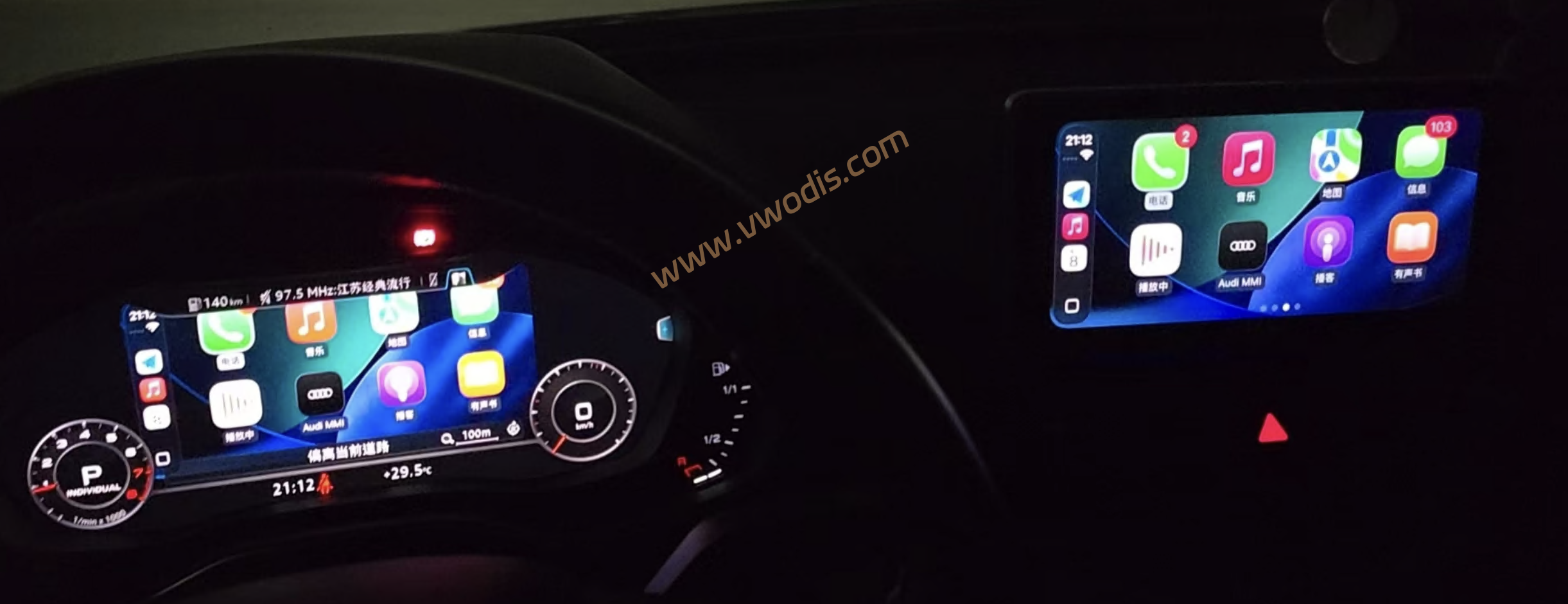
  • 【Solution】Audi MHI2Q+MIB2 Infotainment CarPlay Mirror to LCD Instrument Cluster File

    【Solution】Audi MHI2Q+MIB2 Infotainment CarPlay Mirror to LCD Instrument Cluster File

    Audi MHI2Q+MIB2 Infotainment CarPlay Mirror to LCD Instrument Cluster File

    Audi MHI2Q+MIB2 Infotainment CarPlay Mirror to LCD Instrument Cluster File

    Audi MHI2Q+MIB2 Infotainment CarPlay Mirror to LCD Instrument Cluster File

    Known Issues

    MMI Mirror launched via AutoStart may result in black screen after prolonged continuous use. Please always prioritize driving safety. For long-duration usage, manual Start MMI Mirror is recommended. No such issue has been observed with manual Start. If black screen occurs while driving, do not operate the infotainment unit during travel; safely pull over before troubleshooting.

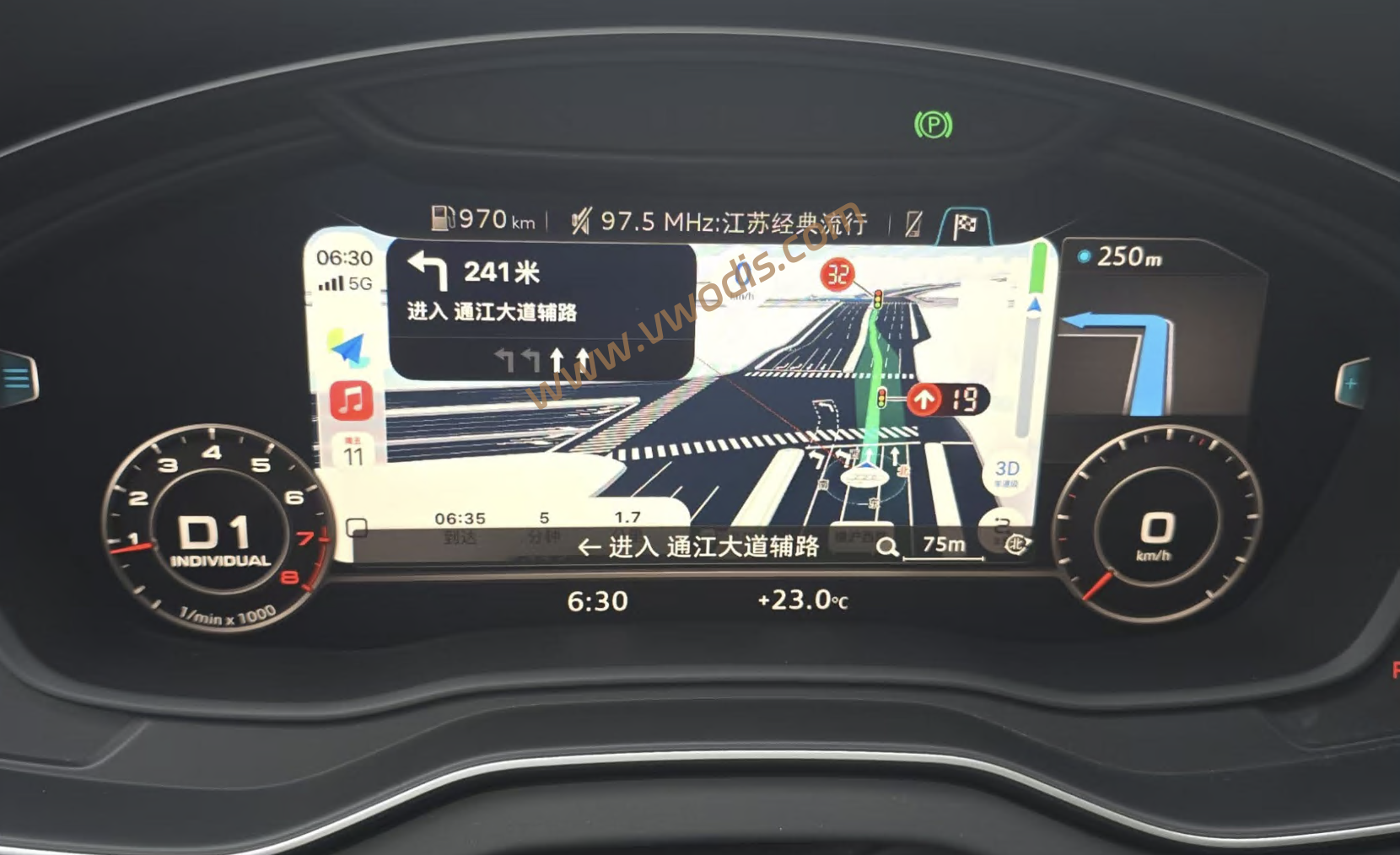
    This solution applies to Audi MHI2Q / MIB2 High platforms, combining CarPlay Route Guidance (RGI) and MMI Mirror. CarPlay RGI extends CarPlay navigation prompts and related interactions to the Virtual Cockpit / HUD. MMI Mirror streams real-time MMI central display content to the map area of the Virtual Cockpit. Installation, startup, diagnostics and recovery are performed via the Green Engineering Menu.

    Important Notes

    RGI and MMI Mirror are two separate installation procedures. To use CarPlay RGI + MMI Mirror together, CarPlay RGI must be installed first, followed by MMI Mirror. This package does not replace the CarPlay RGI installer. If RGI is not pre-installed, this process will only install MMI Mirror. In addition, CarPlay UI screen distortion may occur on some infotainment units. If this symptom appears, uninstall RGI and use MMI Mirror standalone (Install/Update MMI Mirror).

    Installation & Operation

    If you intend to use CarPlay RGI + MMI Mirror, strictly follow this installation sequence: Install CarPlay RGI → Wait for at least 30 seconds then reboot infotainment / HMI → Verify normal CarPlay navigation display and interaction → Install / Update MMI Mirror → Reboot infotainment / HMI → Manually start MMI Mirror and confirm functionality → Enable AutoStart as required.

    Do NOT install MMI Mirror prior to RGI. This combined solution requires a pre-installed, fully functional CarPlay RGI as prerequisite.

    If only MMI Mirror is needed without CarPlay RGI, skip the RGI installation step and install MMI Mirror directly.
  • 【方案】奥迪MHI2Q+MIB2车机Carplay投屏到液晶仪表文件

    【方案】奥迪MHI2Q+MIB2车机Carplay投屏到液晶仪表文件

    奥迪MHI2Q+MIB2车机Carplay投屏到液晶仪表文件

    奥迪MHI2Q+MIB2车机Carplay投屏到液晶仪表文件

    奥迪MHI2Q+MIB2车机Carplay投屏到液晶仪表文件

    已知问题:

    使用 AutoStart(自启动) 启动的 MMI Mirror,在长时间连续使用后可能出现黑屏。请务必注意驾驶安全;若需要长时间使用,建议使用手动 Start MMI Mirror。目前手动 Start 未发现此问题。若行驶中出现黑屏,请不要在驾驶过程中操作车机,确保安全停车后再处理。

    Audi MHI2Q / MIB2 High 平台,将 CarPlay Route Guidance(RGI) 与 MMI Mirror 组合使用。CarPlay RGI 负责将 CarPlay 导航引导与相关交互扩展至 Virtual Cockpit / HUD,MMI Mirror 则将 MMI 中控画面实时镜像至 Virtual Cockpit 的地图显示区域,并通过 Green Engineering Menu 完成安装、启动、诊断与恢复。

    重要:

    RGI 与 MMI Mirror 是两个独立安装步骤。如果需要同时使用 CarPlay RGI + MMI Mirror,必须先安装 CarPlay RGI,再安装 MMI Mirror。不会代替 CarPlay RGI 的安装;如果未预先安装 RGI,则该流程只安装 MMI Mirror。此外,部分车机似乎会出现carplay界面花屏现象,如出现此现象,请卸载RGI,单独使用mmi镜像Install/Update MMI Mirror

    安装与使用
    如果希望使用 CarPlay RGI + MMI Mirror,请严格按照以下顺序安装:

    安装 CarPlay RGI
    ↓
    等待至少 30 秒后重启车机 / HMI
    ↓
    确认 RGI 导航显示与交互正常
    ↓
    安装 / 更新 MMI Mirror
    ↓
    重启车机 / HMI
    ↓
    手动启动 MMI Mirror 并确认正常
    ↓
    按需开启 AutoStart
    不要先安装 MMI Mirror 再安装 RGI。组合方案以已经安装并正常工作的 CarPlay RGI 为前置基础。

    如果只需要 MMI Mirror,不需要 CarPlay RGI,可以跳过 RGI 安装步骤,直接安装 MMI Mirror。

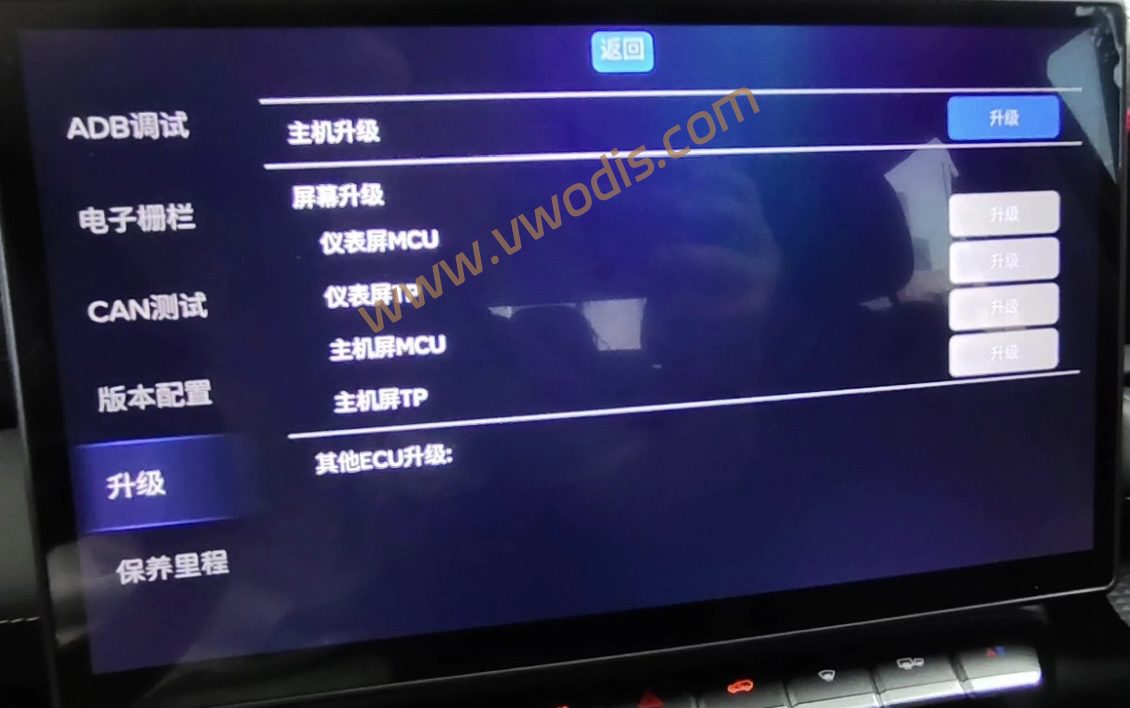
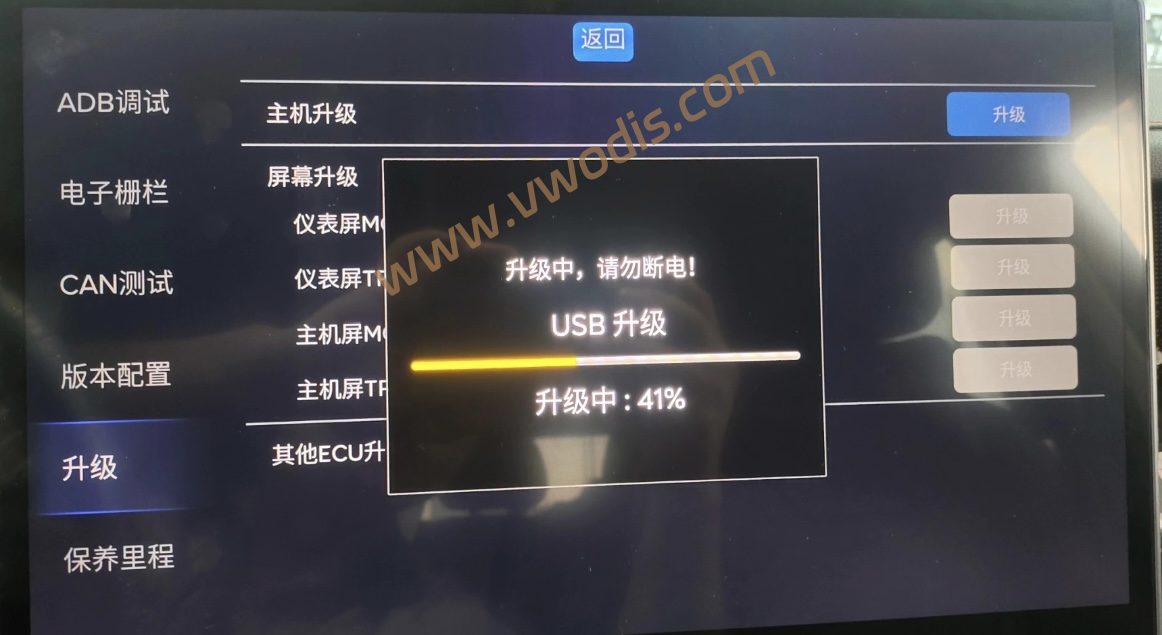
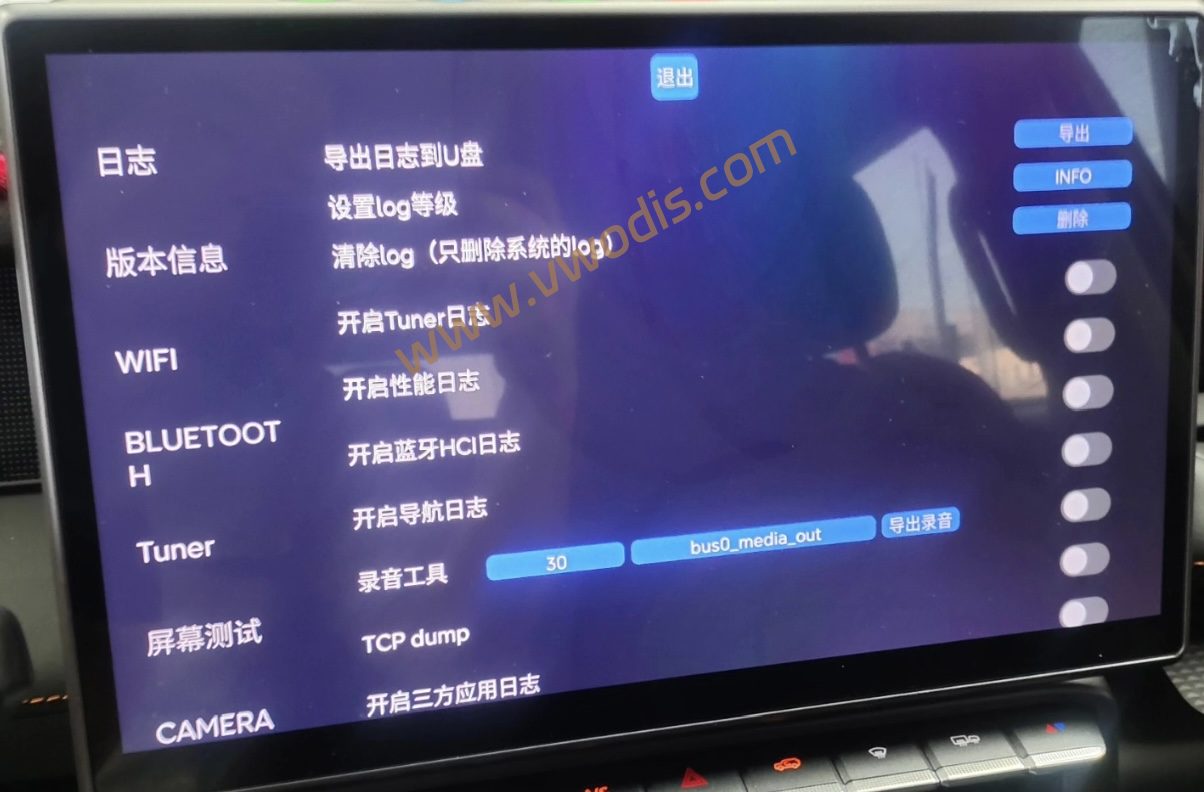
  • 【Firmware】Jetour Freer Infotainment OTA Firmware 11.01.08

    【Firmware】Jetour Freer Infotainment OTA Firmware 11.01.08

    Jetour Freer Infotainment OTA Firmware 11.01.08

    Jetour Freer Infotainment OTA Firmware 11.01.08

    Jetour Freer Infotainment OTA Firmware 11.01.08

  • 【固件】捷途自由者车机OTA固件11.01.08

    【固件】捷途自由者车机OTA固件11.01.08

    捷途自由者车机OTA固件11.01.08

    捷途自由者车机OTA固件11.01.08

    捷途自由者车机OTA固件11.01.08

  • 【Firmware】Audi TPMS Firmware FL_8S0907273__0002.odx

    【Firmware】Audi TPMS Firmware FL_8S0907273__0002.odx

    Audi TPMS Firmware FL_8S0907273__0002.odx

    Audi TPMS Firmware FL_8S0907273__0002.odx

    Audi TPMS Firmware FL_8S0907273__0002.odx

  • 【固件】奥迪胎压固件FL_8S0907273__0002.odx

    【固件】奥迪胎压固件FL_8S0907273__0002.odx

    奥迪胎压固件FL_8S0907273__0002.odx

    奥迪胎压固件FL_8S0907273__0002.odx

    奥迪胎压固件FL_8S0907273__0002.odx

  • 【Firmware】Volkswagen TPMS Firmware FL_7P6907273N__0004.odx

    【Firmware】Volkswagen TPMS Firmware FL_7P6907273N__0004.odx

    Volkswagen TPMS Firmware FL_7P6907273N__0004.odx

    Volkswagen TPMS Firmware FL_7P6907273N__0004.odx

    Volkswagen TPMS Firmware FL_7P6907273N__0004.odx

  • 【固件】大众胎压固件FL_7P6907273N__0004.odx

    【固件】大众胎压固件FL_7P6907273N__0004.odx

    大众胎压固件FL_7P6907273N__0004.odx

    大众胎压固件FL_7P6907273N__0004.odx

    大众胎压固件FL_7P6907273N__0004.odx

  • 【Firmware】Volkswagen TPMS Firmware FL_5Q0907273__0007.odx

    【Firmware】Volkswagen TPMS Firmware FL_5Q0907273__0007.odx

    Volkswagen TPMS Firmware FL_5Q0907273__0007.odx

    Volkswagen TPMS Firmware FL_5Q0907273__0007.odx

    Volkswagen TPMS Firmware FL_5Q0907273__0007.odx

  • 【固件】大众胎压固件FL_5Q0907273__0007.odx

    【固件】大众胎压固件FL_5Q0907273__0007.odx

    大众胎压固件FL_5Q0907273__0007.odx

    大众胎压固件FL_5Q0907273__0007.odx

    大众胎压固件FL_5Q0907273__0007.odx