BMW INPA64 v7.7.2.0
BMW INPA64 v7.7.2.0
BMW INPA64 v7.7.2.0
BMW INPA64 v7.7.2.0, supports F-G-I series
Install setup
1. Open “Ediabas 7.6 Setup” => Run “sof_ediabas_i_i_2.3.Windows Installer Package”
2. Copy EC-Apps folder paste to C:
3. Open EC-AppsINPA64BININPALOAD => Create Shortcut to Desktop.
4. INPA-Loader open => INPA.INI and choose Language => OK
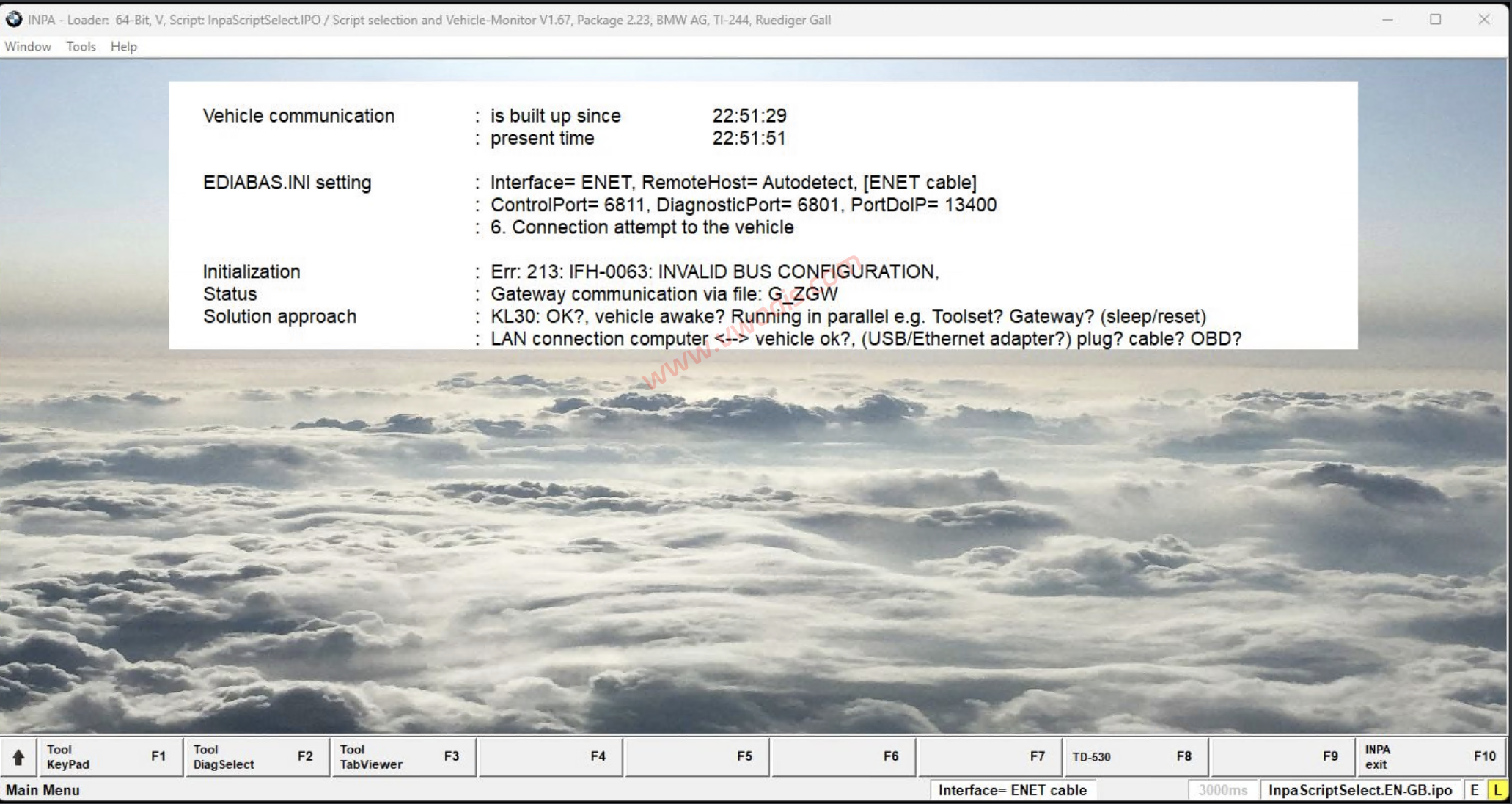
5. INPA-Loader => Note 90 popup display info on screen => OK.
This INPA is using newer Ediabas version, so it will conflict with older INPA!
发表回复
要发表评论,您必须先登录。